


Table of Contents
Installation and User Guide
About This Guide
This guide provides a brief introduction to the Tapo Battery Pack, as well as regulatory information. Please note that features available in Tapo may vary by model and software version. Tapo availability may also vary by region. All images, steps, and descriptions in this guide are only examples and may not reflect your actual Tapo experience.
Conventions
In this guide, the following convention is used:
| Convention | Description |
|---|---|
| Blue | Key information appears in blue, including management page text such as menus, items, buttons and so on. |
| Underline | Hyperlinks are in blue and underlined. You can click to redirect to a website. |
| Note |
Ignoring this type of note might result in a malfunction or damage to the device. |
More Info
Specifications can be found on the product page at https://www.tapo.com.
Our Technical Support and troubleshooting information can be found at https://www.tapo.com/support/.
Introduction
The battery pack is designed for Tapo Smart Door Locks. It boasts large capacity and can be used for Tapo DL110, DL105, DL130, and more.
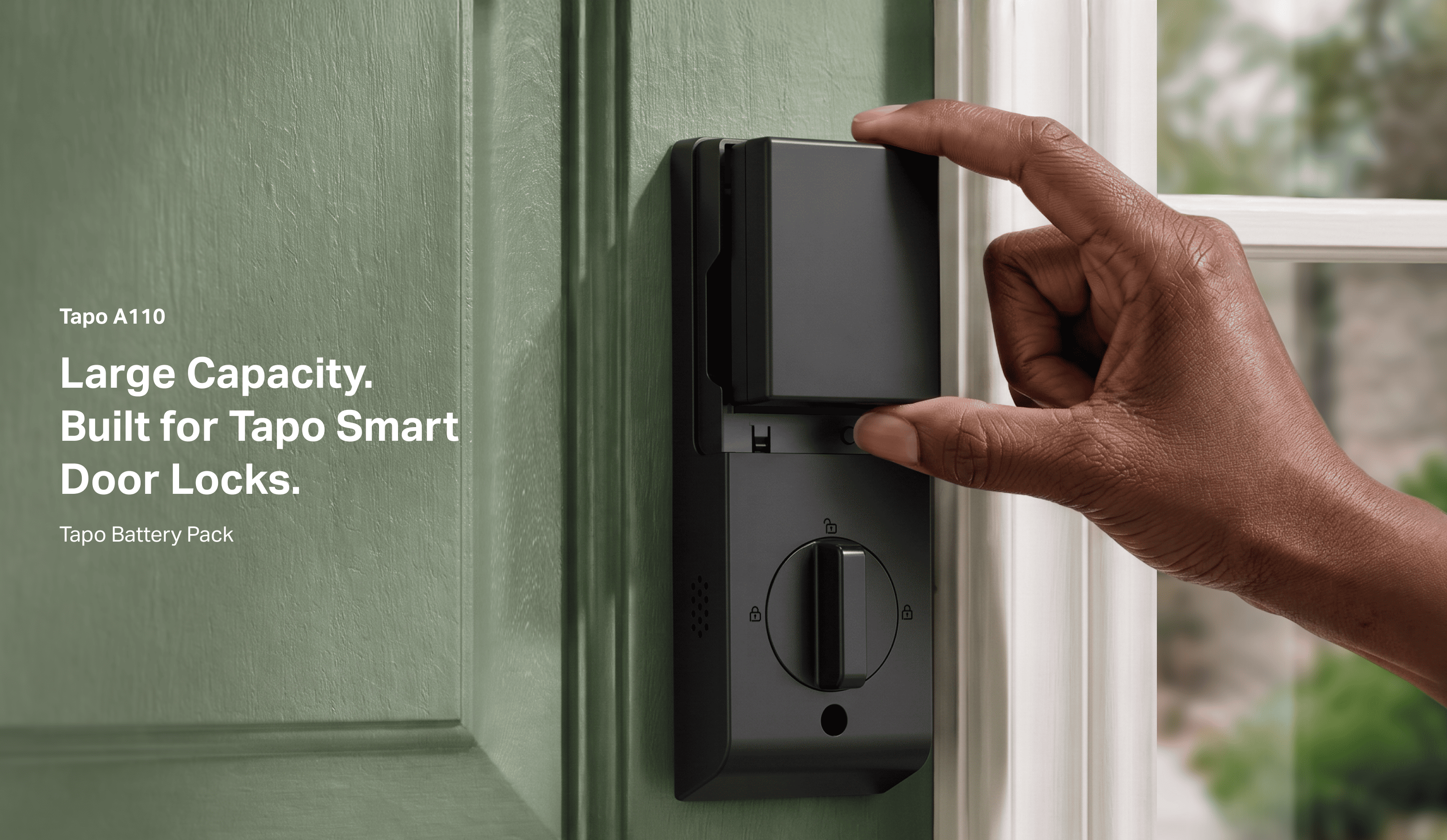
Larger Capacity, Longer Life: Extends the usage time (up to 1 year) † of your Tapo smart door locks, freeing you from frequent charging.
Compatible with Tapo Smart Door Locks: Enjoy solid performance with Tapo DL110, DL105, DL130, and more. Visit the Tapo website for more supported products.
Secure Charging with 6-way Protection: Tapo A110 will be protected from charge over-voltage, discharge over-voltage, charge over-current, discharge over-current, short-circuit current, and charge over-temperature.
Quick Release & Replacement:  Quickly release or install the battery in seconds.
Appearance
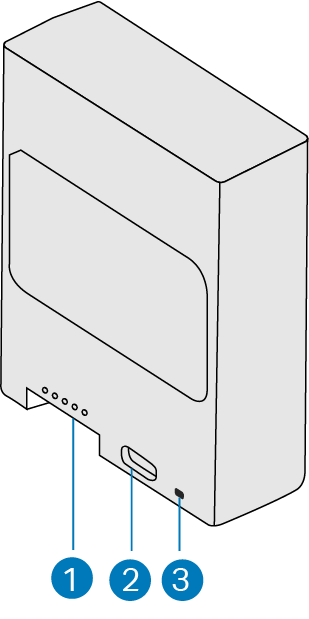
1. Connection terminals: When installing the battery, align the battery's connection terminals with the matching pins and insert the battery.
2. USB Type-C Port: Connect to a power outlet to charge the battery.
3. LED Indicator: Indicates the battery status. It stays solid amber during charging and turns solid green when the battery is fully charged.
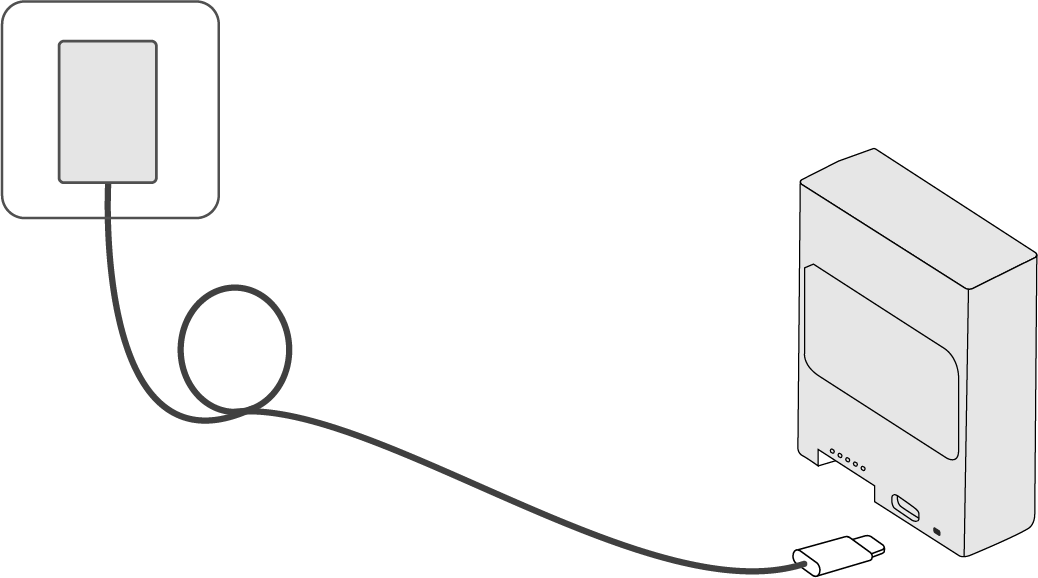
How to Charge the Battery
Charge the rechargeable battery with a standard 5V/2A USB charger.
Note:
1. The battery pack is shipped with less than 30% charge in compliance with regulations. Fully charge the battery before use. This will take a few hours.
2. USB charger not provided.
Battery Temperature
Charging Temperature: 25℃ ~ 30℃ (77°F ~ 86°F)
Operating Temperature: -20~55°C (-4°F ~ 131°F)
Storage Temperature: -20~45°C (-4°F ~ 113°F)
Support
For technical support, the user guide, FAQs, warranty and more, please visit https://www.tapo.com/support/
Authentication
FCC compliance information statement

Product Name: Tapo Battery Pack
Model Number: Tapo A110
Responsible Party:
TP-Link Systems Inc.
Address: 10 Mauchly, Irvine, CA 92618
Website: http://www.tp-link.com/us/
Tel: +1 626 333 0234
Fax: +1 909 527 6804
E-mail: sales.usa@tp-link.com
This equipment has been tested and found to comply with the limits for a Class B digital device, pursuant to part 15 of the FCC Rules. These limits are designed to provide reasonable protection against harmful interference in a residential installation. This equipment generates, uses and can radiate radio frequency energy and, if not installed and used in accordance with the instructions, may cause harmful interference to radio communications. However, there is no guarantee that interference will not occur in a particular installation. If this equipment does cause harmful interference to radio or television reception, which can be determined by turning the equipment off and on, the user is encouraged to try to correct the interference by one or more of the following measures:
Reorient or relocate the receiving antenna.
Increase the separation between the equipment and receiver.
Connect the equipment into an outlet on a circuit different from that to which the receiver is connected.
Consult the dealer or an experienced radio/ TV technician for help.
This device complies with part 15 of the FCC Rules. Operation is subject to the following two conditions:
This device may not cause harmful interference.
This device must accept any interference received, including interference that may cause undesired operation.
Any changes or modifications not expressly approved by the party responsible for compliance could void the user’s authority to operate the equipment.
We, TP-Link Systems Inc., has determined that the equipment shown as above has been shown to comply with the applicable technical standards, FCC part 15. There is no unauthorized change is made in the equipment and the equipment is properly maintained and operated.
Issue Date: 2026-09-17
Canadian Compliance Statement
This device contains licence-exempt transmitter(s)/receiver(s) that comply with Innovation, Science and Economic Development Canada’s licence-exempt RSS(s). Operation is subject to the following two conditions:
(1) This device may not cause interference.
(2) This device must accept any interference, including interference that may cause undesired operation of the device.
L’émetteur/récepteur exempt de licence contenu dans le présent appareil est conforme aux CNR d’Innovation, Sciences et Développement économique Canada applicables aux appareils radio exempts de licence. L’exploitation est autorisée aux deux conditions suivantes :
1) L’appareil ne doit pas produire de brouillage;
2) L’appareil doit accepter tout brouillage radioélectrique subi, même si le brouillage est susceptible d’en compromettre le fonctionnement.
Industry Canada Statement
CAN ICES-003 (B)/NMB-003(B)
Safety Information
• Do not leave a battery in an extremely high temperature surrounding environment that can result in an explosion or the leakage of flammable liquid or gas; Do not leave a battery subjected to extremely low air pressure that may result in an explosion or the leakage of flammable liquid or gas.
• Avoid disposal of a battery into fire or a hot oven, or mechanically crushing or cutting of a battery, that can result in an explosion.
• Keep batteries out of the reach of children. Battery usage by children should be supervised.
• Please recycle this device at an appointed disposal location.
• Do not charge, use or store the battery near any ignition sources, such as fire or heaters.
• Do not leave a battery on prolonged charge when not in use.
• After extended periods of storage, it may be necessary to charge and discharge the cells.
• Always follow the local waste and recycle laws when you get rid of the used battery.
Please read and follow the above safety information when operating the device. We cannot guarantee that no accidents or damage will occur due to improper use of the device. Please use this product with care and operate at your own risk.
Explanation of the symbols on the product label
Note: The product label is on the bottom of the product and its power supply. Symbols may vary from products.
| Symbol | Explanation |
|---|---|
 |
Class II equipment |
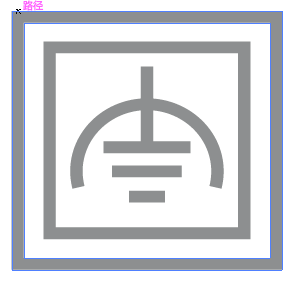 |
Class II equipment with functional earthing |
 |
Alternating current |
 |
DC voltage |
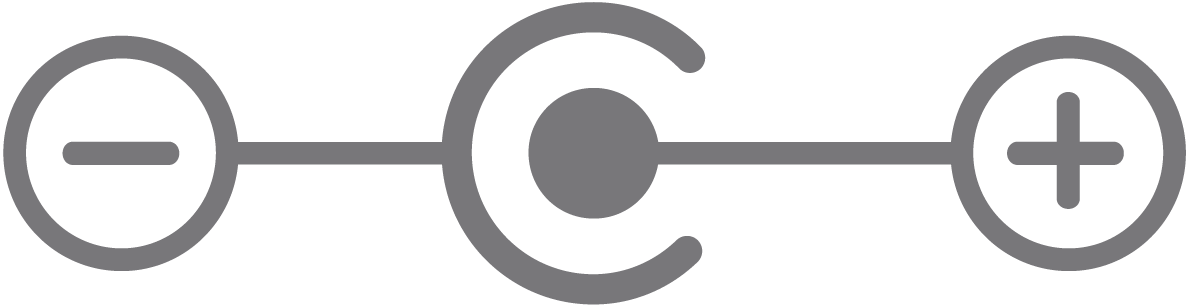 |
Polarity of output terminals |
 |
Indoor use only |
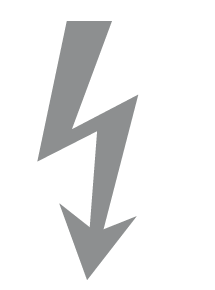 |
Dangerous voltage |
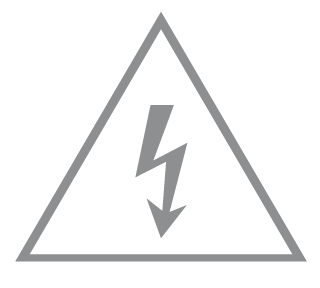 |
Caution, risk of electric shock |
 |
Energy efficiency Marking |
 |
Protective earth |
 |
Earth |
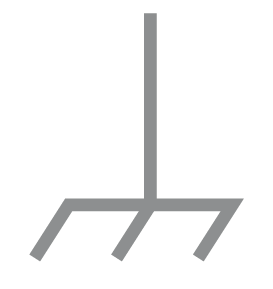 |
Frame or chassis |
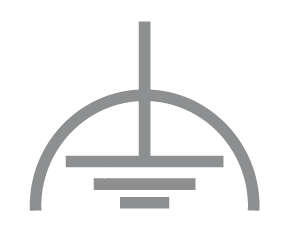 |
Functional earthing |
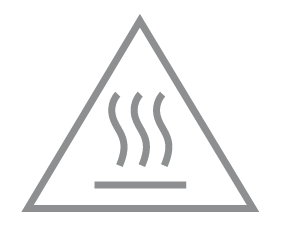 |
Caution, hot surface |
 |
Caution |
 |
Operator’s manual |
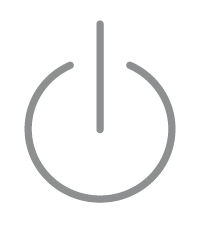 |
Stand-by |
 |
“ON”/”OFF” (push-push) |
 |
Fuse |
 |
Fuse is used in neutral N |
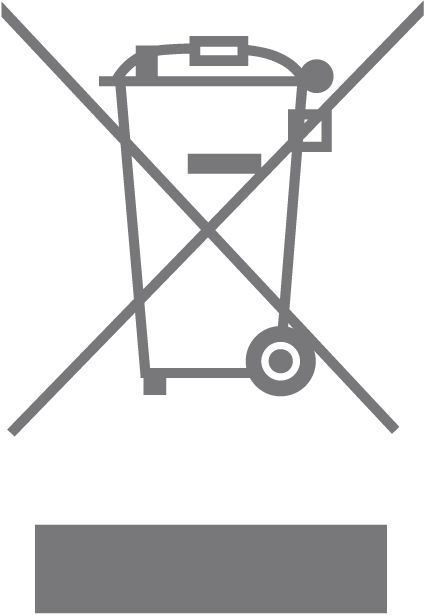 |
RECYCLING This product bears the selective sorting symbol for Waste electrical and electronic equipment (WEEE). This means that this product must be handled pursuant to European directive 2012/19/EU in order to be recycled or dismantled to minimize its impact on the environment. User has the choice to give his product to a competent recycling organization or to the retailer when he buys a new electrical or electronic equipment. |
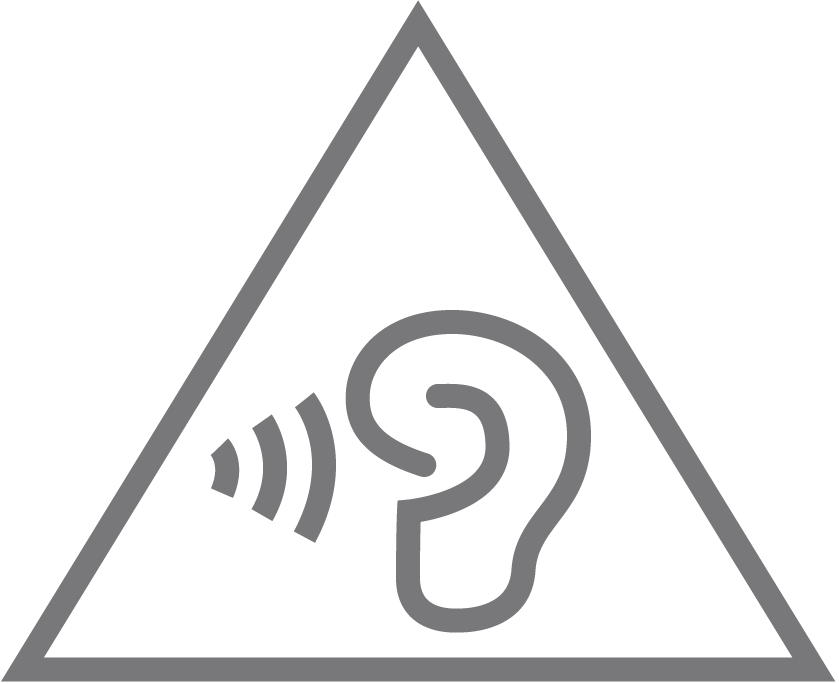 |
Caution, avoid listening at high volume levels for long periods |
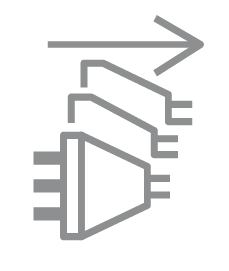 |
Disconnection, all power plugs |
| m | Switch of mini-gap construction |
| µ | Switch of micro-gap construction (for US version) Switch of micro-gap / micro-disconnection construction (for other versions except US) |
| ε | Switch without contact gap (Semiconductor switching device) |