


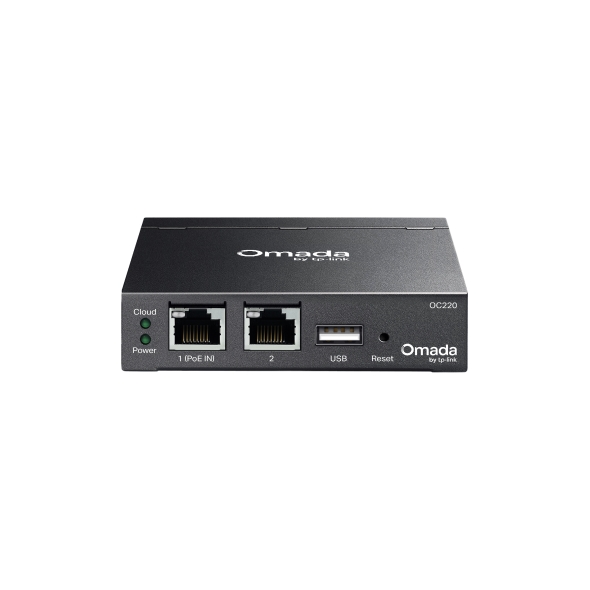
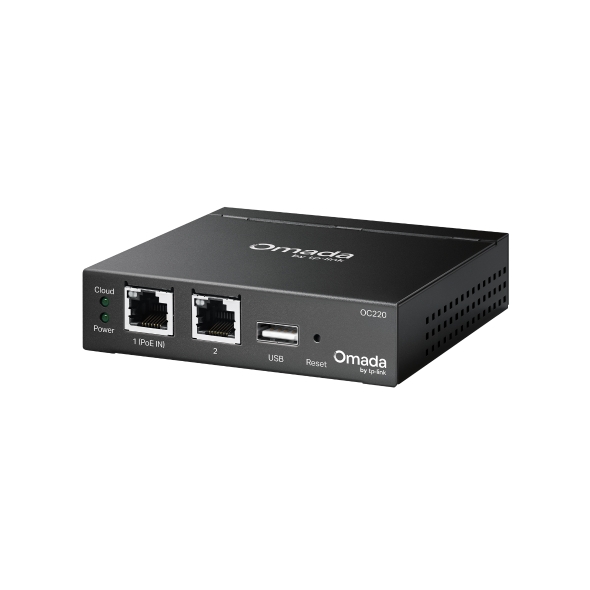
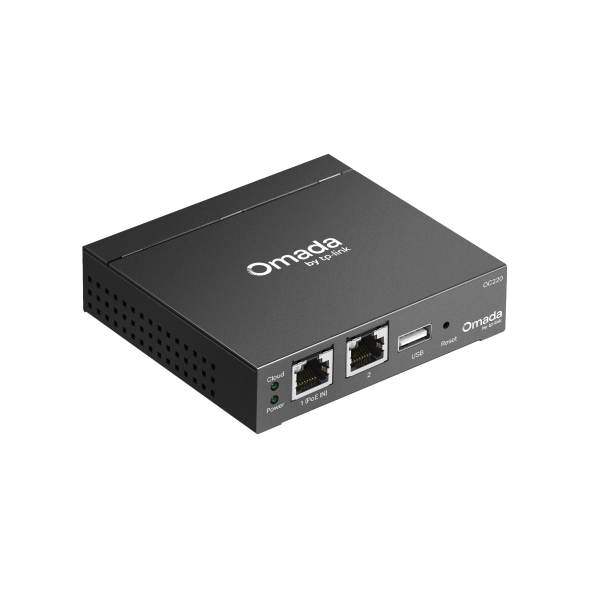
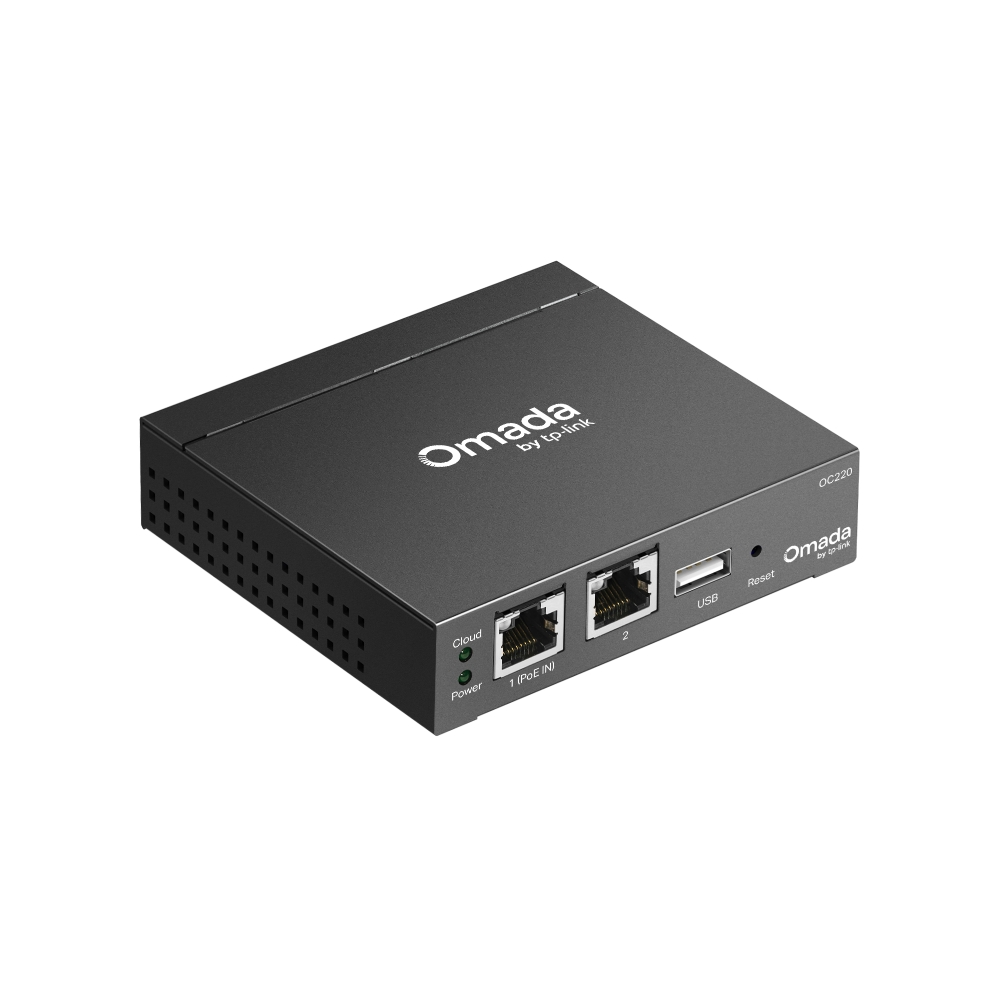
Omada Hardware Controller
- Centralized Cloud Management: Supports up to 100 Omada access points, 10 Omada gateways, a maximum of 20 Omada switches, and a maximum of 2 certain DeltaStream GPON OLTs.*
- Free Cloud Access: Manage and monitor with the Omada app or Web UI from anywhere, anytime.
- On-Premises Management: Locally monitor and manage devices with the ultimate stability and complete privacy.
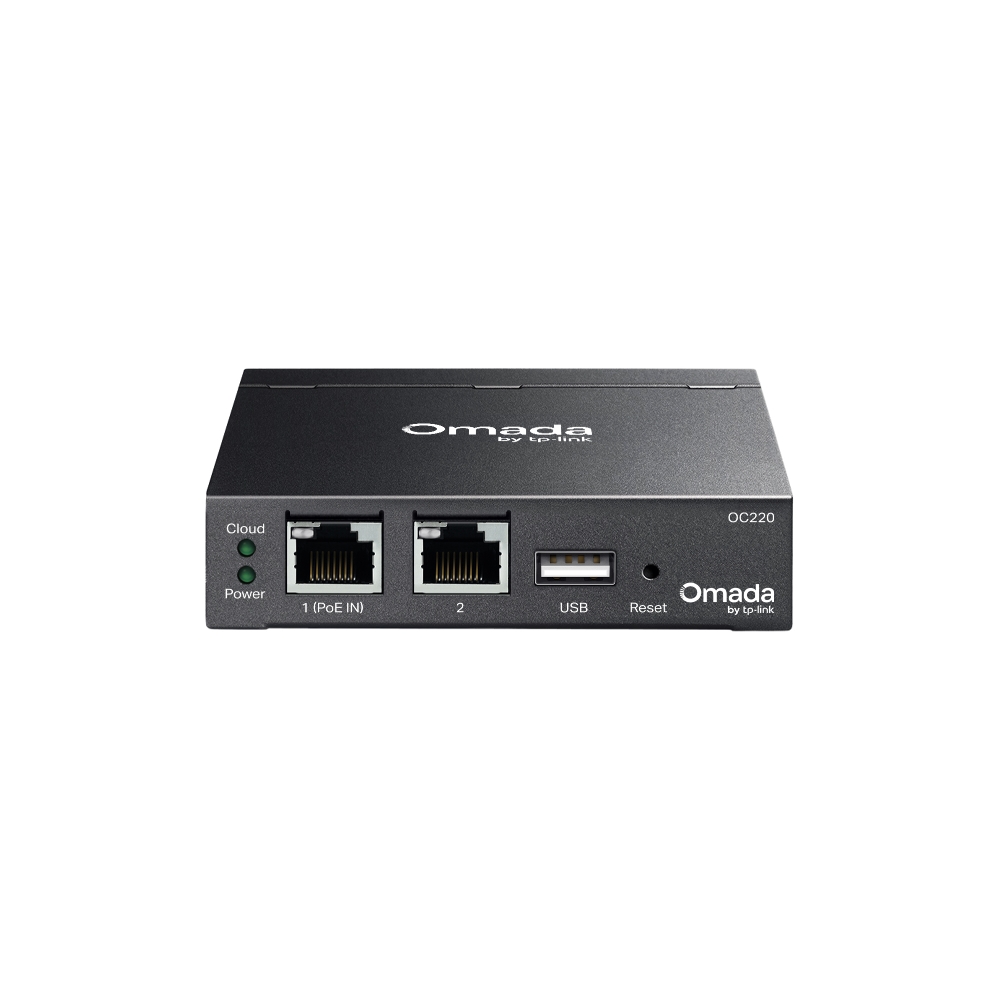
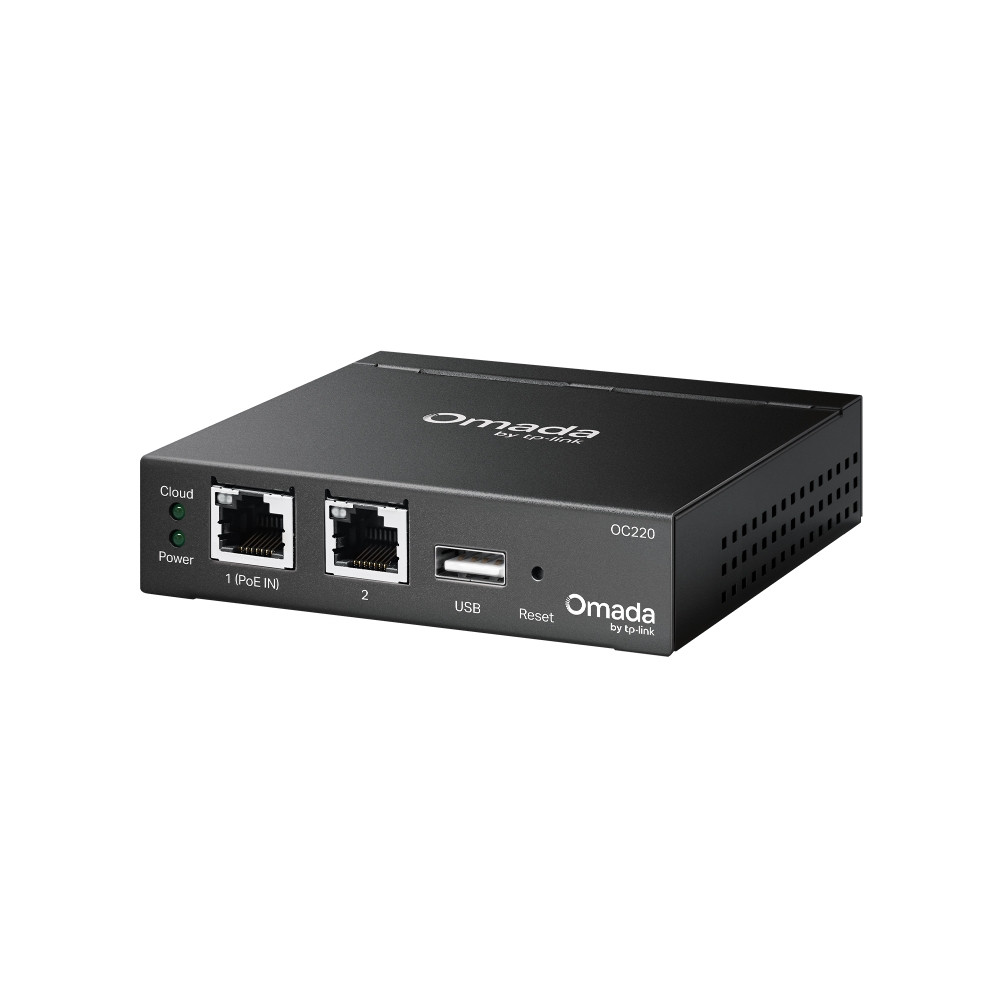
- Hardware Design for Businesses: Features a powerful chipset, durable metal casing, USB 2.0 port for data backup, and 2× Gigabit Ethernet ports.
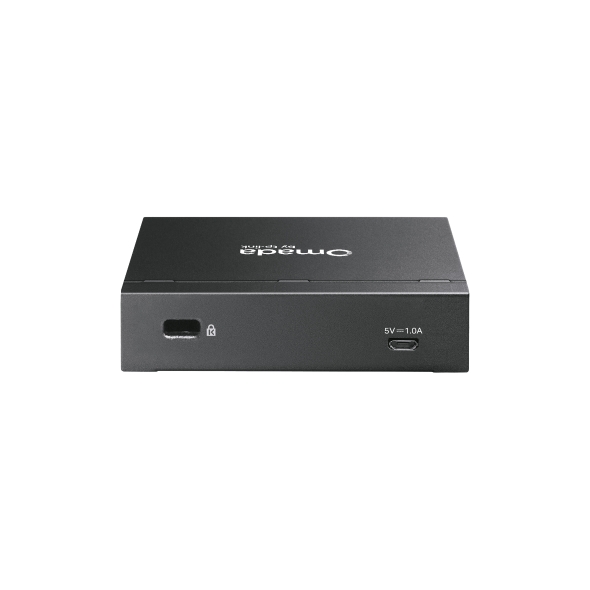
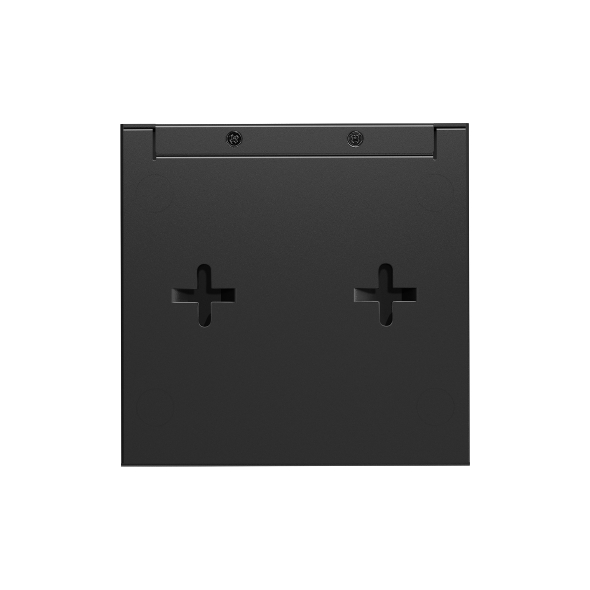
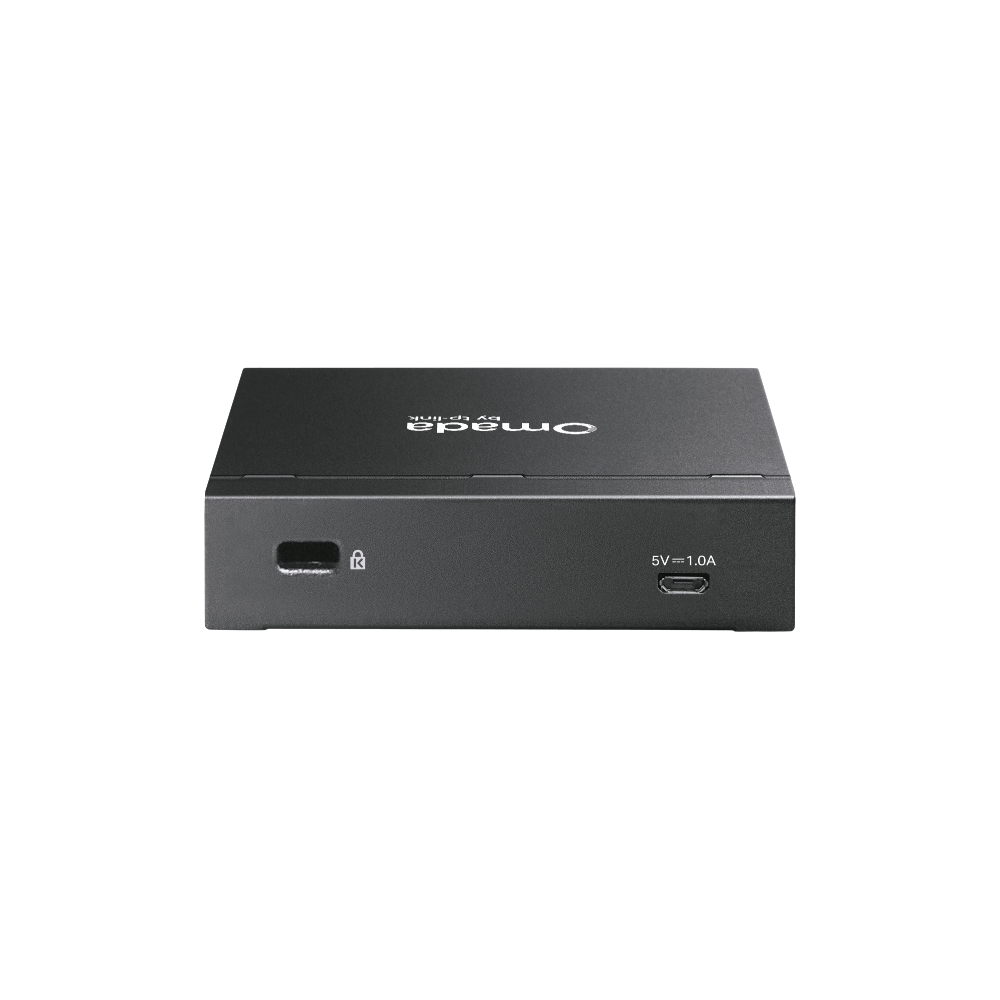
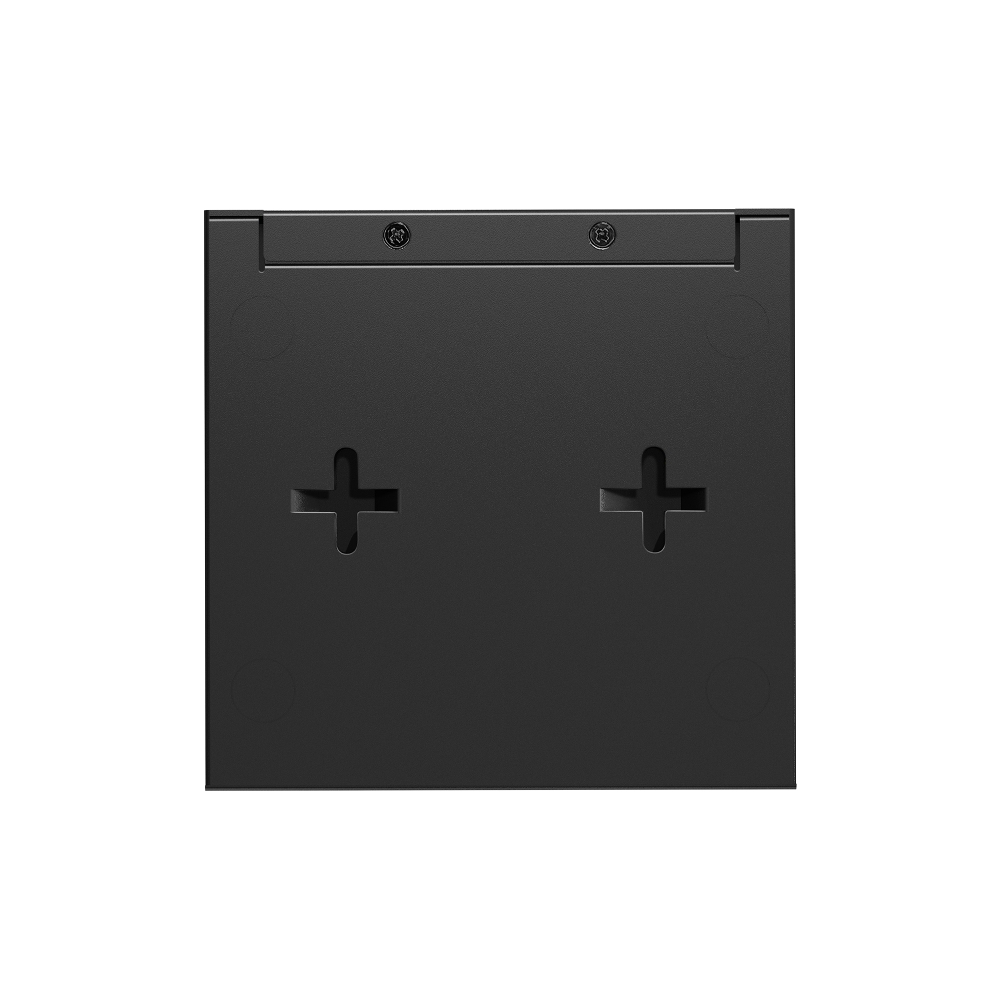
- Flexible Deployment: Powerd via 802.3af/at PoE or Micro USB (DC 5 V / Minimum 1 A) with a compact desktop or wall mount installation.
| HARDWARE FEATURES | |
|---|---|
| Processor | Quad-Core A53 @ 2.0 GHz/Core |
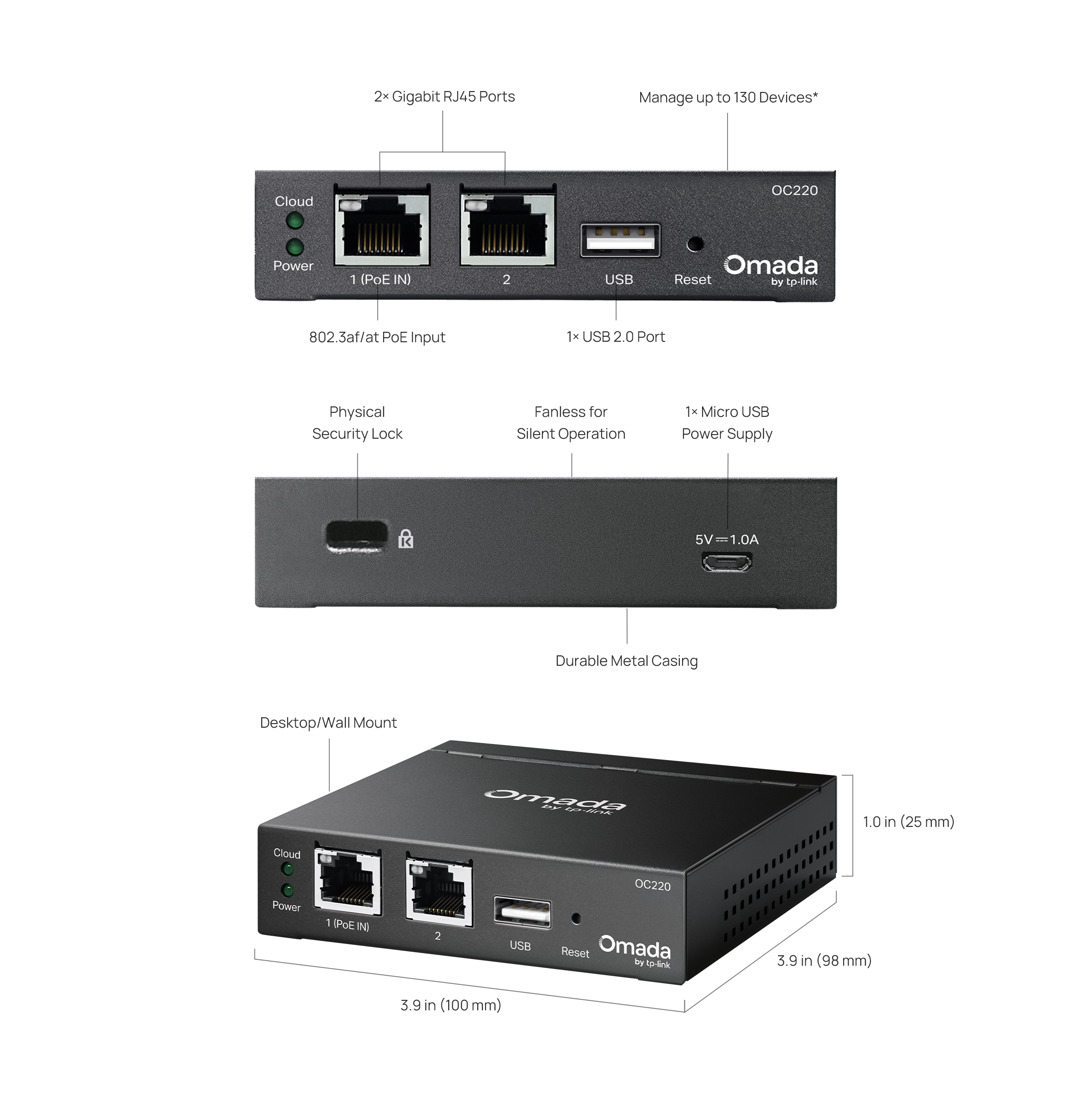
| Interface | • 2× Gigabit Ethernet Ports• 1× USB 2.0 Port• 1× Micro-USB Port (only for power supply) |
| Physical Security Lock | Kensington Lock |
| Button | Reset Button |
| Power Supply | • 802.3af/at PoE• Micro-USB (DC 5 V / Minimum 1 A) |
| Max. Power Consumption | 11.2 W (powered by a PoE device, with USB 2.0 connected)3.5 W (powered via Micro-USB port, no USB 2.0 connected) |
| DRAM | 2 GB DDR4 |
| Storage | • 4MB Nor Flash• 8 GB eMMC |
| Weight | 0.305 kg |
| Dimensions ( W x D x H ) | 3.9 × 3.9 × 1.0 in (100 × 98 × 25 mm) |
| Management Features | |
|---|---|
| Omada App | √ |
| Restore & Backup | √ |
| Centralized Management | • 100 Omada access points• 10 Omada gateways• A maximum of 20 Omada switches*• A maximum of two select DeltaStream GPON OLTs* |
| Cloud Access | √ |
| L3 Management | √ |
| Multi-site Management | √ |
| Management Features | • Wired Network• Wireless Network• WLAN Optimization• Network Security (ACL/URL Fitering/Attack Defense)• Transmission (Routing/NAT/Session Limit/Bandwidth Control)• VPN (IPSec/L2TP/PPTP/OpenVPN/WireGuard VPN) • Portal (Voucher/Local User/SMS/RADIUS/External Portal Server)• 802.1x• RADIUS (Authentication/MAC Auth/Accounting) |
| MONITORING | |
|---|---|
| Monitoring | • DPI• IPS/IDS• Dashboard (Custom Dashboard)• Statistics (Performance/Switch Statistics)• Network topology• Network Map• Devices List (Custom Table)• Clients List (Custom Table)• Insights (Known Clients/Past Connections/Past Portal Authorizations/Rogue APs)• Logs (Alerts/Events/Custom Notifications) |
| OTHERS | |
|---|---|
| Certification | CE, FCC, RoHS |
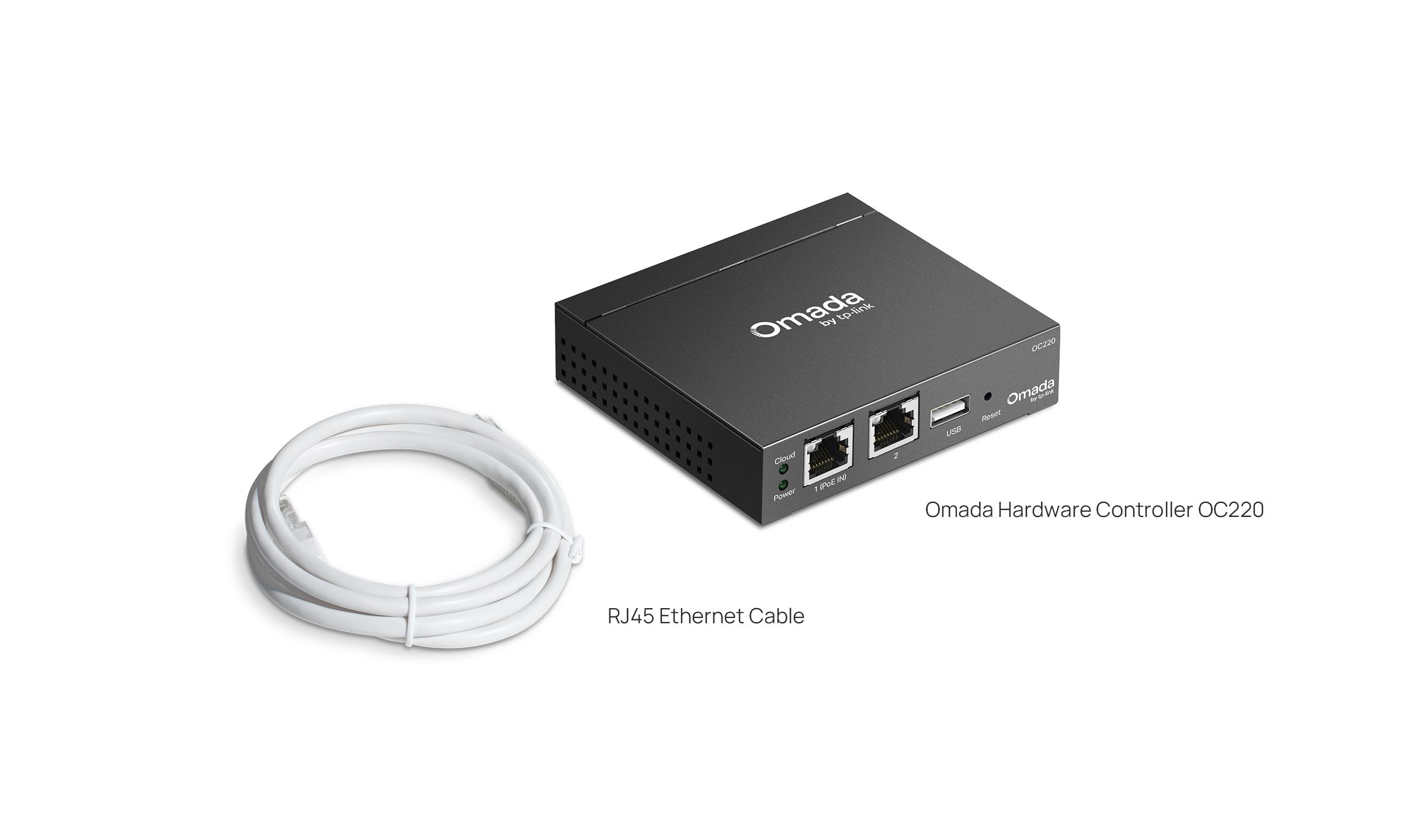
| Package Content | • Omada Hardware Controller OC220• Quick Installation Guide • RJ45 Ethernet Cable |
| System Requirements | Windows 7/8/10/11, Vista™, XP or MAC® OS, NetWare®, UNIX® or Linux |
| Environment | • Operating Temperature: -5–50 ℃ (23–122 ℉)• Storage Temperature: -40–70 ℃ (-40–158 ℉)• Operating Humidity: 10–90% RH non-condensing• Storage Humidity: 5–90% RH non-condensing |
*The number of supported Omada switches decreases by five for each DeltaStream GPON OLT added. Refer to https://www.omadanetworks.com/omada-sdn/product-list/#sp-gpon to find all the DeltaStream GPON OLTs that are supported by the controller.
**Actual management scale of the Omada Software Controller depends on the PC/server's hardware specifications.
△The Wi-Fi Tab is only available on the Omada Cloud-Based Controller. Support for the On-Premises Controller is planned for Q1 2026.