


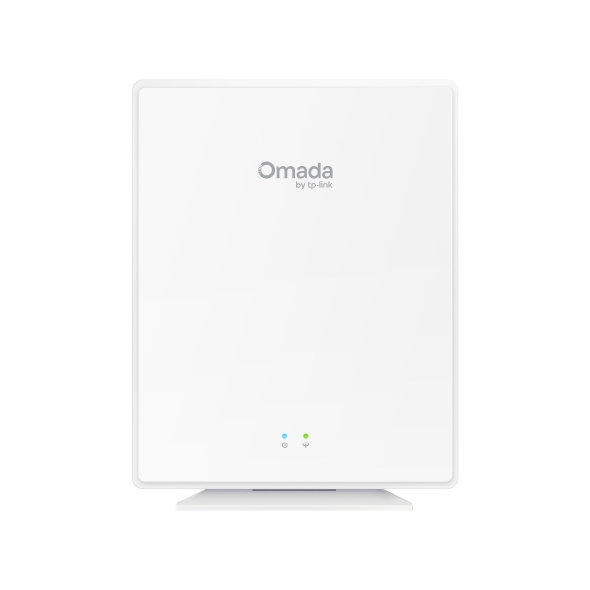
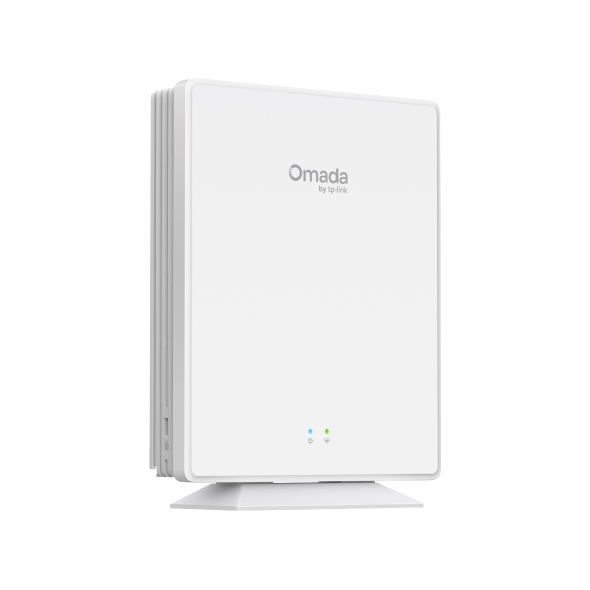
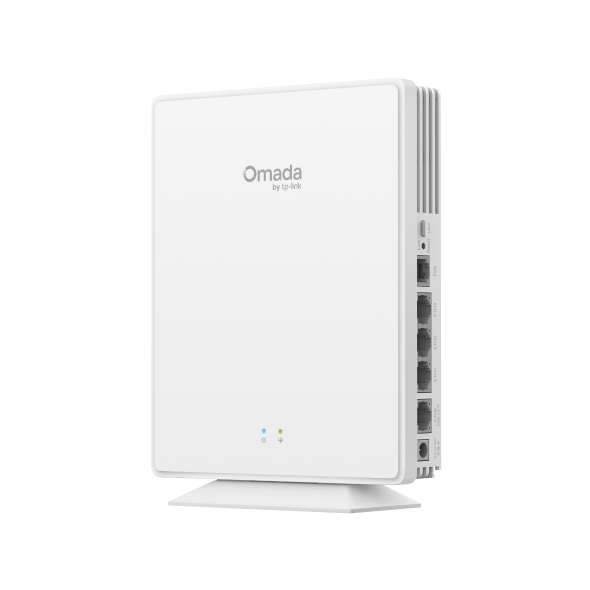
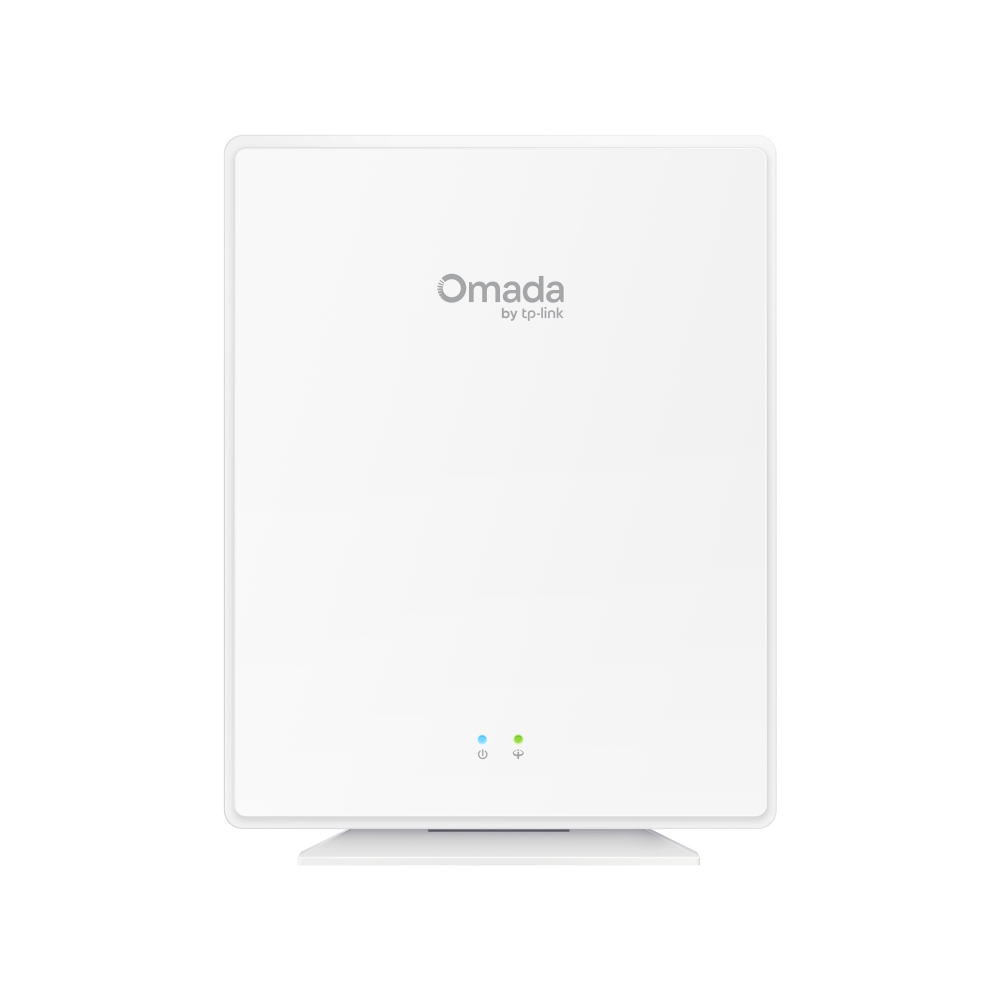
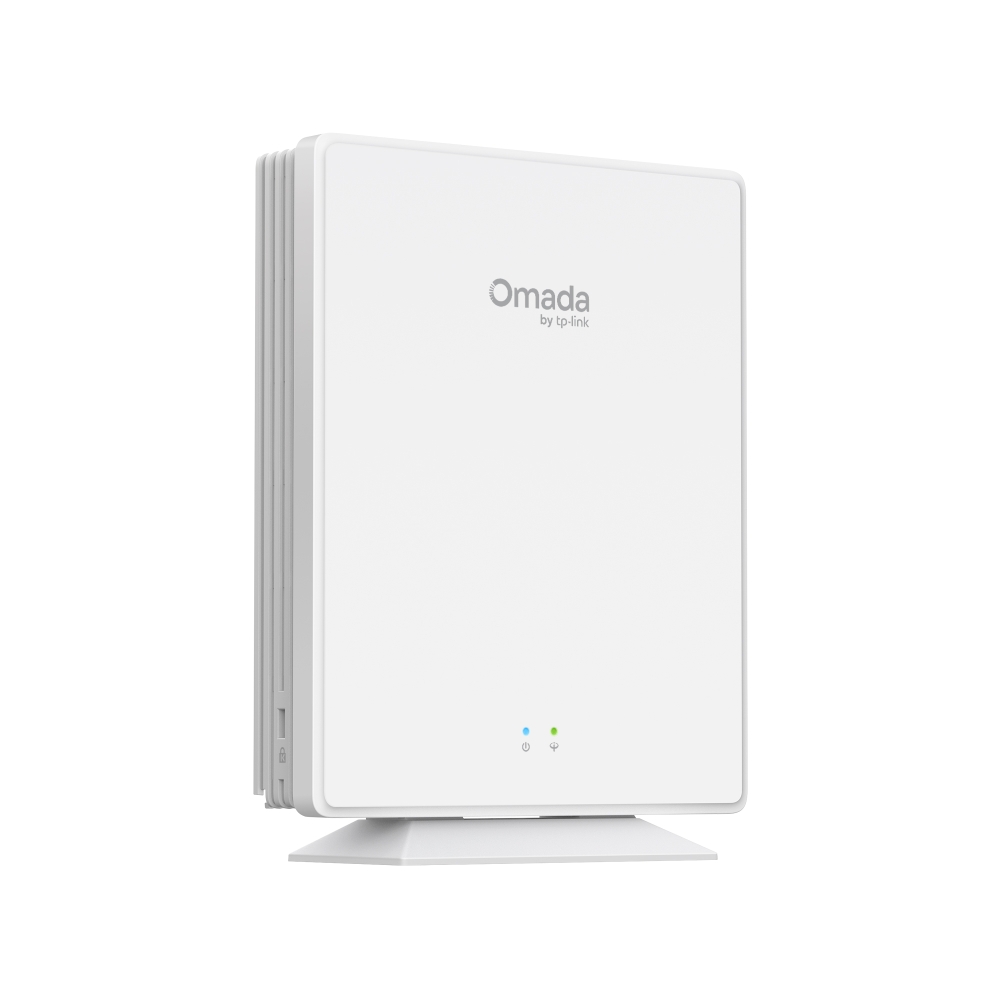
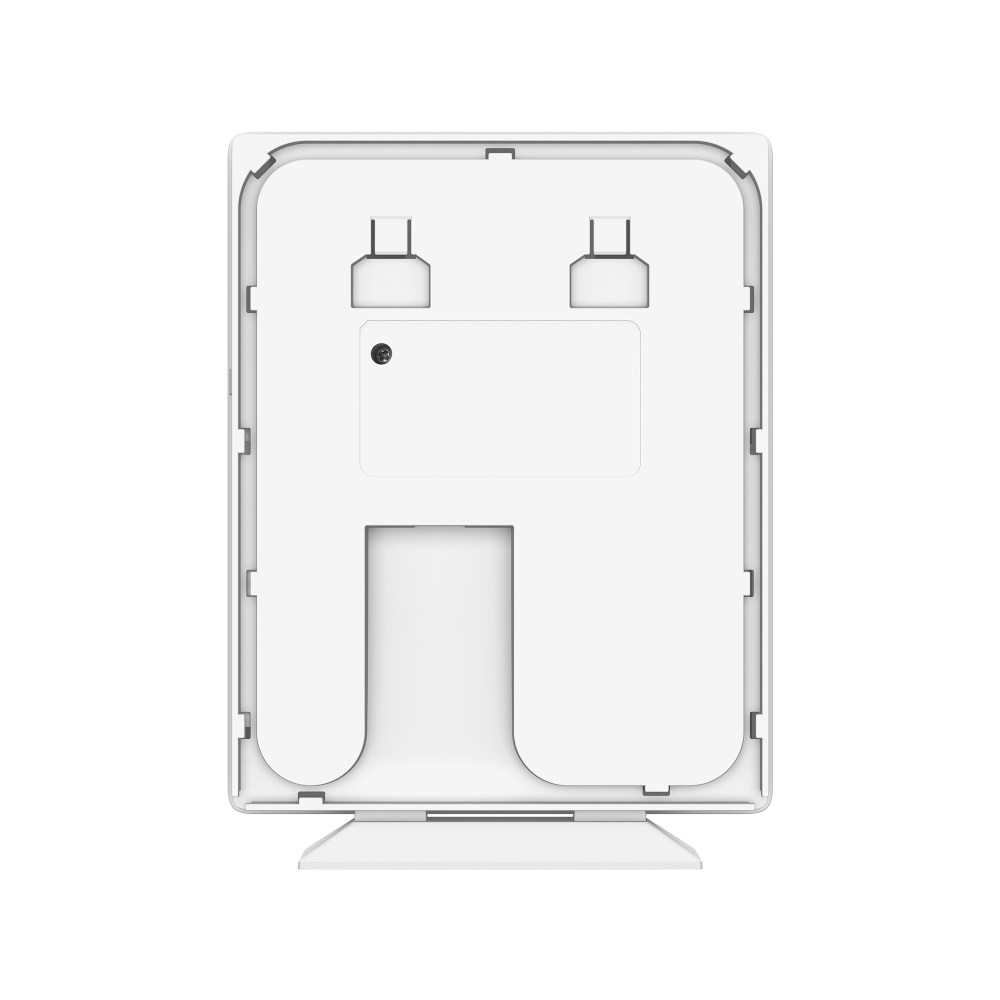
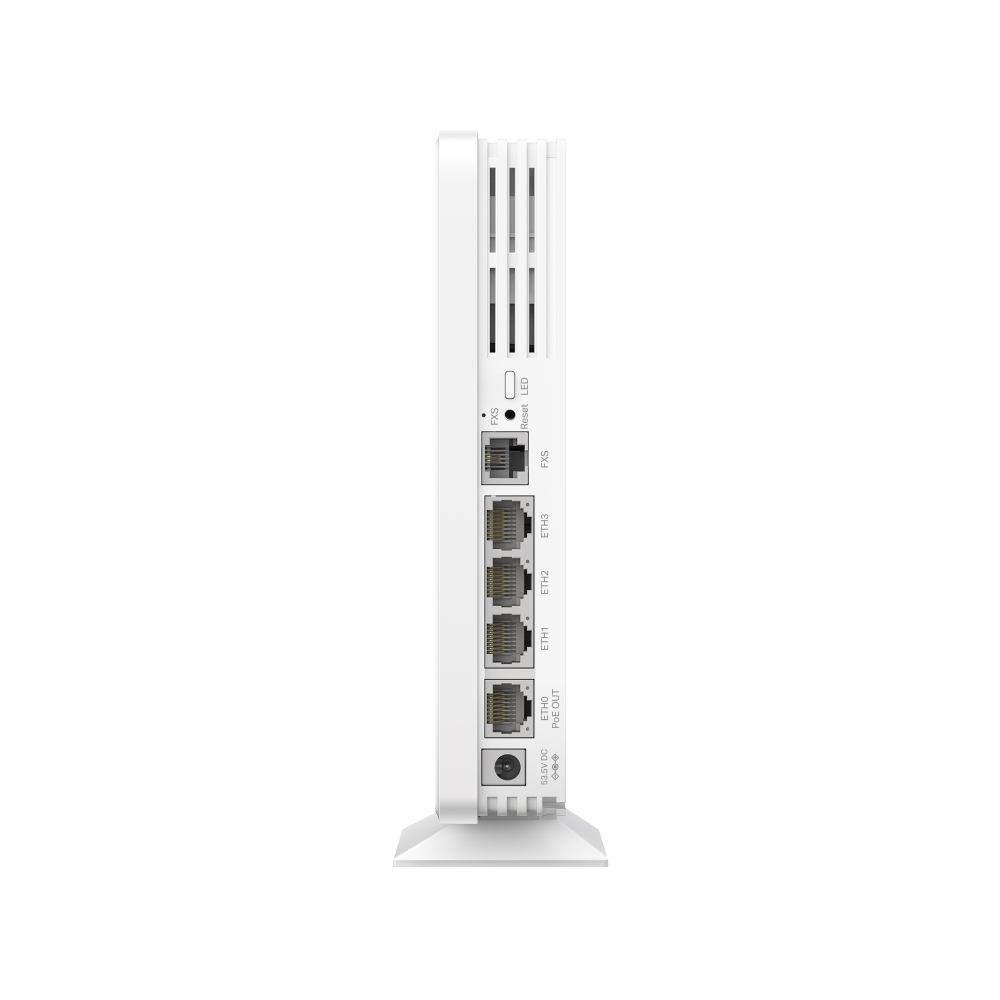
Omada AX1800 Wi-Fi 6 Desktop GPON Access Point
- Seamless 1.8 Gbps WiFi 6 Speeds: 1201 Mbps on 5 GHz & 574 Mbps on 2.4 GHz†
- 1× GPON Port for High-Speed and Ultra-Range Access
- One Fiber for Multiple Services: Wired, Wireless, Voice, VoIP, Data, and HD Video Services
- VoIP Calls: Support multiple VolP accounts and various call features, exceeding traditional landlines
- Easy Use: One-Click Pairing and Automatic Adoption
- Smart O&M: PPSK△ and Multiple Portals§
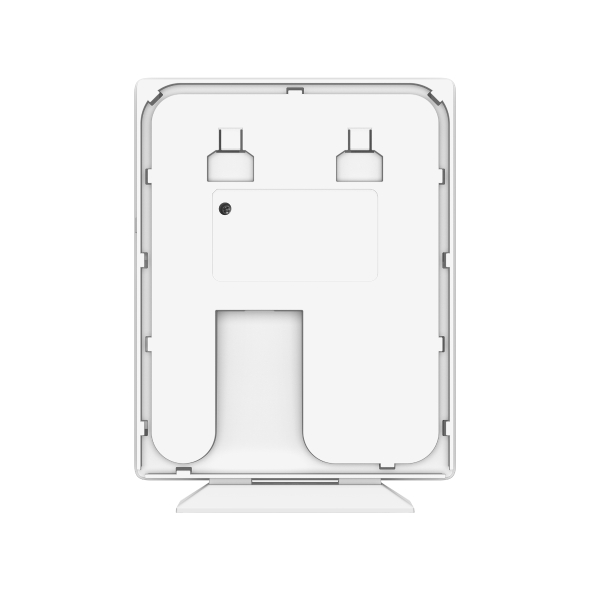
- High Flexibility: Support both desktop and wall mounting setups
- Advanced Functions§: Unified Management for OLT^ and Omada Devices, Omada Mesh#, and 802.11k/v/r Seamless Roaming.
-
Integrates into
Omada Optical
Networking -
Omada Centralized Management
-
One Fiber,
Multiple
Services -
WiFi 6
Gigabit ONU -
Seamless Roaming
& Omada Mesh -
PoE Out for
Convenience -
PPSK &
Captive Portal -
Quick,
Easy Setup
Complete Omada Optical Networking Solution
The Omada Optical Networking Solution delivers enterprise-grade gigabit passive optical networking. It seamlessly
integrates essential components such as Omada switches, gateways, OLTs (Optical Line Terminals), and ONUs (Optical
Network Units)—perfect for P2MP (point-to-multipoint) environments like hotels and MDUs.
Browser
App
Cloud-Based
Controller
Gateway
Switch
Software
Controller
Hardware
Controller
(Splitter)
Point
EAP610GP
-Desktop
Phone
Point
EAP610GP
-Desktop
Point
EAP610GP
-Desktop
Access
Complete Product
Types
Unified Management
for Omada Devices
and OLT ^
Easy Adoption
and Setup
Zero-Touch
Provisioning
One Fiber, Multiple Services
Connect a fiber optic cable to the EAP610-Desktop to connect cameras, PCs, TVs, and an IP-Phone to carry data,
voice, wired and wireless internet, HD video, and VoIP services.
(Splitter)
RJ45 Ports
Port (802.3af)
Seamless WiFi 6 Mesh
Networking
Leverage GPON WiFi 6 technology for a robust and seamless network experience, delivering speeds up to 1.8 Gbps.*
Omada Mesh and 802.11k/v/r roaming ensure a consistently smooth and reliable connection.
-Desktop
-Desktop
Flexible Desktop/Wall Installation
Choose a suitable installation method according to your needs.
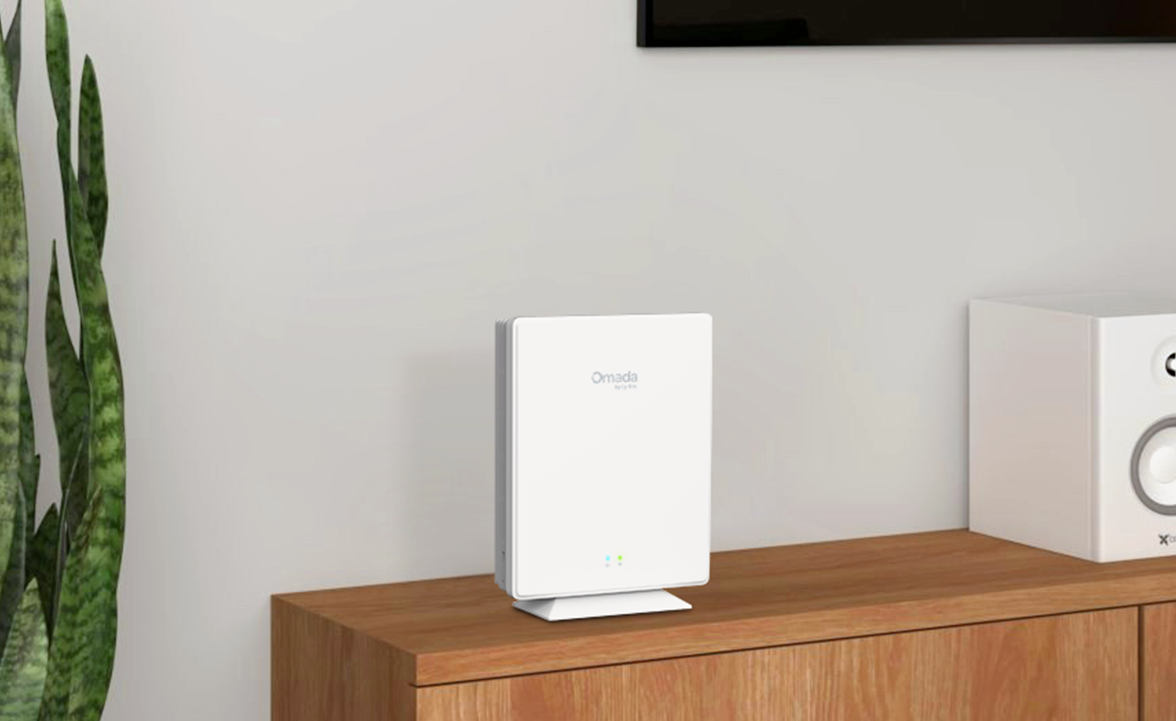
Desktop Mounting
No Additional Installation Needed
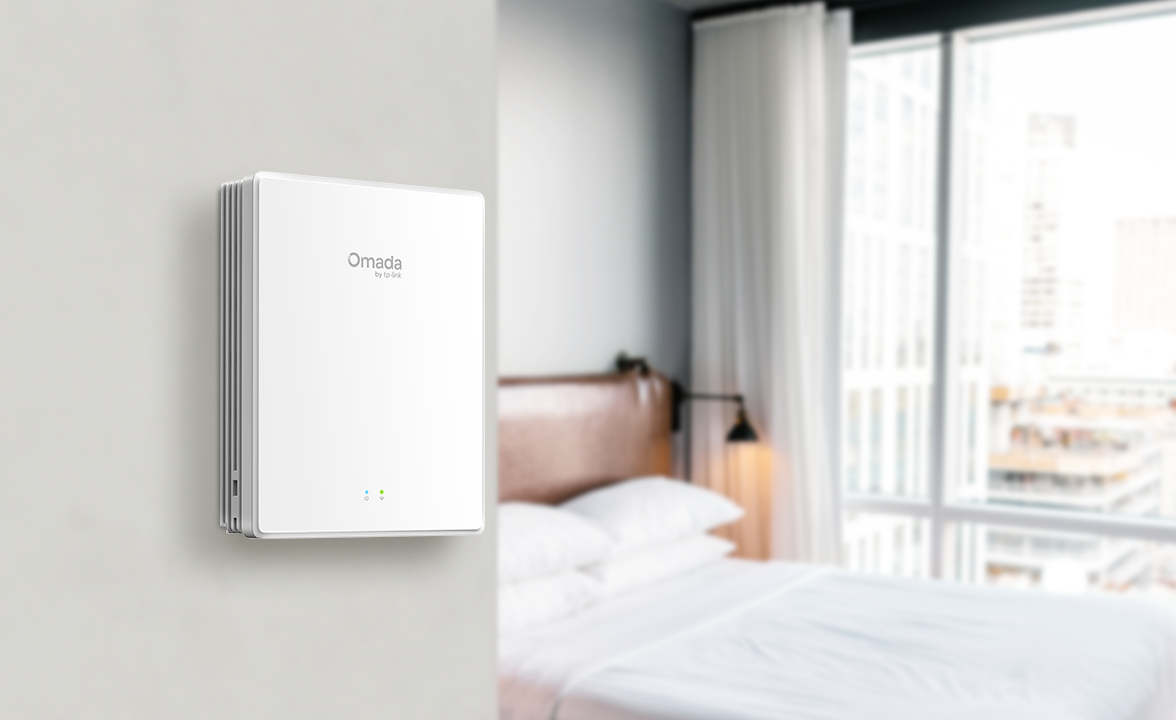
Wall Mounting
Flexible and Space-Saving
| HARDWARE FEATURES | |
|---|---|
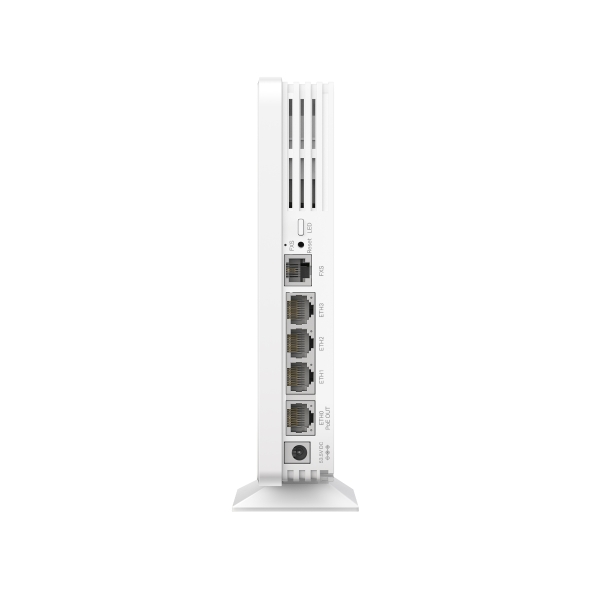
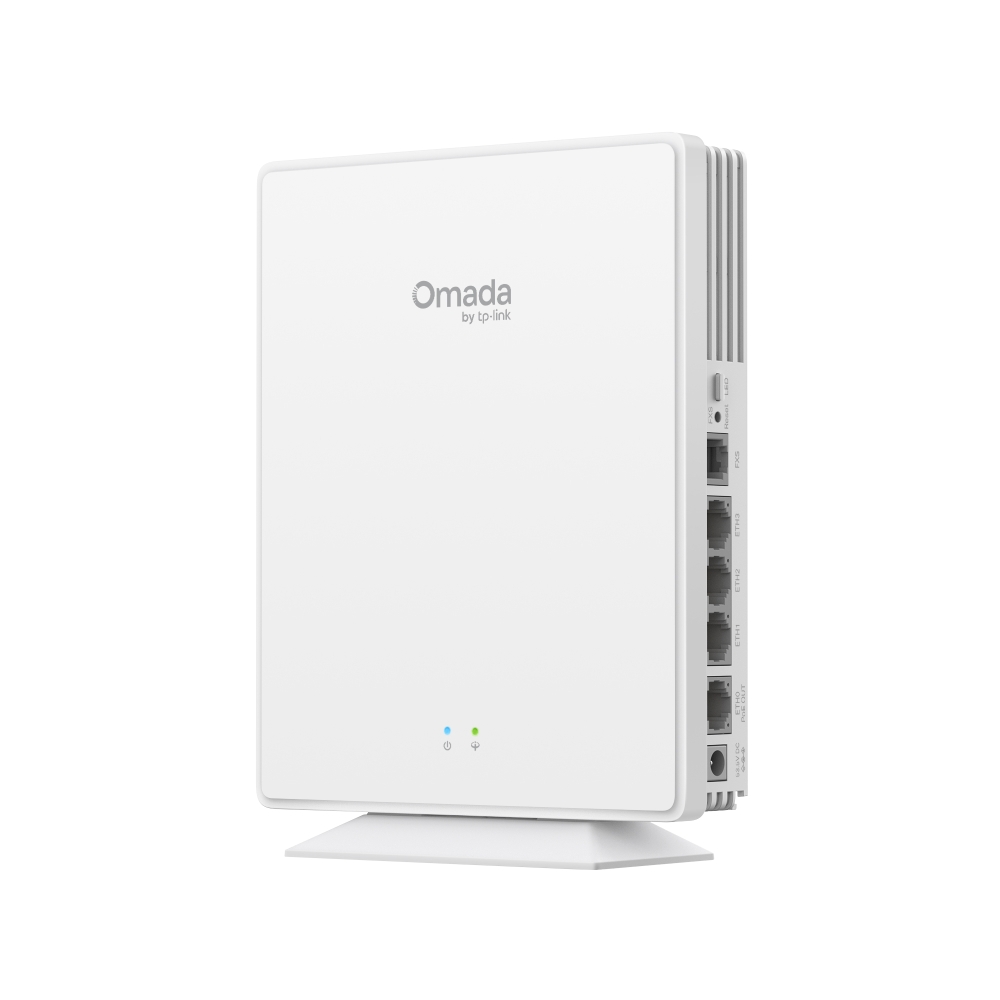
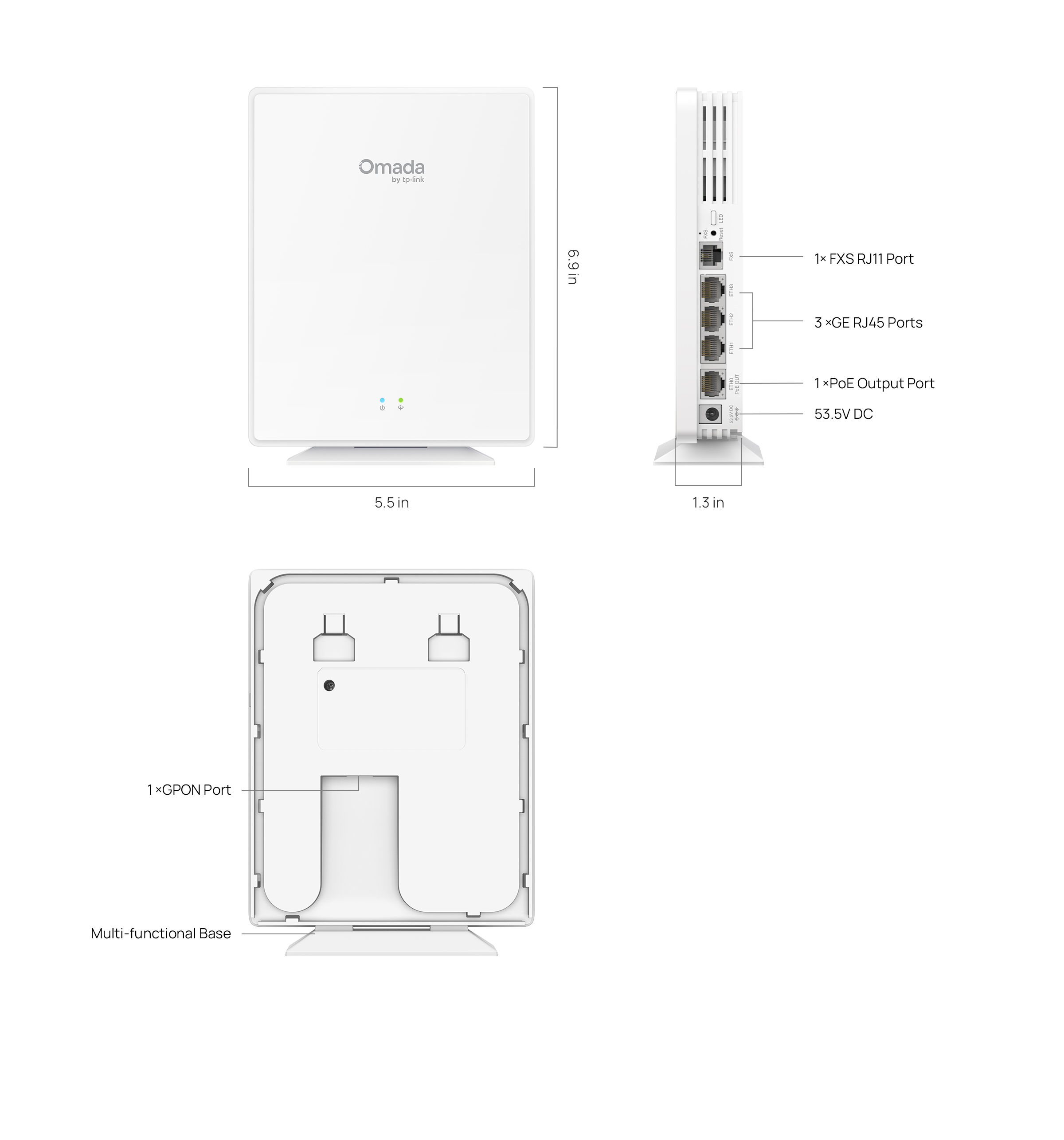
| Interface | • 1x GPON Port • 1x FXS Port• 4x Gigabit RJ45 Ports (One Supporting 802.3af PoE Out) |
| GPON Interface | • Port Type: SC-APC• Standards and Protocols: ITU-984.x, G.988, Class B+• Data Rate: 2.488 Gbps (Downstream); 1.244 Gbps (Upstream)• Fiber Type: 9/125 um Single mode• Max. Cable Length: 20 km |
| Button | • Reset• LED |
| Power Supply | 53.5V/0.81A DC |
| Max. Power Consumption | 17.3W (PoE Out Off) |
| Weight | 492g |
| Dimensions ( W x D x H ) | 6.9 × 5.5 × 1.3 in (175 × 140 × 33 mm) |
| Antenna | Internal Omni• 2.4 GHz: 2× 5 dBi• 5 GHz: 2× 4.5 dBi |
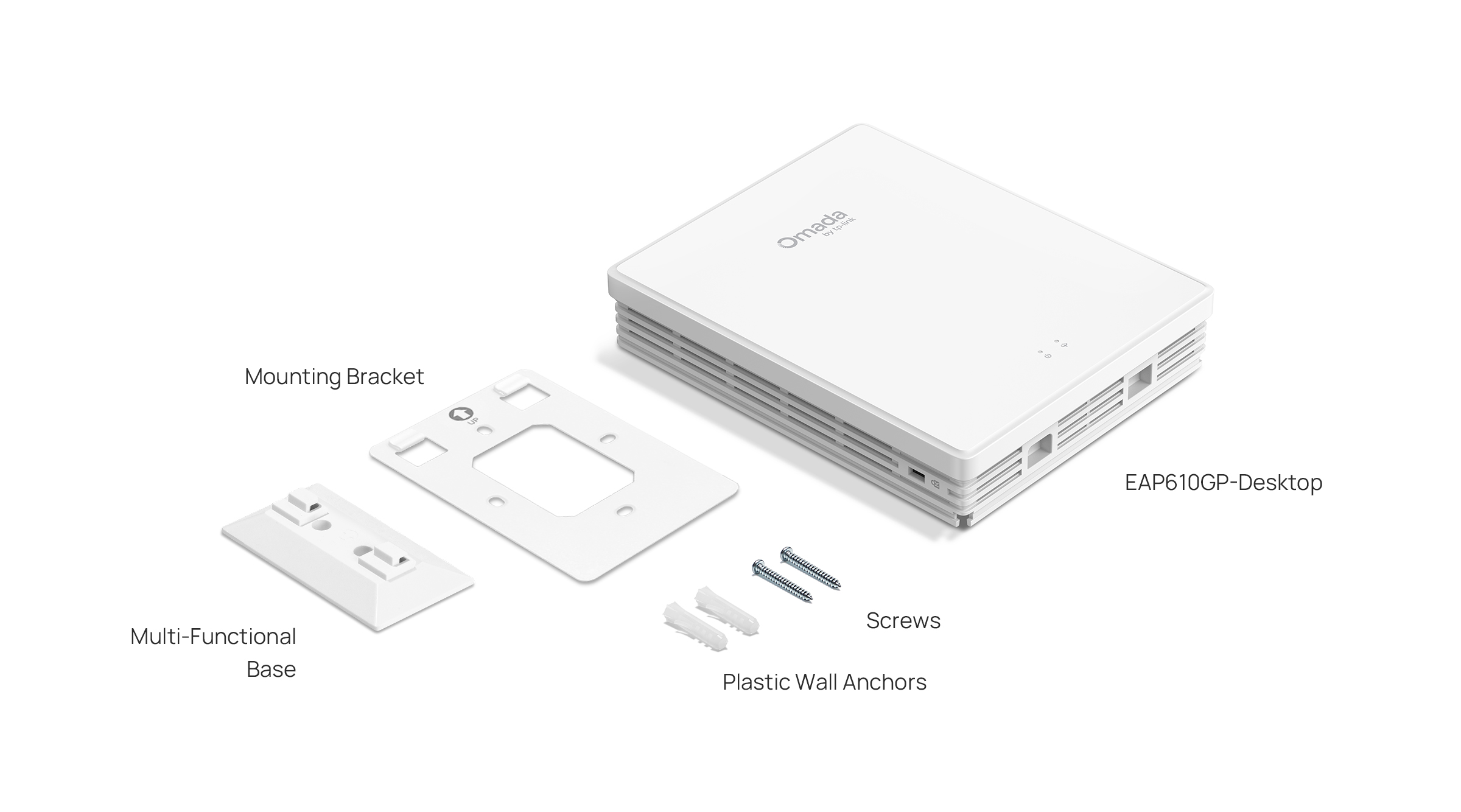
| Mounting | Desktop / Wall mouting (Kits included) |
| WIRELESS FEATURES | |
|---|---|
| Coverage | 140㎡(1500ft²)** |
| Concurrent Clients | 120+* |
| Wireless Standards | IEEE 802.11 a/b/g/n/ac/ax |
| Frequency | 2.4 GHz and 5 GHz |
| Signal Rate | • 5 GHz: 1201 Mbps†• 2.4 GHz: 574 Mbps |
| Wireless Functions | • 2×2 (2.4G & 5G) MU-MIMO‡• HE80 (80 MHz Bandwidth)‡• OFDMA‡• Mesh#• Seamless Roaming §• Multiple SSIDs (16 SSIDs, 8 on each band)• Enable/Disable SSID Broadcast• Enable/Disable Wireless Radio• Guest Network• Automatic Channel Assignment• Beamforming• Rate Limit• Band Steering• Load Balance• Airtime Fairness • Transmit Power Control (Adjust Transmit Power on dBm)• QoS (WMM)• RADIUS Accounting• MAC Authentication• Reboot Schedule• Wireless Schedule and Statistics• Static IP/Dynamic IP |
| Wireless Security | • Captive Portal Authentication§• Access Control• Wireless Mac Address Filtering• Wireless Isolation Between Clients• VLAN • Rogue AP Detection• 802.1X Support• WPA-Personal/Enterprise, WPA2-Personal/Enterprise, WPA3-Personal/Enterprise |
| Transmission Power | • CE: <20 dBm(2.4 GHz, EIRP)<23 dBm(5 GHz, band1 & band2, EIRP)<27 dBm(5 GHz, band3, EIRP)• FCC: <25 dBm (2.4 GHz)<25 dBm (5 GHz) |
| Management Features | |
|---|---|
| Omada App | Yes |
| Centralized Management | • Omada Cloud-Based Controller• Omada Hardware Controller• Omada Software Controller |
| Cloud Access | Yes. Require the use of an Omada controller. |
| Email Alerts | Yes |
| LED ON/OFF Control | Yes |
| Management MAC Access Control | Yes |
| SNMP | v1, v2c, v3 |
| System Logging Local/Remote Syslog | System Log |
| SSH | Yes |
| Web-based Management | Yes |
| Zero-Touch Provisioning | Yes. Require the use of Omada Cloud-Based Controller. |
| OTHERS | |
|---|---|
| Certification | CE, FCC, RoHS, IC |
| Package Content | • EAP610GP-Desktop• Desktop/Wall Mounting Kit• Power Adapter• Installation Guide |
| System Requirements | Microsoft Windows XP, Vista, Windows 7, Windows 8, Windows10, Windows11, Linux |
| Environment | • Operating Temperature: 0–40 ℃ (32–104 ℉)• Storage Temperature: -40–70 ℃ (-40–158 ℉)• Operating Humidity: 10–90% RH non-condensing• Storage Humidity: 5–90% RH non-condensing |
†Maximum wireless signal rates are the physical rates derived from IEEE Standard 802.11 specifications. Actual wireless data throughput and wireless coverage are not guaranteed and will vary as a result of 1) environmental factors, including building materials, physical objects, and obstacles, 2) network conditions, including local interference, volume and density of traffic, product location, network complexity, and network overhead, and 3) client limitations, including rated performance, location, connection, quality, and client condition.
‡Use of WiFi 6 (802.11ax) and its features like MU-MIMO, requires clients to support the corresponding features.
§Seamless Roaming, and Captive Portal require the use of Omada SDN controllers.
△This feature needs to be used with the switch that supports VPN Server. And at the same time, the Omada controller needs to be used with the switch that supports the Cli Template.
^Certain TP-Link OLT models supporting Omada SDN are available, and Omada OLT devices are being developed.
#Mesh support requires firmware version 1.0.6 or later.
*The actual capacity depends on the wireless environment and client traffic and is generally less than the maximum number of client connections.
**Coverage value is calculated based on laboratory testing. Actual coverage is not guaranteed and will vary as a result of client limitations and environmental factors.