


Restaurant WiFi Setup: Keeping the POS Isolated From Guest WiFi
Published: July 14, 2026 | Last Updated: July 14, 2026
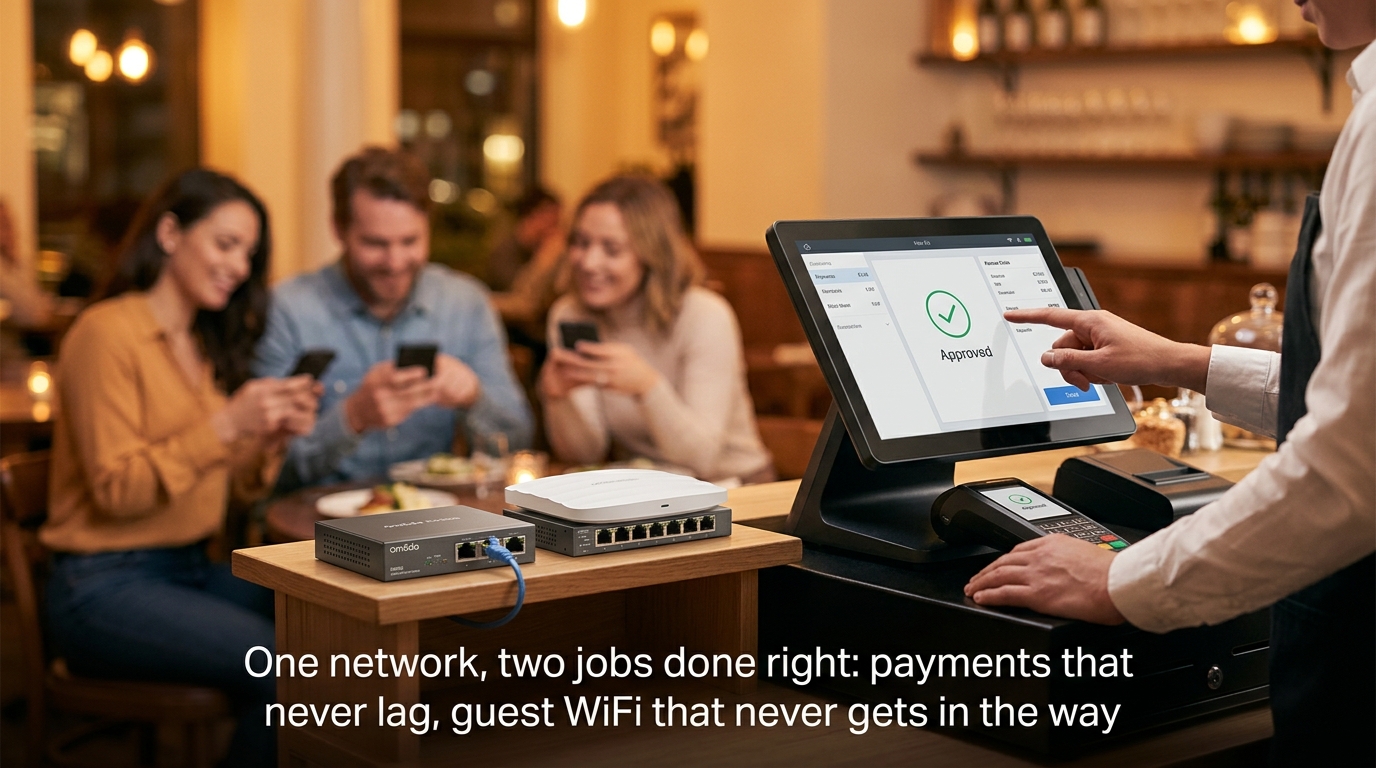
A restaurant's WiFi has to do two jobs that pull in opposite directions: keep the POS terminal processing payments without interruption and keep a dining room full of customers connected to guest WiFi without either network affecting the other. Treating both as one network, the way many small restaurants set up their first router, is how a Saturday-night rush turns into a POS system that lags every time someone starts a video call at table twelve.
Quick Answer
-
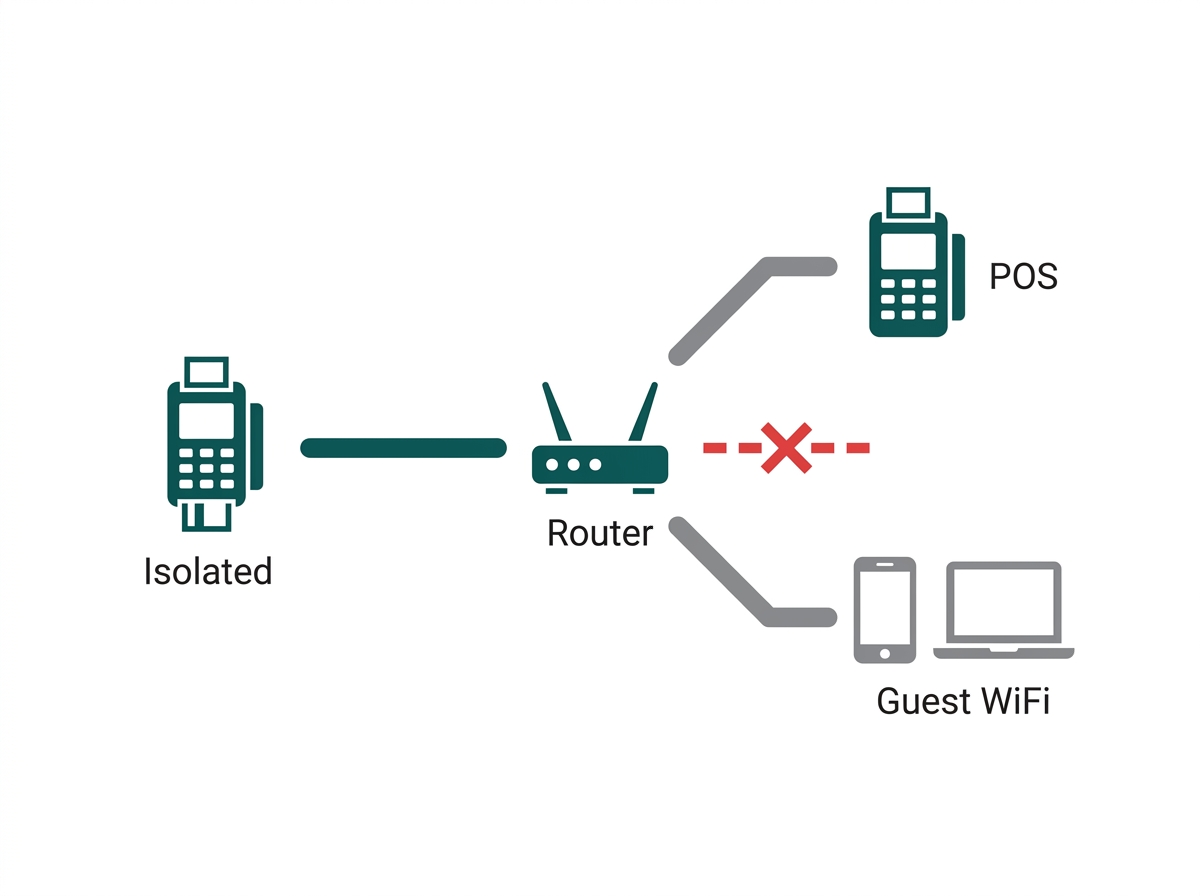
A restaurant network must keep the POS terminal on an isolated main network, completely separate from guest WiFi, regardless of restaurant size.
-
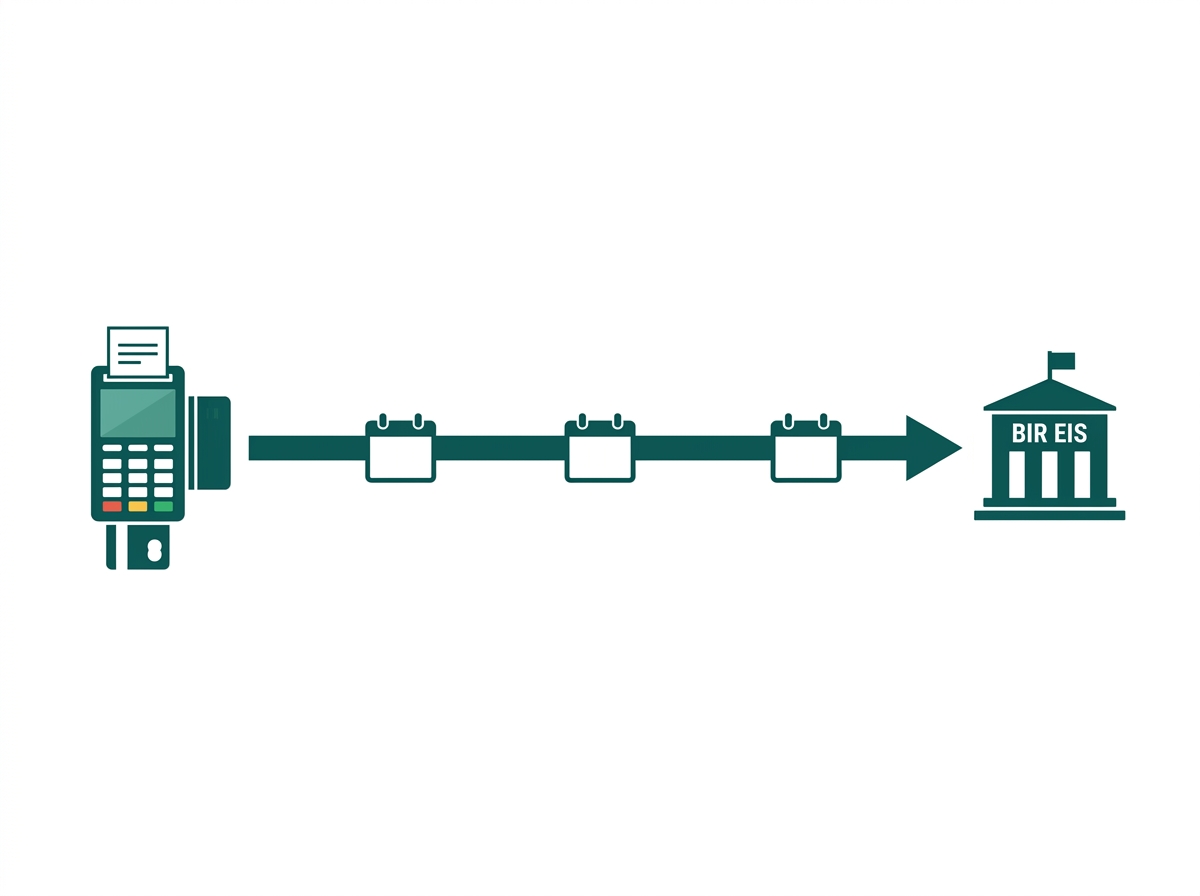
BIR Revenue Regulations No. 11-2025 and 26-2025 require in-scope taxpayers to transmit structured e-invoice data within three calendar days of each transaction, with a December 31, 2026, deadline for large taxpayers and CAS/CBA users, making network uptime a compliance issue for qualifying restaurants.
-
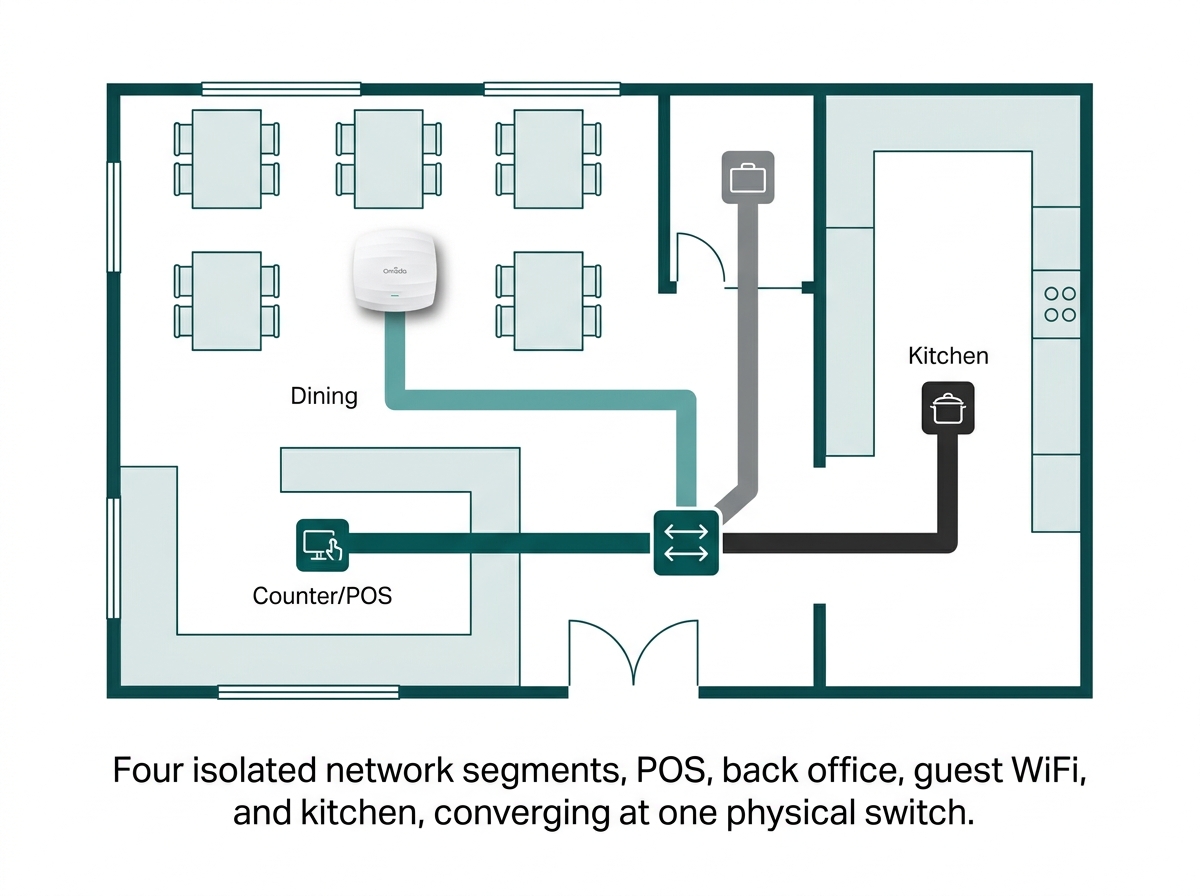
A restaurant network is split into four segments: payment/POS, staff/back office, guest WiFi, and kitchen/IoT, each with its own isolation requirements and priority levels.
Table of Contents
A Restaurant Network Needs the POS on an Isolated Main Network
BIR's E-Invoicing Rollout Makes Restaurant Network Uptime a Compliance Issue
How Should a Restaurant Network Be Segmented
How Do Multi-Branch Restaurant Chains Keep Every Location Consistent
Should Guest WiFi Be Used for Marketing at a Restaurant
A Restaurant Network Needs the POS on an Isolated Main Network
This is the number one mistake made by small food and beverage businesses in the Philippines, which is connecting their POS terminal and customer guest network to the same router or SSID. According to TP-Link Philippines' manual for setting up small businesses in the Philippines, a POS terminal must always be on the primary business network and never on the guest network because of the risk involved.
What it means for you: that isolation needs to hold regardless of restaurant size, from a single counter with one POS to a multi-branch chain running dozens of terminals across locations. A single unsecured guest network sharing a segment with a payment terminal is the same exposure whether it happens at a single carinderia or a 40-branch chain.
BIR's E-Invoicing Rollout Makes Restaurant Network Uptime a Compliance Issue
Under BIR Revenue Regulations No. 11-2025 and 26-2025, issued under the CREATE MORE Act (RA 12066), in-scope taxpayers must transmit structured e-invoice data to the BIR's Electronic Invoicing System (EIS) within three calendar days of each transaction, with a compliance deadline of December 31, 2026, for large taxpayers and businesses using computerized accounting systems.
However, POS system users will join them in the later phase of implementation, while restaurants and food service chains that are considered big taxpayers are currently included in the program.
What it means for you: this means a restaurant's network isn't just supporting day-to-day operations; a POS or CAS system that can't reach the internet reliably risks missing the transmission window BIR requires. Separately, every POS, cash register machine, and special-purpose machine used to issue receipts must already carry its own BIR accreditation and permit to use, separate from the network reliability question, but tied to the same hardware.
This article discusses BIR e-invoicing obligations at a general level. It is not tax or legal advice; restaurants should confirm their specific EIS classification and obligations with a licensed accountant or the BIR directly.
How Should a Restaurant Network Be Segmented
A restaurant network splits cleanly into four segments, each with a different priority and isolation requirement.
Feature-to-Benefit: The Four Restaurant Network Segments
|
Network Segment |
Devices |
Priority |
Practical Benefit |
|---|---|---|---|
|
Payment / POS |
POS terminals, card readers, BIR-accredited CRM/SPM machines |
Highest, isolated, rate-limited protection |
Keeps transactions processing smoothly even during a Saturday-night rush when guest WiFi usage spikes |
|
Staff / back office |
Inventory systems, staff devices, and office printers |
High, isolated from the guest WiFi |
Protects supplier records and scheduling data from guest-side exposure. |
|
Guest WiFi |
Customer phones and laptops via a captive portal |
Rate-limited, no access to other segments |
Keeps a customer's video call or download from slowing down the POS line at checkout. |
|
Kitchen / IoT |
Kitchen display systems, smart appliances, security cameras |
Isolated VLAN, minimal internet access |
Prevents a compromised kitchen display or camera from becoming a path into payment or guest data. |
How Do Multi-Branch Restaurant Chains Keep Every Location Consistent
Chain restaurants and franchises face a different problem than a single location: dozens of branches, each needing the same segmentation, the same guest WiFi experience, and the same failover protection without configuring each one by hand.
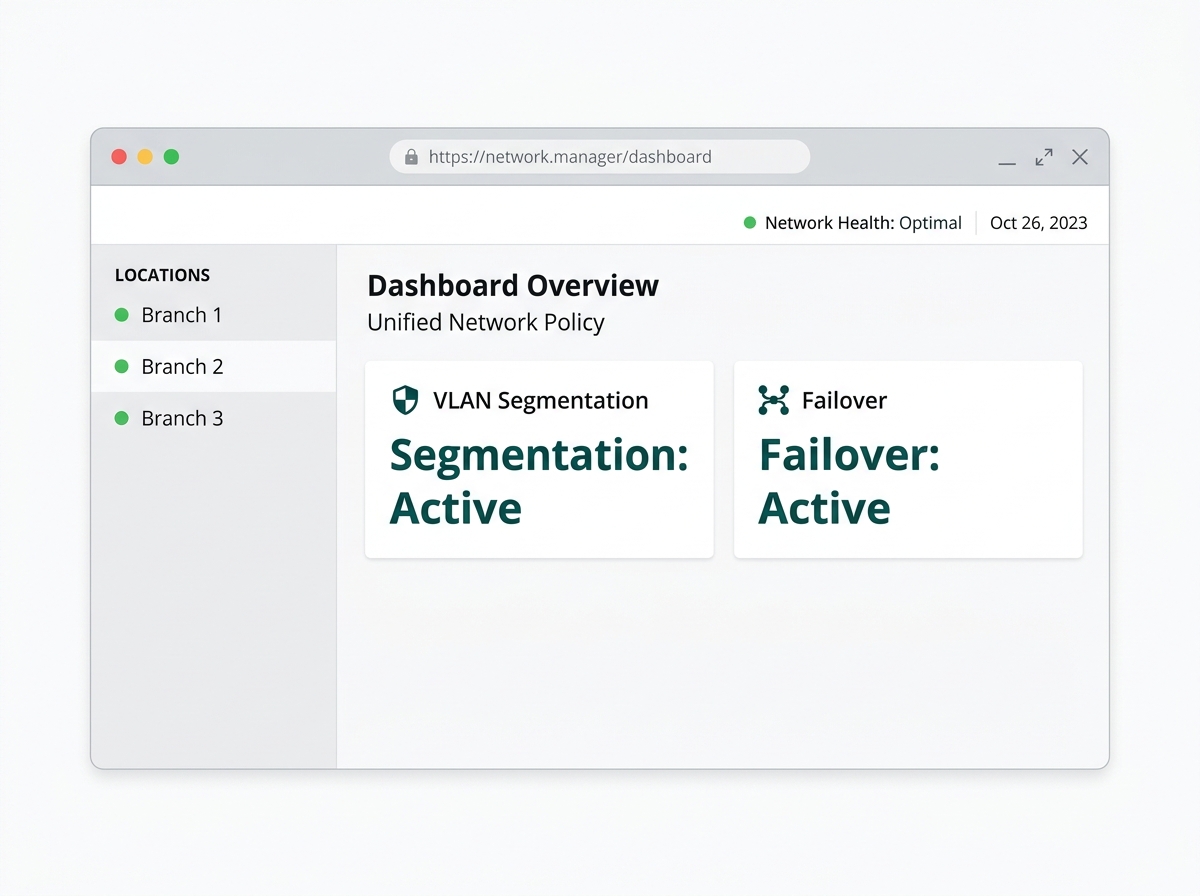
Omada's own solution for small-sized chain restaurants addresses this directly: multi-WAN gateways with load balancing and 4G failover keep transactions running during an internet or grid outage; real-time alerts flag transaction failures as they happen; and VLANs separate payment systems, staff, and customer data across every branch from one cloud dashboard.
What it means for you: the same solution notes compliance with PCI DSS for protecting payment card data, which matters for any restaurant accepting card payments regardless of chain size. A franchise owner standardizing 15 branches can push the same segmentation and failover policy to every location from one dashboard, rather than trusting each branch manager to configure it correctly on-site.
Should Guest WiFi Be Used for Marketing at a Restaurant
It can be through a captive portal that displays promotions or collects an email for a loyalty program, but the same consent rules apply as to any other business captive portal in the Philippines: specific, unbundled consent, no pre-checked marketing boxes, and a clear notice of what's collected. The full breakdown, including what does and doesn't require explicit consent, is in our Guest WiFi Best Practices guide.
What it means for you: a restaurant loyalty program built on captive portal sign-ups is legitimate and common, but bundling "connect to WiFi" with a pre-checked marketing opt-in is the same deceptive design pattern the NPC has flagged for any other business type.
Frequently Asked Questions
Can a restaurant's POS and guest WiFi share the same router?
Not safely. Even a single-location restaurant should run the POS on an isolated main network and guest WiFi as a completely separate network. This is the same segmentation principle that applies to any business accepting card payments, and it doesn't scale down for a small counter operation; the risk is identical regardless of size.
Does a small restaurant need to worry about BIR e-invoicing yet?
It depends on classification. Large taxpayers and businesses already using computerized accounting or invoicing systems face a December 31, 2026, compliance deadline under current BIR regulations. POS users generally follow in a later, currently unscheduled phase, so restaurants should confirm their specific classification with a tax professional rather than assume they're exempt by size alone.
How many access points does a restaurant need?
It depends on the dining room's floor area, seating layout, and how many staff and guest devices connect at once. The step-by-step calculation is covered in our How Many Access Points Does Your Office Need guide, using the same coverage and capacity math regardless of business type.
What happens to the POS if the internet goes down mid-service?
A properly segmented network with multi-WAN failover and a secondary broadband or 4G/LTE connection switches over automatically. This keeps the POS online through a primary connection outage, while without that redundancy, a single ISP interruption can stop transactions entirely during a dinner rush.
Is guest WiFi required by law for Philippine restaurants?
No. There's no general legal requirement for a private restaurant to offer guest WiFi; it's a customer-experience and marketing decision. If a restaurant does offer it and collects any data at login, that data collection falls under the Data Privacy Act regardless of whether the WiFi itself is free.
Do BIR-accredited POS machines still need network segmentation?
Yes, these are two separate requirements that both apply. BIR accreditation and a permit to use cover the machine's receipt-issuing compliance, while network segmentation covers the security of the connection that the machine sits on; a restaurant needs both, not one instead of the other.
Final Thoughts
A well-designed WiFi implementation at a restaurant will have the POS system on its own secure network segment, provide for failover in case there's a disconnection so that the transaction can still go through, and provide for guest WiFi as a true independent network and not a mere tacked-on network from the same router. Since the implementation of e-invoicing at BIR is now based on a compliance requirement for bigger establishments, network implementation is now a business decision too.
Omada's solution for restaurants and small chains covers multi-WAN failover, VLAN segmentation, and PCI DSS-aligned network security for single locations and multi-branch operations alike. The general hardware and access point math behind any of this lives in our full business WiFi setup guide and Business WiFi Solutions Philippines overview.