

|

Smarter Wi-Fi for Your PC
Optimized by AIFlow
What is AIFlow: Real-Time Optimization Based on Your Device's Activity
Definition
Powered by GT-Booster, AIFlow is TP-Link's intelligent network solution for PCs and laptops and designed to deliver smoother, more consistent performance.
Instead of simply boosting speeds, it learns how your device uses the network and automatically prioritizes the tasks you're actively doing — from streaming and video calls to gaming and everyday work.
Instead of simply boosting speeds, it learns how your device uses the network and automatically prioritizes the tasks you're actively doing — from streaming and video calls to gaming and everyday work.
How it works
AIFlow understands which apps need speed in real-time and adjusts your network accordingly. Set your priorities and get more consistent speed for streaming, gaming, and work.
Whether you're joining a meeting, streaming a movie, or gaming online, it keeps your connection stable and responsive.
Whether you're joining a meeting, streaming a movie, or gaming online, it keeps your connection stable and responsive.
How it helps you
No more constantly juggling priorities or dealing with lag. AIFlow makes sure your games, calls and streams run smoothly, even on crowded connections with many apps running.
Critical App Acceleration
Your Network, Just Smarter
TP-Link adapters recognize and prioritize your essential apps in real time, so your network always feels fast and balanced.
Personalized Modes
Choose a mode that fits what you're doing. Your connection adjusts automatically.
Active App Boost
Gives more speed to the app you're using so everything feels smoother.
App Priority Control
Fine-tune which apps matter most and let your adapter handle the rest.

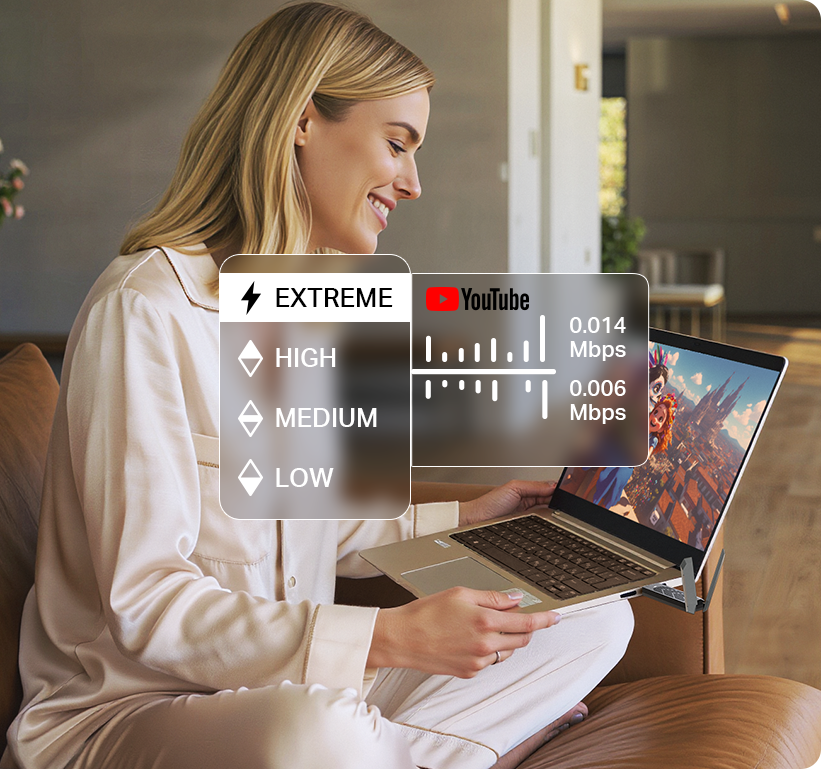
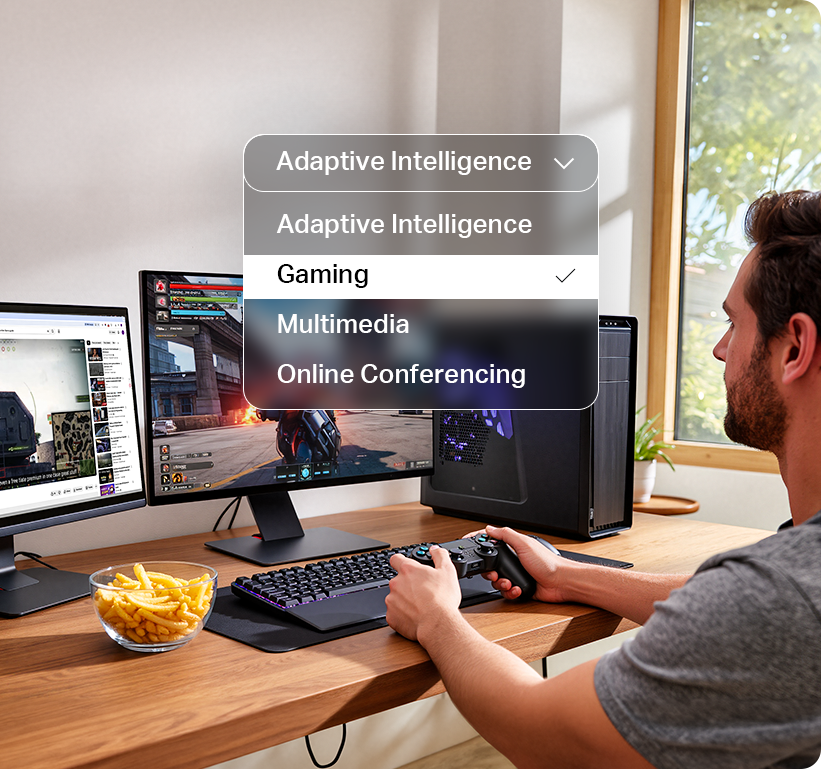
Personalized Modes
Choose a mode that fits what you're doing. Your connection adjusts automatically.
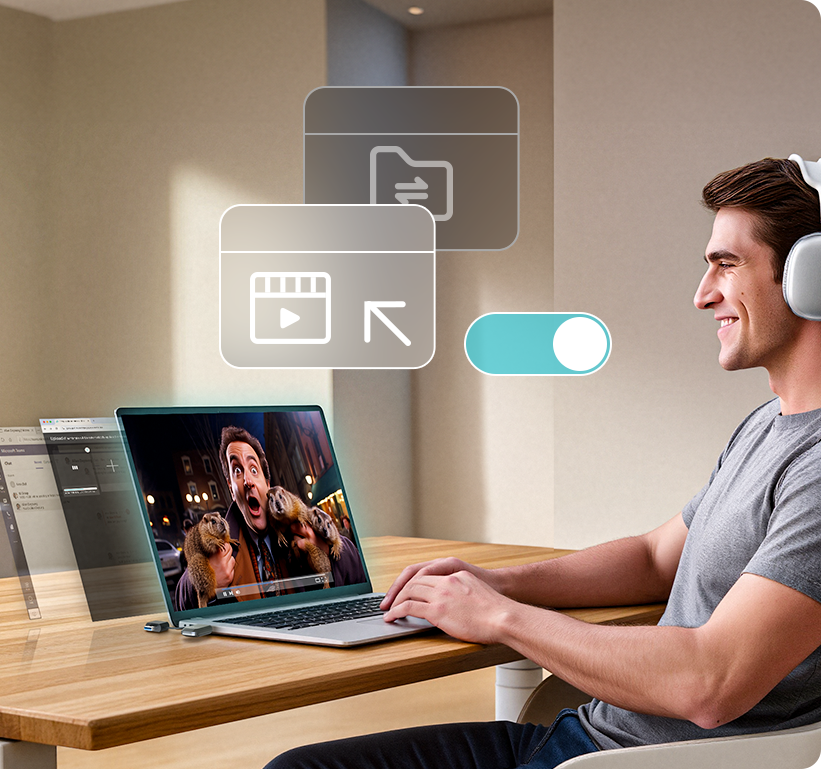
Active App Boost
Gives more speed to the app you're using so everything feels smoother.
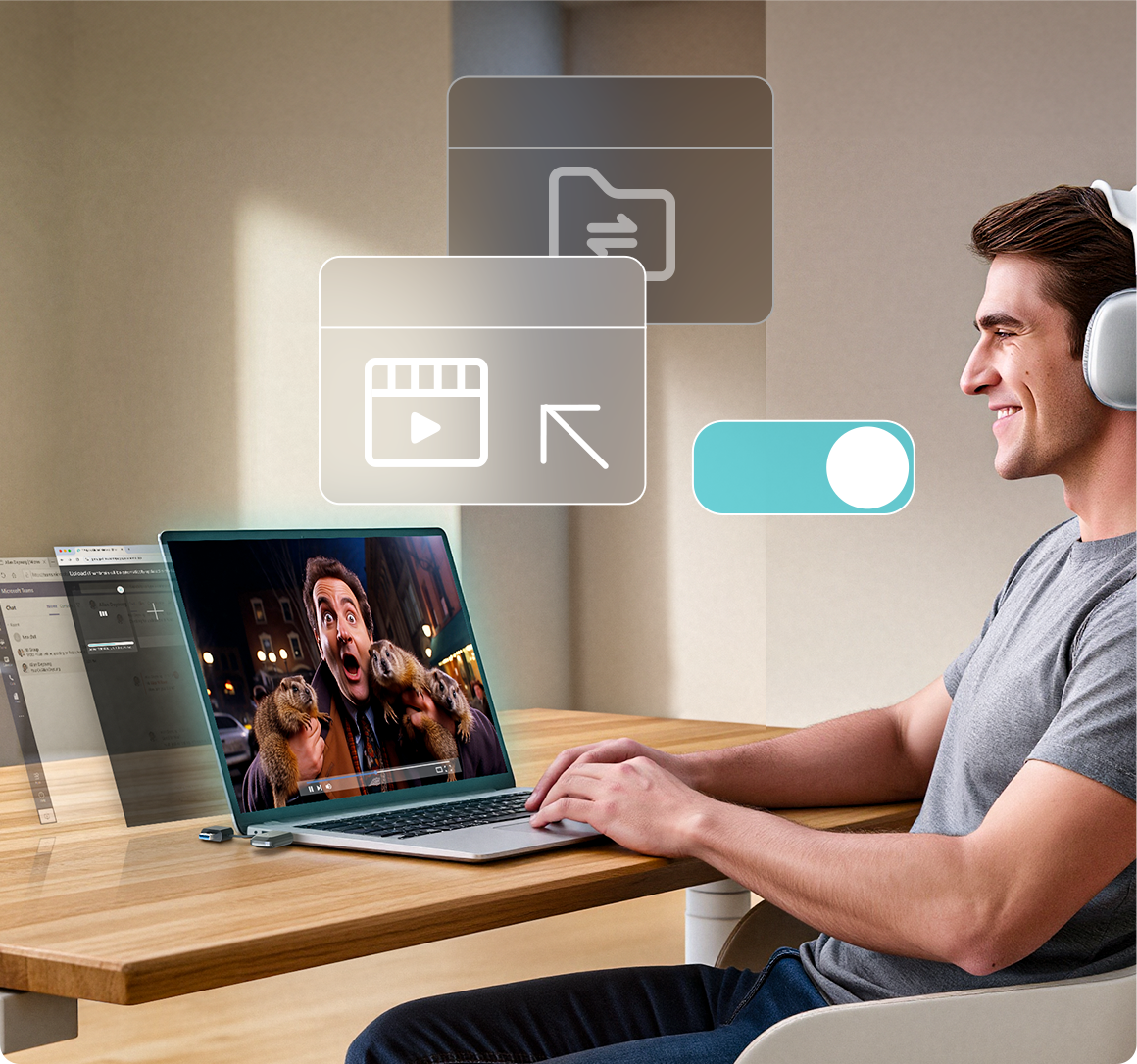
App Priority Control
Fine-tune which apps matter most and let your adapter handle the rest.

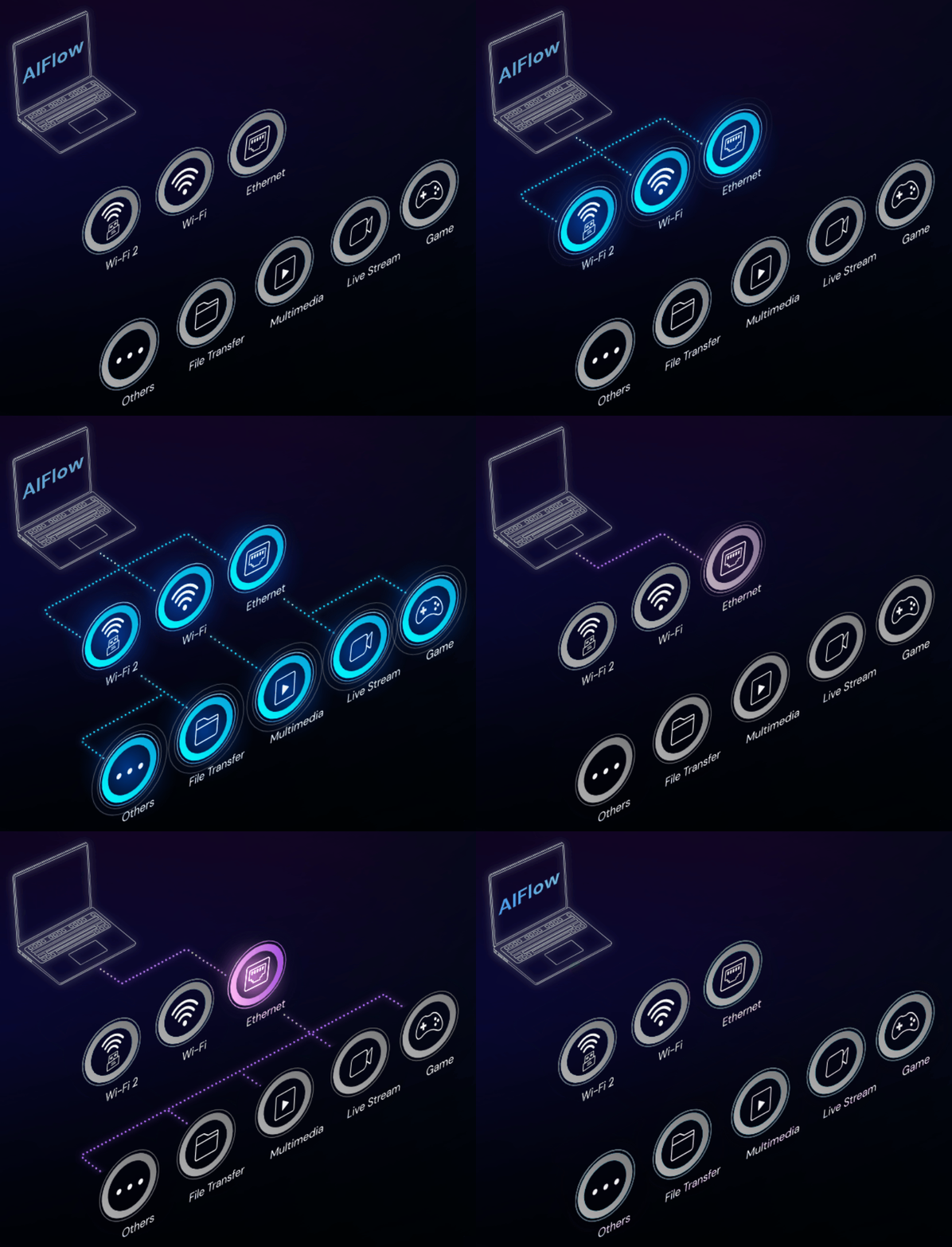
MaxConnect Technology
More Speed. Less Waiting.
Your TP-Link adapter makes sure to use every available connection: Wi-Fi, Ethernet or both. With AIFlow's MaxConnect, ensure faster transfers, smoother streams, and an optimized connection for high-demand applications.
Network Monitoring
See What's Happening on Your Network
Track usage, spot slowdowns, and identify issues instantly, all from one clean, intelligent dashboard.
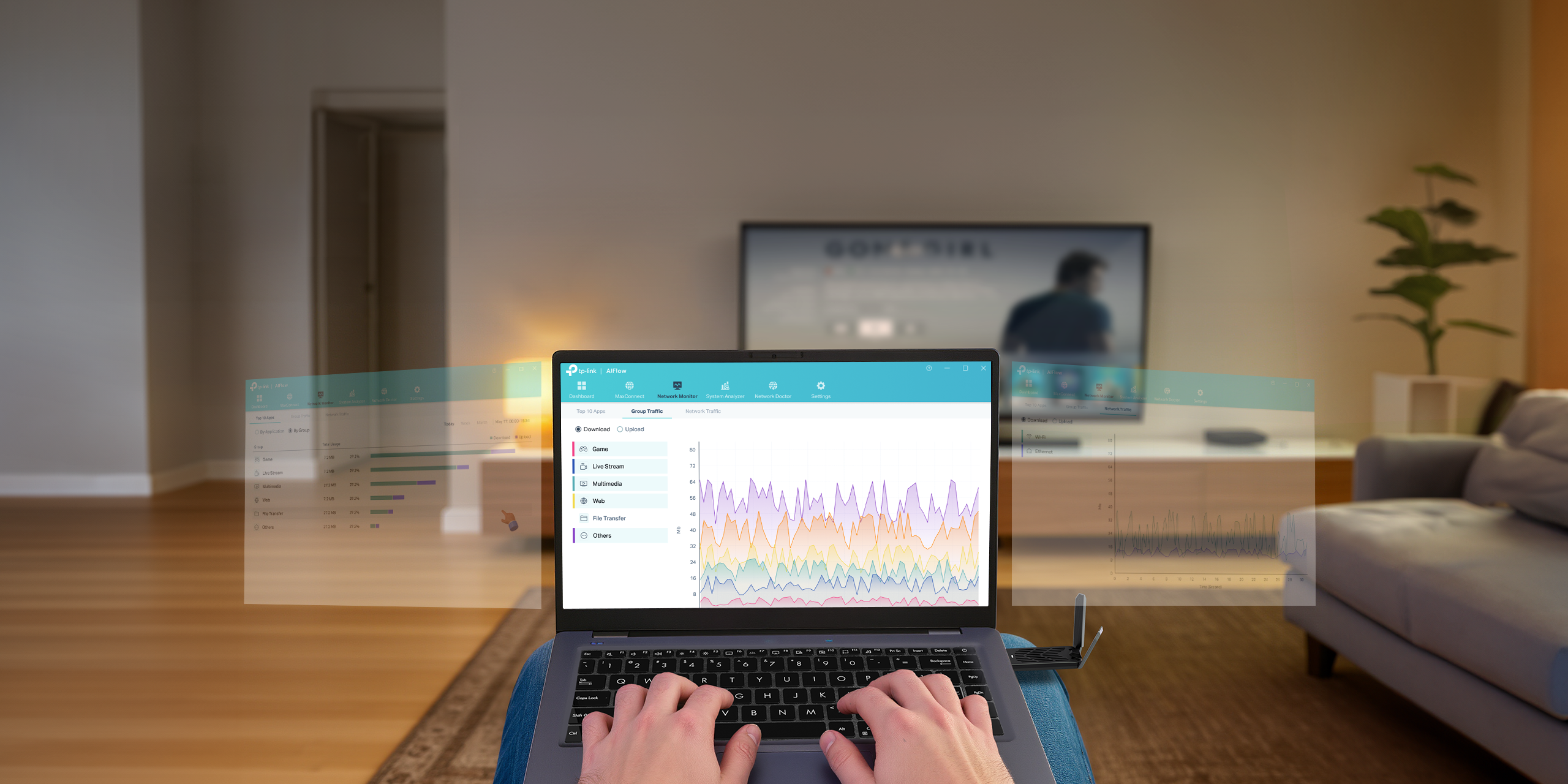
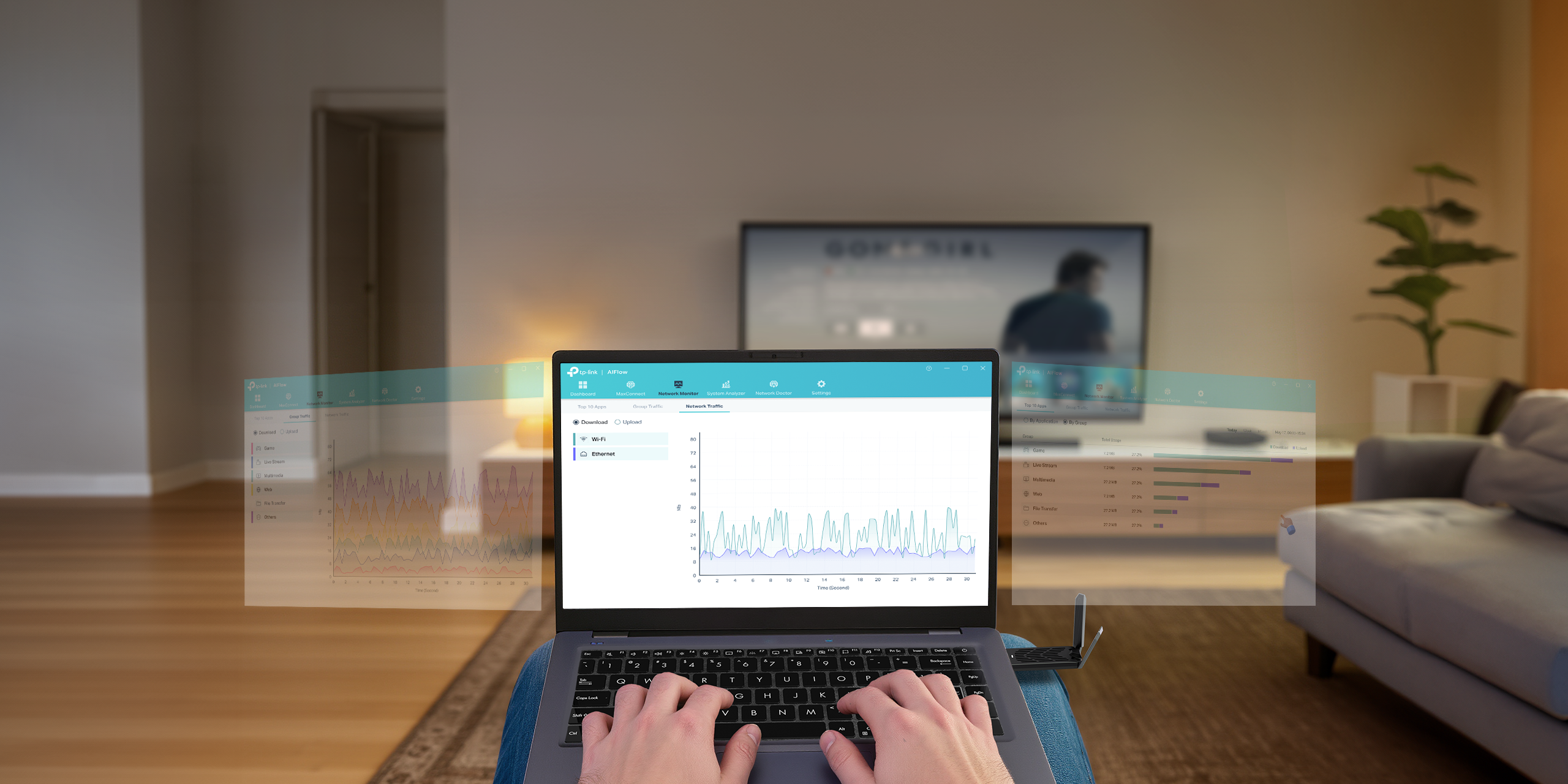
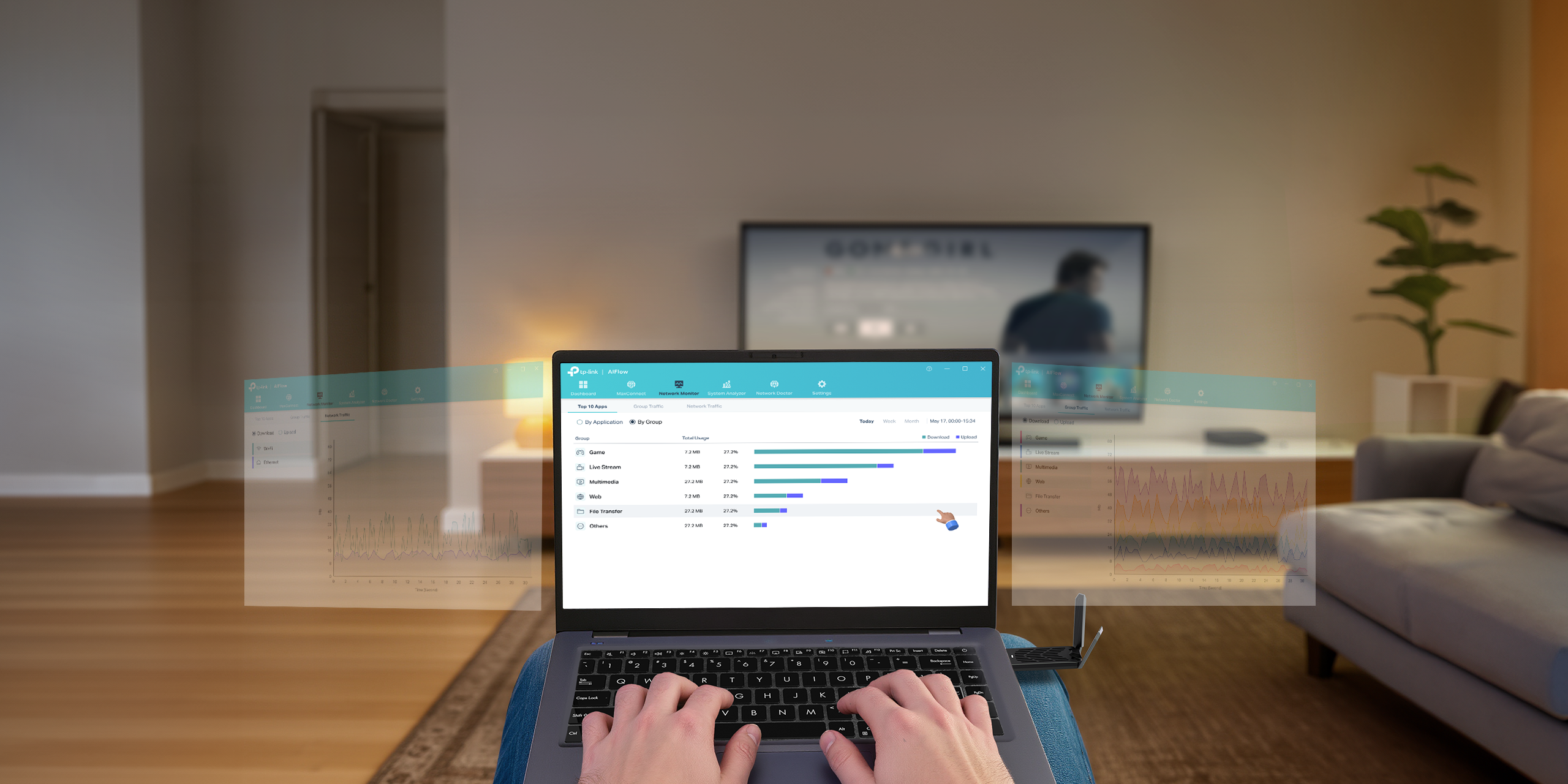
Network Monitoring
See What's Happening on Your Network
Track usage, spot slowdowns, and identify issues instantly, all from one clean, intelligent dashboard.


Network Doctor
Instant Network Troubleshooting
Fix network issues with a single click. AIFlow delivers a clear network report and simple, actionable guidance to help keep your connection smooth and secure.

Channel Analyzer
Always on the Cleanest Channel
AIflow's Channel Analyzer scans your surroundings, detects interference, and helps you choose the cleanest channel for the best Wi-Fi performance.

Step Up to Smarter Performance
Feature List
AIFlow
 for TP-Link Adapters
AIFlow Plus
AIFlow Pro
Visibility
Real-Time Network Traffic
System Resource
Wi-Fi Analyzer
Application Traffic
Group Traffic
Network Traffic
Network Information
Wi-Fi Quick Assist
Network Doctor
Diagnosis
App Topology
Control
Qos Button
Acceleration Profile Options
- Adaptive Intelligence
- Gaming
- Online Conferencing
- Multimedia
Multiple Interface
- Maxconnect - Boosted Network Bandwidth (limited to 2 NICs)
Performance
Foreground Acceleration
Auto High Performance Gaming
Advanced Settings
ECN (Reduce network packet loss rate and latency)
Multiple Interface
- Maxconnect - Boosted Network Bandwidth (unlimited of NICs)
Active Applications
- Block Traffic
- Close Application
- Active Application
- Connection priority
- Application Category & Priority
Upgrade Your TP-Link Adapters Now!
Download and subscribe to AIFlow Internet Accelerator.†
†Please note that AIFlow is compatible with Windows 10/11 only.

†Please note that AIFlow is compatible with Windows 10/11 only.
Unleash the Full Potential of AIFlow with Our Top TP-Link Adapter Picks
View All TP-Link Adapters >>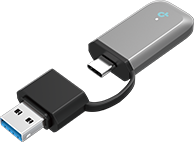
Archer TBE400U
BE6500 Tri-Band Wi-Fi 7 Mini Wireless USB Adapter
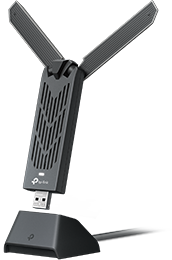
Archer TBE400UH
BE6500 Wi-Fi 7 High Gain Wireless USB Adapter
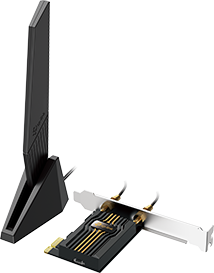
Archer TBE553E
BE9300 Wi-Fi 7 Bluetooth PCIe Adapter
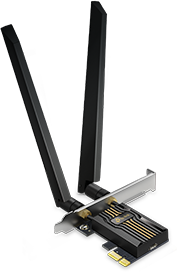
Archer TBE552E
BE9300 Wi-Fi 7 Bluetooth 5.4 PCIe Adapter
‡ User interface shown is not final and is subject to change. Some features may require a software update to be available at or after launch.