


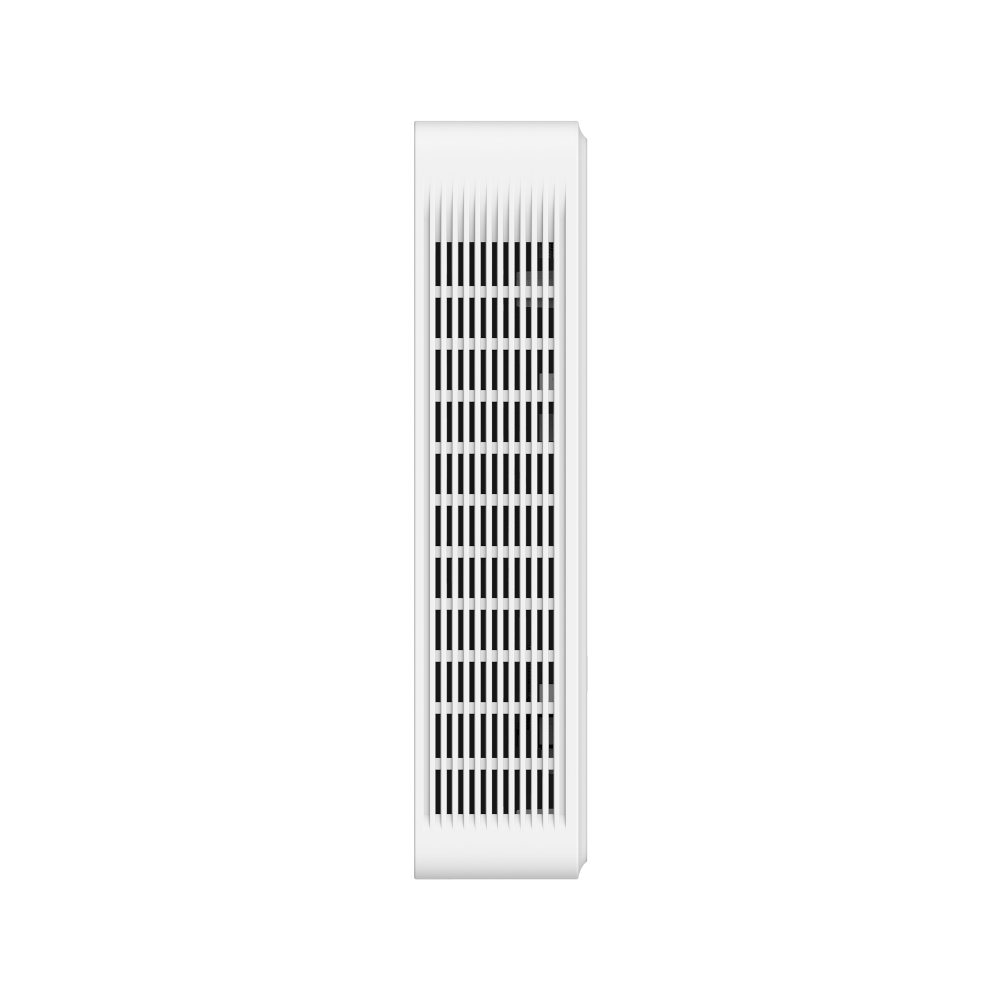
EAP775-Wall
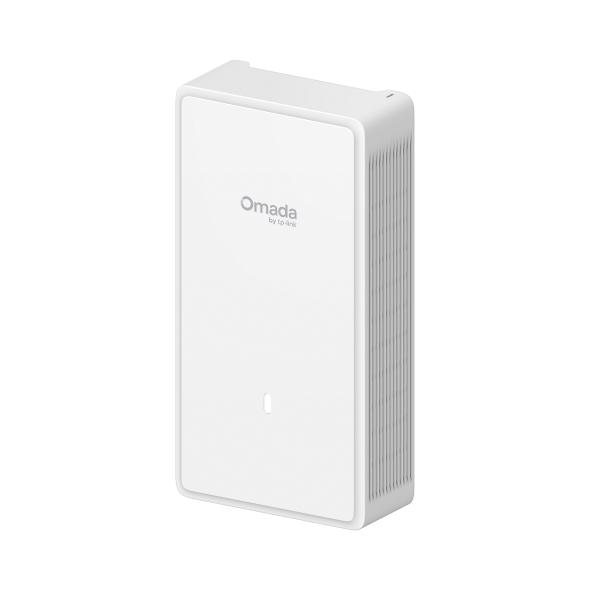
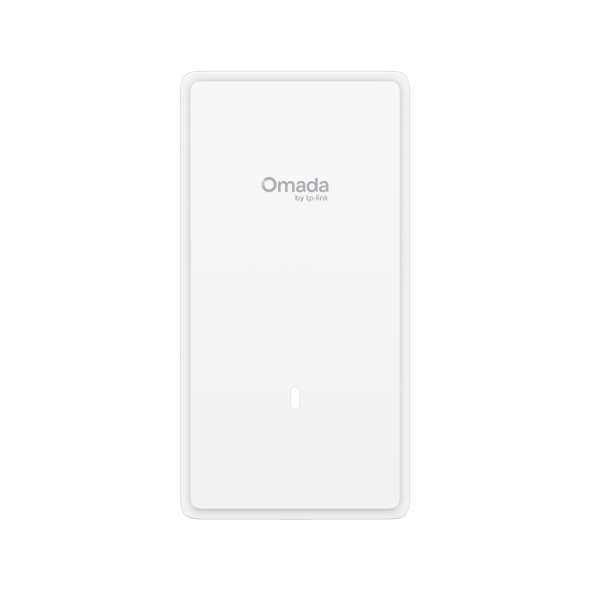
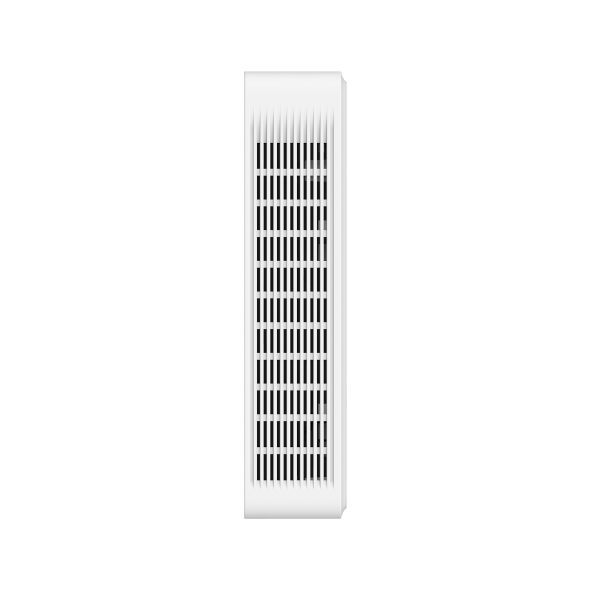
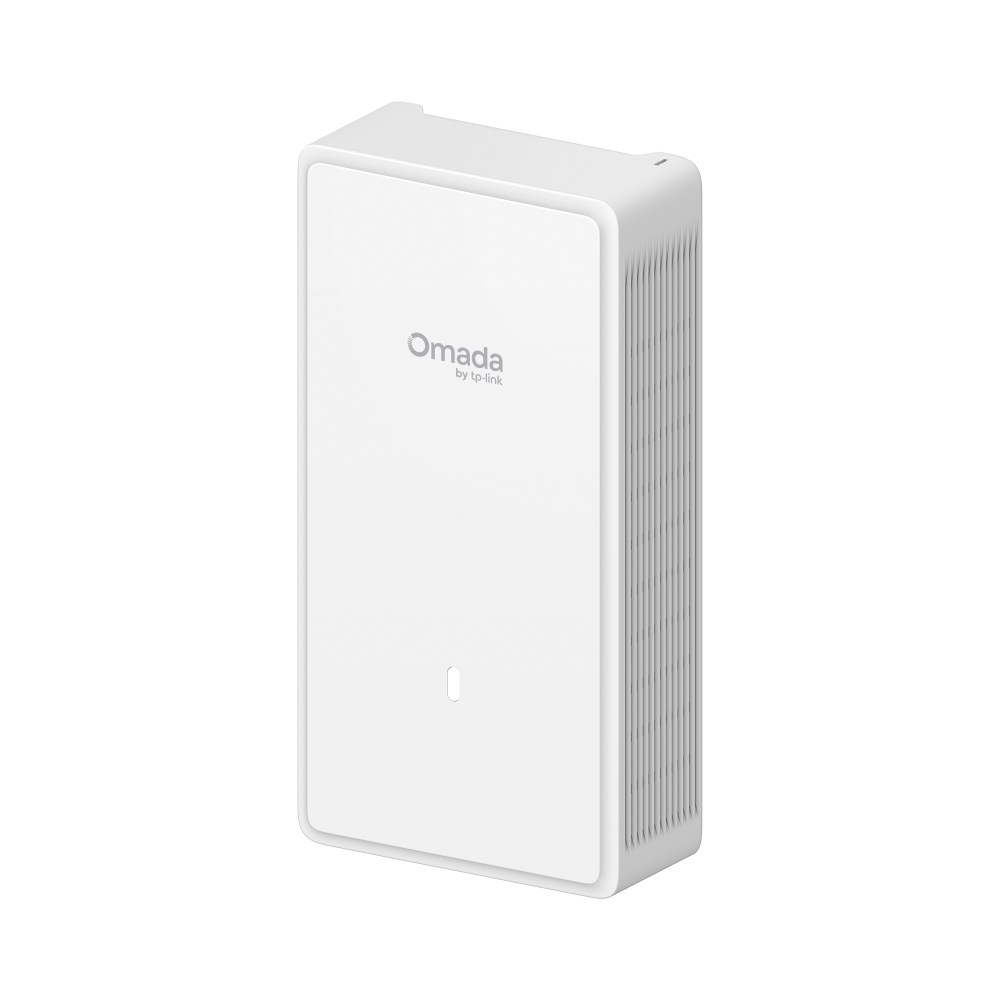
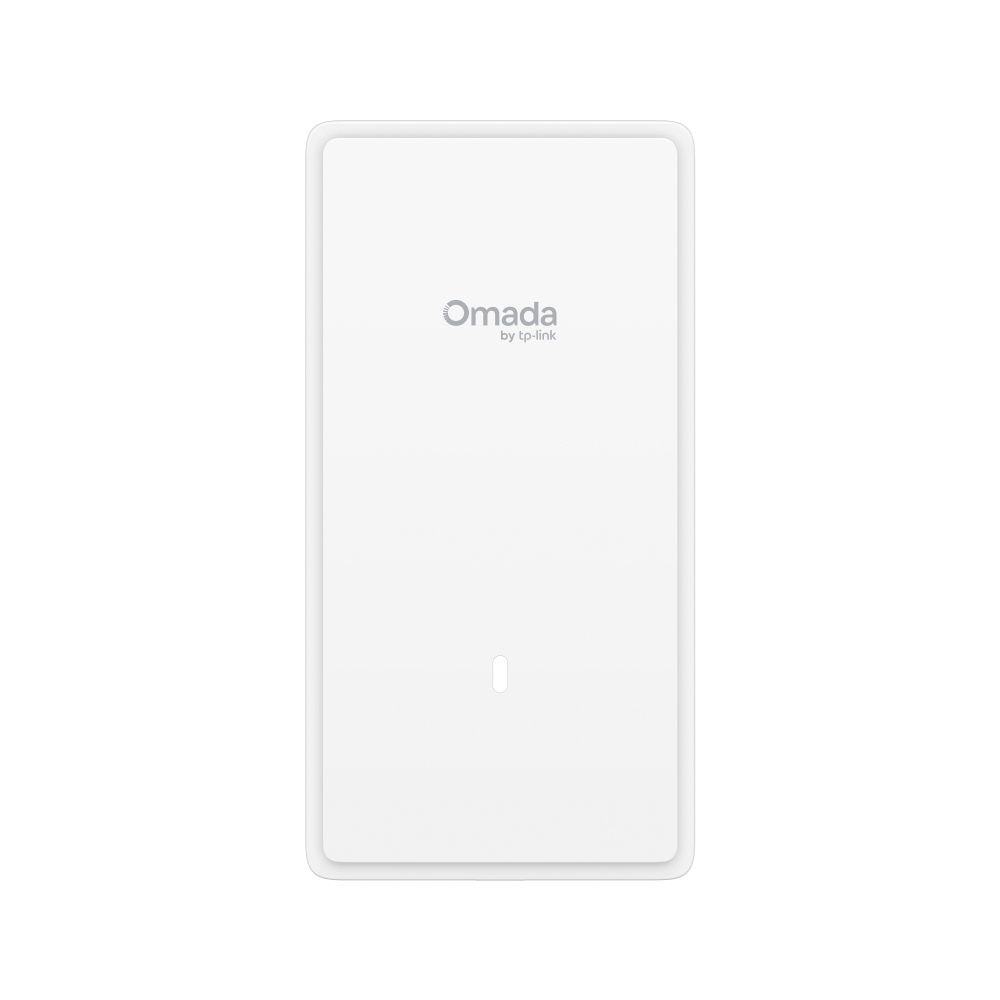
BE11000 嵌牆式 Wi-Fi 7 無線基地台
- 6 串流 3 頻 Wi-Fi 7:6 GHz 頻段 5765 Mbps、5 GHz 頻段 4324 Mbps,以及 2.4 GHz 頻段 688 Mbps。
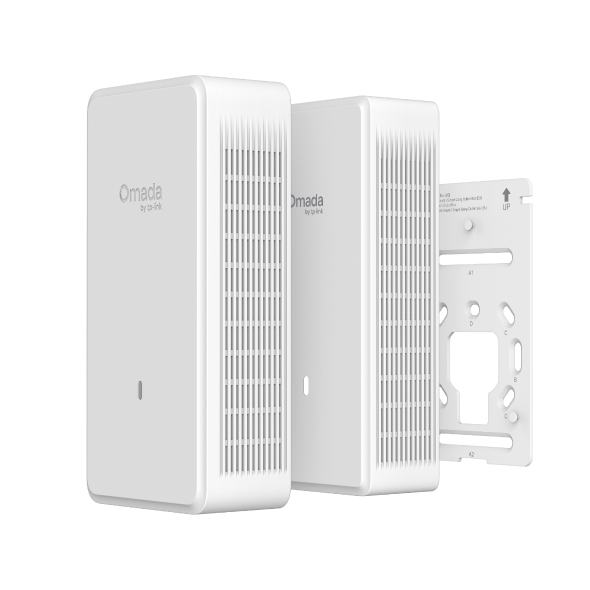
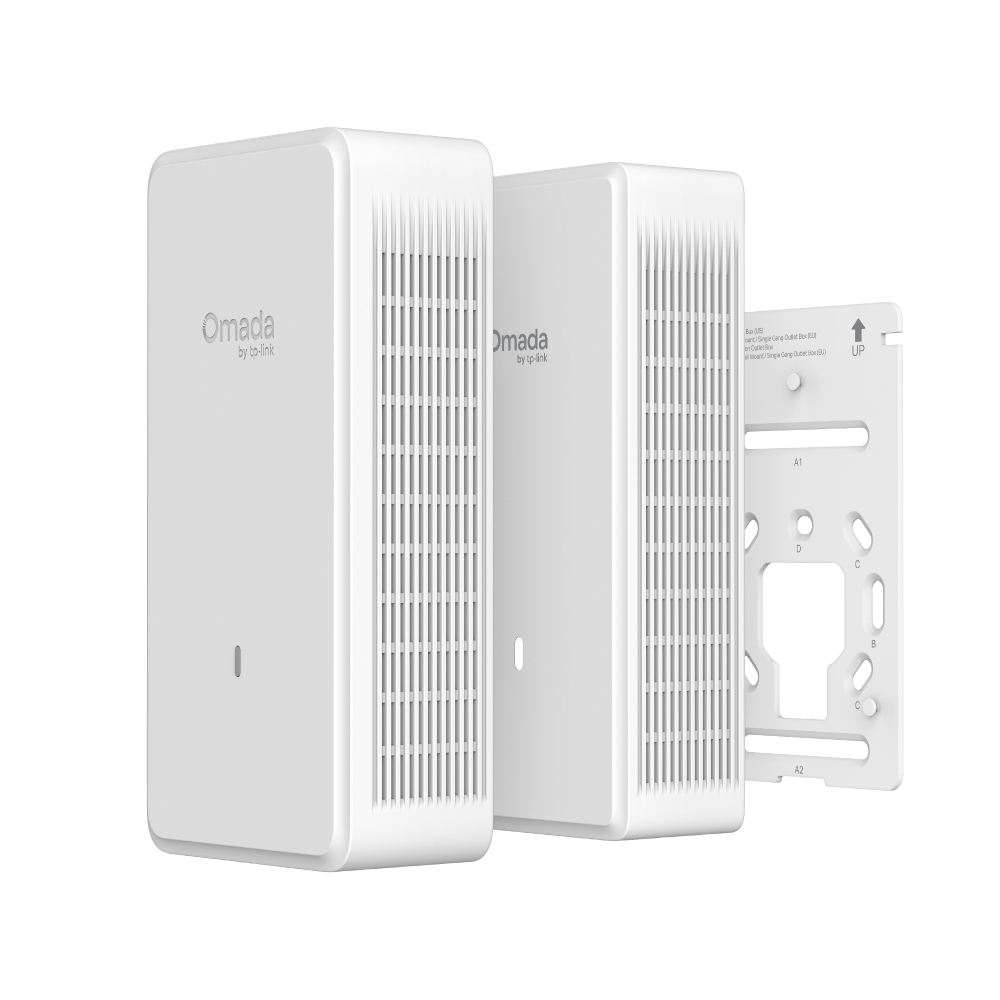
- 彈性且美觀的整合:多功能安裝設計,內含可上漆的飾蓋,實現彈性化整合。
- 可上漆面板,完美融入裝潢:附贈可上漆外殼,讓設備能輕鬆隱身於各種牆面顏色或室內風格中。§
- 防盜設計,強化物理安全性:配備隱藏式防盜鎖,將設備牢牢固定於牆面,有效保障設備安全。
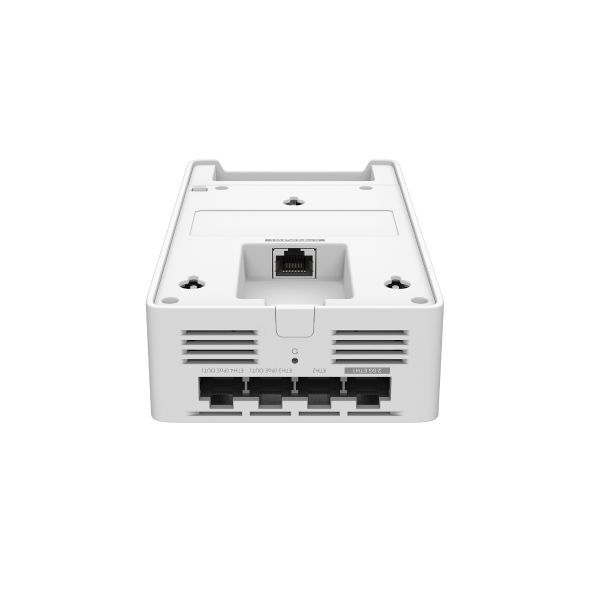
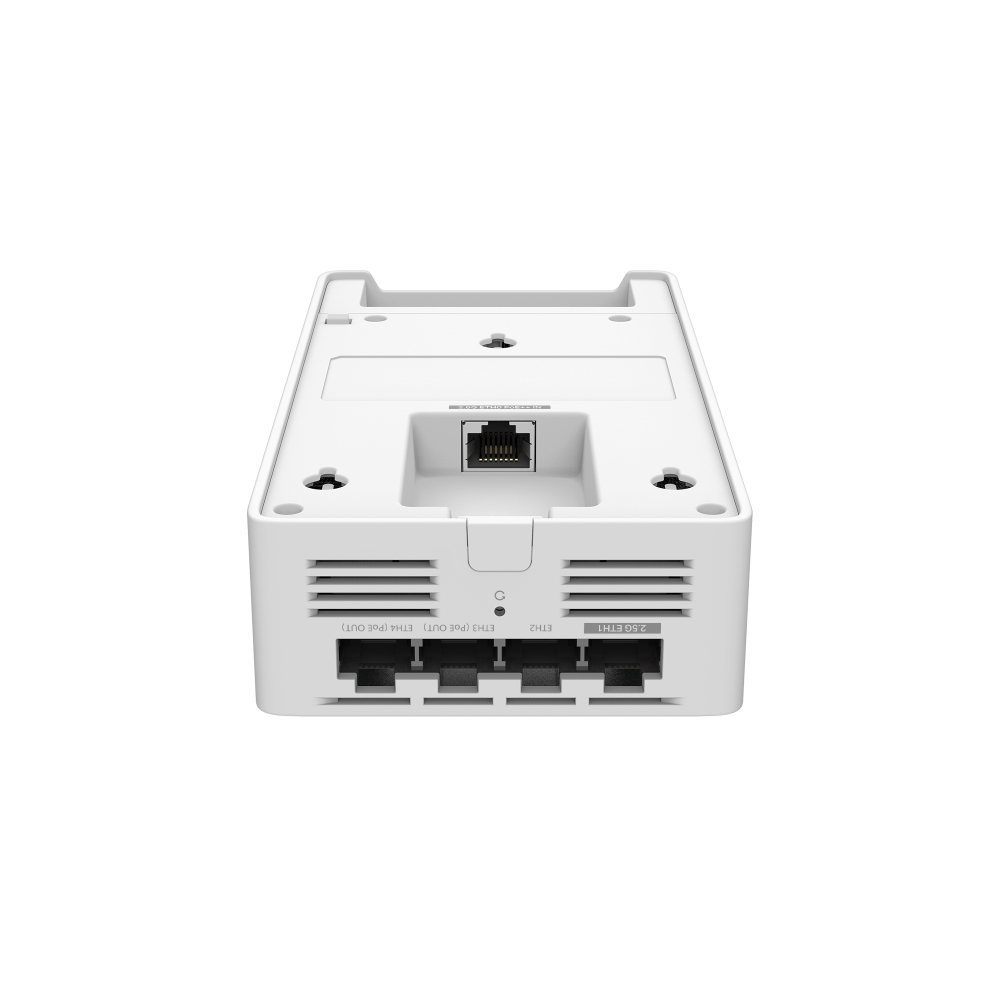
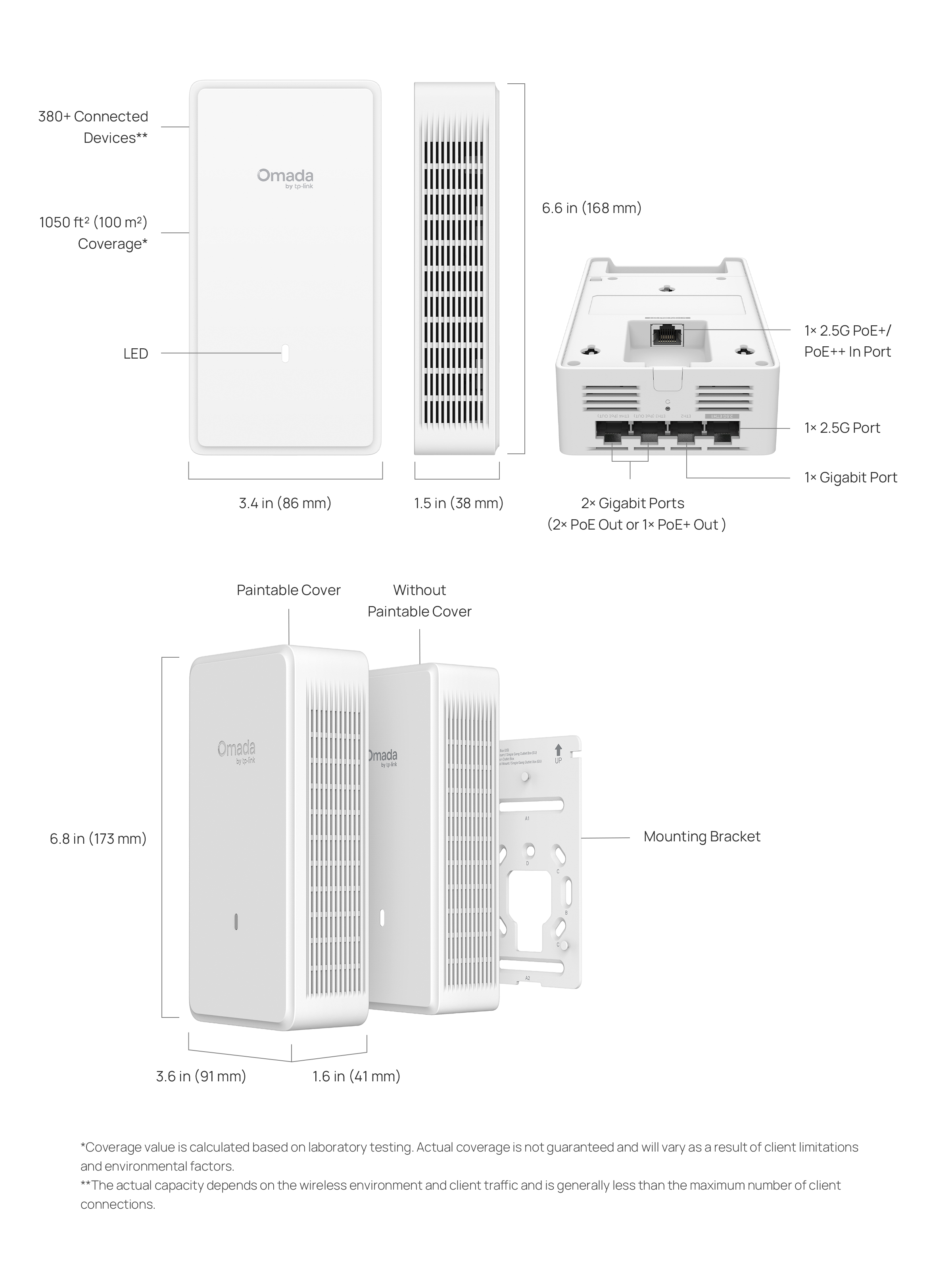
- 多連接埠與 PoE 彈性:2 個 2.5G 連接埠 (1 個 支援 PoE+/PoE++ 輸入) + 3 個 Gigabit 連接埠 (2 個 支援 PoE 輸出或 1 個 支援 PoE+ 輸出)
- 低延遲和低干擾:多重連接操作 (Multi-Link Operation)、Multi-RUs 和 4K-QAM 確保您的網路具備高效能。‡
- 輕鬆設定,易於使用:可與 Omada SDN 搭配運作,實現一鍵設定。
- 進階功能:支援集中式雲端管理、Mesh (網狀網路) 和無縫漫遊。△
- 完整的室內 Wi-Fi,具備更多連線:支援 380+ 個同步連線**,覆蓋面積達 1050 ft² (100 m²) *,提供可靠且廣泛的無線連線能力。
-
6 串流 Wi-Fi 7
-
Wi-Fi 速度高達 11 Gbps†
-
可上漆面板
-
彈性的安裝設計
-
2 個 2.5G 埠
+ 3 個 Gigabit 埠 -
支援 802.3at/bt PoE
-
Omada Mesh
與無縫漫遊△ -
集中化管理
Wi-Fi 7:極速、流暢、穩定
全方位三頻 Wi-Fi 7
-
6 GHz 5675 Mbps6 GHz
-
5 GHz 4324 Mbps5 GHz
-
2.4 GHz 688 Mbps2.4 GHz
-
4K-QAM 帶來更高傳輸效率
-v1/img/c1_1.png) Wi-Fi 7
Wi-Fi 7
12 bits/symbol-v1/img/c1_2.png) Wi-Fi 6
Wi-Fi 6
10 bits/symbol-v1/img/c-arrow-up.png) 提升 20% 數據傳輸量
提升 20% 數據傳輸量 -
MLO 技術顯著提升
穩定度與速率-v1/img/c2.png) 6 GHz5 GHz2.4 GHz極速快感
6 GHz5 GHz2.4 GHz極速快感
極低延遲
彈性佈署的多樣化
安裝設計
-v1/img/d1.jpg)
-v1/img/d2.jpg)
-v1/img/d3.jpg)
-v1/img/d4.jpg)
隨附可上漆外殼
完美融入空間美學
EAP775-Wall 隨附免費的可上漆外殼
可依需求輕鬆更換顏色以匹配各種裝潢背景。
防盜設計提供強大的物理安全性
採用隱藏式防盜鎖設計,可將設備牢牢固定於牆面,在公共場所也能確保設備安全並維持穩定的網路連線。
為每個房間提供
專屬且私密的 Wi-Fi 網路
-v1/img/f1.jpg)
公寓大樓
-v1/img/f2.jpg)
飯店旅宿
-v1/img/f3.jpg)
學生宿舍
-v1/img/f4.jpg)
別墅住宅
-v1/img/f5.jpg)
會議室
-v1/img/f6.jpg)
辦公室
透過 2.5G PoE 埠
發揮極致有線效能
2.5G UpLink Port
打造穩健效能
在連線需求極大的環境中
仍能提供卓越速度與穩定連線。
2.5G 埠
支援 802.3at PoE+,輸出可達 30W
1 個
2.5G 埠
1 個
Gigabit 埠
2 個
Gigabit 埠
(支援 2 個 PoE Out 或 1 個 PoE+ Out)
具備 PoE 彈性 的
多功能 DownLink Port
配備 1 個 2.5G 埠與 3 個 Gigabit 埠。其中 2 個 Gigabit 埠支援彈性的 PoE 輸出,可提供 2 個 PoE Out 或 1 個 PoE+ Out 為 IP 電話或攝影機供電。
-v1/img/g3_1.png)
IP 電話
-v1/img/g3_2.png)
印表機
-v1/img/g3_3.png)
IPTV
-v1/img/g3_4.png)
電腦
強化網路
安全性
-
安全訪客網路
支援多達 24 個 SSID -
SMS 登入認證
助力商業成長 -
WPA3 加密
公共網路連線更安心 -
非法 AP
偵測
無縫整合
至 Omada SDN
Omada 軟體定義網路 (SDN) 解決方案完美整合 AP、受管理交換器與路由器,實現 100% 雲端集中化管理,打造極具彈性的網路環境。
吸頂式 AP
嵌牆式 APEAP775-Wall
戶外型 AP
(雲端)
| 硬體規格 | |
|---|---|
| 連接介面 | • 上行:1× 2.5G 乙太網路埠 • 下行:1× 2.5G 乙太網路埠 + 3× Gigabit 乙太網路埠 (兩個 Gigabit 埠提供彈性的 PoE 輸出,提供雙 PoE 或單個 PoE+ 輸出。PoE 輸出功能需要 802.3bt 輸入。) |
| 物理安全鎖 | 支援 |
| 按鈕 | 重置 |
| 電源 | 802.3at/bt PoE |
| PoE Out | 兩個 Gigabit 埠提供彈性 PoE 輸出,提供雙 PoE 或單個 PoE+ 輸出。 PoE 輸出功能需要 802.3bt 輸入。 |
| 功耗 | 45W (25W PoE 輸出) |
| 尺寸(長 x 寬 x 高) | 172.9 × 91.2 × 41.3 mm(毫米) |
| 天線 | 6× 內建天線 • 2.4 GHz: 2× 5 dBi • 5 GHz: 2× 5.5 dBi • 6 GHz: 2× 5.5 dBi |
| 藍牙 | V5.2 |
| 安裝 | 牆面安裝 (含安裝套件) |
| 管理功能 | |
|---|---|
| Omada App | 支援 |
| 集中化管理 | • Omada 硬體控制器 • Omada 軟體控制器 • Omada 雲端控制器 |
| 雲端存取 | 支援 , 需要 Omad 控制器 |
| E-mail警示 | 支援 |
| LED 開/關 控制 | 支援 |
| 管理MAC存取控制 | 支援 |
| SNMP | v1, v2c, v3 |
| 系統登入本地/遠端系統日誌 | 系統日誌 |
| SSH | 支援 |
| Web管理介面 | 支援 |
| L3 管理 | 支援 |
| 多站點管理 | 支援 |
| 管理VLAN | 支援 |
| 零接觸監管 | 支援 , 需要 Omada 雲端控制器 |
| 無線網路規格 | |
|---|---|
| 覆蓋範圍 | 1050 ft² (100 m²)* |
| 可同時連線用戶數 | 380+** |
| 無線網路標準 | IEEE 802.11 a/b/g/n/ac/ax/be |
| 無線網路頻率 | 2.4 GHz, 5 GHz 和 6 GHz |
| 訊號速率 | • 6 GHz:高達 5765 Mbps • 5 GHz:高達 4324 Mbps • 2.4 GHz:高達 688 Mbps |
| 無線網路功能 | • MLO‡ • 4K-QAM‡ • Multi-RUs‡ • 320 MHz 頻寬‡ • 24 個 SSID (每個頻段高達 8 個 SSID) • 啟用/停用無線無線電 • 自動通道分配 • 傳輸功率控制 (以 dBm 調整傳輸功率) • QoS(WMM) • 無縫漫遊△ • 波束成型 • 速率限制 (基於 SSID/用戶端) • 負載平衡 • 隔空公平性 • 頻段轉向 • 重啟排程 • 無線排程 • RADIUS 計費 • MAC 驗證 • 無線統計 • 固定 IP/浮動 IP |
| 無線網路安全性 | • 強制網路門戶驗證△ • 存取控制 • 無線 Mac 位址過濾 • 用戶端之間的無線隔離 • VLAN • 非法 AP 偵測 • WPA-Personal/Enterprise, WPA2-Personal/Enterprise, WPA3-Personal/Enterprise |
| 傳輸功率 | 4-22 dBm (2.4 GHz)4-22 dBm (5 GHz, U-NII-1, U-NII-2A, U-NII-2C, U-NII-3)4-22 dBm (6 GHz) |
| 其他規格 | |
|---|---|
| 認證 | FCC |
| 包裝內容 | • EAP775-Wall • 可塗裝外殼 • 安裝指南 • 安裝配件包 |
| 系統需求 | Microsoft Windows XP, Vista, Windows 7, Windows 8, Windows10, Windows 11, Linux |
| 環境 | • 運作溫度:0–40 ℃ (32–104 ℉) • 收納溫度:-40–70 ℃ (-40–158 ℉) • 運作濕度:10–90% RH 無凝結 • 收納濕度:5–90% RH 無凝結 |
†最大無線訊號速率為參考 IEEE 802.11 標準規範的實體速率。320 MHz 頻寬僅可在 6 GHz 頻段使用。同時,受限於監管限制,在某些地區/國家,5 GHz 頻段可能無法使用 160 MHz 和 240 MHz 頻寬,或 6 GHz 頻段可能無法使用 320 MHz 頻寬。實際的無線資料吞吐量、無線覆蓋範圍和連線裝置數量不獲保證,並會因網際網路服務供應商因素、網路狀況、用戶端限制和環境因素而有所不同,包括建築材料、障礙物、流量大小和密度以及用戶端位置。
§已噴漆的外殼無法退換或維修。
‡使用 Wi-Fi 7 (802.11be) 及其功能(包括 360 MHz 頻寬、4K-QAM、Multi-RUs、OFDMA 和 MU-MIMO)需要用戶端也支援相應功能。
*覆蓋範圍數值是根據實驗室測試計算得出。實際覆蓋範圍不獲保證,並會因用戶端限制和環境因素而有所不同。
**實際容量取決於無線環境和用戶端流量,通常少於最大用戶端連線數量。
△Omada Mesh、無縫漫遊、強制網路門戶和雲端存取需要使用 Omada SDN 控制器。設定方法請參閱 Omada SDN 控制器的使用者指南。