Omada Pro Logo official website Vigi Logo official website
Contact Us
  • Contact Sales
  • Contact Support
Log In
avatar

    Messages Messages Bookmarks Bookmarks Account Settings Account Settings
    Worldwide / English
    Omada logo
    • Products

      Products

      • Wireless
        • WiFi 7
          WiFi 7
        • Ceiling Mount
          Ceiling Mount
        • Wall Plate
          Wall Plate
        • Desktop
          Desktop
        • Outdoor
          Outdoor
        • Wireless Bridge
          Wireless Bridge
        • GPON
          GPON
        • View All
          View All
      • Switches
        • View All
          View All
        • Campus <br><small style='opacity: 0.7;'>L3 Stackable</small>
          Campus
          L3 Stackable
        • Aggregation <br><small style='opacity: 0.7;'>L2+, Full Fiber</small>
          Aggregation
          L2+, Full Fiber
        • Access Max <br><small style='opacity: 0.7;'>L2+, Full 10G</small>
          Access Max
          L2+, Full 10G
        • Access Pro <br><small style='opacity: 0.7;'>L2+, 10G Uplink & 2.5G</small>
          Access Pro
          L2+, 10G Uplink & 2.5G
        • Access Plus <br><small style='opacity: 0.7;'>L2+, 10G Uplink & 1G</small>
          Access Plus
          L2+, 10G Uplink & 1G
        • Access <br><small style='opacity: 0.7;'>L2+, Gigabit</small>
          Access
          L2+, Gigabit
        • Agile <br><small style='opacity: 0.7;'>Easy-Managed</small>
          Agile
          Easy-Managed
        • Unmanaged
          Unmanaged
        • Industrial
          Industrial
      • Gateways
        • Wired Gateways
          Wired Gateways
        • WiFi Gateways
          WiFi Gateways
        • 4G/5G Gateways
          4G/5G Gateways
        • Integrated Gateways
          Integrated Gateways
        • DSL Gateways
          DSL Gateways
        • View All
          View All
      • Controllers
        • Cloud-Based
          Cloud-Based
        • Hardware
          Hardware
        • Software
          Software
        • View All
          View All
      • Accessories
        • Media Converters
          Media Converters
        • Modules/Cables
          Modules/Cables
        • PoE Adapters
          PoE Adapters
        • Rackmount Accessories
          Rackmount Accessories
        • AP Accessories
          AP Accessories
        • View All
          View All

      Management Platforms

      • Management Systems
        • Cloud-Based
          Cloud-Based
        • Hardware
          Hardware
        • Software
          Software
        • View All
          View All
      • Cloud Portal

      Software Tools

      • Omada Design Hub
      • Omada WiFi Navi App
    • Solutions
      Solutions Home

      By Scenarios

      • WiFi for Hotels
      • Multi-Dwelling Units (MDU)
      • Small and Mid-Sized Offices
      • Small-Sized Chain Restaurants/Stores
      • Warehouse
      • WiFi for Farms/Ranches/Parking Lots
      • WiFi for Outdoors
      • 4G for Remote Locations
      • High-Density WiFi

      By Technology

      • Unified Networking and Surveillance Solution
      • Free Cloud Management via Omada Central Essentials
      • WiFi 7
      • PPSK Solution
      • PtP & PtMP Wireless Bridges
      • GPON Solution
      • Multi-Gigabit Solution
      • PoE Switches for Surveillance

      Case Studies

      Case Studies

      Omada Powers Real-World Success

      Browse
    • Learn and Train

      Learn

      • FAQs
      • Setup Videos
      • Configuration Guides
      • Case Studies

      Train

      • Training Introduction
      • For Learners
      • For Instructors
    • Support
      Support Home

      Documents

      • Hardware Installation Guide
      • Knowledgebase
      • Datasheet
      • Reference Guide
      • View All

      Downloads

      • Software Download
      • Firmware Download
      • GPL Code
      • MIBs Files
      • View All

      Bulletins

      • Security Vulnerability
      • EOL/EOM/EOS Notification
      • View All

      Contact Support

      • Email Support
      • Call Support
      • Warranty Services

      Tools

      • Omada Emulators
      • Omada App
      • Omada Guard App
      • Compatibility List
    • Partner

      Partner Program

      • Log In
      • Explore Now

      Become a Partner

      • Join Now

      Deal Registration

      • Submit Now

      Find a Distributor

      • Find Now
    • Community
    Search

    TP-Link Search

    Search Icon
     
    Search Empty

    Sorry, no results were found. Please adjust your search or visit the TP-Link Community for help.

    • EAP650 Coming Soon
      Business arrow Omada arrow Wireless arrow Ceiling Mount

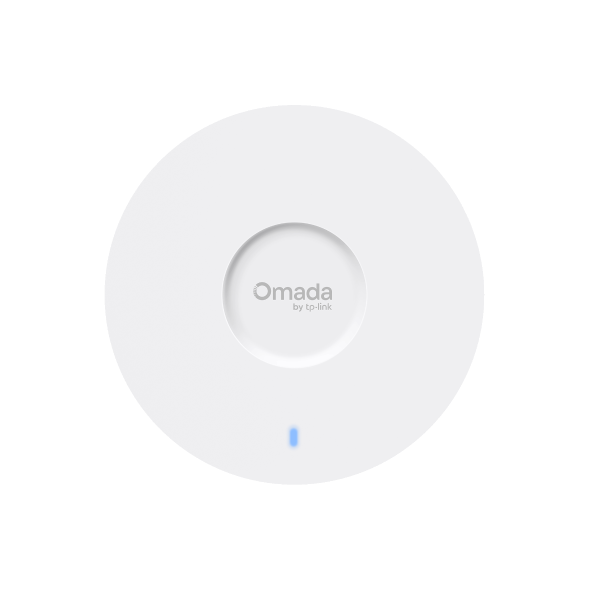
      EAP650

      AX3000 Ceiling Mount WiFi 6 Access Point

      Overview arrow Specifications arrow Support arrow
    • EAP650-Wall New
      Business arrow Omada arrow Wireless arrow Wall Plate

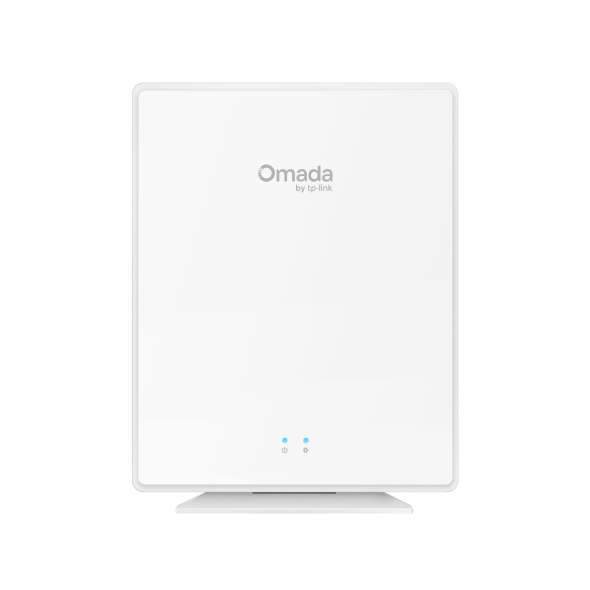
      EAP650-Wall

      AX3000 Wall Plate WiFi 6 Access Point

      Overview arrow Specifications arrow Support arrow
    • EAP650-Desktop Coming Soon
      Business arrow Omada arrow Wireless arrow Desktop

      EAP650-Desktop

      Omada AX3000 Desktop Wi-Fi 6 Access Point

      Overview arrow Specifications arrow Support arrow
    • EAP650-Outdoor Coming Soon
      Business arrow Omada arrow Wireless arrow Outdoor

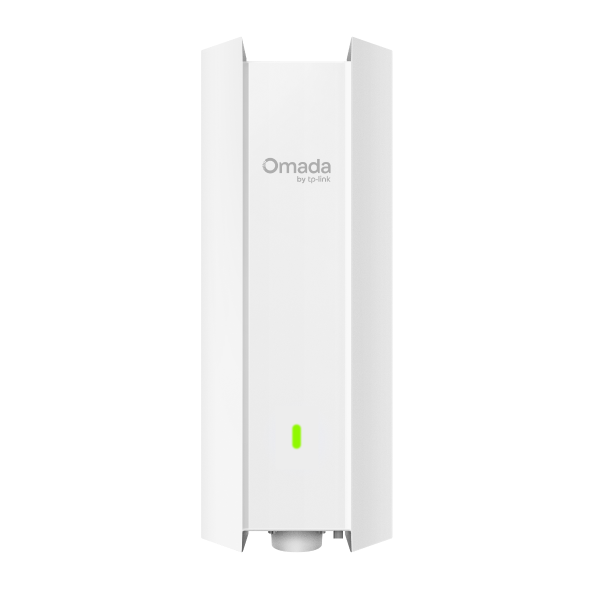
      EAP650-Outdoor

      AX3000 Indoor/Outdoor WiFi 6 Access Point

      Overview arrow Specifications arrow Support arrow
    • EAP650 D120-Outdoor
      Business arrow Omada arrow Wireless arrow Outdoor

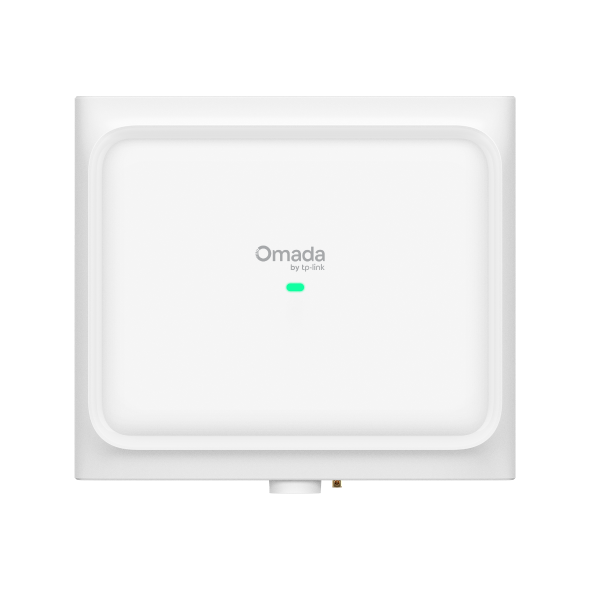
      EAP650 D120-Outdoor

      AX3000 Directional Indoor/Outdoor WiFi 6 Access Point

      Overview arrow Specifications arrow Support arrow
    • EAP650 D30-Outdoor
      Business arrow Omada arrow Wireless arrow Outdoor

      EAP650 D30-Outdoor

      Directional AX3000 Indoor/Outdoor WiFi 6 Access Point

      Overview arrow Specifications arrow Support arrow
    • EAP650GP-Desktop Coming Soon
      Business arrow Omada arrow Wireless arrow GPON

      EAP650GP-Desktop

      Omada AX3000 Wi-Fi 6 Desktop GPON Access Point

      Overview arrow Specifications arrow Support arrow
    Relevancy Time Visits
    • How to configure abnormal on Omada Pro Controller
      date 10-21-2024
      date 18739
    • How to Configure Portal Authentication on Omada Controller using Omada App
      date 10-23-2025
      date 446
    • How to upgrade EAP firmware in different management modes
      date 08-31-2025
      date 4384
    • How to detect Rogue Access Points on Omada Controller
      date 09-09-2025
      date 3394
    • How to Manage Omada Devices at Different Sites Using Omada SDN Controller via VPN (Controller 5.0 or Above)
      date 04-23-2023
      date 68875
    • Getting started with the standalone EAP
      date 11-07-2024
      date 68347
    • How to Manage Omada Devices at Different Sites Using Omada SDN Controller via Port Forwarding (Controller 5.0 or Above)
      date 04-23-2023
      date 117605
    • How to get sarted with Standalone Access Points without Omada Controller
      date 10-26-2024
      date 31921
    • Troubleshooting for Wireless Client Cannot Access the Internet
      date 06-27-2024
      date 50484
    • How to Configure Portal Authentication on Omada Controller
      date 04-14-2023
      date 425418
     2/8 
    • Omada Business Wi-Fi Solutions for Warehouses | TP-Link Omada's business Wi-Fi solution with directional antennas provides a comprehensive approach to delivering high-quality services and high-performance products. Designed for warehouse environments, it ensures strong, reliable signal coverage across all areas, including high-shelf zones, low-shelf zones, and AGV pathways, optimizing connectivity with directional access points. General
    • Omada Outdoor Wi-Fi Solution Omada delivers versatile outdoor connectivity with switches and APs-empowering seamless Wi-Fi coverage for outdoor activities. General
    • Omada Network Solution for Hotels Omada offers a proven, comprehensive solution for hotels of all sizes, delivering high-performance hardware and core software to ensure an exceptional Wi-Fi experience for guests and boost satisfaction. General
    •  

      How to Set Up the Whole Network of Gateway, Switches, and EAPs Using Omada SDN Controller

    •  

      How to Install and Set Up Omada Software Controller

    •  

      How to Adopt Omada Devices via Omada Controller

    •  

      How to add devices with Zero-Touch Provisioning (ZTP) via Could-Based Controller

    •  

      How to Monitor and Manage Devices via Omada SDN Controller

    •  

      How to Configure Schedules to Automate Network Control via Omada SDN Controller

    •  

      How to Monitor and Manage Clients via Omada SDN Controller

    •  

      How to Check the Clients Signal Strength and Estimate the Actual Speed

    •  

      How to Create User Accounts on Omada SDN Controller

    •  

      How to Set Wireless SSID for Different Users via Omada SDN Controller

    •  

      How to Configure No Authentication Portal via Omada SDN Controller

    •  

      How to Configure Voucher Portal for Different Privilege Users via Omada SDN Controller

    Sign Up for News & OffersTP-Link takes your privacy seriously. For further details on TP-Link's privacy practices, see TP-Link's Privacy Policy.

    Email Error

    For Home Networking

    For Smart Home

    For Business

    I would like to be kept up to date with TP-Link news, product updates and promotions.

    By completing this form you confirm that you understand and agree to our Privacy Policy.

    reCaptcha not verified

    Follow Us

    • TP-Link Omada facebook
    • TP-Link Omada youtube
    • TP-Link Omada linkedin
    • TP-Link Omada twitter
    About
    • About Us
    • Corporate Information
    • Sustainability
    • Privacy Policy
    • Ethical Violation Complaint
    • Accessibility
    • Contact Us
    Press
    • News
    • Blog
    • Security Advisory
    Partners
    • Partner Program
    Learning Center
    • Technology Trends
    TP-Link Omada Omada Pro VIGI
    Worldwide / English

    ©2025 TP-Link Systems Inc. and its affiliated companies. All rights reserved.

    TP-Link, Tapo, Kasa, Omada, VIGI, Aginet, HomeShield, and Tapo Care branded products are products of TP-Link Systems Inc. or its affiliates.
    Note: Some services and materials may require you to accept additional terms and conditions before access or use.
    References to "TP-Link" may include TP-Link Systems Inc., its subsidiaries, or business units within the TP-Link corporate structure, as applicable.
    The materials provided, including but not limited to press releases, presentations, blog posts, and webcasts, are current as of the date of publication and may be superseded by subsequent updates.

    From United States?

    Get products, events and services for your region.

    GO Other Option

    This website uses cookies to improve website navigation, analyze online activities and have the best possible user experience on our website. You can object to the use of cookies at any time. You can find more information in our privacy policy . Don’t show again

    Your Privacy Choices

    This website uses cookies to improve website navigation, analyze online activities and have the best possible user experience on our website. You can object to the use of cookies at any time. You can find more information in our privacy policy . Don’t show again

    Basic Cookies

    These cookies are necessary for the website to function and cannot be deactivated in your systems.

    TP-Link

    SESSION, JSESSIONID, accepted_local_switcher, tp_privacy_banner, tp_privacy_base, tp_privacy_marketing, tp_top-banner, tp_popup-bottom, tp_popup-center, tp_popup-right-middle, tp_popup-right-bottom, tp_productCategoryType

    Youtube

    id, VISITOR_INFO1_LIVE, LOGIN_INFO, SIDCC, SAPISID, APISID, SSID, SID, YSC, __Secure-1PSID, __Secure-1PAPISID, __Secure-1PSIDCC, __Secure-3PSID, __Secure-3PAPISID, __Secure-3PSIDCC, 1P_JAR, AEC, NID, OTZ

    Zendesk

    OptanonConsent, __cf_bm, __cfruid, _cfuvid, _help_center_session, _pendo___sg__.<container-id>, _pendo_meta.<container-id>, _pendo_visitorId.<container-id>, _zendesk_authenticated, _zendesk_cookie, _zendesk_session, _zendesk_shared_session, ajs_anonymous_id, cf_clearance

    Analysis and Marketing Cookies

    Analysis cookies enable us to analyze your activities on our website in order to improve and adapt the functionality of our website.

    The marketing cookies can be set through our website by our advertising partners in order to create a profile of your interests and to show you relevant advertisements on other websites.

    Google Analytics & Google Tag Manager

    _gid, _ga_<container-id>, _ga, _gat_gtag_<container-id>

    Google Ads & DoubleClick

    test_cookie, _gcl_au