


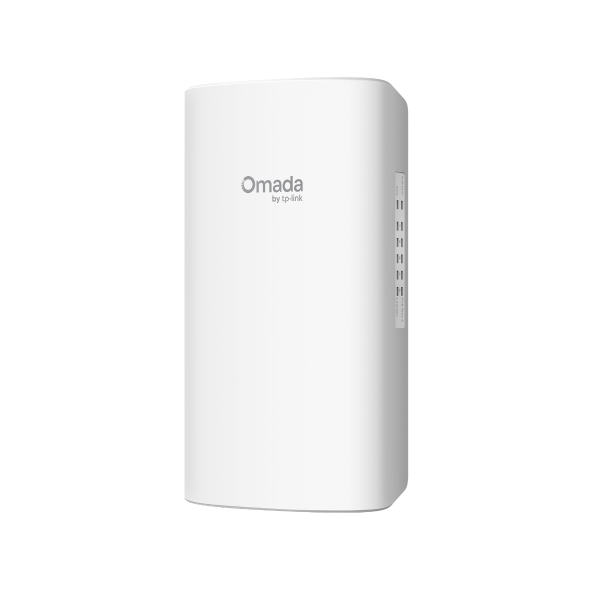
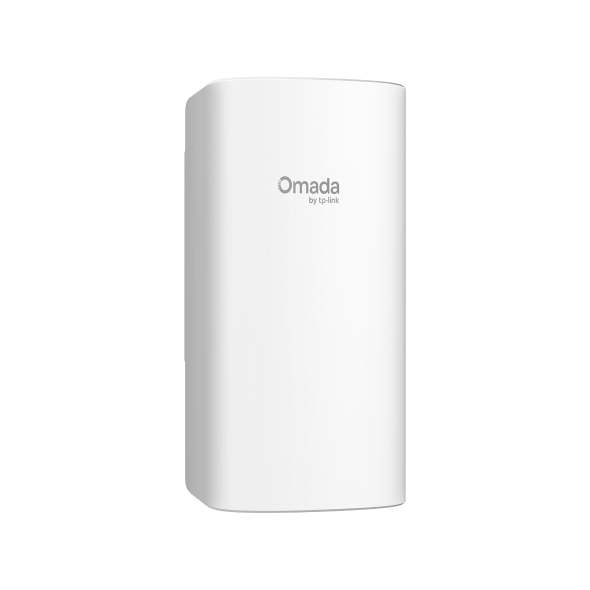
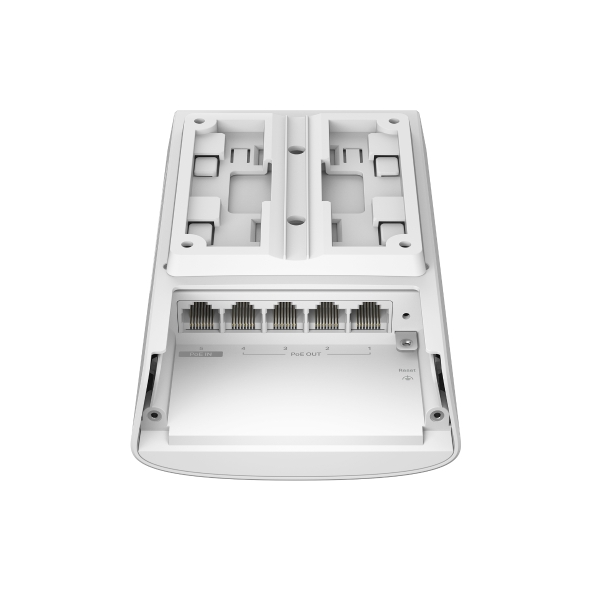
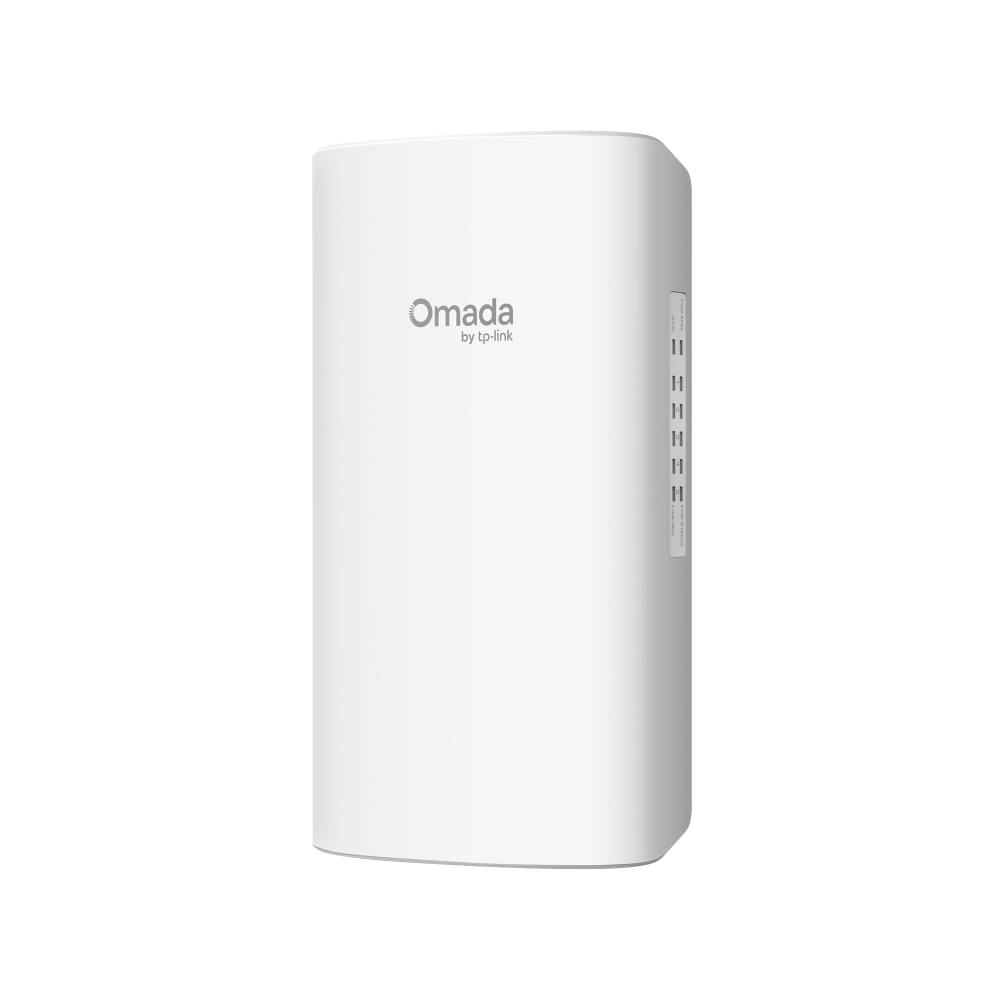
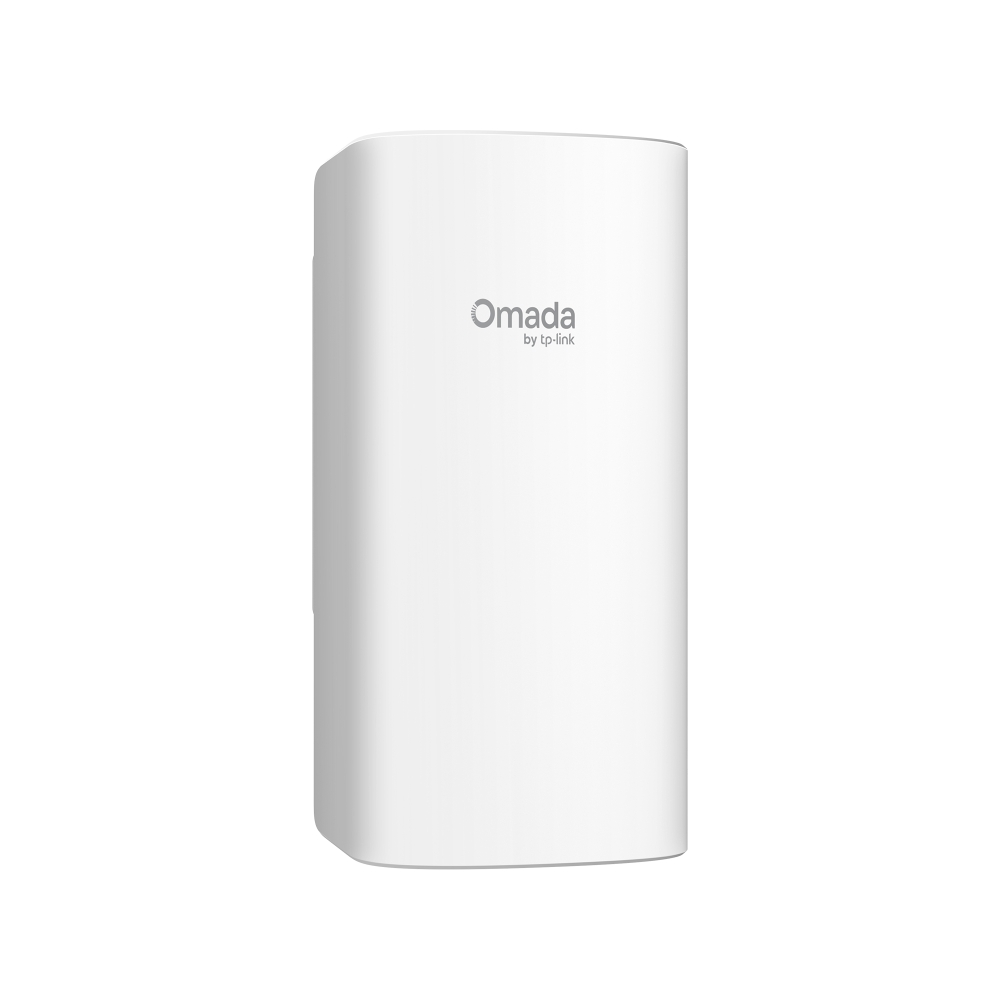
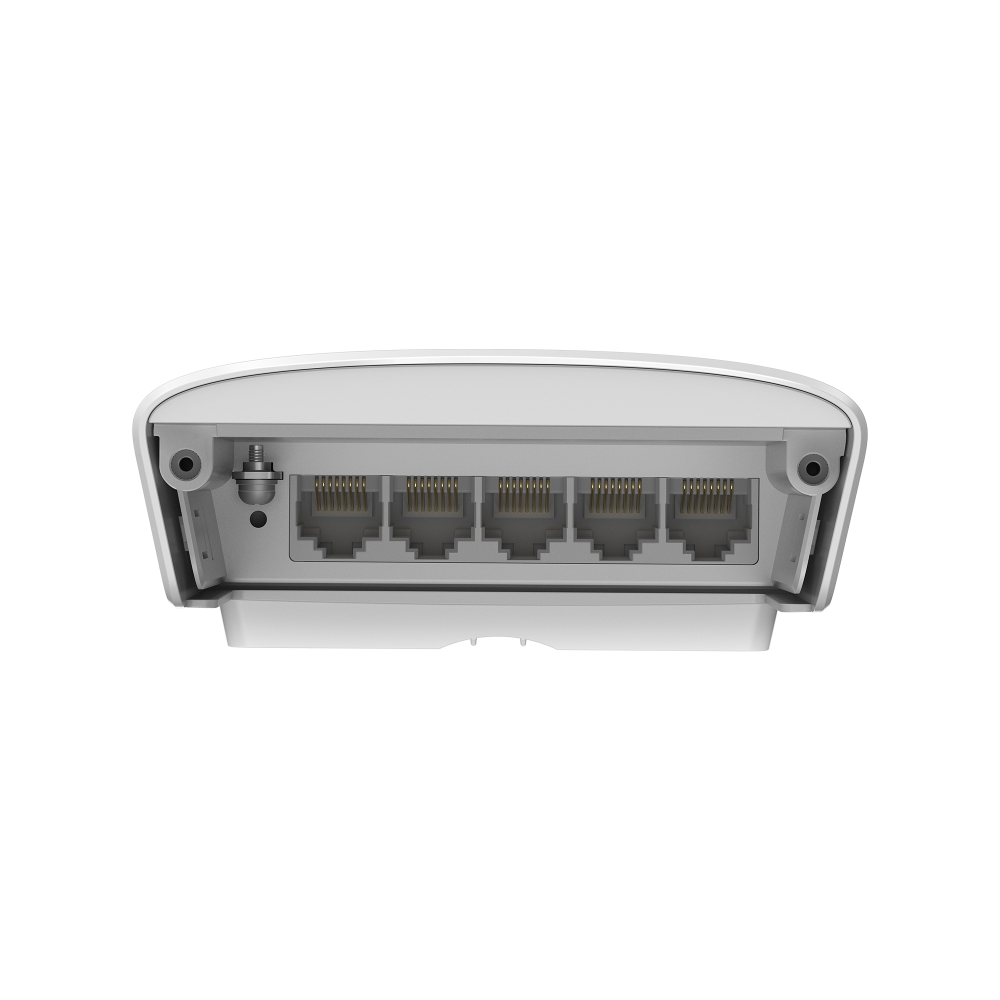
Omada Access 5-Port Gigabit Switch with 1-Port PoE++ in and 4-Port PoE+ out
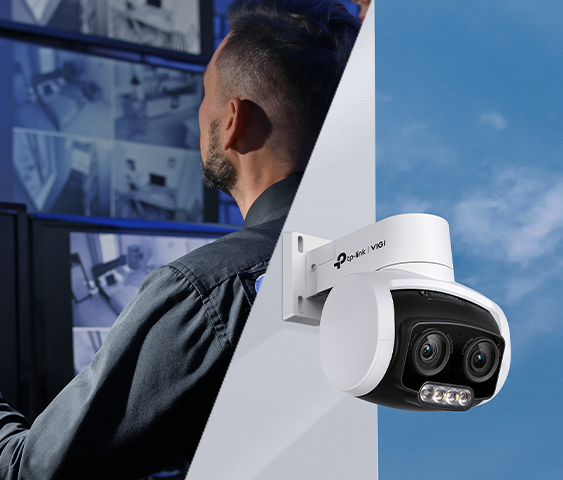
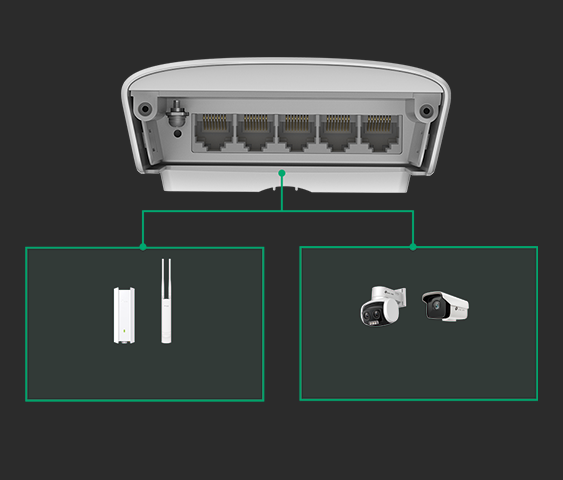
- Up to 656 ft (200 m) PoE Distance: Doubles PoE source-to-device transmission distance via standard PoE Passthrough. Ideal for long-distance cameras and access points without speed loss*
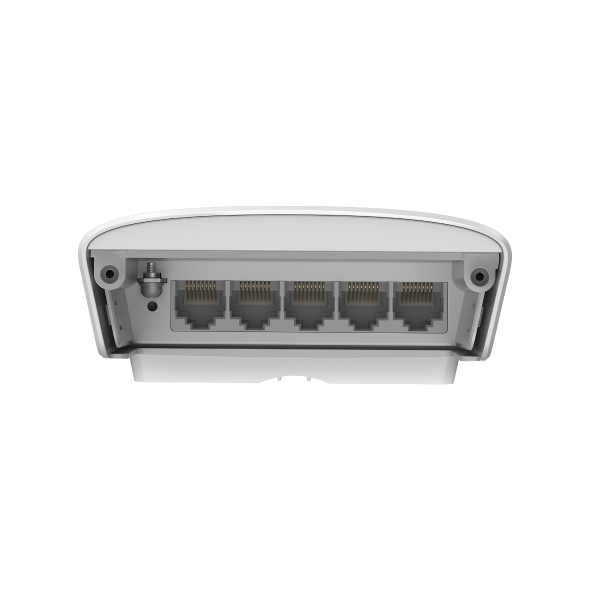
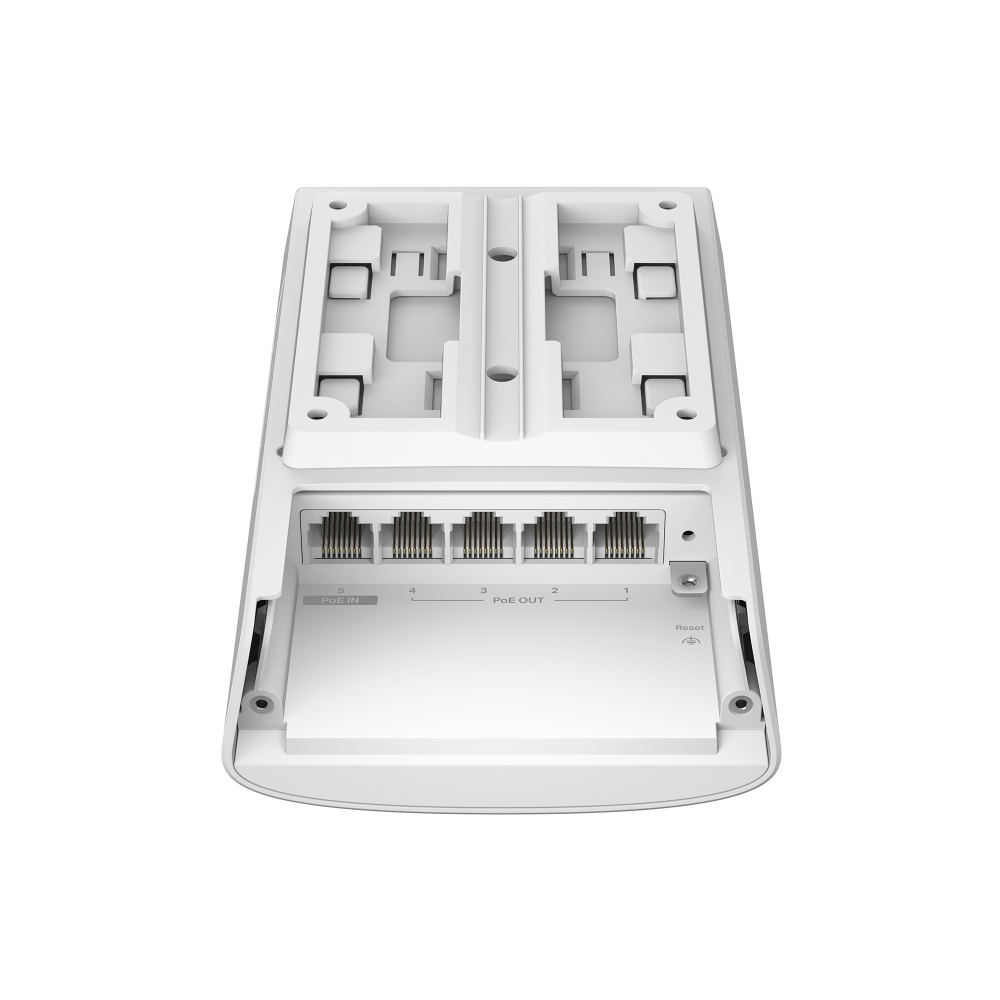
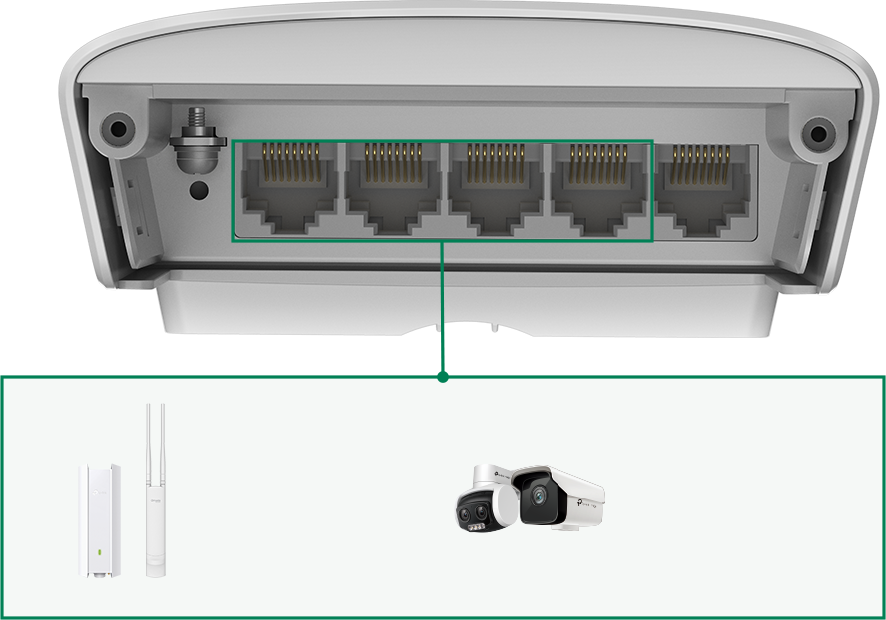
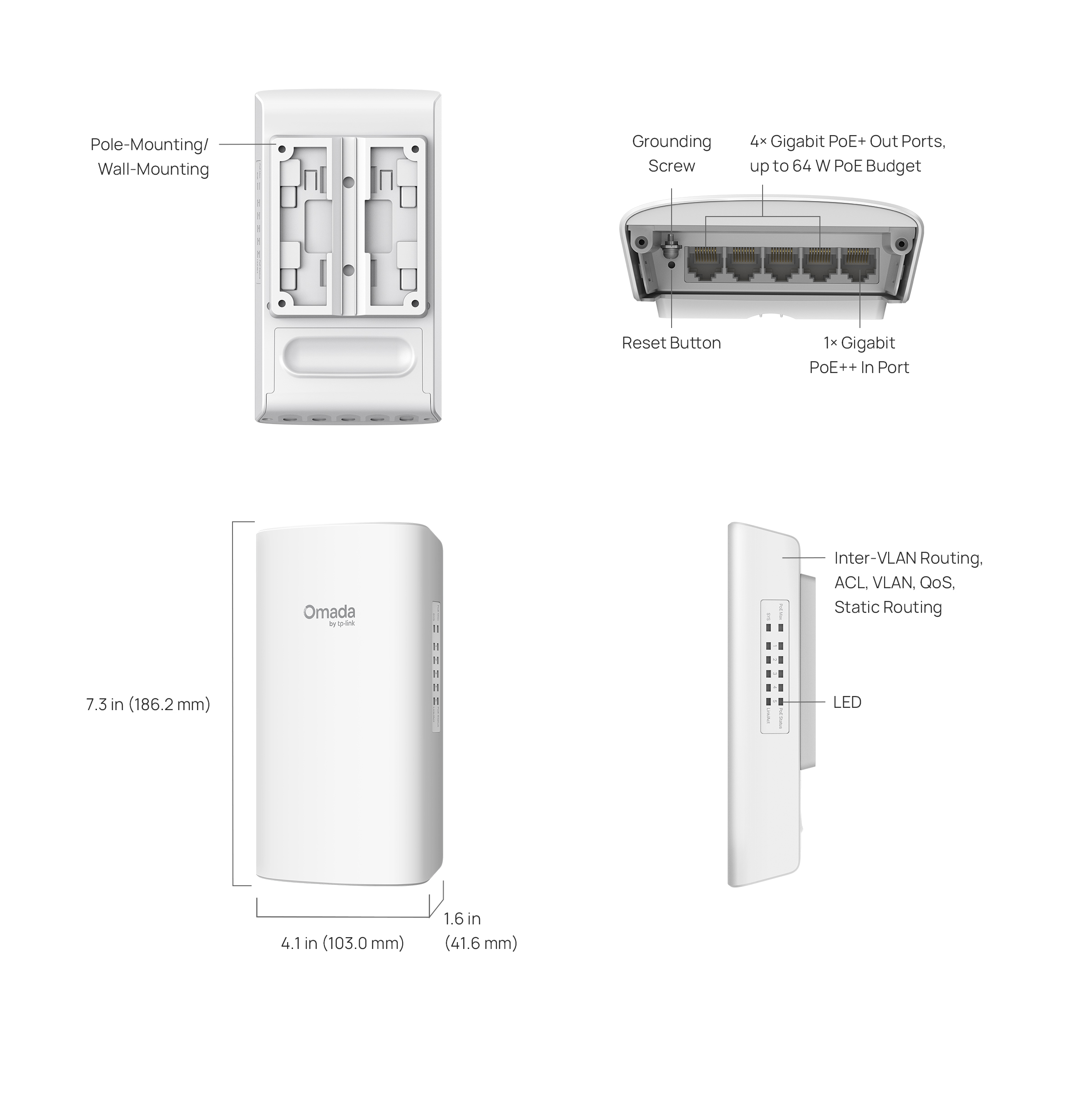
- 1× gigabit PoE++ in RJ45 port and 4× gigabit PoE+ Out RJ45 ports
- Supports up to 64 W PoE budget**
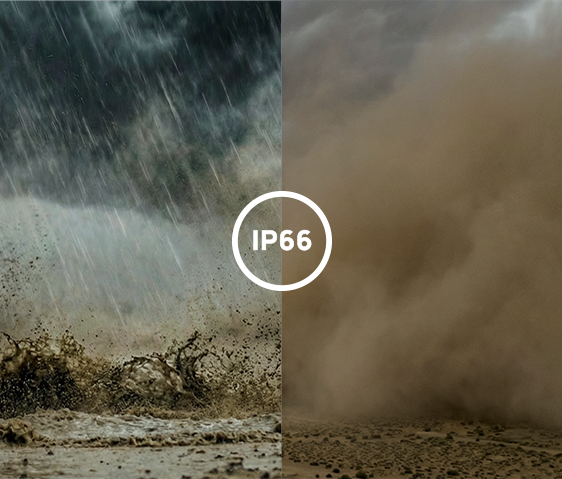
- Outdoor Weatherproof: IP66 waterproof, -40 to 60°C operating temperature, UV-resistant casing, and 6kV lightning protection***
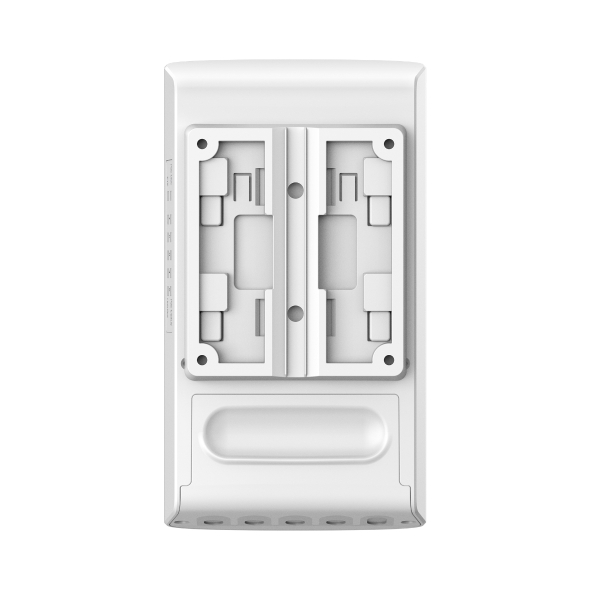
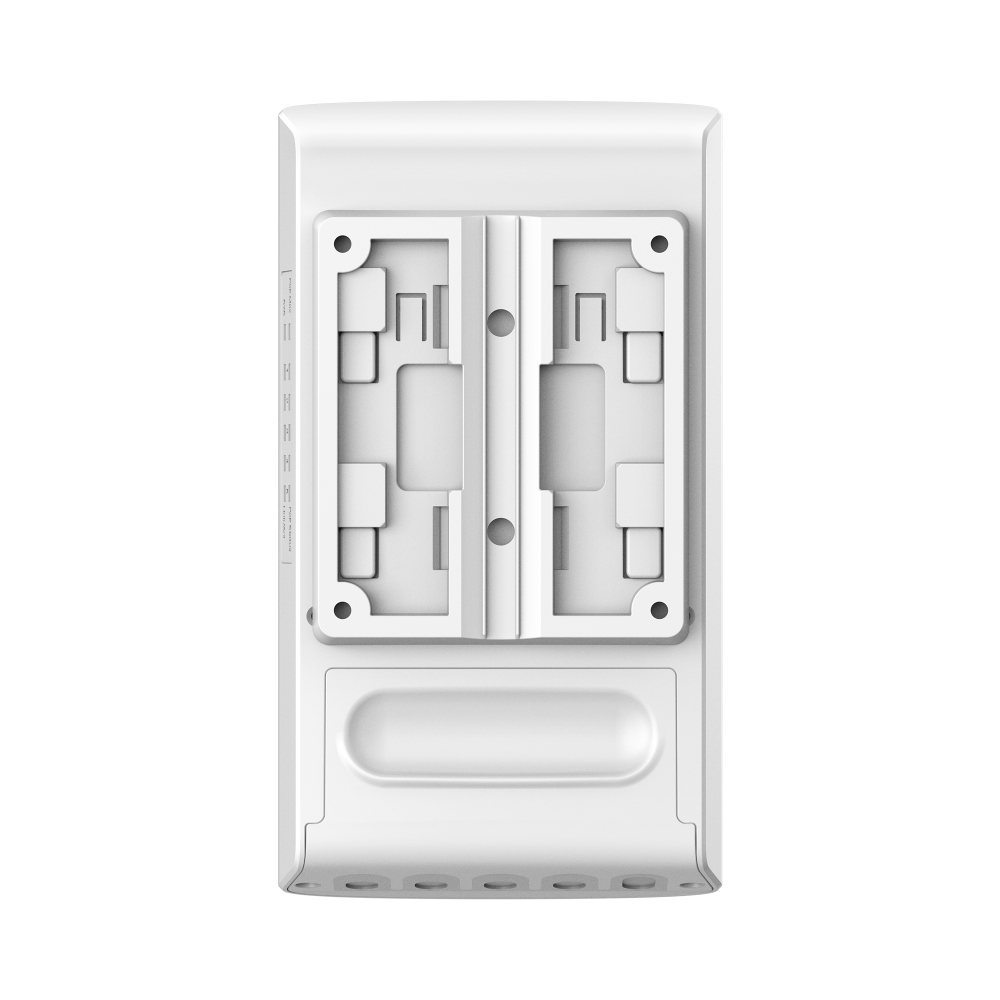
- Versatile design for pole and wall mounting
- Centralized cloud management via the web or the Omada app†
- Static Routing, Access Control List (ACL), QoS, and VLAN

Switch for Simplified Outdoor Network Deployment
Switch with 1-Port PoE++ in and 4-Port PoE+ out
Powered by PoE++/PoE+/PoE
Max 64 W PoE
Budget with 4 PoE+ Output Ports**
656 ft (200 m) Gigabit PoE with Zero Speed Loss
Full Gigabit Port
Easy Installation with Pole-Mounting /
Wall-Mounting
IP66 Waterproof and UV-Resistant Casing
Centralized Cloud Management†
6kV Lightning Protection
656 ft (200 m) with
No Speed Loss

PoE Distance
Controller
Controller
(e.g, PoE Switch, PoE Injector)

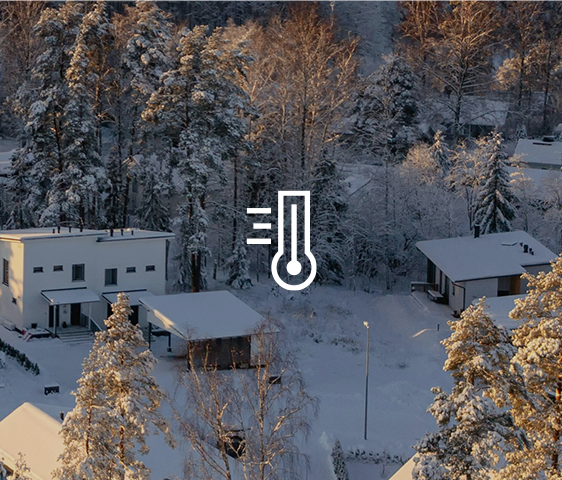
-40 to 60°C (-40 to 140°F)





| HARDWARE FEATURES | |
|---|---|
| Interface | • 1× 10/100/1000 Mbps RJ45 PoE In Port (compliance with 802.3af/at/bt)• 4× 10/100/1000 Mbps RJ45 PoE Out Ports (compliance with 802.3af/at) |
| Network Media | • 10BASE-T: UTP category 3, 4, 5 cable (maximum 100m)• 100BASE-TX/1000Base-T: UTP category 5, 5e or 6 cable (maximum 100m) |
| Fan Quantity | Fanless |
| Power Supply | Obtain Power from 802.3af/at/bt PoE Source |
| PoE Ports (RJ45) | • PoE In Port: Port 5, compliance with 802.3af/at/bt• PoE Out Ports: Ports 1-4, compliance with 802.3af/at• PoE Power Budget:-64W when powered by 802.3bt Type 4 (90W)-44W when powered by 802.3bt Type 3 (60W)-19W when powered by 802.3at-6W when powered by 802.3af• Fast PoE• Perpetual PoE |
| Dimensions ( W x D x H ) | 4.1 × 1.6 × 7.3 in (103.0 × 41.6 × 186.2 mm) |
| Surge Protection | ±6 kV |
| Max. Power Consumption | 71.05 W (when powered by 802.3bt Type 4 (90W)) |
| Max. Heat Dissipation | 241.57 BTU/hr (when powered by 802.3bt Type 4 (90W)) |
| PERFORMANCE | |
|---|---|
| Packet Buffer Memory | 4.1 Mbit |
| Jumbo Frame | 9 KB |
| Switching Capacity | 10 Gbps |
| Packet Forwarding Rate | 7.44 Mpps |
| MAC Address Table | 8K |
| SOFTWARE FEATURES | |
|---|---|
| Quality of Service | • 802.1p CoS/DSCP priority• 8 priority queues• Priority Schedule Mode- SP (Strict Priority)- WRR (Weighted Round Robin)• Queue Weight Config• Bandwidth Control- Port/Flow-based Rating Limit• Smoother Performance• Storm Control- Multiple Control Modes(kbps/ratio)- Broadcast/Multicast/Unknown-Unicast Control |
| L2 and L2+ Features | • 32 IP IPv4/IPv6 Interface• Static Routing- 32 IPv4/IPv6 Static Routes• DHCP Server• DHCP Relay- DHCP Interface Relay- DHCP VLAN Relay• DHCP L2 Relay• Static ARP• Proxy ARP• Gratuitous ARP• Link Aggregation- Static link aggregation- 802.3ad LACP- Up to 8 aggregation groups and up to 8 portsper group• Spanning Tree Protocol- 802.1D STP- 802.1w RSTP- 802.1s MSTP- STP Security: TC Protect, BPDU Filter/Protect,Root Protect• Loopback Detection• Flow Control- 802.3x Flow Control• Mirroring- Port Mirroring- CPU Mirroring- One-to-One- Many-to-One- Flow-Based- Ingress/Egress/Both• Device Link Detect Protocol (DLDP)• 802.1ab LLDP/ LLDP-MED |
| L2 Multicast | • 511 IPv4, IPv6 shared multicast groups• IGMP Snooping- IGMP v1/v2/v3 Snooping- Fast Leave- IGMP Snooping Querier- Static Group Config• Multicast VLAN Registration (MVR)• Multicast Filtering• MLD Snooping- MLD v1/v2 Snooping- Fast Leave- MLD Snooping Querier- Static Group Config• Limited IP Multicast (256 profiles and 16 entries per profile) |
| Advanced Features | • Automatic Device Discovery†• Batch Configuration†• Batch Firmware Upgrading†• Intelligent Network Monitoring†• Abnormal Event Warnings†• Unified Configuration†• Reboot Schedule† |
| VLAN | • VLAN Group- Max. 4K VLAN Groups• 802.1Q tag VLAN• MAC VLAN: 12 Entries• Protocol VLAN• GVRP• Voice VLAN |
| Access Control List | • Support up to 230 entries• Time-Range- Time Slice- Week Time-Range- Absolute Time-Range- Holiday• Time-based ACL• MAC ACL- Source MAC- Destination MAC- VLAN ID- User Priority- Ether Type• IP ACL- Source IP- Destination IP- IP Protocol- TCP Flag- TCP/UDP Source Port- TCP/UDP Destination Port- DSCP/IP TOS• IPv6 ACL• Combined ACL• Rule Operation- Permit/Deny• Policy Action- Mirror- Rate Limit- Redirect- QoS Remark• ACL Rules Binding- Port Binding- VLAN Binding• Actions for flows- Mirror (to supported interface)- Redirect (to supported interface)- Rate Limit- QoS Remark |
| Security | • Authentication, Authorization, Accounting (AAA)• 802.1X- Port-based authentication- MAC (Host) based authentication- Authentication Method includes PAP/EAP-MD5- MAB- Guest VLAN- Support Radius authentication and accountability• IP/IPv6-MAC Binding- 512 Binding Entries- DHCP Snooping- DHCPv6 Snooping- ARP Inspection- ND Detection• IP Source Guard- 253 Entries- Source IP+Source MAC• IPv6 Source Guard- 183 Entries- Source IPv6 Address+Source MAC• DoS Defend• Static/Dynamic/Permanent Port Security- Up to 64 MAC addresses per port• Broadcast/Multicast/Unicast Storm Control- kbps/ratio control mode• Port Isolation• Secure web management through HTTPS with SSLv3/TLS 1.2 • Secure Command Line Interface (CLI) management with SSHv1/SSHv2• IP/Port/MAC-based access control |
| IPv6 | • IPv6 Static Routing and ACL• IPv4/IPv6 Dual Stack• IPv6 Interface• Multicast Listener Discovery (MLD) Snooping• IPv6 neighbor discovery (ND)• Path maximum transmission unit (MTU) discovery• Internet Control Message Protocol (ICMP) version 6• TCPv6/UDPv6• IPv6 applications- DHCPv6 Client- Ping6- Tracert6- Telnet(v6)- IPv6 SNMP- IPv6 SSH- IPv6 SSL- Http/Https- IPv6 TFTP |
| MIBs | • MIB II (RFC1213)• Bridge MIB (RFC1493)• P/Q-Bridge MIB (RFC2674)• Radius Accounting Client MIB (RFC2620)• Radius Authentication Client MIB (RFC2618)• Remote Ping, Traceroute MIB (RFC2925)• Support TP-Link private MIBs• RMON MIB(RFC1757, rmon 1,2,3,9) |
| Management Features | |
|---|---|
| Omada App | Yes. Requires the use of Omada Hardware Controller, Omada Cloud-Based Controller, or Omada Software Controller. |
| Centralized Management | • Omada Cloud-Based Controller (Requires built-in version 5.15.22 or later)• Omada Hardware Controller (Requires built-in version 5.15.20 or later)• Omada Software Controller (Requires built-in version 5.15.20 or later) |
| Cloud Access | Yes. Requires the use of Omada Hardware Controller, Omada Cloud-Based Controller, or Omada Software Controller. |
| Zero-Touch Provisioning | Yes. Requiring the use of Omada Cloud-Based Controller. |
| Management Features | • Web-based GUI• Command Line Interface (CLI) through telnet• SNMPv1/v2c/v3• SNMP Trap/Inform• RMON (1,2,3,9 groups)• SDM Template• DHCP/BOOTP Client• Dual Image, Dual Configuration• CPU Monitoring• Cable Diagnostics• EEE• SNTP• System Log |
| OTHERS | |
|---|---|
| Certification | CE, FCC, IP66 |
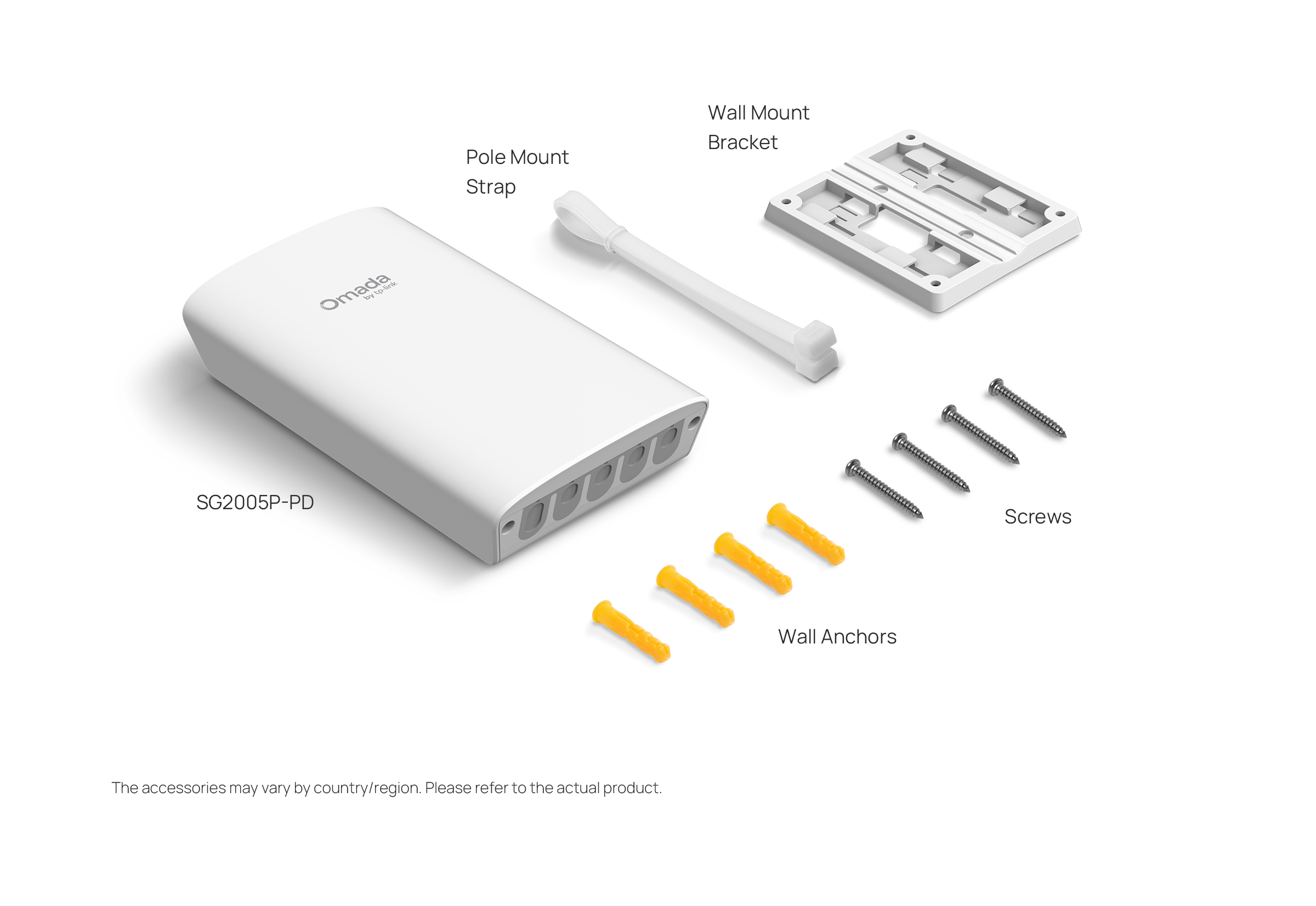
| Package Content | • SG2005P-PD• Wall Mount Bracket• Pole Mount Strap• Wall Anchors• Screws• Installation Guide |
| System Requirements | Microsoft® Windows® 98SE, NT, 2000, XP, Vista™ or Windows 7/8/10/11, MAC® OS, NetWare®, UNIX® or Linux. |
| Environment | • Operating Temperature: -40 to 60 °C (-40 to 140 °F)• Storage Temperature: -40 °C to 70 °C (-40 °F to 158 °F)• Operating Humidity: 10–90% RH non-condensing• Storage Humidity: 5–90% RH non-condensing |
*The actual transmission distance may vary due to the power consumption of PoE-powered devices or the cable quality and type.
**Supports up to 64 W / 44 W / 19 W/ 6 W PoE budget output when powered by 802.3bt Type 4 (90 W), 802.3bt Type 3 (60 W), 802.3at, and 802.3af PoE, respectively. PoE budget calculations are based on laboratory testing. The actual PoE power budget is not guaranteed and will vary as a result of client limitations and environmental factors.
***Protection against lightning may be achieved through proper product setup, grounding, and cable shielding. Refer to the instruction manual and consult an IT professional to assist with setting up this product.
†These functions require the use of the Omada Controller. Zero-Touch Provisioning requires the use of Omada Central (Omada Central Standard or Omada Central Essentials). Go to the Omada Central Standard Product List or Omada Central Essentials Product List to find all the supported models.