What Is Enterprise Wi-Fi? Standards, Security, and How It Differs From Home Wi-Fi

Published: February 4, 2026 | Last Updated: July 23, 2026
Enterprise Wi-Fi is wireless networking built to run many access points as one system, with centralized authentication, guest and staff traffic kept apart, and WPA3-Enterprise security tied to individual logins instead of one shared password; it works differently from a home router the moment more than a handful of people depend on it.
Quick Answer
-
Enterprise Wi-Fi runs multiple access points as one coordinated system, not several routers acting independently.
-
It uses centralized authentication, so a single login policy applies across all access points at once.
-
It keeps guest, staff, and IoT traffic on separate segmented networks instead of one shared connection.
-
It relies on WPA3-Enterprise security, which ties access to individual credentials instead of one shared password.
-
A single consumer router is fine for a five-person team; anything larger needs managed access points and a controller.
Table of Contents
How Does Enterprise Wi-Fi Actually Work?
Components of a Business Wi-Fi Network
What Types of Wi-Fi Networks Exist?
Wi-Fi Security: WPA2, WPA3, and WPA3-Enterprise
Why Enterprise Wi-Fi Matters for Philippine Businesses
Best Practices for Managing Business Wi-Fi
Choosing Wi-Fi Hardware for a Growing Business
"Wi-Fi" means something different depending on whether you are running it for five people or five hundred. Wi-Fi fuels daily workloads for efficient daily operations, cloud apps, video calls, and smart devices, from single offices to multi-branch chains, across offices, BPOs, retail chains, and hospitals in the Philippines.
As of late 2025, the Philippines had roughly 98 million internet users, about 83.8% of the population, and Filipinos rank among the most digitally active users in Asia. For any business that depends on fast, stable, and scalable networks, understanding what Wi-Fi is and how it works at a business level is the starting point for buying the right equipment instead of overpaying for consumer gear or underbuying for actual demand.
What Is Wi-Fi, Technically?
Wireless Fidelity, or Wi-Fi, is the wireless networking technology that connects laptops, tablets, smartphones, security systems, and IoT gadgets to a local network and the wider internet using radio frequency signals instead of a cable.
Wi-Fi hardware, meaning access points and routers, communicates using the IEEE 802.11 family of standards. These standards define how fast data travels, which radio bands are used, and how devices authenticate onto the network securely.
For a business, Wi-Fi is what lets staff, visitors, and IoT devices reach network resources from anywhere inside an office, warehouse, school, or retail floor, without running a cable to every desk or till.
What It Means for You: If your current network is one router bought off a shelf, you already have Wi-Fi. Whether you have enterprise Wi-Fi depends on what happens next: how many access points you're coordinating and how consistently they behave.
How Does Enterprise Wi-Fi Actually Work?
Wi-Fi moves data over radio frequency waves across three bands: 2.4 GHz, 5 GHz, and, on newer equipment, 6 GHz. The basic path looks like this:
-
The ISP's internet connection arrives through a modem or gateway.
-
A router or wireless access point converts that data into radio waves.
-
Wireless devices exchange data over those radio waves.
-
Authentication protocols keep that exchange restricted to authorized users and devices.
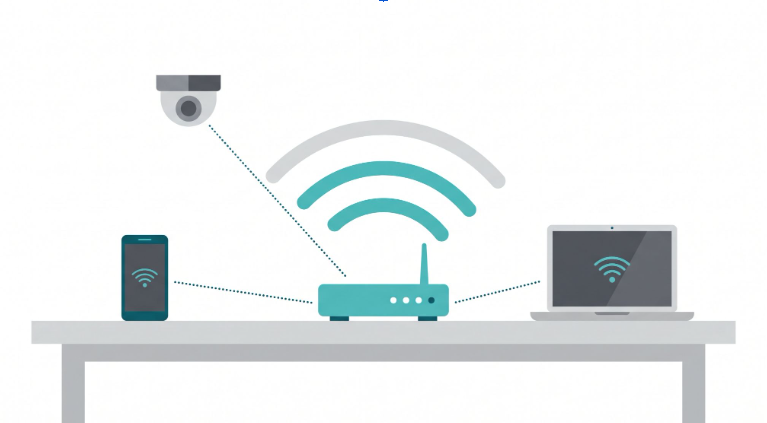
That description covers a home setup fine. Where it changes for a business is scale. Enterprise Wi-Fi means multiple access points working as a single coordinated system, not several routers each doing their own thing.
That coordination is what allows a phone to roam from one end of a building to the other without dropping a call and what lets an IT admin push a security policy to fifty access points in one action instead of fifty separate logins.
What It Means for You: A five-person office with one router has Wi-Fi that works fine today. The moment you add a second floor, a guest network, or a tenth employee, that single router stops being able to coordinate anything, and that's the point where enterprise Wi-Fi becomes the right category to shop in.
Components of a Business Wi-Fi Network
Hardware
Wireless routers. In a business context, this piece is more accurately a gateway. It handles the internet handoff, firewall rules, and often VPN termination. Quality gateways support operational bandwidth management so no single department or guest device can starve the rest of the office.
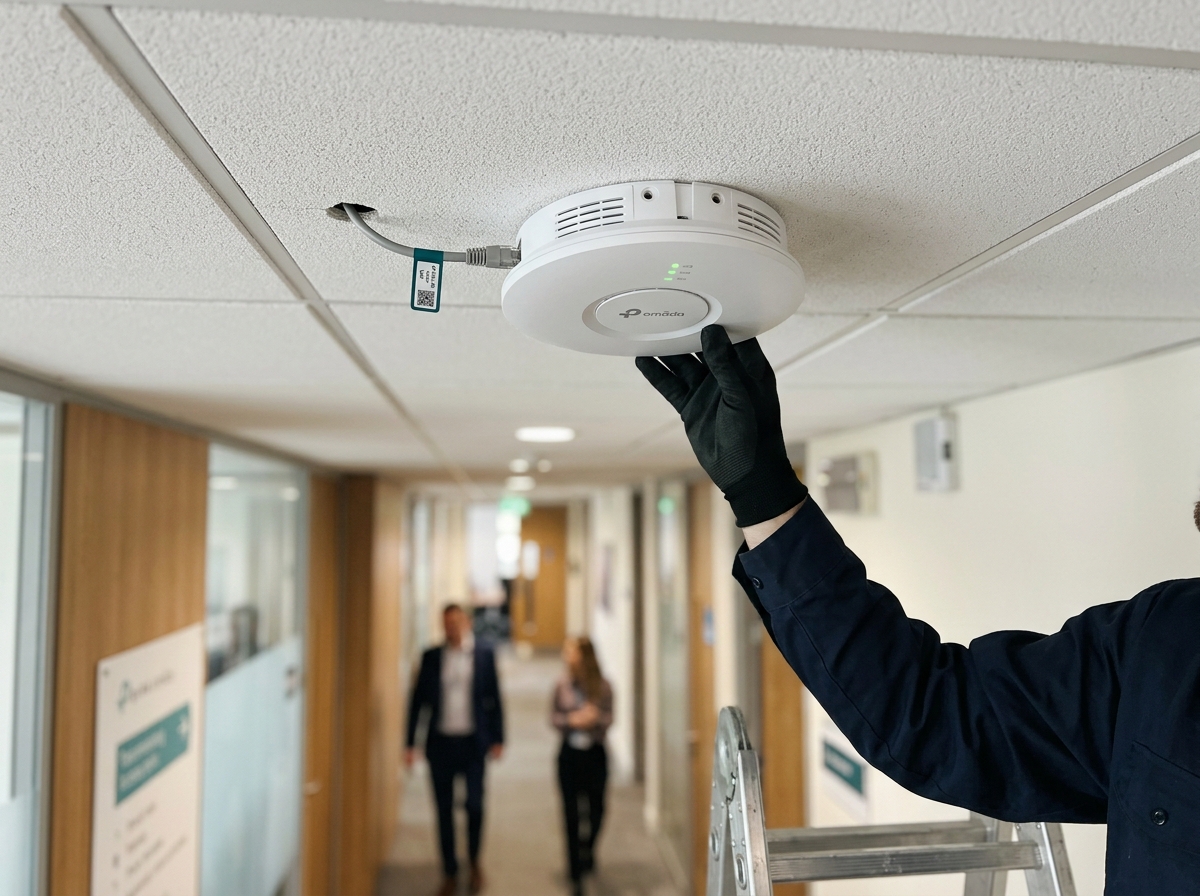
Wireless Access Points (WAPs). Wireless Access Points (WAPs) are the devices that actually broadcast the Wi-Fi signal and bridge it to the wired network. In an office setting, you typically need more than one, positioned to give extended Wi-Fi coverage across floors, meeting rooms, and warehouse aisles rather than relying on one unit to cover the whole footprint.
Switches. Access points and wired devices connect to a central switch, which handles centralized management; Power over Ethernet so access points do not need a separate power outlet; and traffic prioritization for latency-sensitive applications like VoIP.
Cabling. Ethernet cables connect access points and switches to the network backbone. Cable quality and PoE budget both matter more as you add access points, since underspecced cabling becomes the bottleneck long before the Wi-Fi standard does.
Software
Network management platforms. Centralized management software lets one administrator configure, monitor, and troubleshoot every access point, switch, and gateway from a single dashboard. This software-defined networking approach is now standard for any office running more than two or three access points, because managing devices individually stops scaling almost immediately.
Authentication and access control systems. These handle identity verification, guest portals, and device authentication and are what separate a properly segmented office network from one where every device, staff or guest, sits on the same flat network.
Protocols
Wi-Fi standards run through the IEEE 802.11 family:
|
Standard |
Marketing Name |
Business Relevance |
|---|---|---|
|
802.11n |
Wi-Fi 4 |
Legacy. Still found in older buildings, not recommended for new deployments. |
|
802.11ac |
Wi-Fi 5 |
Common baseline for smaller offices on tighter budgets. |
|
802.11ax |
Wi-Fi 6 / Wi-Fi 6E |
Current standard for most new business deployments. Handles high device density well. |
|
802.11be |
Wi-Fi 7 |
Finalized by the IEEE and Wi-Fi Alliance in mid-2025. Enterprise-grade access points are now widely available, with multi-link operation and wider channels aimed at high-density, latency-sensitive environments. |
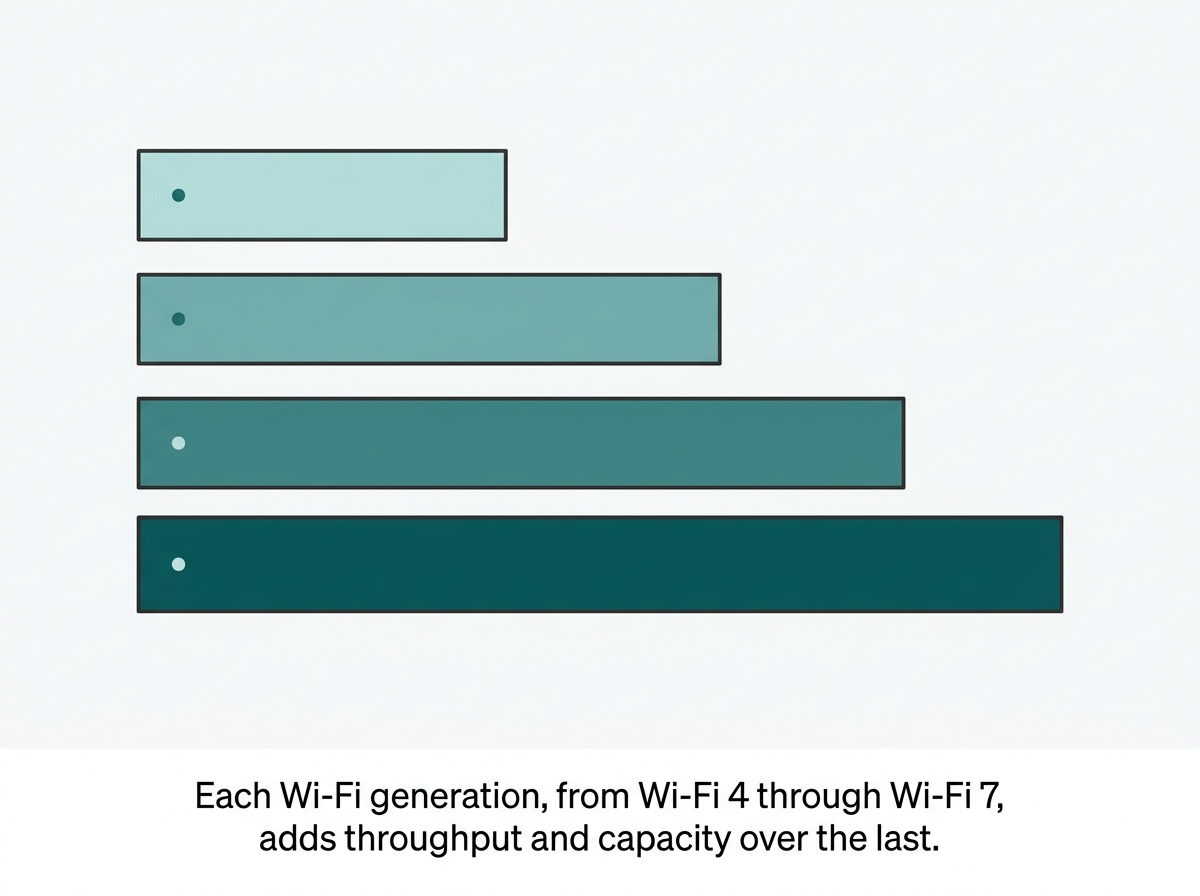
Wi-Fi 6 remains the practical choice for most Philippine SMBs weighing cost against performance in 2026, since it already delivers strong speed, lower latency, and better device-density handling than older standards.
Wi-Fi 7 is worth planning for future hardware upgrades, especially in high-density environments like hotels, BPOs, and hospitals. However, most client devices and networks in 2026 cannot yet take full advantage of its capabilities, with most deployments using only two bands.
What It Means for You: If you're budgeting a network refresh this year, Wi-Fi 6 or 6E is the standard to buy against. Wi-Fi 7 is the one to keep on your radar for the next hardware cycle, not the one to chase immediately unless you're already running a high-density hotel or hospital floor.
What Types of Wi-Fi Networks Exist?
Home and small office Wi-Fi. Low to moderate usage, typically a single router or access point. Fine for a five-person startup, but not built for guest traffic segmentation or centralized policy.
Enterprise Wi-Fi. Built for high-density environments such as office buildings, hotels, hospitals, and shopping malls. Runs through multiple access points combined with centralized management and stronger security controls.
Public Wi-Fi. Found in cafes, airports, and similar venues. Requires strong isolation between users by design, since anyone can join.
Mesh Wi-Fi. Uses multiple nodes to blanket a large area, reducing dead zones and improving roaming, though enterprise deployments typically favor a controller-managed access point layout over consumer mesh systems for the added policy control.
What It Means for You: If you're comparing quotes and one vendor is proposing a mesh kit for a multi-floor office with guest Wi-Fi needs, that's a mismatch. Mesh solves coverage; it doesn't solve the segmentation and policy control an enterprise deployment needs.
Wi-Fi Security: WPA2, WPA3, and WPA3-Enterprise
Wireless connections carry more inherent risk than wired ones simply because the signal travels through open air, not a cable. Unauthorized network access is a leading cause of data breaches globally, and poorly secured Wi-Fi is a common entry point.
|
Standard |
What It Offers |
Business Fit |
|---|---|---|
|
WPA2 |
Strong encryption, but increasingly outdated against modern attack techniques. |
Acceptable only on legacy hardware that cannot support WPA3 |
|
WPA3-Personal |
WPA3 is the latest Wi-Fi security standard, with stronger encryption and brute-force resistance than WPA2. |
Fine for a single shared password network, like a small retail shop |
|
WPA3-Enterprise |
Adds 192-bit security and ties access to individual users. Credentials through 802.1X authentication, instead of one shared passphrase. |
The right baseline for any office with more than a handful of staff, since a shared password cannot be revoked for one departing employee without resetting it for everyone |
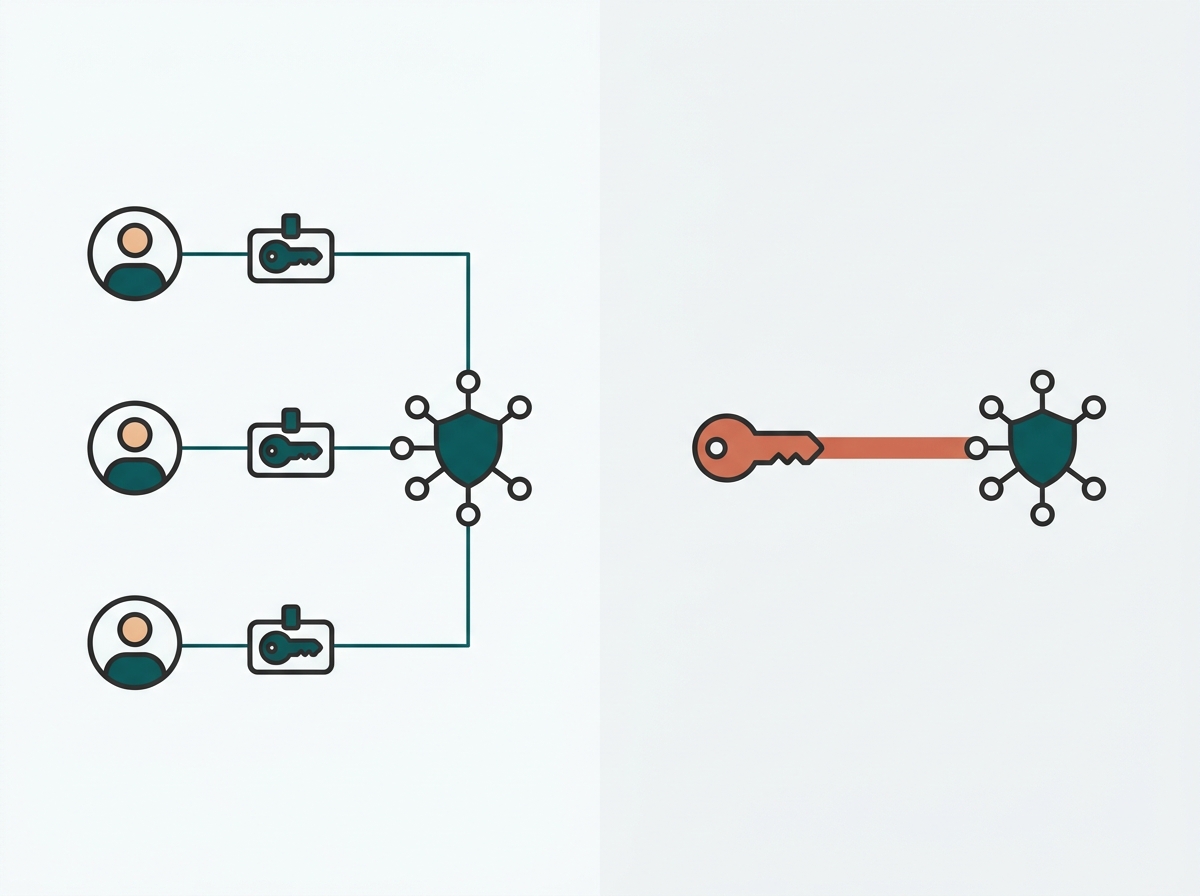
The practical difference for an IT buyer: WPA3-Personal is one password for the whole building. WPA3-Enterprise authenticates each person or device individually against a directory or RADIUS server, so offboarding an employee means revoking one credential, not changing the Wi-Fi password for the entire office.
Additional security measures worth layering in:
-
Strong passwords and individual authentication
-
Network segmentation, keeping staff, guest, and IoT traffic apart
-
Firewalls and intrusion prevention
-
Regular firmware updates
-
Guest network isolation
Enterprise Wi-Fi solutions such as Omada apply these protections through one centralized platform. This matters for Philippine businesses handling customer or employee data under the Data Privacy Act of 2012 (Republic Act No. 10173), which the National Privacy Commission enforces with administrative fines of up to PHP 5 million per violation, plus potential imprisonment for responsible officers in serious cases.
Guest and staff Wi-Fi that is properly segmented and logged is one of the more straightforward ways a business can demonstrate reasonable security safeguards under that law.
What It Means for You: If your office Wi-Fi still runs on one shared password for everyone, staff and guests included, that's the single easiest fix on this list, and it's also the one most directly tied to Data Privacy Act exposure if a guest device ever compromises the network.
Wi-Fi vs. the Internet
Wi-Fi and the internet are related but distinct. The internet is the global network that carries websites, email, cloud applications, and streaming services. Wi-Fi is the local wireless technology that lets a laptop, phone, or smart TV reach that internet connection and reach other devices on the same local network, without a physical cable.
Wi-Fi connects your devices to a router, which in turn reaches the internet through your ISP. Wi-Fi provides the local hop; the ISP connection provides the wider reach.
Why Enterprise Wi-Fi Matters for Philippine Businesses
A well-designed Wi-Fi network delivers concrete operational benefits:
-
Improved productivity through mobility and collaboration across floors and meeting rooms
-
Scalability as headcount and device count grow, without a full network rebuild
-
Reliable performance for cloud applications and video conferencing, which now underpin most day-to-day office work
-
Secure, segmented access for employees, guests, and IoT devices
-
Support for connected systems including CCTV, POS terminals, and building automation
Businesses in the Philippines increasingly depend on Wi-Fi as core infrastructure, not just a convenience. Business-grade fiber plans from providers like PLDT Business (Beyond Fiber) and Globe Business (GFiber Biz, offering roughly 100 to 800 Mbps) now deliver strong bandwidth into the building, but that bandwidth is wasted if the internal Wi-Fi network cannot distribute it evenly.
That gap between ISP speed and internal network performance is covered in more depth in our Business WiFi Solutions Philippines pillar.
What It Means for You: Upgrading your ISP plan without also fixing weak internal Wi-Fi coverage is one of the most common ways businesses overspend without seeing the performance improvement they expected.
Best Practices for Managing Business Wi-Fi
Regular maintenance. Keep firmware and software current for security patches and performance fixes.
Use enterprise-grade equipment. Consumer routers are not built for continuous multi-user, multi-device loads.
Centralize network management. Monitor, configure, and troubleshoot the wired and wireless network from one dashboard rather than logging into each device separately.
Prioritize WPA3-Enterprise and access controls. Individual authentication and ongoing monitoring protect data far better than a shared password.
Growth plan. Design the network to add access points and users without a costly redesign later.
What It Means for You: Most Wi-Fi problems businesses run into, including dead zones, guest traffic slowing down staff, and slow troubleshooting, trace back to one root cause: treating a multi-access-point network like a single home router.
Choosing Wi-Fi Hardware for a Growing Business
The right access point depends on the space, not just the brand. A few starting points:
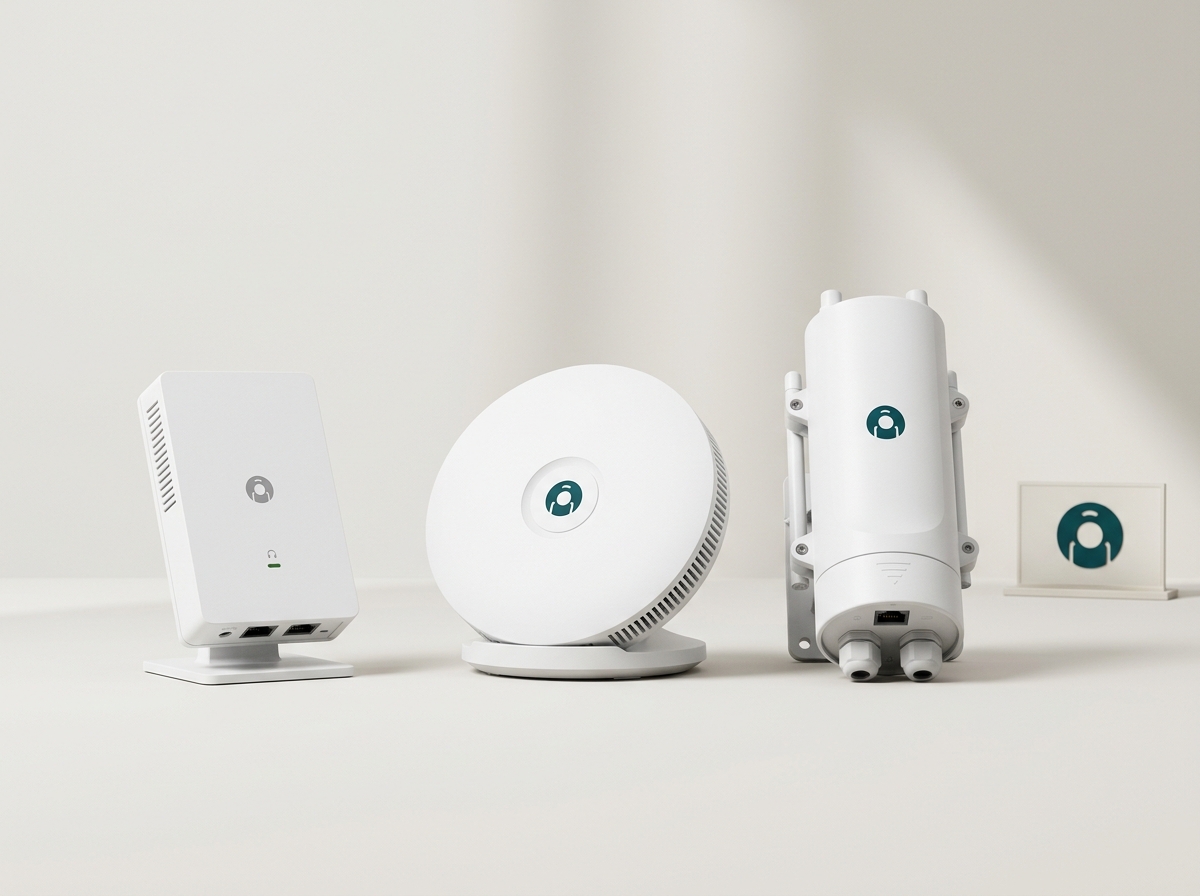
EAP650-Wall Wi-Fi 6 Access Point: Desktop or wall-mounted installation with Wi-Fi 6 coverage, suited to offices needing seamless roaming across rooms under one centralized management system.
EAP225-Wall Omada AC1200 Wireless Access Point: An affordable, dependable option for smaller footprints such as retail shops or single-room offices that need consistent Wi-Fi without enterprise-scale budgets.
EAP110 Wireless N Outdoor Access Point: Weather-resistant outdoor coverage for patios, loading docks, and other exterior business areas.
Frequently Asked Questions
What does Wi-Fi mean?
Wi-Fi stands for Wireless Fidelity, the wireless local area networking technology that connects devices to a network without cables.
Is Wi-Fi safe to use in a business?
Yes, when configured with business security standards like WPA3-Enterprise, individual authentication, and network segmentation rather than a single shared password across the whole office.
What is the difference between Wi-Fi and the internet?
Wi-Fi is the local wireless link between a device and a router. The internet is the global network the router connects to through an ISP.
How important is Wi-Fi 6 for a business network in 2026?
Wi-Fi 6 remains the practical standard for most Philippine SMB deployments, offering strong speed and reliable performance across many connected devices at a lower hardware cost than Wi-Fi 7.
Should a growing business plan for Wi-Fi 7?
It is worth planning for on the next hardware refresh cycle, especially in high-density spaces like hotels or hospitals, but Wi-Fi 6 or 6E is the more cost-effective choice for most offices right now.
What is the difference between WPA3-Personal and WPA3-Enterprise?
WPA3-Personal uses one shared password for the network. WPA3-Enterprise authenticates each user or device individually, which makes revoking access for one person far simpler and more secure.
Do I need enterprise Wi-Fi if I only have a small office?
If you have more than roughly ten employees, multiple rooms, or guest Wi-Fi needs, a managed multi-access-point setup is worth the investment over a single consumer router. Smaller setups can often start with one strong access point.
Final Thoughts
Wi-Fi is the backbone of how modern businesses communicate, serve customers, and keep operations running. Understanding the difference between consumer Wi-Fi and enterprise Wi-Fi in standards, security, and management is what separates a network that scales cleanly from one that needs a costly redo in a year.
Omada gives Philippine businesses the tools to implement reliable Wi-Fi networks that scale with growth while keeping data secure through centralized, enterprise-grade management.
_20260709090929l.png)