


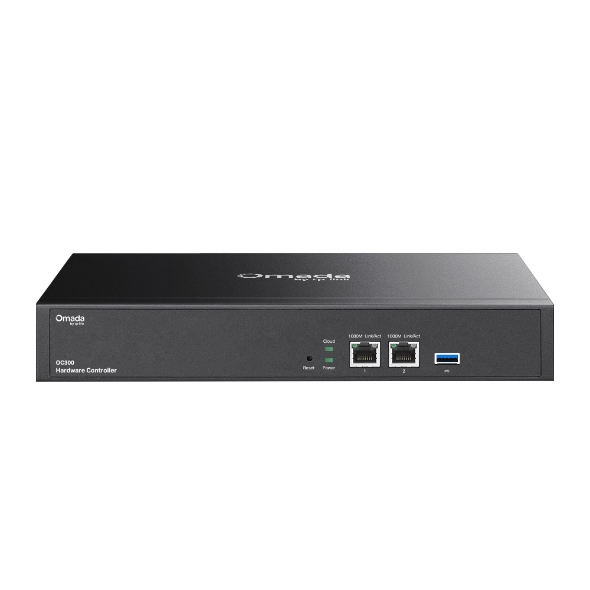
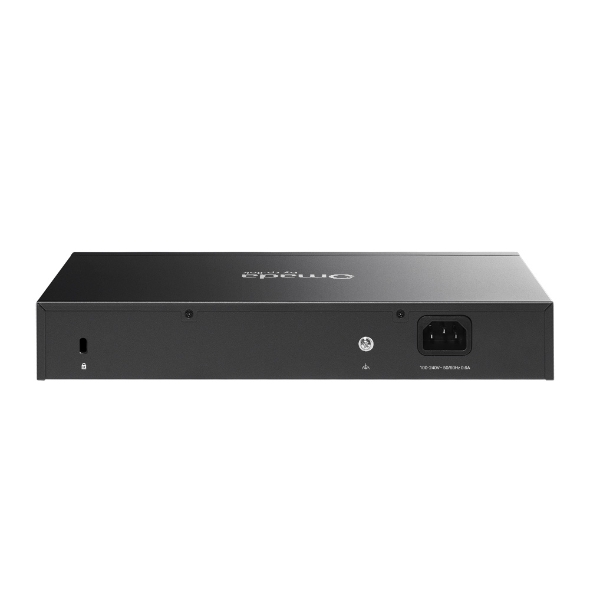
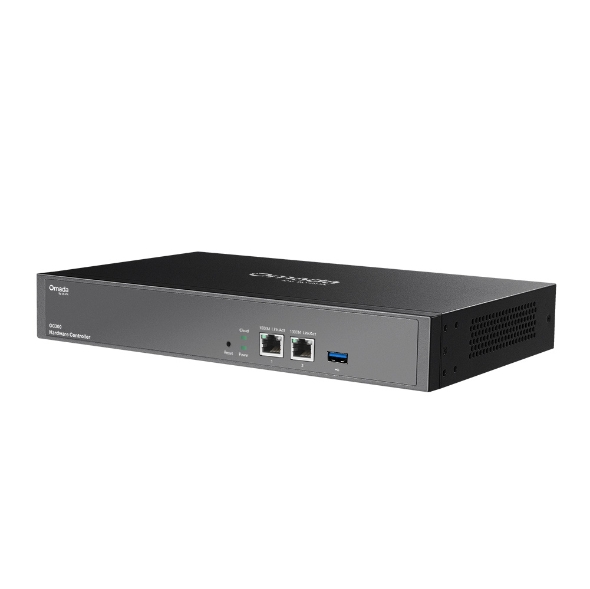
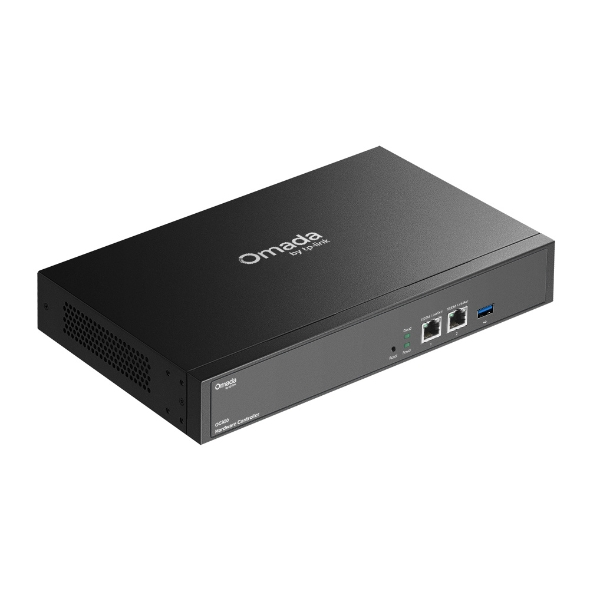
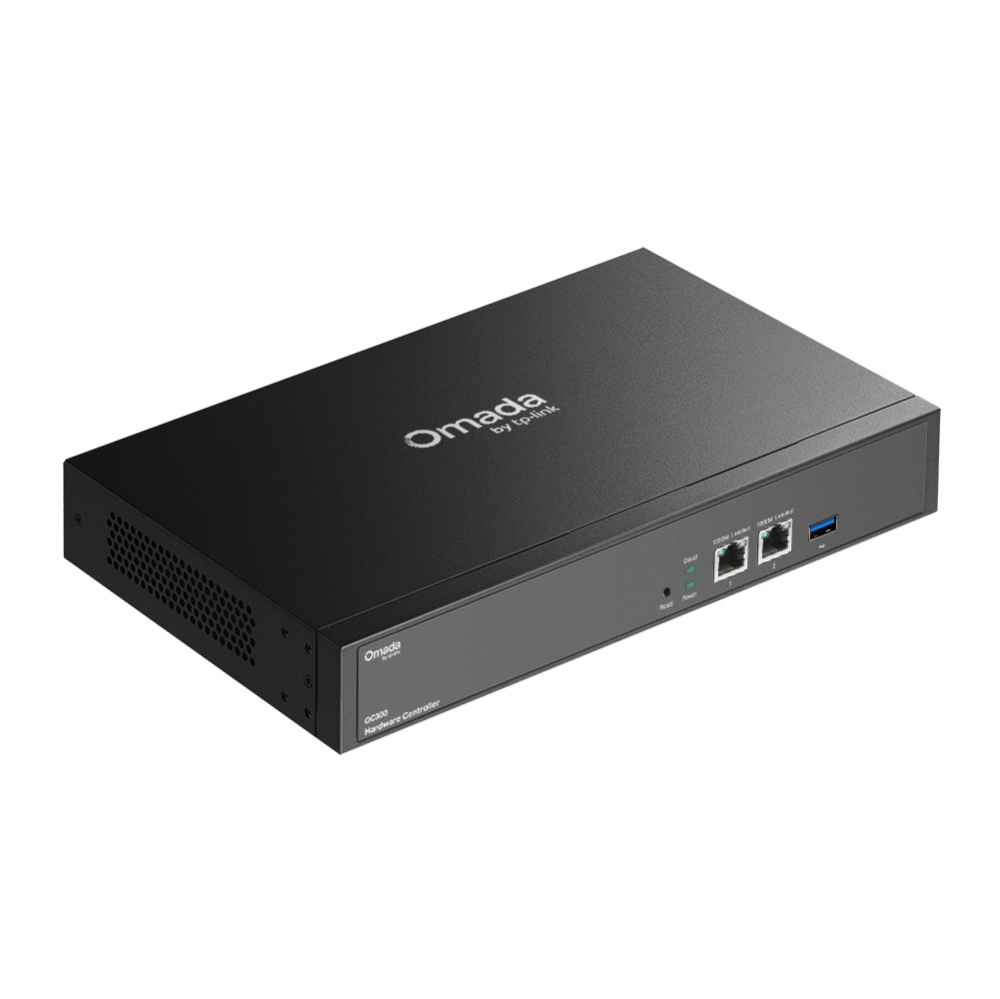
Omada Hardware Controller
- Centralized Cloud Management: Supports up to 500 Omada access points, 100 Omada gateways, a maximum of 100 Omada switches, and a maximum of 5 certain DeltaStream GPON OLTs*
- Free Cloud Access: Manage and monitor with the Omada app or Web UI from anywhere, anytime.
- On-Premises Management: Locally monitor and manage devices with the ultimate security and stability.
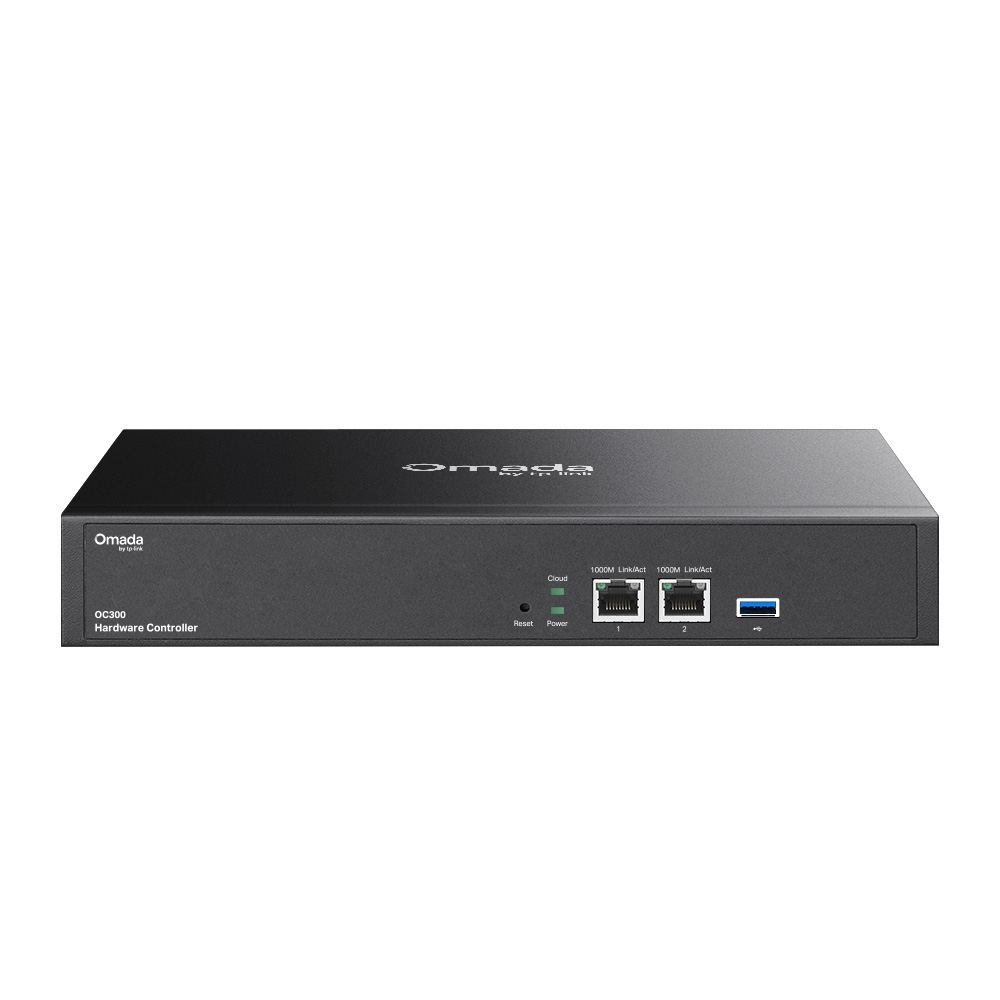
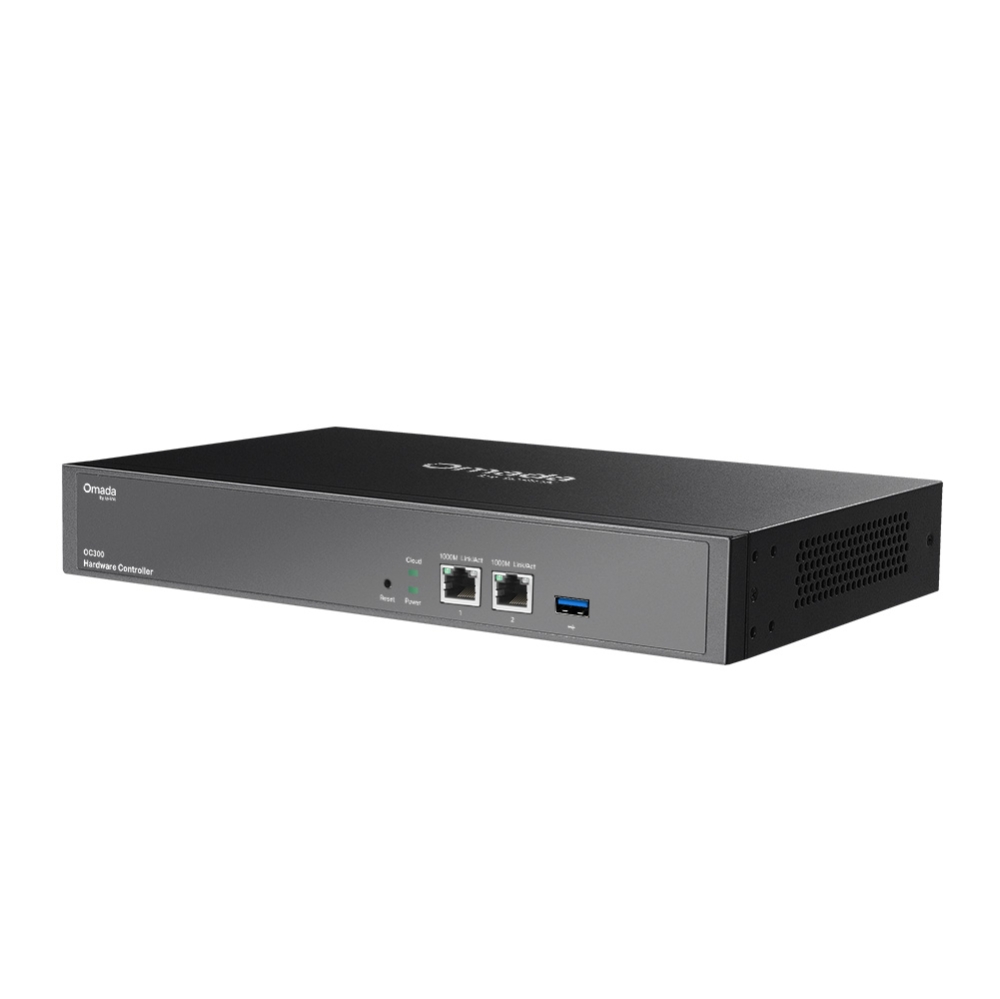
- Industry-Leading Hardware Design: A powerful chipset, durable metal casing, USB 3.0 port for auto backup, and two Gigabit ports.
- Easy and Intelligent Network Monitoring: The easy-to-use dashboard makes it simple to see the real-time network status and traffic distribution.
- Real-Time Network Topology: Helps IT admins quickly see and troubleshoot connections at a glance.
- Easier Network Maintenance: Wi-Fi heatmap simulator, visualizable network report, and batch & multi-site management benefit network maintenance.
-
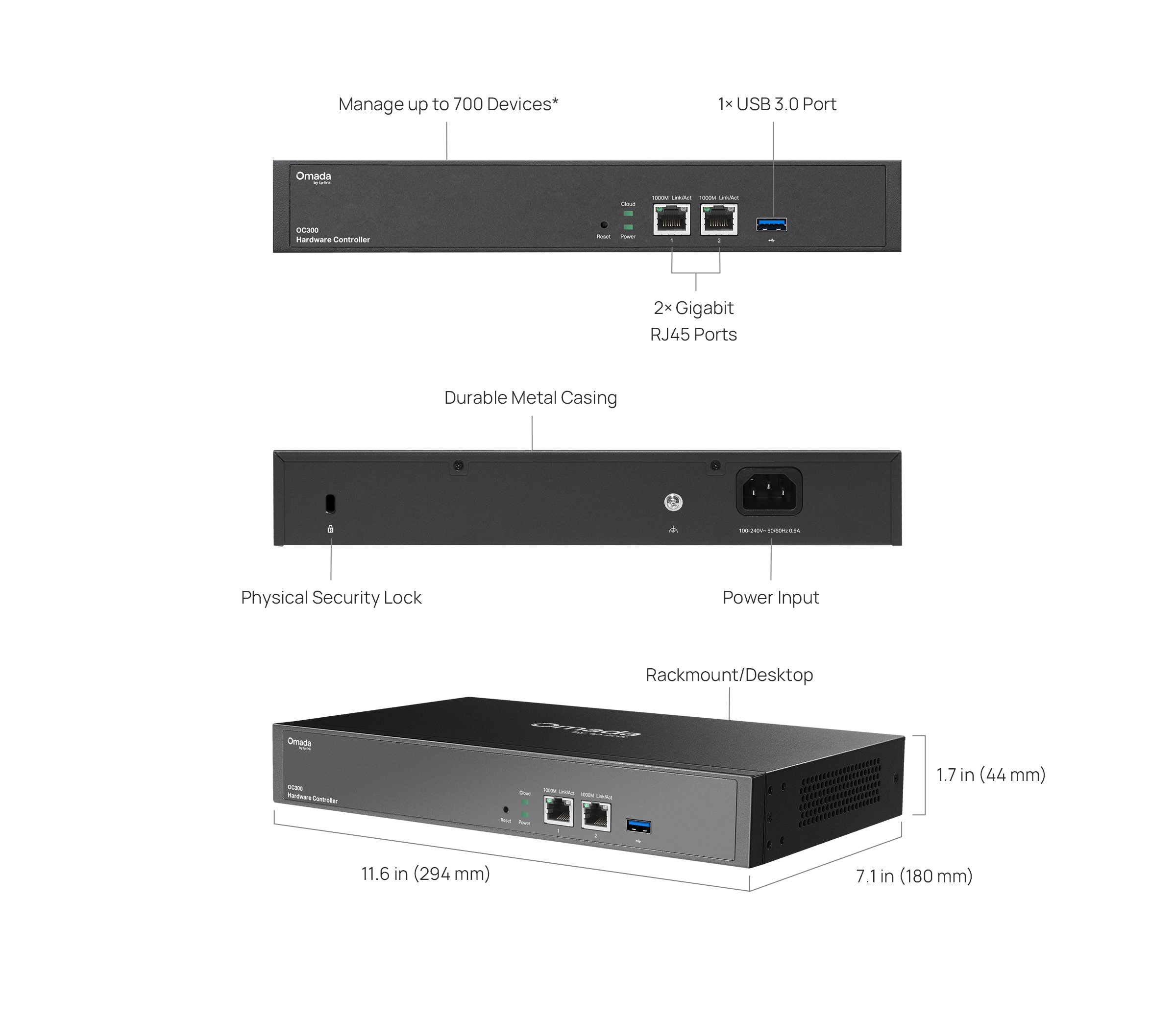
Manage up to 700 Devices
-
No Need for a Running PC/Server
-
Optional Cloud with No License Fees
-
Manage via Omada App
-
2× Gigabit RJ45 Ports
-
1× USB 3.0 Ports for Auto Backup
-
Fanless for Silent Operation
-
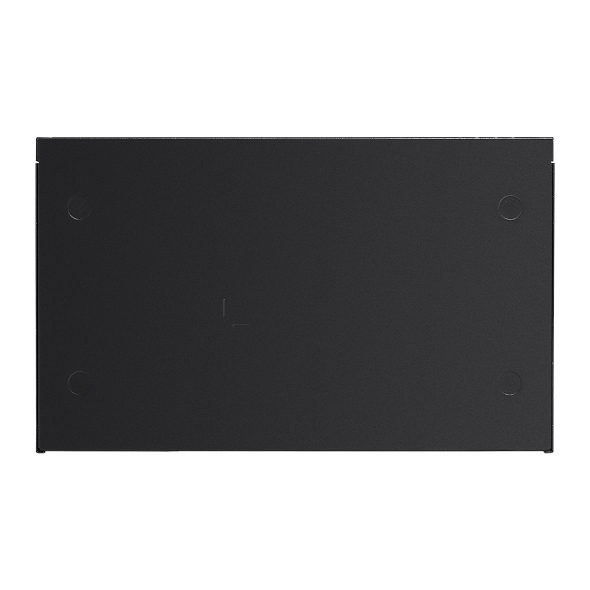
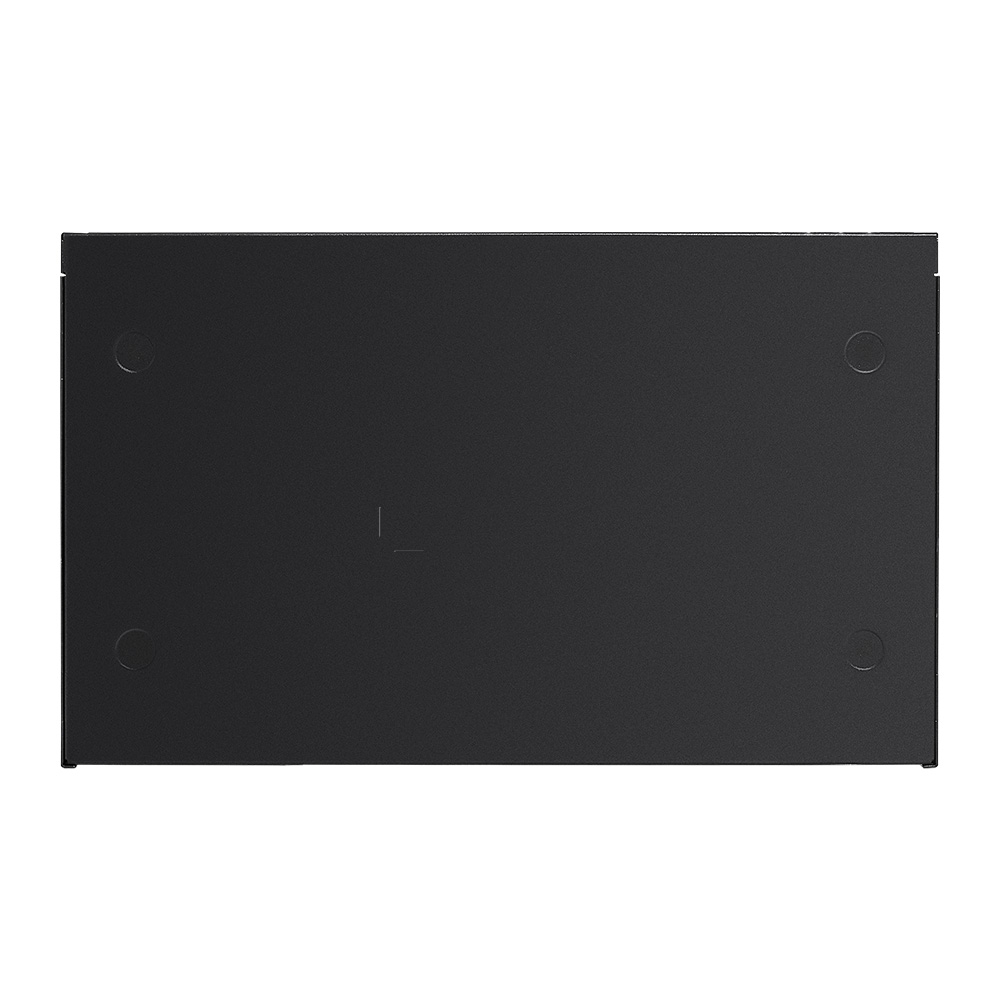
Durable Metal Casing


Hybrid Cloud Management for Maximum
Convenience
Supports remotely or locally centralized management for up to 500 Omada access points, 100 Omada gateways, a maximum of 100 Omada
switches, and a maximum of 5 certain DeltaStream GPON OLTs*.
VPN Gateway
PoE Switch
Access Points
Hardware Controller
OC300
Industry-Leading Hardware Design
Equipped with an advanced design and the latest chipset, the Omada OC300 delivers more than enough processing
power to support massive network management—while its enterprise-grade reliability ensures uninterrupted, 24/7
operation under heavy loads. Rackmount/desktop design benefits easier and flexible installation.
2× Gigabit
RJ45 Ports
1× USB 3.0 Port
Auto-Backup
Fanless Design
For Silent Operation
Durable Metal
Casing
Greater Convenience
with the Omada App
Remotely access and configure your whole network with a tap of your phone from anywhere in the world.








| HARDWARE FEATURES | |
|---|---|
| Interface | • 2× 10/100/1000 Mbps Ethernet Ports• 1× USB 3.0 Port |
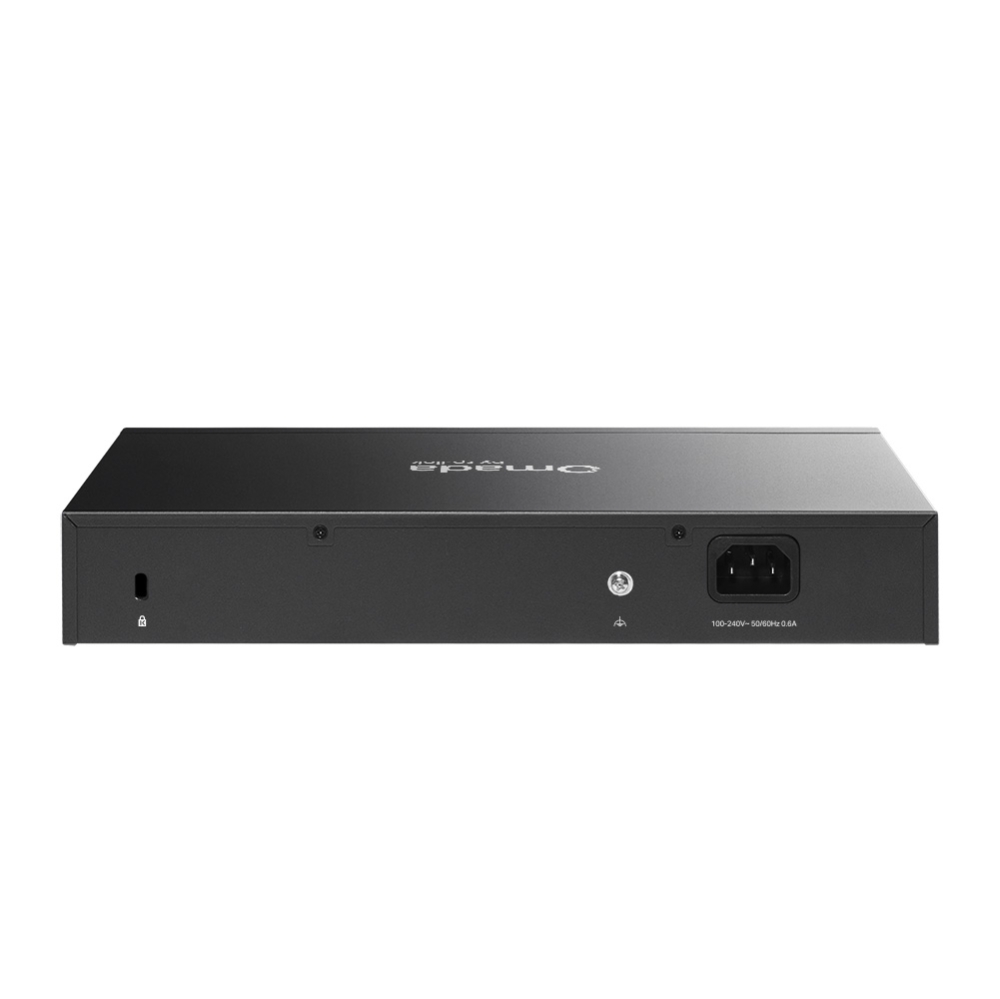
| Power Supply | 100–240 V~50/60 Hz, 0.6 A |
| Dimensions ( W x D x H ) | 11.6 × 7.1 × 1.7 in (294 × 180 × 44 mm) |
| Management Features | |
|---|---|
| Omada App | Yes |
| Centralized Management | • 500 Omada access points• 100 Omada gateways• A maximum of 100 Omada switches†• A maximum of 5 certain DeltaStream GPON OLTs†Note: Please refer to www.tp-link.com/en/business-networking/all-omada/ to find all the Omada device models supported by OC300†The number of supported Omada switches decreases by 5 for each DeltaStream GPON OLT added. Refer to https://www.omadanetworks.com/omada-sdn/product-list/#sp-gpon to find all the DeltaStream GPON OLTs that are supported by the controller. |
| Cloud Access | Yes |
| L3 Management | Yes |
| Multi-site Management | Yes |
| Management Features | • Automatic Device Discovery • Batch Configuration• Batch Firmware Upgrading • Intelligent Network Monitoring• Abnormal Event Warnings• Unified Configuration• Reboot Schedule• Captive Portal Configuration |
| OTHERS | |
|---|---|
| Certification | CE, FCC |
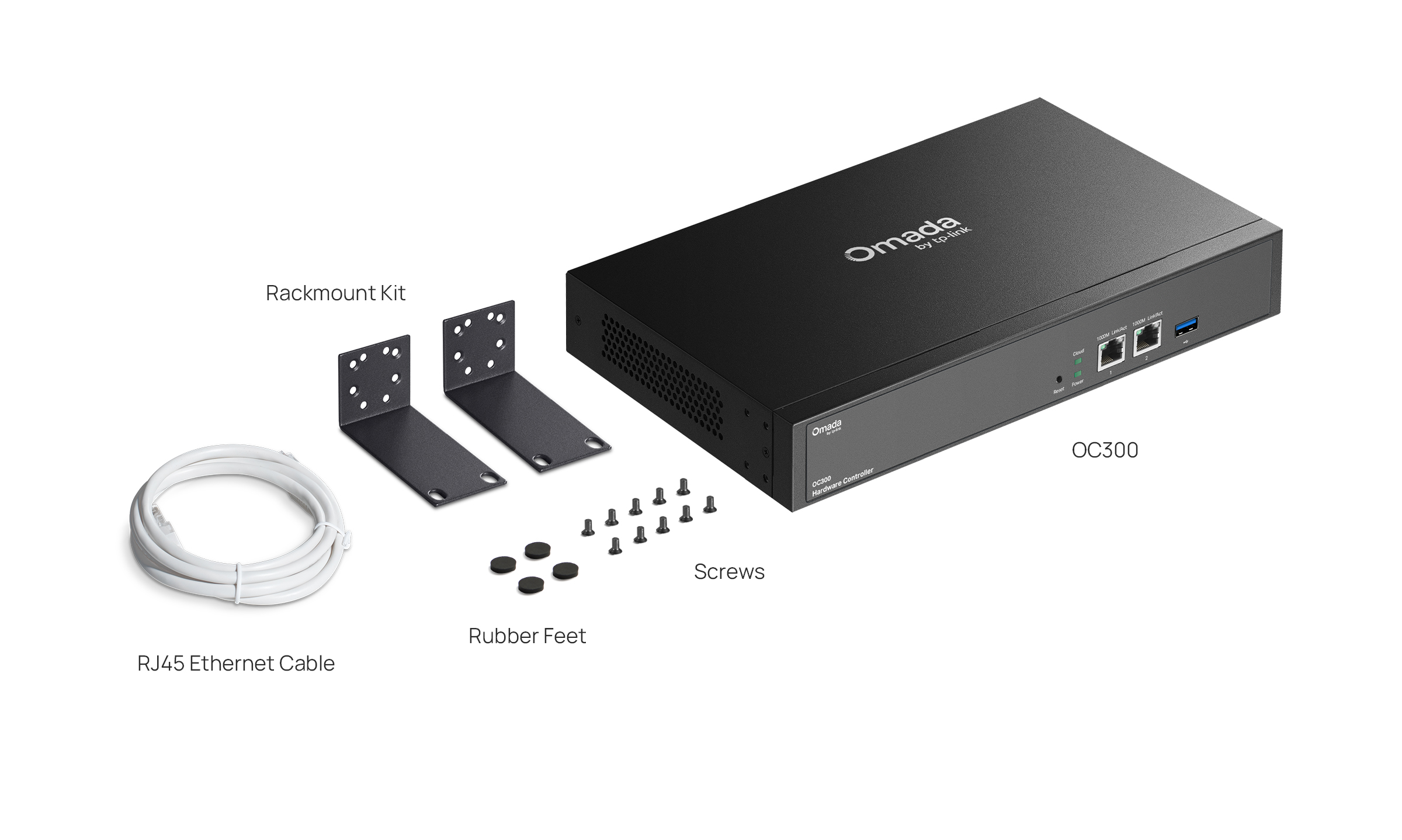
| Package Content | • Omada Hardware Controller OC300• Quick Installation Guide • Ethernet Cable• Power Cord• Rackmount Kit |
| System Requirements | Microsoft® Windows®10, 8, 7,Vista™, XP or MAC® OS, NetWare®, UNIX® or Linux |
| Environment | • Operating Temperature: 0–50 ℃ (32–122 ℉)• Storage Temperature: -40–70 ℃ (-40–158 ℉)• Operating Humidity: 10–90% RH non-condensing• Storage Humidity: 5–90% RH non-condensing |
*The stated management capacity is based on laboratory testing. Actual management capacity and performance may vary depending on deployment and network conditions.