


Archer BE220 3.0_Datasheet
|
BE3600 Dual-Band
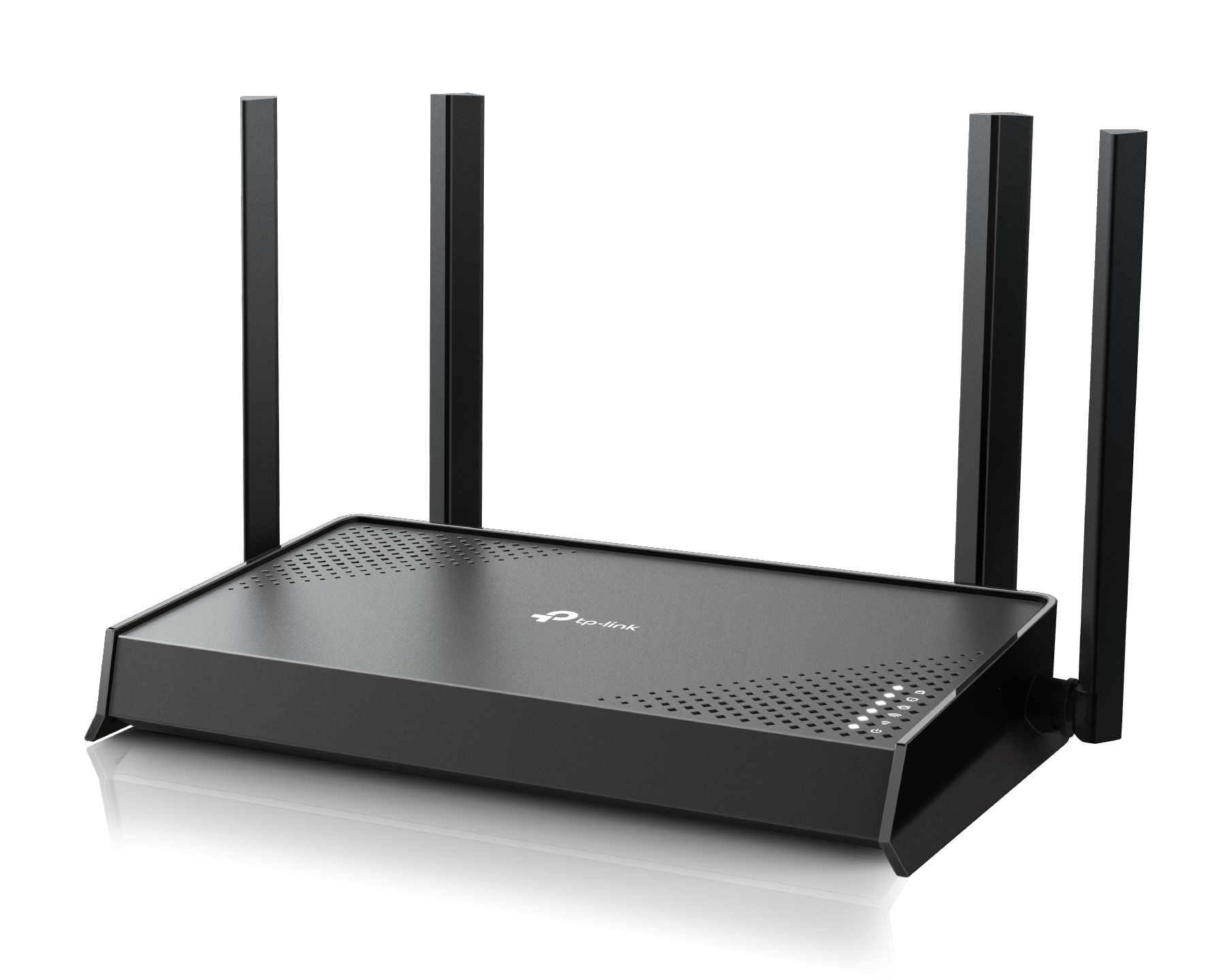
Exploring the new Era of Home Wi-Fi · Lightning-Fast Speeds - 3.6 Gbps Dual-Band Wi-Fi 7† · Wi-Fi 7 Multi-Link Operation - Boosted Throughput, Unmatched Reliability◇ · Full Gigabit Ports - 1× 1 Gbps WAN Port + 4× 1 Gbps LAN Ports§ · Far-Reaching Coverage - 4× External Antennas with Beamforming |
|
|
Highlights |
|
|---|---|
|
Wi-Fi 7 — Wi-Fi Like Never Before Powered by Wi-Fi 7 technology, Archer BE220 delivers an incredible Wi-Fi speeds of up to 3.6 Gbps, enabling your devices to run at full speed. Enjoy fluent 4K/8K streaming, immersive AR/VR gaming, and blazing-fast downloads.† · Multi-Link Operation · 4K-QAM · Multi-RUs
|
TP-Link's premium security services keep your home network safe with cutting-edge features for network and loT protection.**
|


 Network Protection
 Parental Controls
 Quality of Service (QoS)
 Comprehensive Reports
|
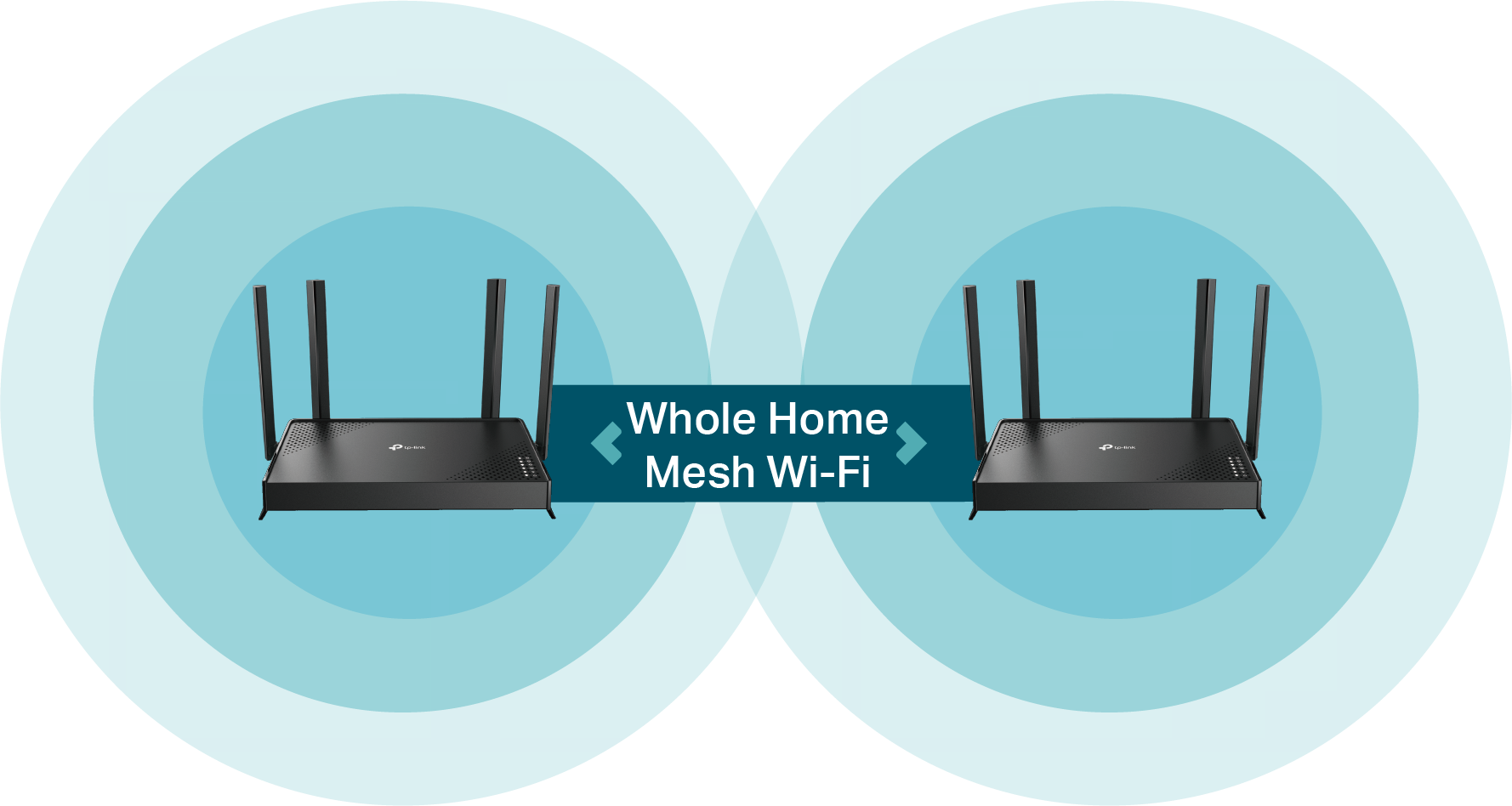
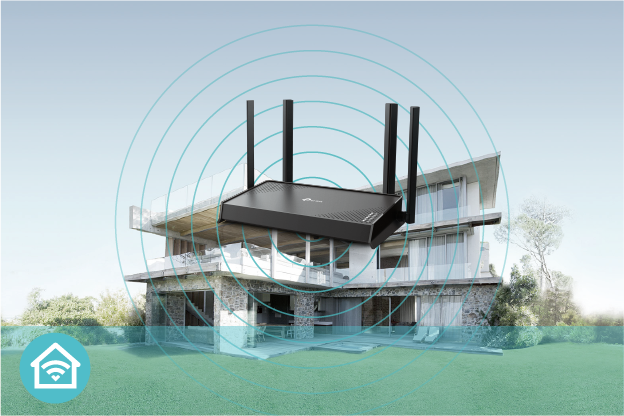
Flexible Whole-Home Wi-Fi Four high-performance antennas and Beamforming deliver broad coverage. Furthermore, Archer BE220 is compatible with EasyMesh to form seamless whole home mesh Wi-Fi.*** |
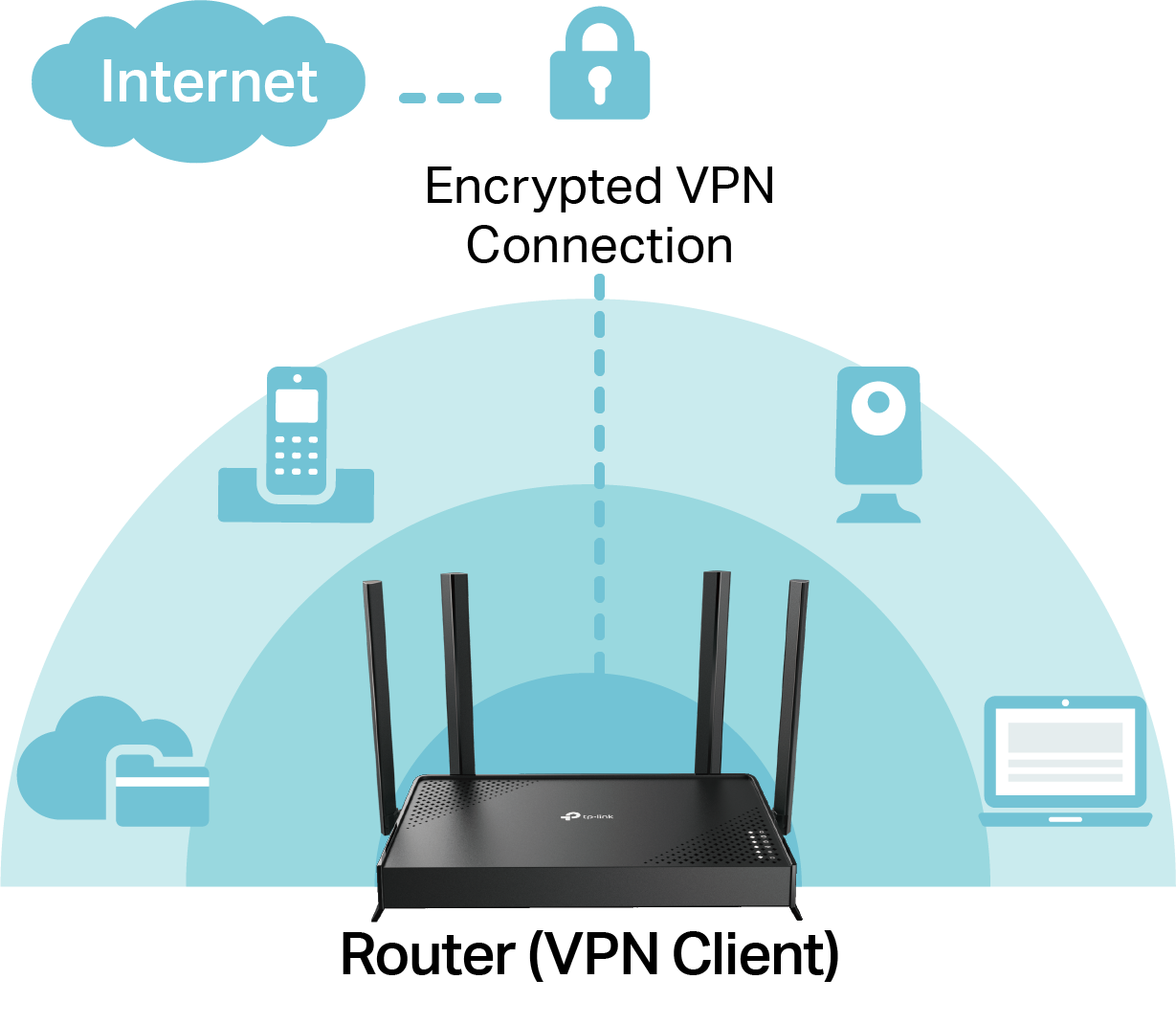
VPN Client Support Archer BE220 allows specified devices on your home network to access remote VPN servers without needing to install VPN software on every device. |
|
|
|
|
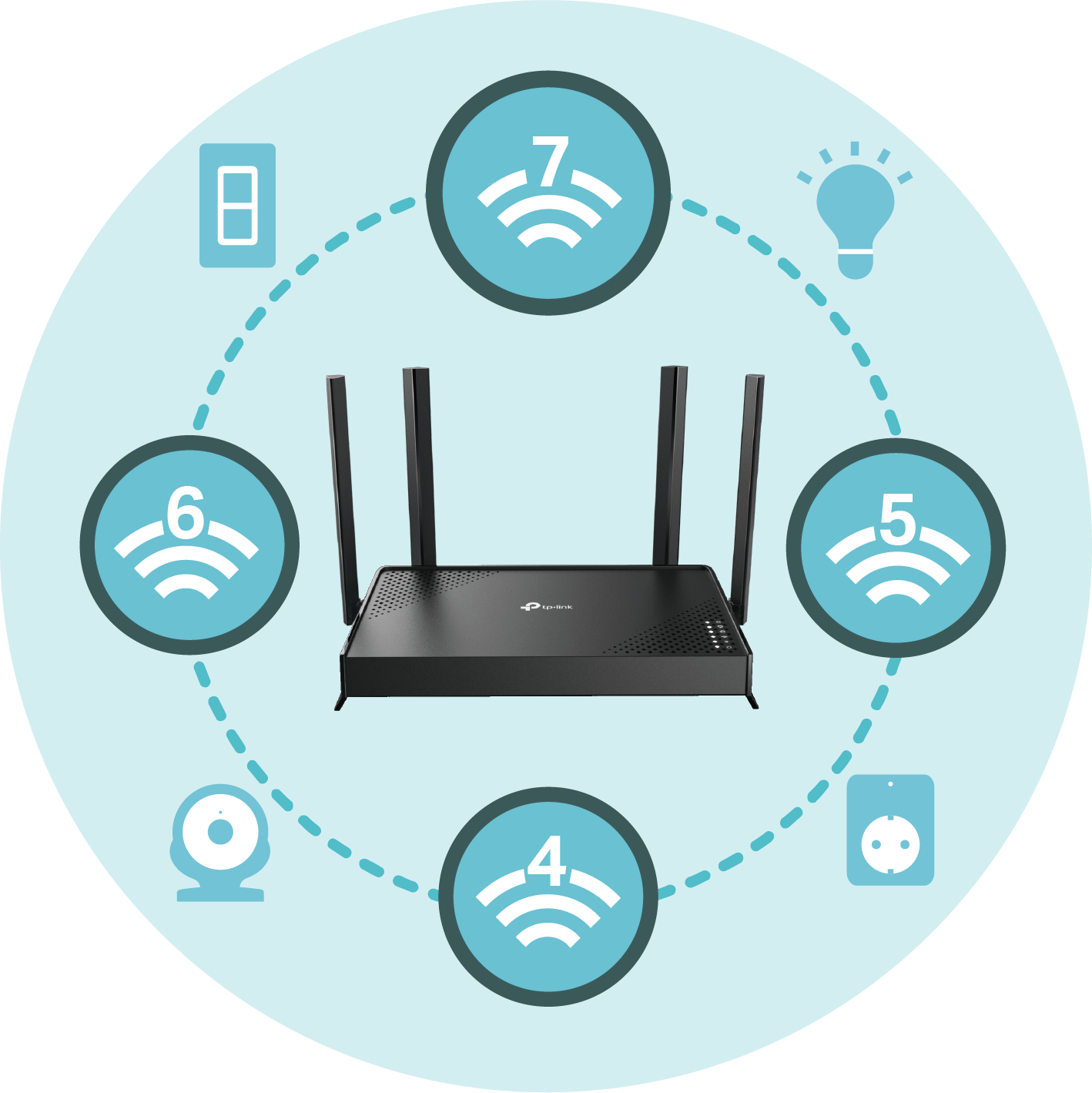
Great Compatibility Archer BE220 offers great compatibility by working with all Wi-Fi generations, devices, and internet service providers.* It also works with Alexa and Google Assistant. |
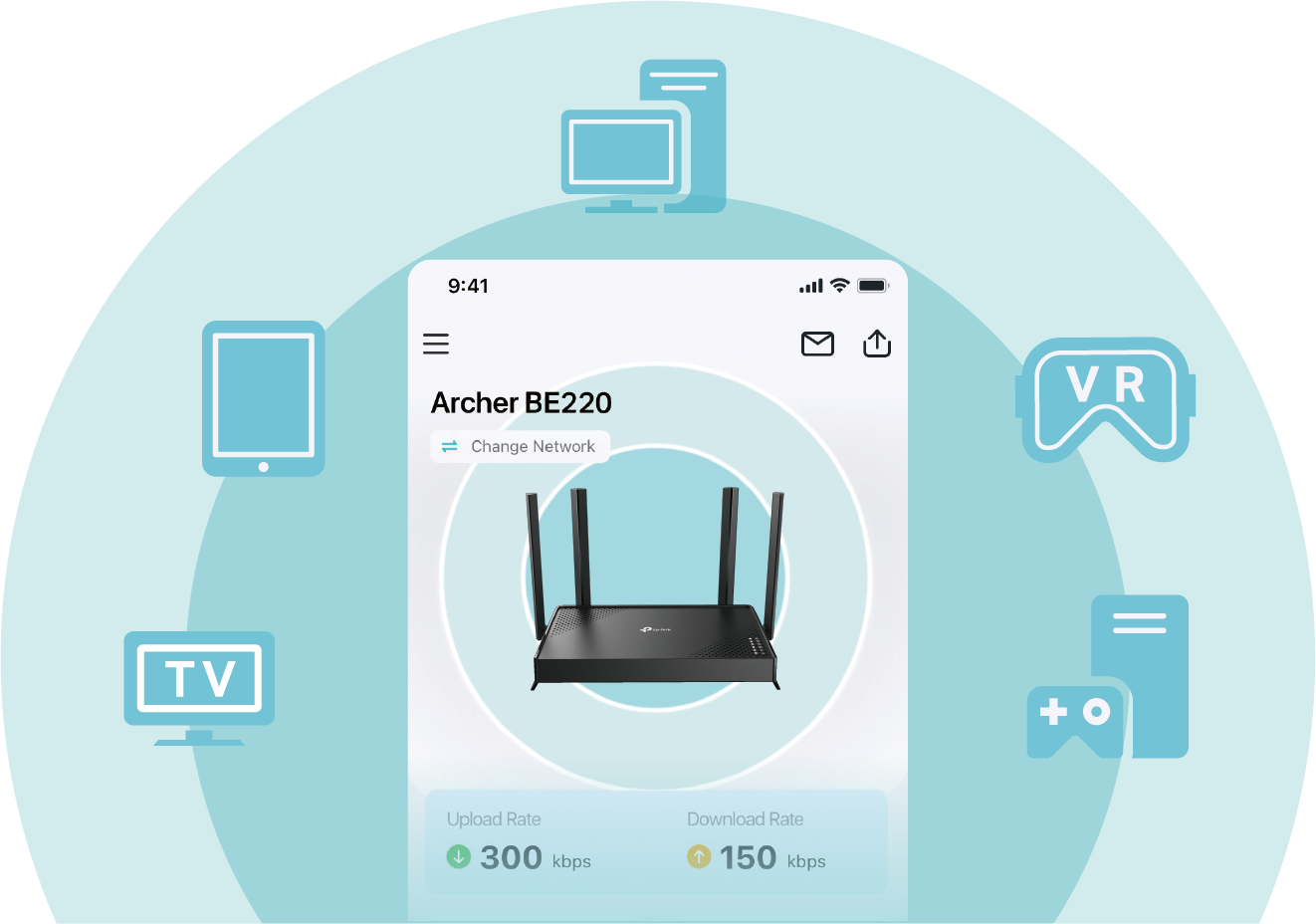
Easy Network Management TP-Link Tether provides a smart and feature-rich way to control and monitor your network within your home and on the go. |
|
|
|
|
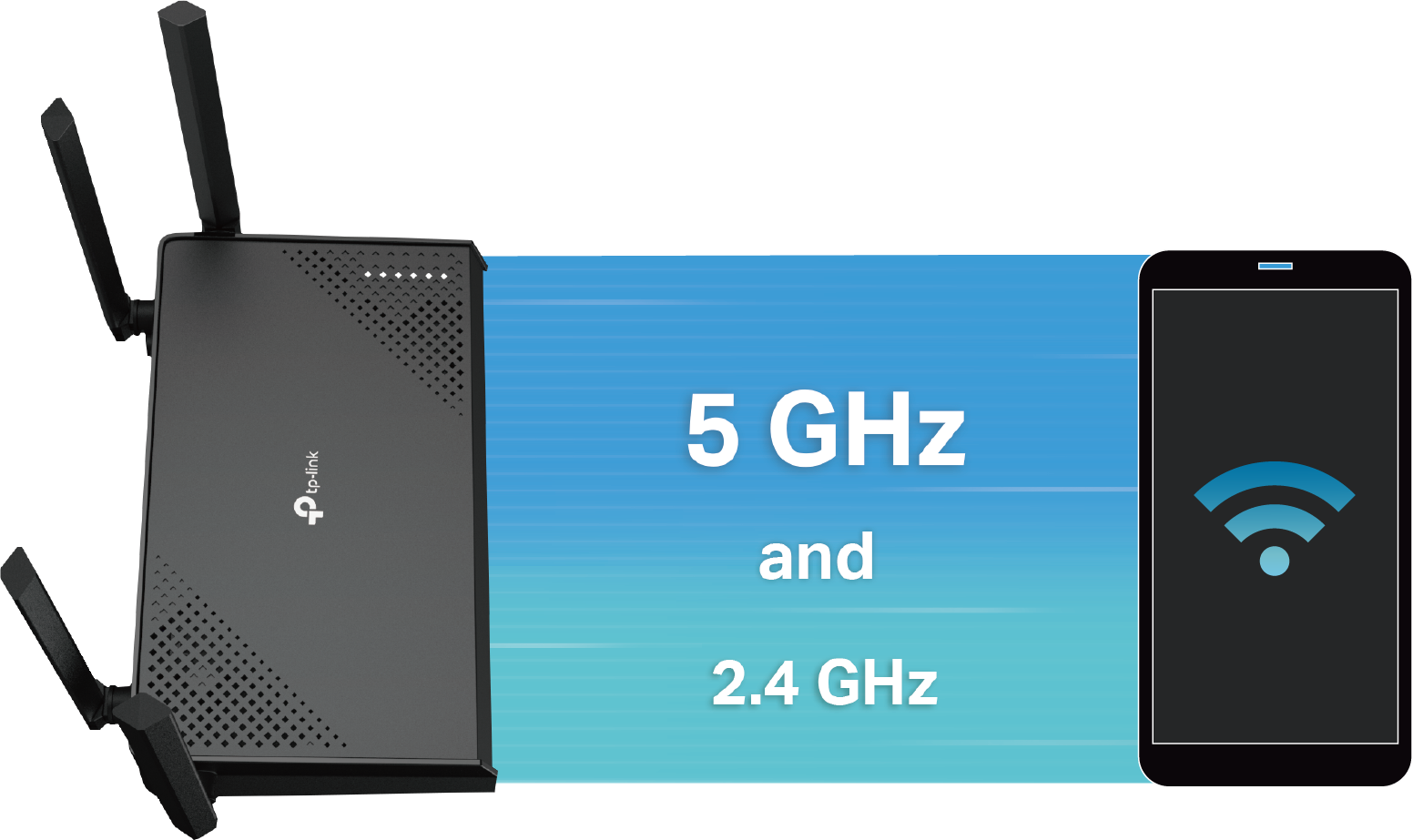
Multi-Link Operation: Higher Speed, Lower Latency Multi-Link Operation (MLO) enables Archer BE220 to transmit data with Wi-Fi 7 clients across the 5 GHz band and the 2.4 GHz band simultaneously, offering higher speed, lower latency, and more reliability. |
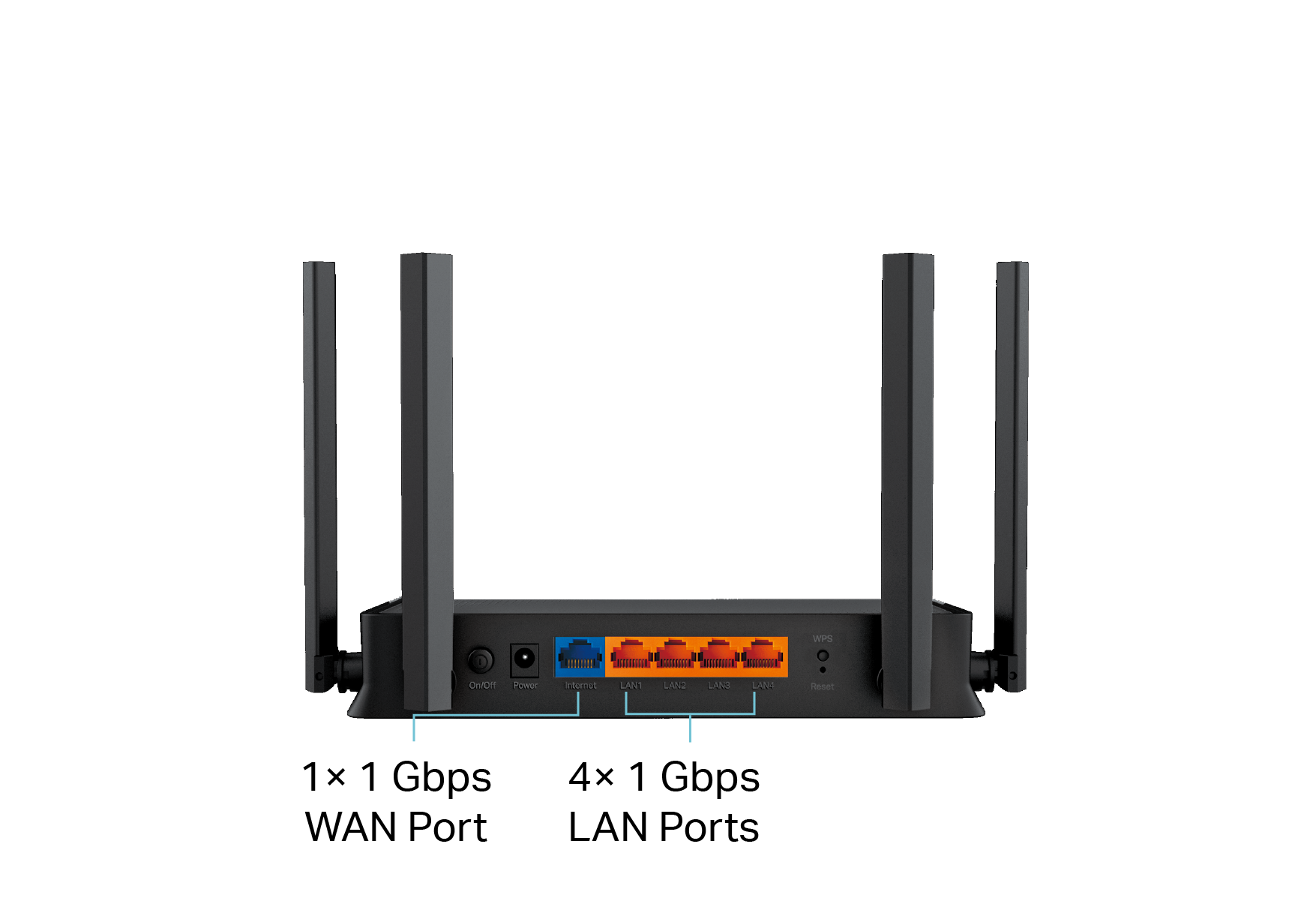
Full Gigabit Ports for Premium Wired Performance Gigabit Ethernet ports deliver maximum wired speeds. Plug in PCs, smart TVs, and game consoles for fast and reliable connections.§ |
|
|
|

|
Features |
||
 |
 |
|
|
Ultra-Fast Speed · BE3600 Wi-Fi – Up to 3570 Mbps dual-band Wi-Fi 7 enables gaming, streaming and high-speed downloading on multiple devices—all at the same time† · Full Gigabit Ports – 1× 1 Gbps WAN port and 4× 1 Gbps LAN ports deliver maximum wired speeds. · Wi-Fi 7 – Wi-Fi 7 (802.11be) features advanced technology 4K QAM, drastically increasing the speed and efficiency of your entire network.◇ · Smart Connect – Intelligently assigns each device to the best Wi-Fi band for optimal performance. |
Reliable Connections · 3570 Mbps Dual-Band Wi-Fi 7 – Enables your devices to run at full speed. Enjoy fluent 4K/8K streaming, immersive AR/VR gaming, and blazing-fast downloads.† · Airtime Fairness – Balances bandwidth of connected devices to improve overall throughput and efficiency. |
Broad Wi-Fi Range · Ultimate Range Wi-Fi – Proprietary Wi-Fi optimization and 4x high-performance antennas boost Wi-Fi signals throughout your home. · Beamforming Technology – Concentrates Wi-Fi signals towards individual devices to ensure stronger connections. · Seamless EasyMesh Network – Transfer between seamless whole-home Wi-Fi without any drops or lag and manage your whole network using a centralized panel. |
 |
 |
 |
|
Ease of Use · Hassle-free Management with Tether App – Network management is made easy with the TP-Link Tether app, available on any Android and iOS device. · Intuitive Web UI – Ensures quick and simple installation without hassle. · WPS (Wi-Fi Protected Setup) – Help you to quickly and securely connect your devices to the router’s network with a tap. · Backwards Compatible – Take your Wi-Fi to the next level while being backwards compatible with existing 802.11a/b/g/n/ac/ax Wi-Fi standards. · Works with Google Assistant – Utilize Google Assistant to control everything via voice commands to enjoy truly intelligent life. |
Robust Security · HomeShield – TP-Link's premium security services keep your home network safe with cutting-edge features for network and IoT protection.** · Parental Controls – Manage online time and block inappropriate content to control your family’s digital habits. · Guest Network – Provides separate access for guests to secure the home network. · Advanced WPA3 Encryptions – The latest Wi-Fi security protocol, WPA3, brings new capabilities to improve cybersecurity in personal networks.☆ · Access Control – Establishes an allow list or a deny list to allow or restrict certain devices to access the internet. |
Value-Added Features · VPN Clients and Server Supported – With VPN client support, the router allows specified devices in your home network to access remote VPN servers without needing to install VPN software on every device. · More Values – Advanced functions like IPTV, IPv6 compatibility, and Access Point mode bring more values. |
|
Specifications |
||
|
Hardware · Ethernet Ports: 1× 1 Gbps WAN Port + 4x 1Gbps LAN Ports§ |
Wireless · Standards: IEEE 802.11be/ax/ac/n/a 5 GHz, IEEE 802.11be/ax/n/g/b 2.4 GHz |
Security · Wi-Fi Encryption: WPA, WPA2, WPA3, WPA/WPA2-Enterprise (802.1x) |
|
Software · Protocols: IPv4, IPv6 |
Physical · Dimensions: 8.3 × 4.9 × 1.5 in (210 × 123.5 × 37 mm) |
Other · System Requirements: |
|
Test Data · Wi-Fi Transmission Power: 5 GHz: |
||
†Maximum wireless signal rates are the physical rates derived from IEEE Standard 802.11 specifications. Actual wireless data throughput, wireless coverage, and connected devices are not guaranteed and will vary as a result of internet service provider factors, network conditions, client limitations, and environmental factors, including building materials, obstacles, volume and density of traffic, and client location.
‡Lower Latency refers to the latency improvement of Wi-Fi 7 routers compared to Wi-Fi 6/6E routers, based on laboratory test data. The test conditions had the same 5 GHz or 2.4 GHz single-frequency wireless interference and tested the maximum latencies of Wi-Fi 7 clients (with MLO turned on) connecting to the 5 GHz and 2.4 GHz bands of Archer BE220 (with MLO turned on) simultaneously and to the 5 GHz or 2.4 GHz bands of a Wi-Fi 6/6E router (without the MLO function).
△Higher capacity and lower latency refers to the capacity and latency improvement of Wi-Fi 7 routers compared to Wi-Fi 6/6E routers, based on laboratory test data.
§Actual network speed may be limited by the rate of the product's Ethernet WAN or LAN port, the rate supported by the network cable, internet service provider factors, and other environmental conditions.
☆Use of WPA3 requires clients to also support the corresponding feature.
◇Use of Wi-Fi 7 (802.11be), Wi-Fi 6 (802.11ax), and features including Multi-Link Operation (MLO), 4K-QAM, Multi-RUs, OFDMA, and MU-MIMO requires clients to also support the corresponding features.
*Wi-Fi generations represent the wireless standard IEEE 802.11 a/b/g/n/ac/ax/be. All devices need to support 802.11 Wi-Fi protocols. Users may require an extra modem device that is compatible with their internet service provider to gain internet access.
**HomeShield includes both basic and advanced features. Advanced features require a paid subscription. For details, visit tp-link.com/homeshield
***TP-Link EasyMesh-compatible products can network with other devices that use EasyMesh. Failed connections may be due to firmware conflicts of different vendors. The EasyMesh-compatible function is still being developed on some models and will be supported in subsequent software updates.
This router may not support all the mandatory features as ratified in the IEEE 802.11be specification.
Further software upgrades for feature availability may be required.
©2026 TP-Link