


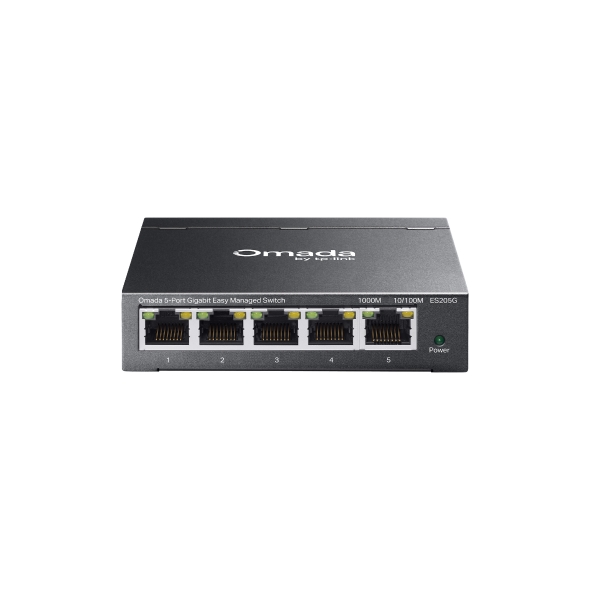
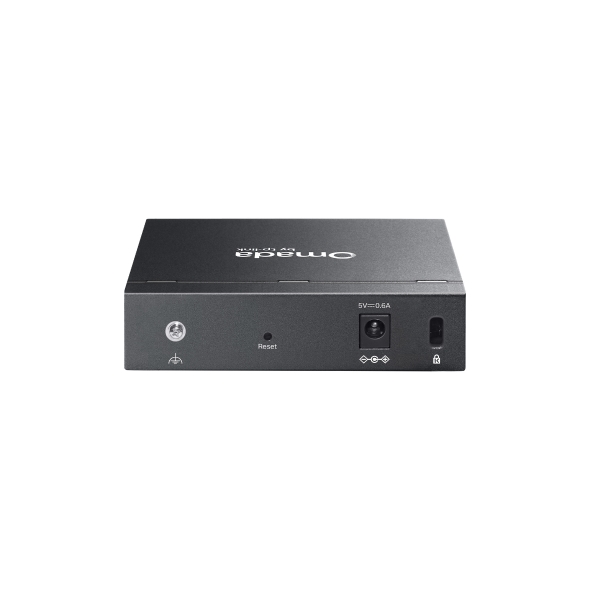
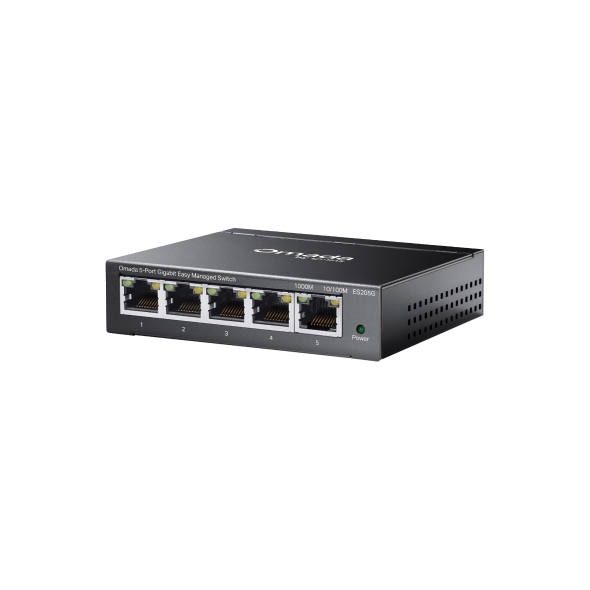
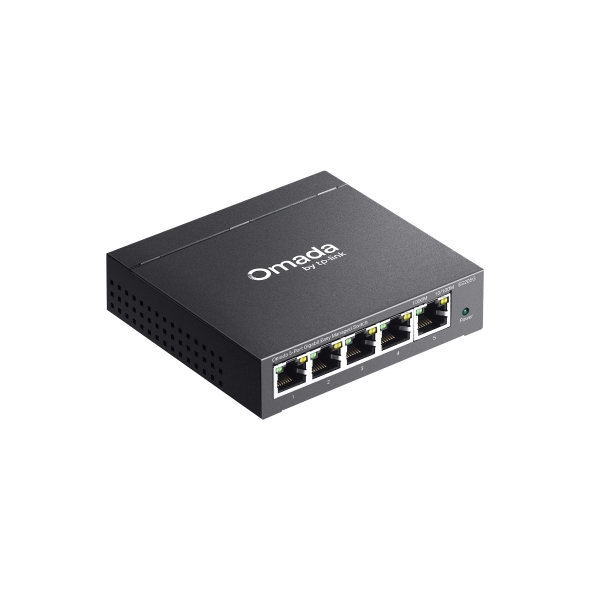
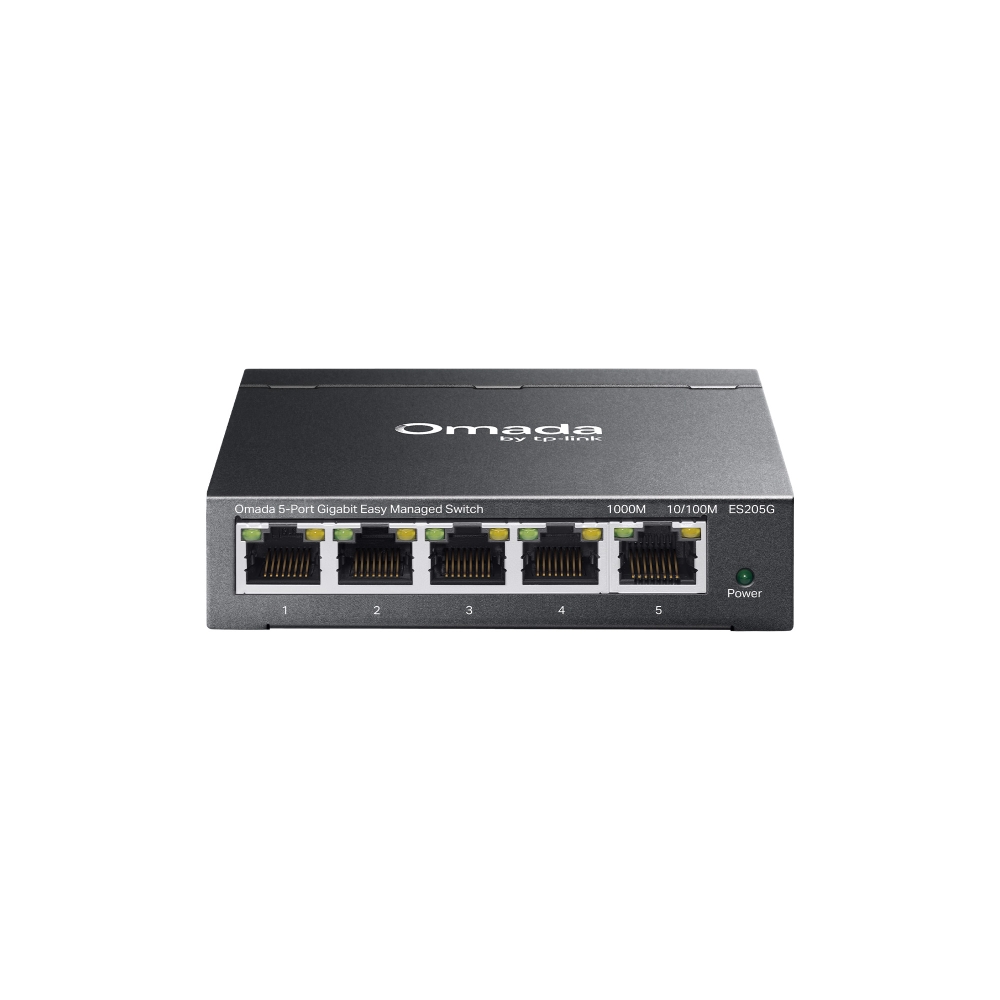
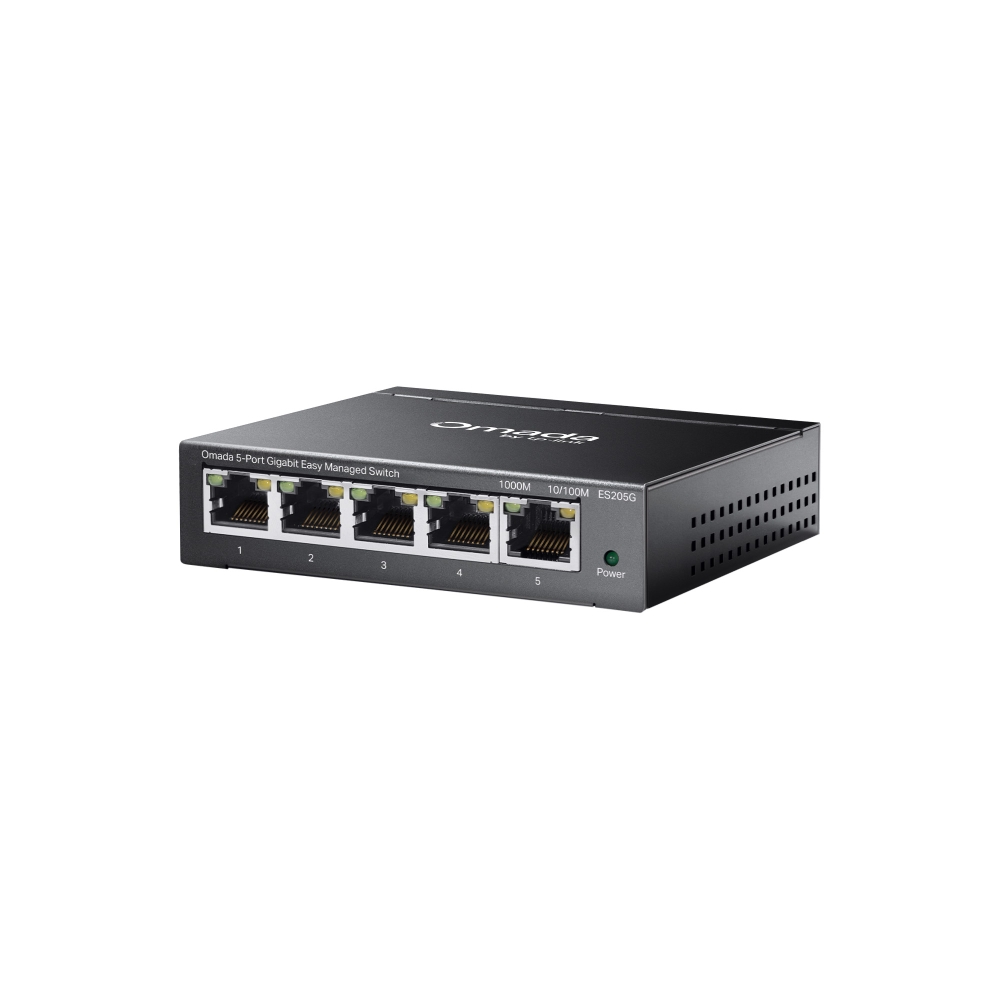
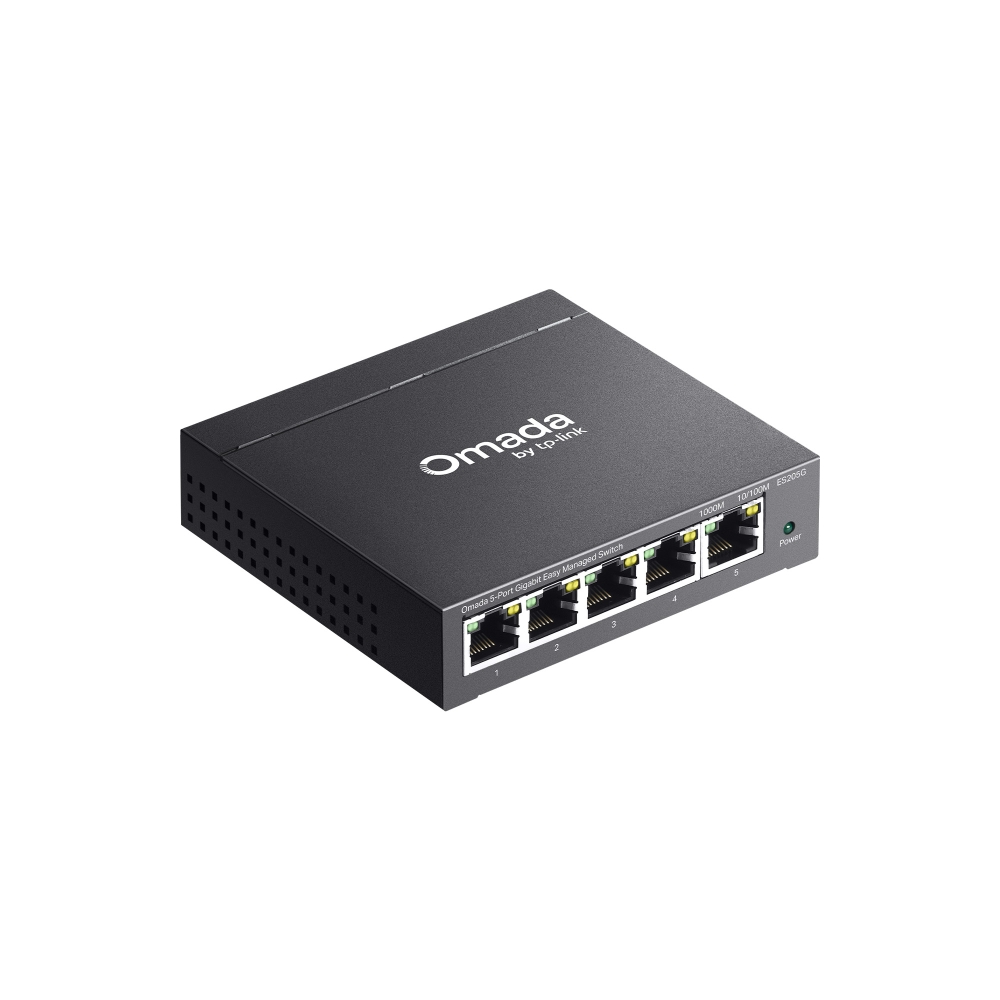
Omada 5-Port Gigabit Easy Managed Switch
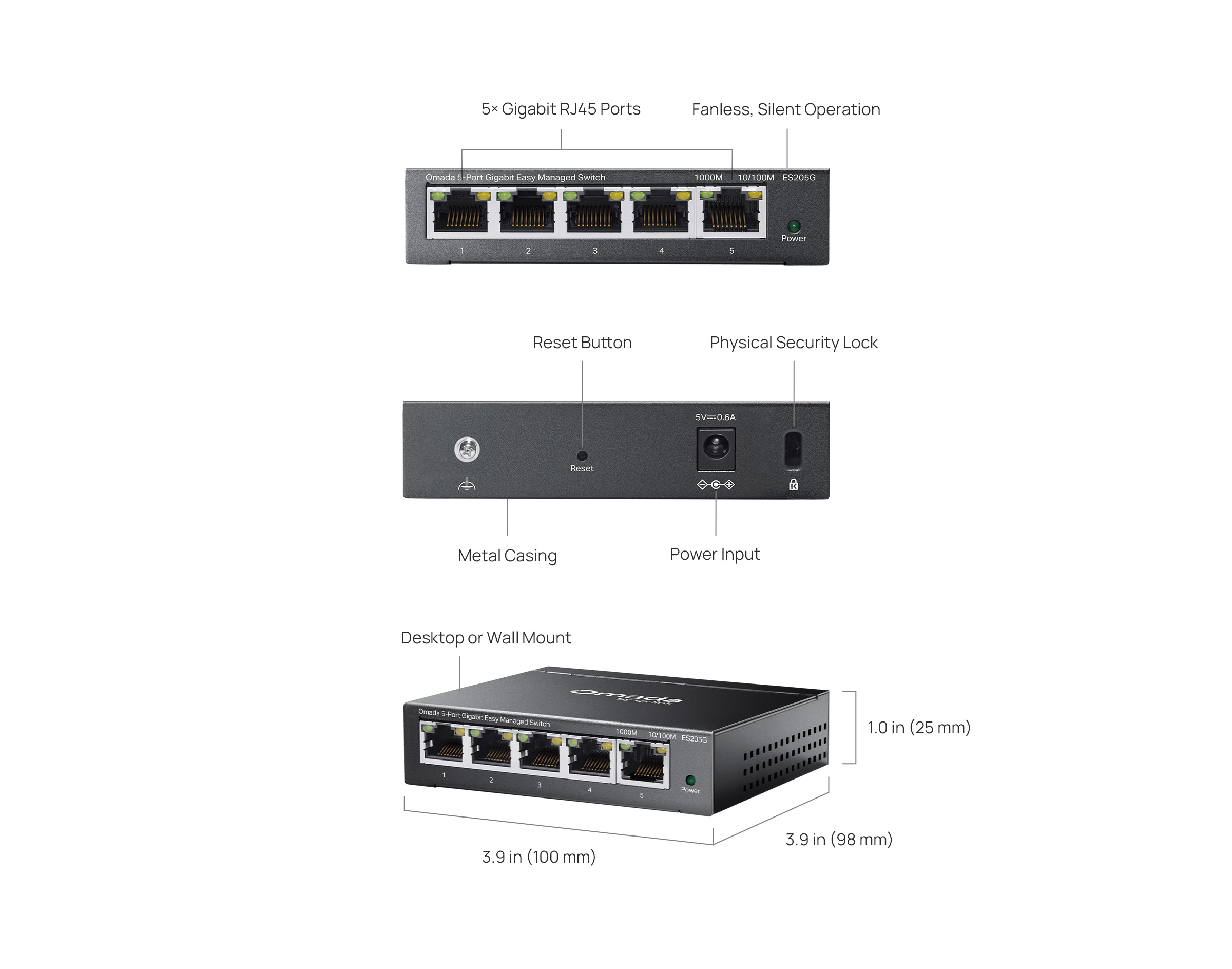
- 5× 10/100/1000Mbps RJ45 ports
- Easy to Use: Supports plug-and-play for instant connectivity and simple configuration for additional features
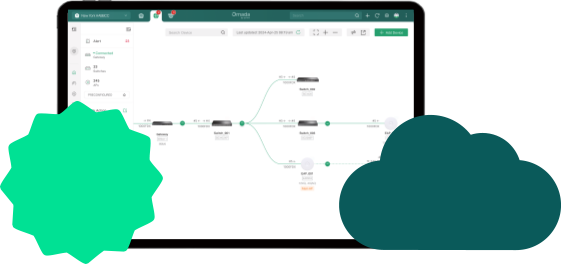
- Centralized Cloud Management via the web or the Omada app†
- Automatic Loop Prevention, VLAN, and IGMP Snooping
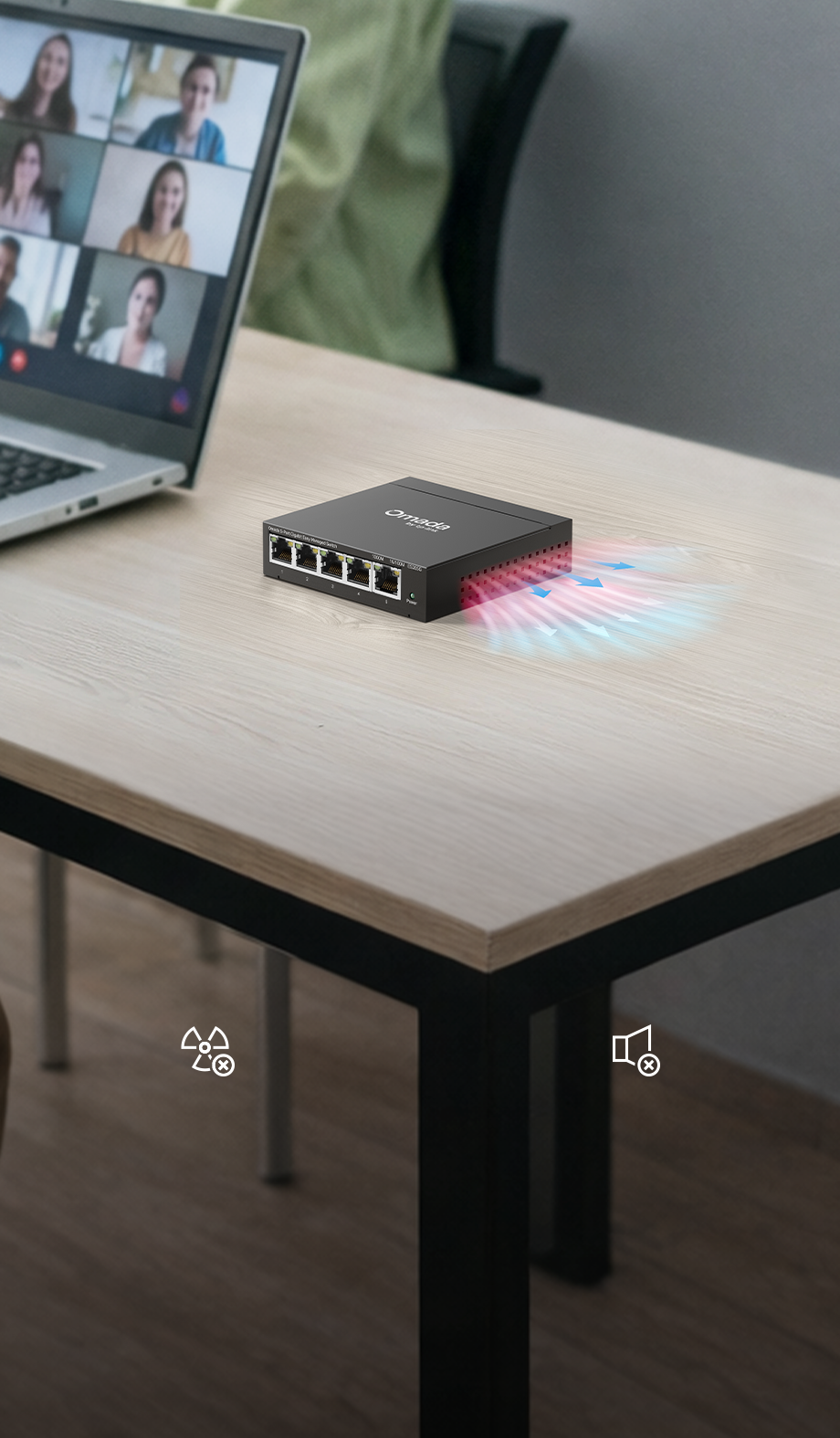
- Fanless design for silent operation
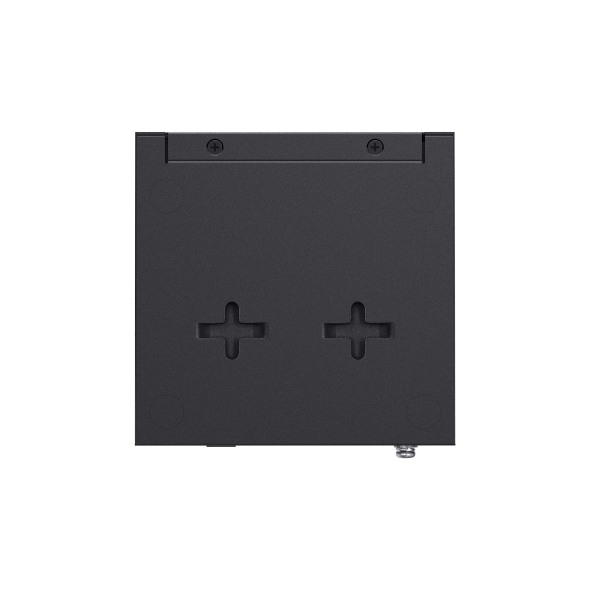
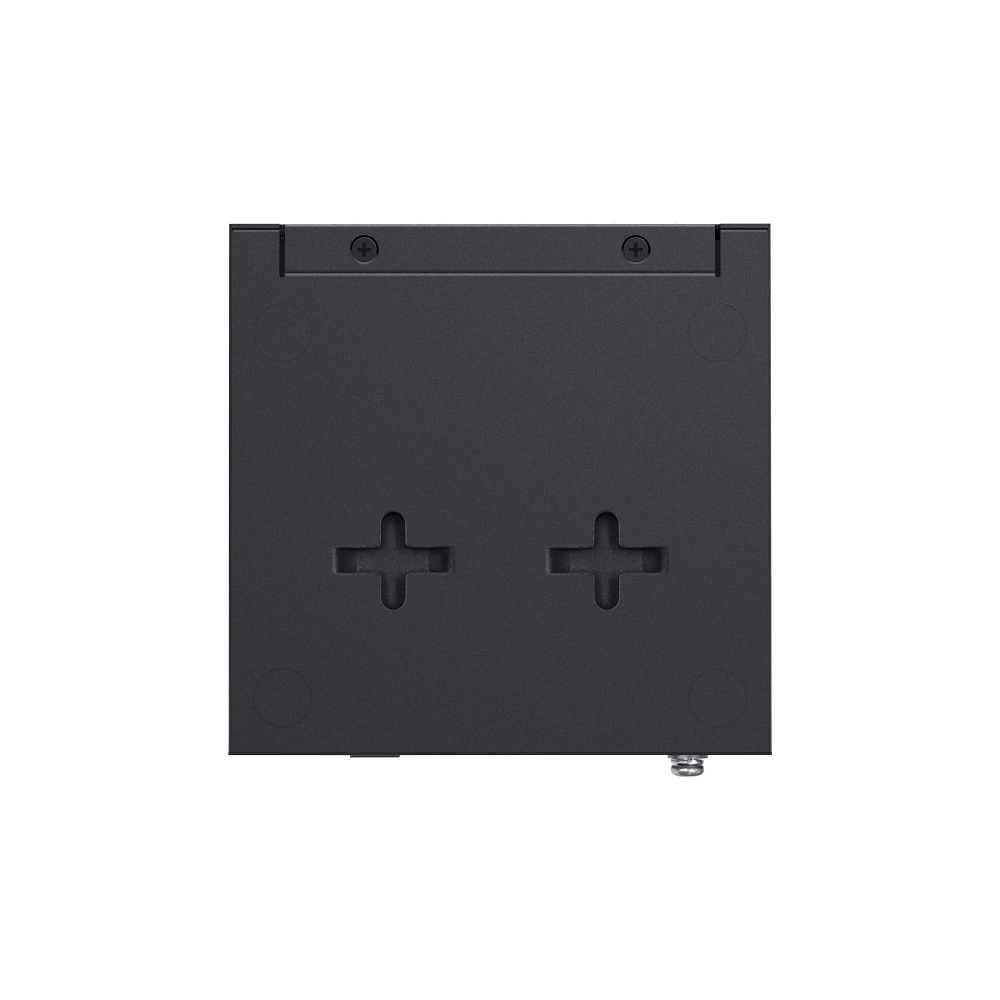
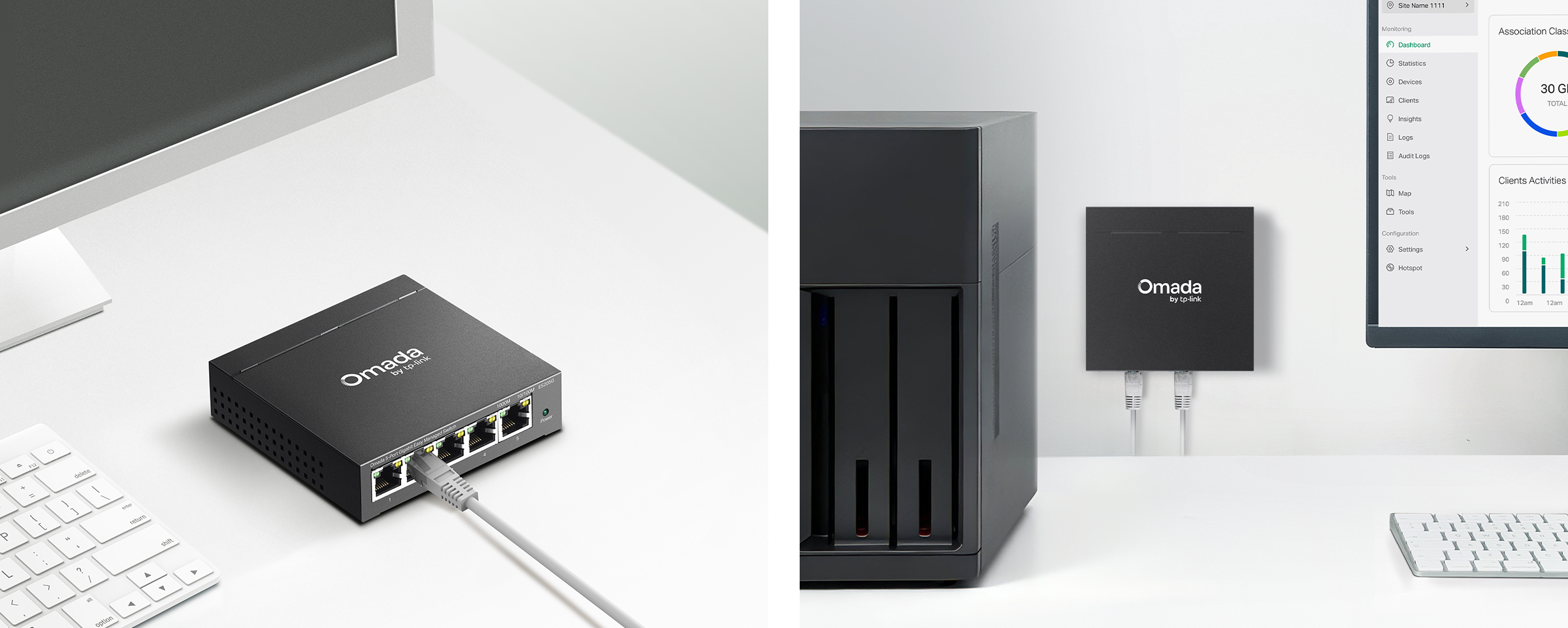
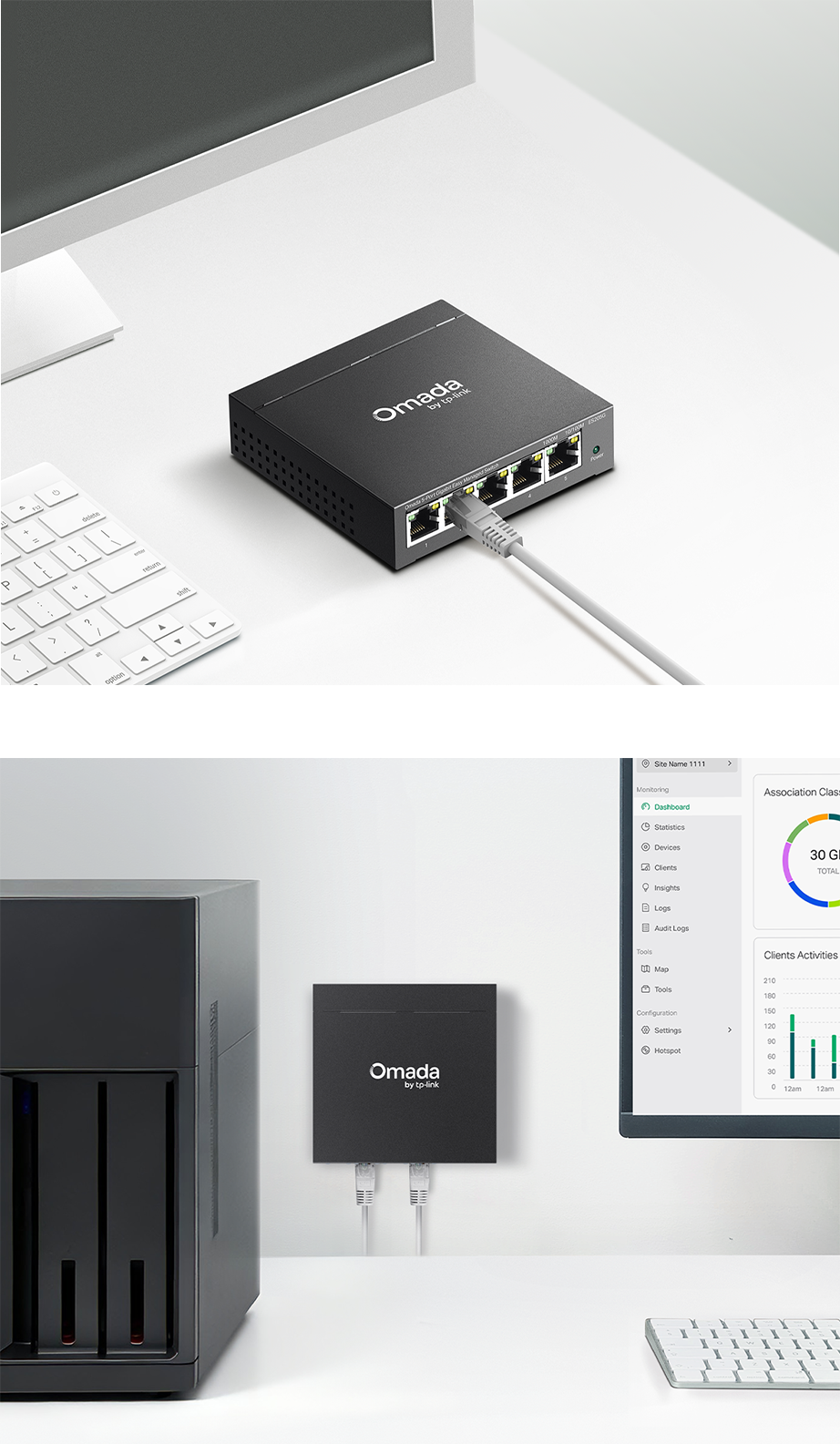
- Durable metal casing and desktop/wall mounting design

Omada 5-Port
Gigabit
Gigabit
Easy
Managed Switch Switch
5× Gigabit
RJ45 Ports
Fanless Design for
Silent Operation
Compact
Metal Casing
Easy Centralized
Management†
Traffic
Separation
Traffic
Prioritization△
Automatic Loop
Prevention
Cable Test△
Works with Omada Central Essentials
for Free and Easy Cloud
Management
Omada Central Essentials provides free and
easy-to-use centralized cloud management and
monitoring for the Omada networking system,
covering
access points, switches, and gateways, ideal for
surveillance networks and small businesses.
Cost-Performance Solution
 Free
Cloud
Free
Cloud
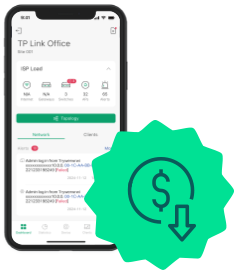
Looking for free, worry-free cloud management for life?
Lifetime Free Cloud without
Additional Fees
On-site work eating up time and
resources?
Manage and Maintain from
Anywhere
Compact and Durable Metal
Casing, Featuring
Desktop/Wall Mounting
and a Fanless Design

| HARDWARE FEATURES | |
|---|---|
| Interface | • 5× 10/100/1000 Mbps RJ45 Ports• AUTO Negotiation/AUTO MDI/MDIX |
| Fan Quantity | Fanless |
| Installation | • Desktop• Wall Mount |
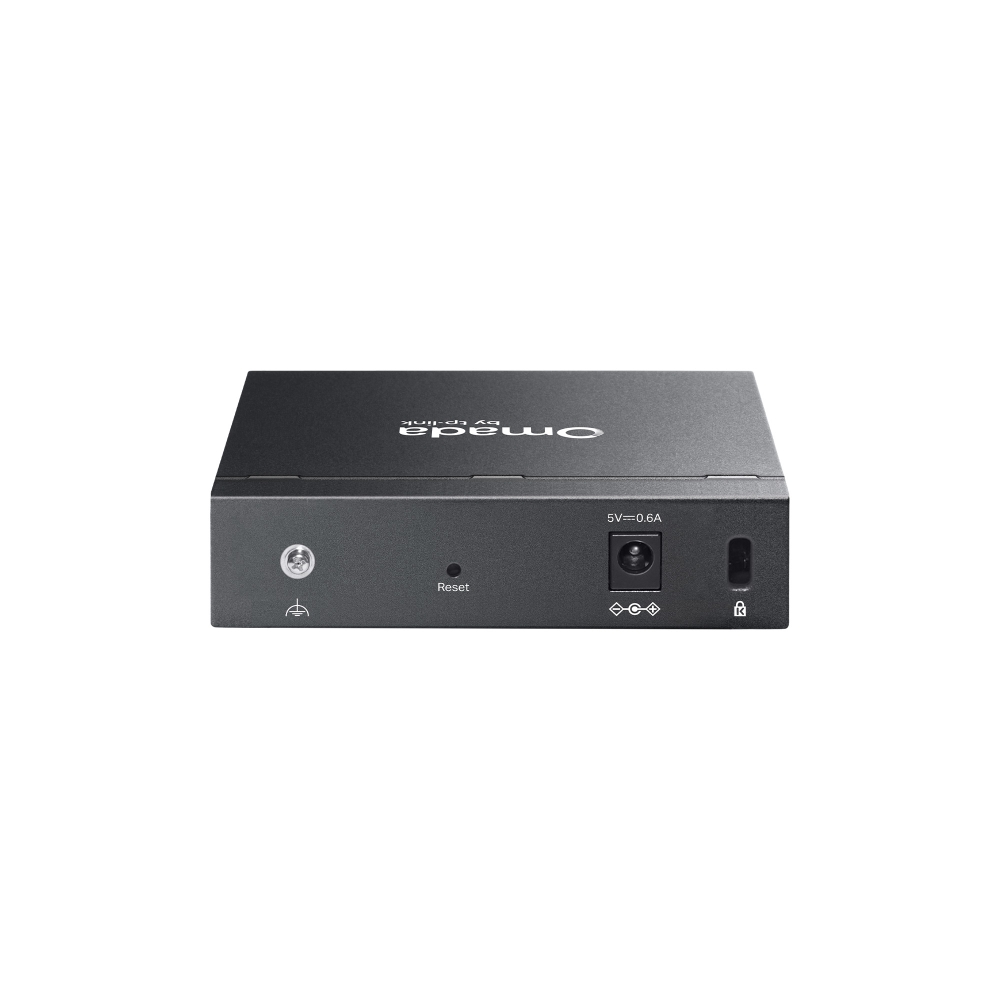
| Physical Security Lock | √ |
| Power Supply | AC/DC Adapter (Input: 100-240V AC; Output: 5V DC/0.6A) |
| Dimensions ( W x D x H ) | 3.9 × 3.9 × 1.0 in (100 × 98 × 25 mm) |
| Surge Protection | ±6kV |
| PERFORMANCE | |
|---|---|
| Packet Buffer Memory | 4 Mbits |
| Jumbo Frame | 15 KB |
| Switching Capacity | 10 Gbps |
| Packet Forwarding Rate | 7.4 Mpps |
| MAC Address Table | 8 K |
| SOFTWARE FEATURES | |
|---|---|
| Quality of Service | • Port-based/802.1p/DSCP QoS• 8 Priority Queues• Priority Schedule Mode- WRR (Weighted Round Robin)• Queue Weight Config• Bandwidth Control- Port-Based Rating Limit• Storm Control- Multiple Control Modes (kbps/pps)- Broadcast/Multicast/Unknown-Unicast Control△ |
| L2 Features | • Link Aggregation- Static Link Aggregation- Up to 2 aggregation groups and up to 4 ports per group• Loopback Detection• Flow Control- 802.3x Flow Control• Mirroring- Port Mirroring- One-to-One- Many-to-One- Ingress/Egress/Both• Port Statistics- Port Mirror Status- Traffic Statistics• 802.1ab LLDP |
| L2 Multicast | • IGMP Snooping- IGMP v1/v2/v3 Snooping- Fast Leave |
| VLAN | • 802.1Q Tag VLAN- Max 32 VLAN Groups- 4K VID |
| Transmission Method | Store-And-Forward |
| Management Features | |
|---|---|
| Omada App | Yes. Requires the use of Omada Hardware Controller, Omada Cloud-Based Controller, or Omada Software Controller. |
| Centralized Management | • Omada Cloud-Based Controller (Requires built-in version 6.1.0 or later)• Omada Hardware Controller (Requires built-in version 6.1.0 or later)• Omada Software Controller (Requires built-in version 6.1.0 or later) |
| Cloud Access | Yes. Requires the use of Omada Hardware Controller, Omada Cloud-Based Controller, or Omada Software Controller. |
| Zero-Touch Provisioning | Yes. Requires the use of Omada Cloud-Based Controller |
| Management Features | • Web-based GUI• DHCP Client• Cable Diagnostics• ONVIF***• Automatic Device Discovery†• Batch Configuration†• Batch Firmware Upgrading†• Unified Configuration† |
| OTHERS | |
|---|---|
| Certification | FCC, CE |
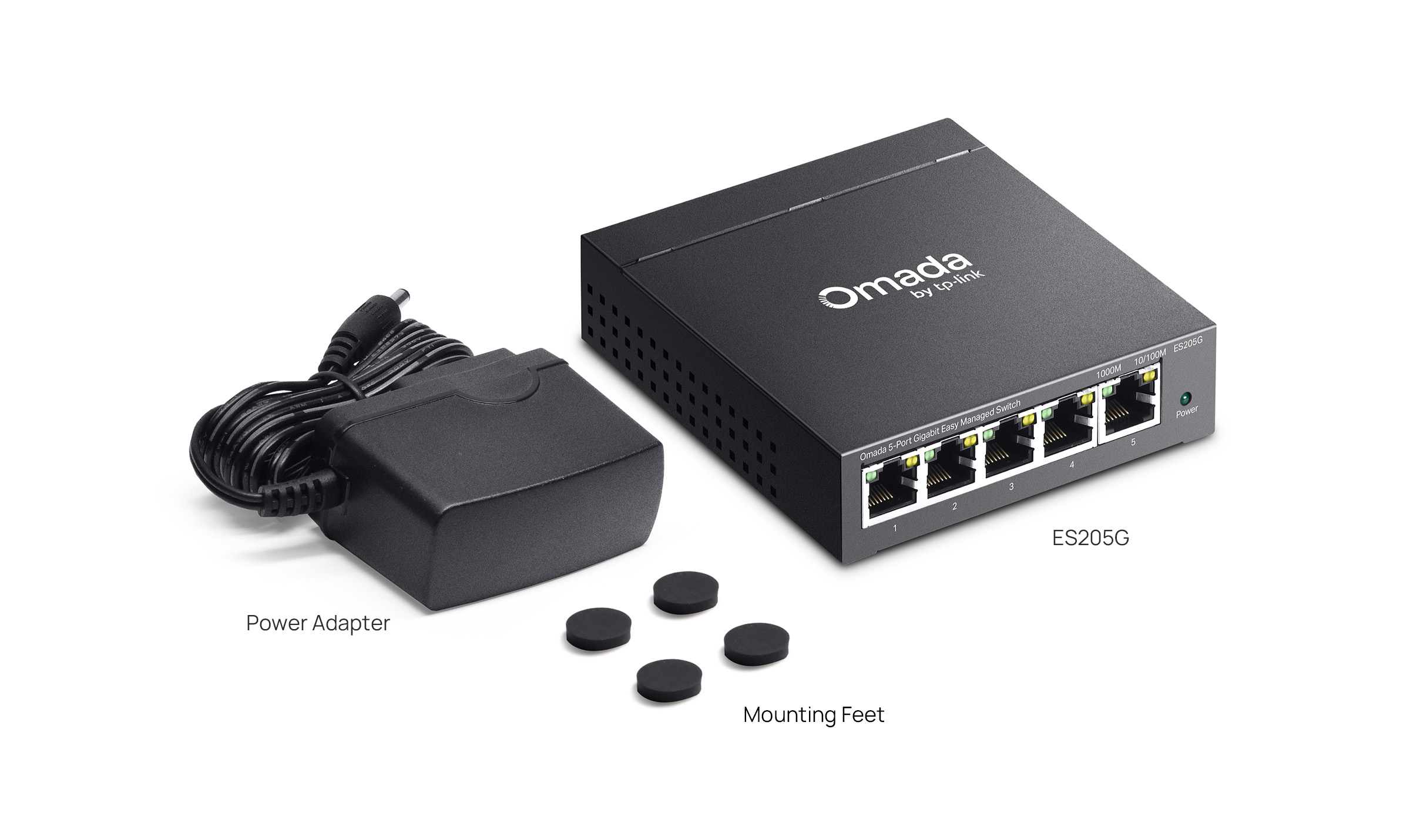
| Package Content | • ES205G• Power Adapter• Mounting Feet• Installation Guide |
| Environment | • Operating Temperature: -5℃~40℃ (23℉~104℉)• Storage Temperature: -40℃~70℃ (-40℉~158℉)• Operating Humidity: 10%~90% non-condensing• Storage Humidity: 5%~90% non-condensing |
†These functions require the use of the Omada Controller. Zero-Touch Provisioning requires the use of the Omada Cloud-Based Controller (Omada Cloud Standard or Omada Cloud Essentials). Go to the Omada Cloud-Based Controller (Omada Cloud Standard) Product List or Omada Cloud Essentials Product List to find all the supported models.
△Port-based/802.1p/DSCP QoS are supported under Standalone Mode. QoS Rule is supported under Controller mode.
***ONVIF is supported only in Controller mode.