


Access Switches
for Business Networks
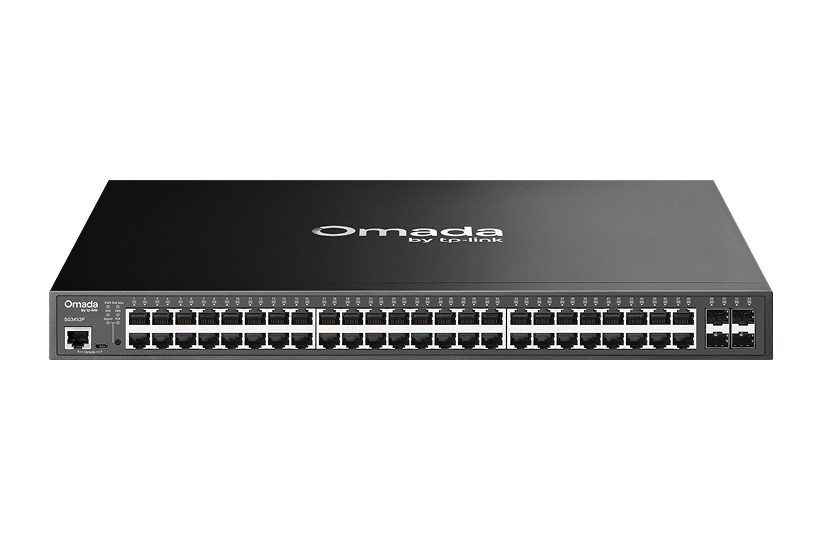
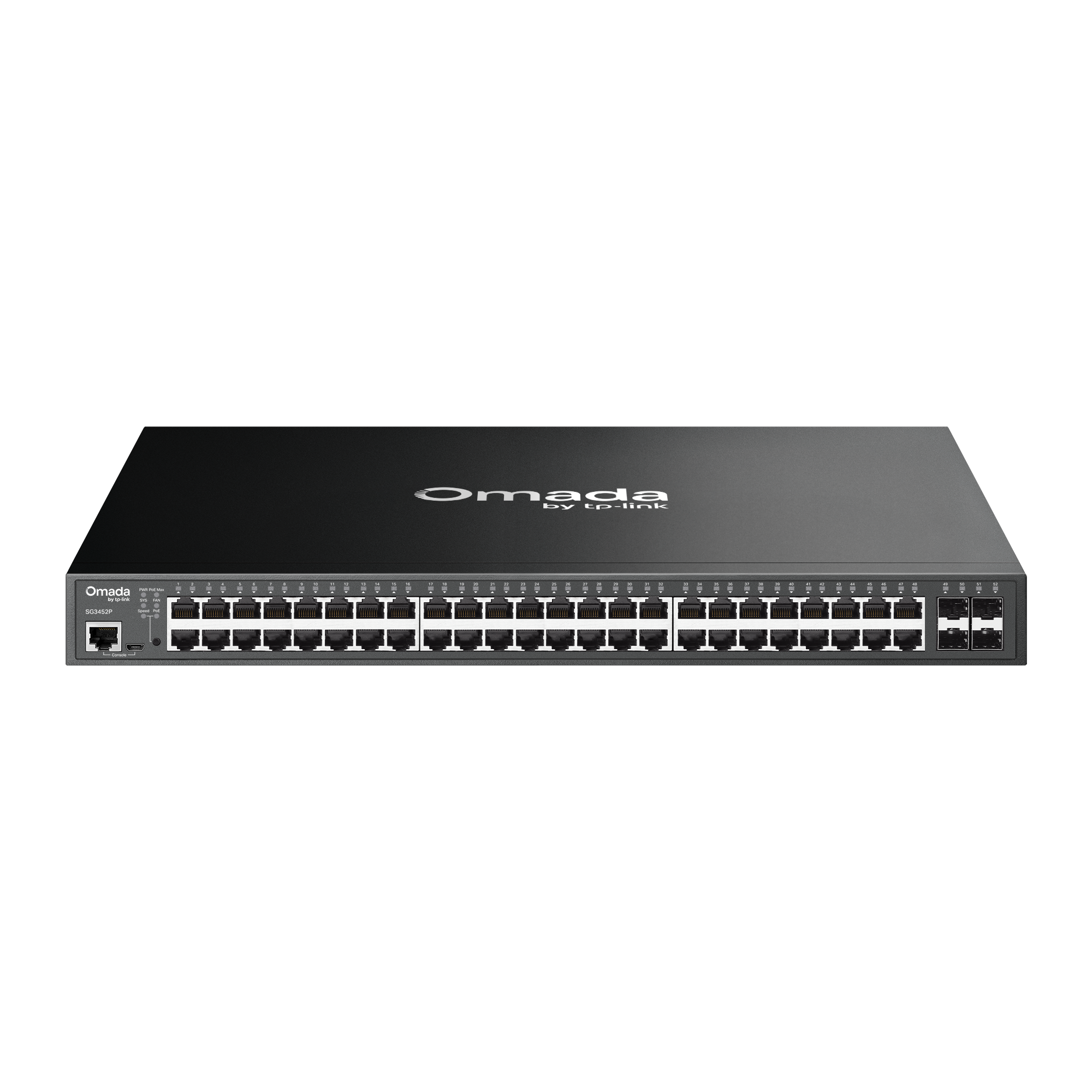
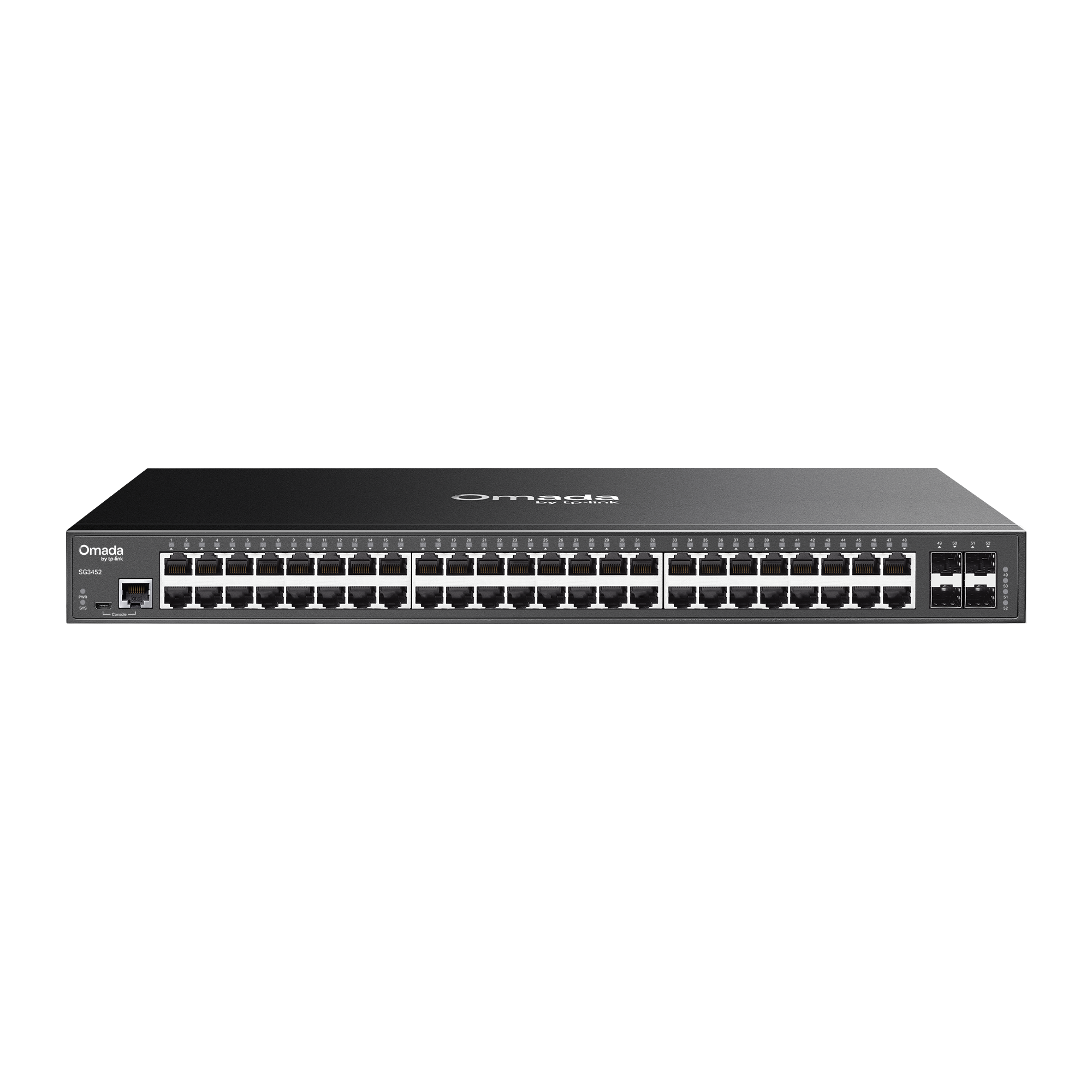
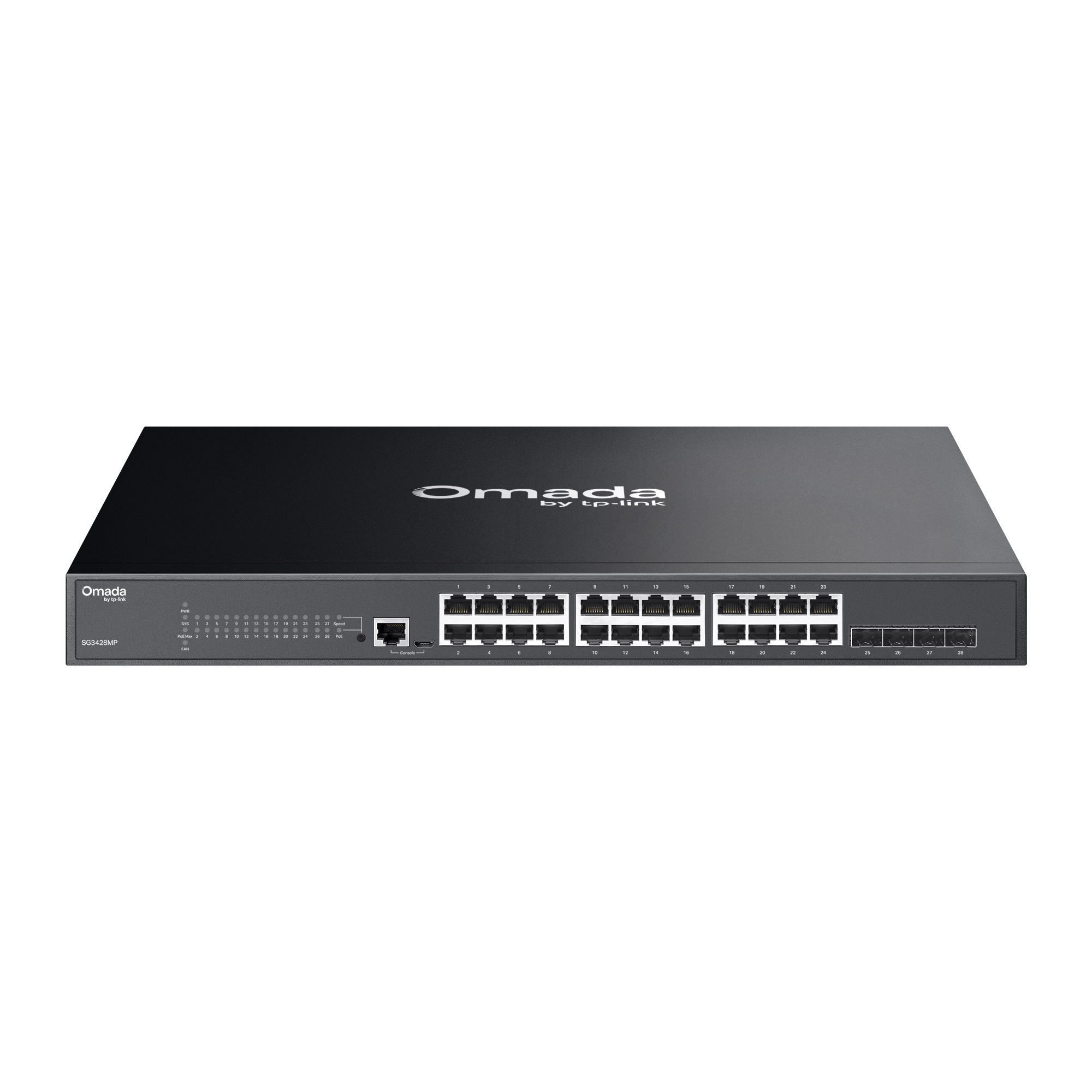
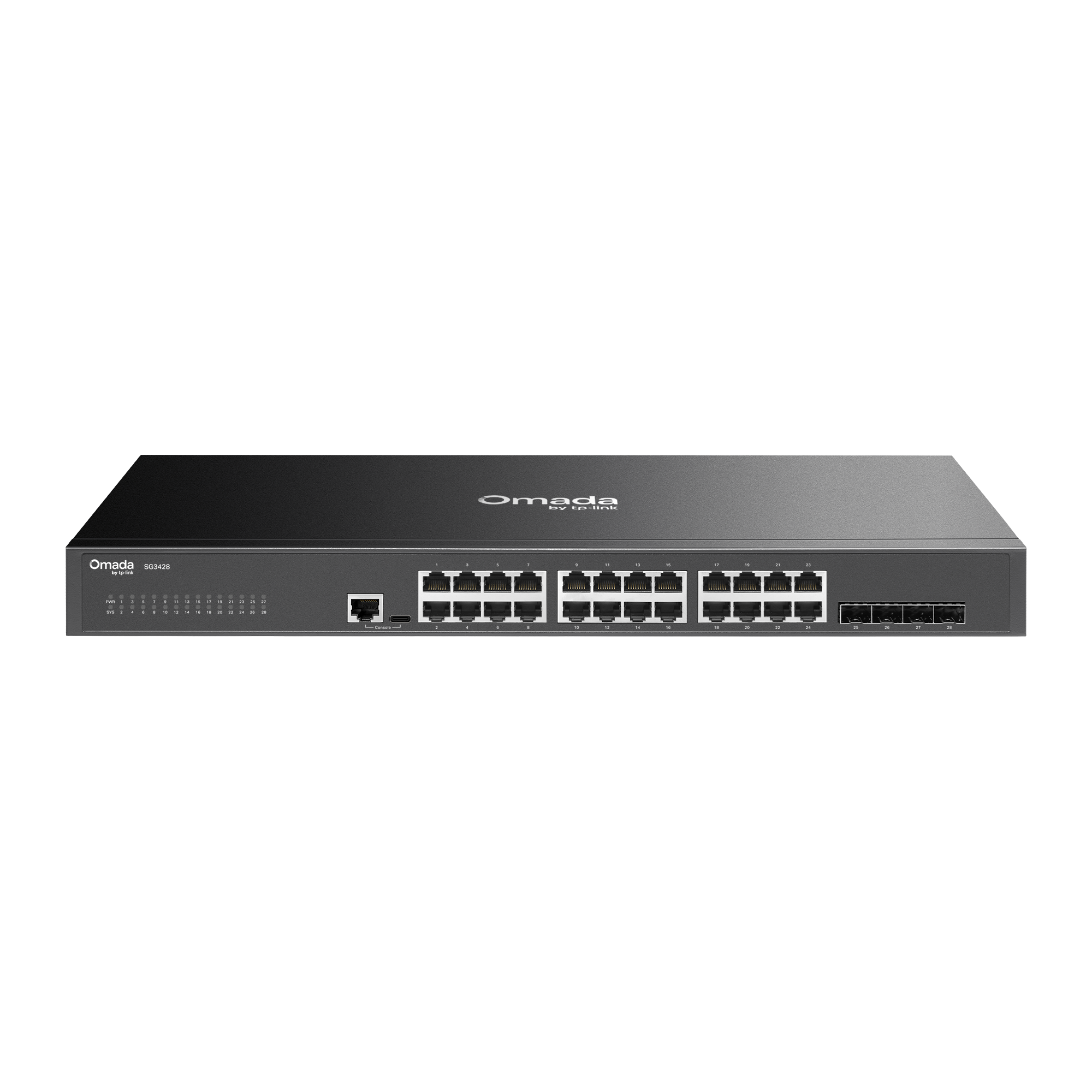
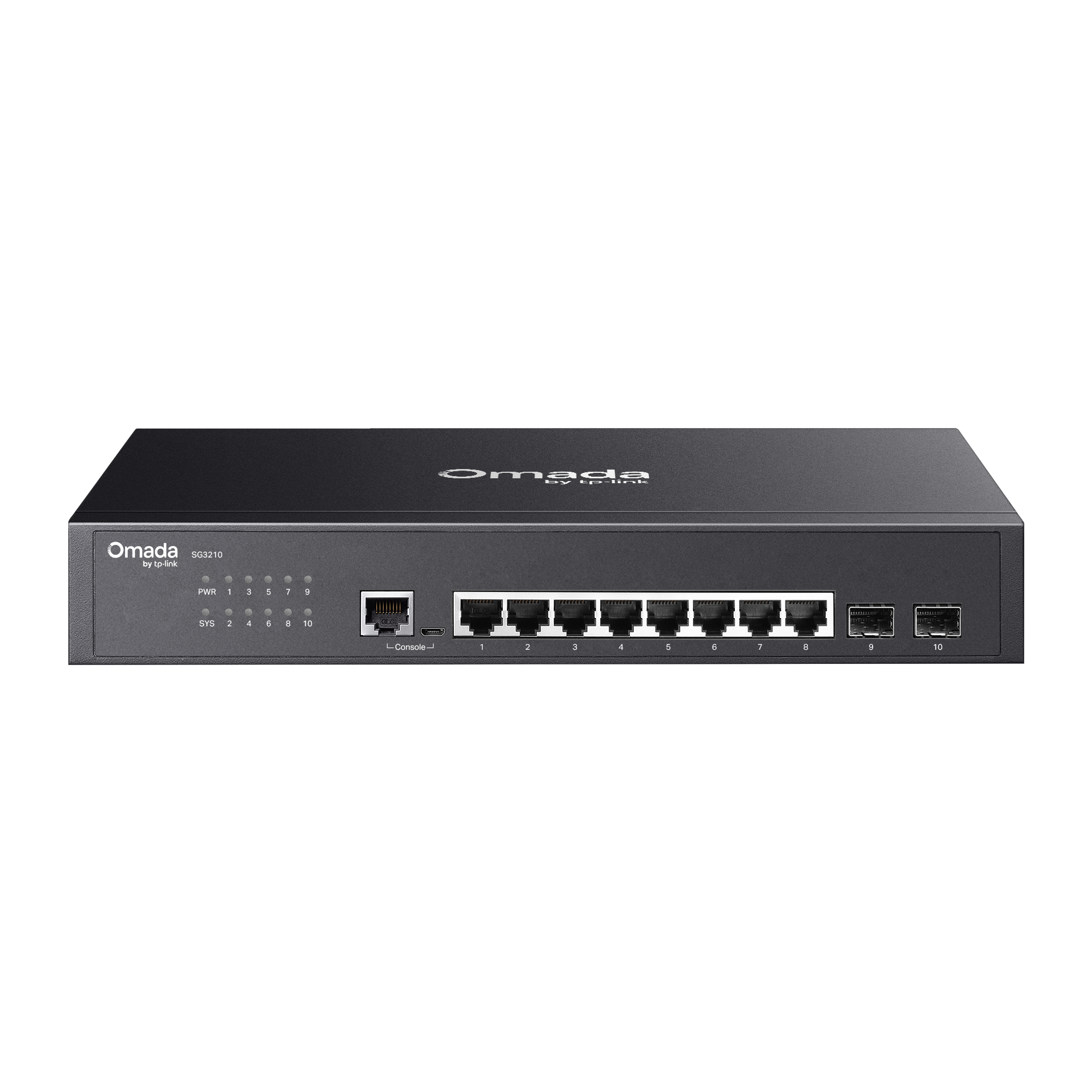
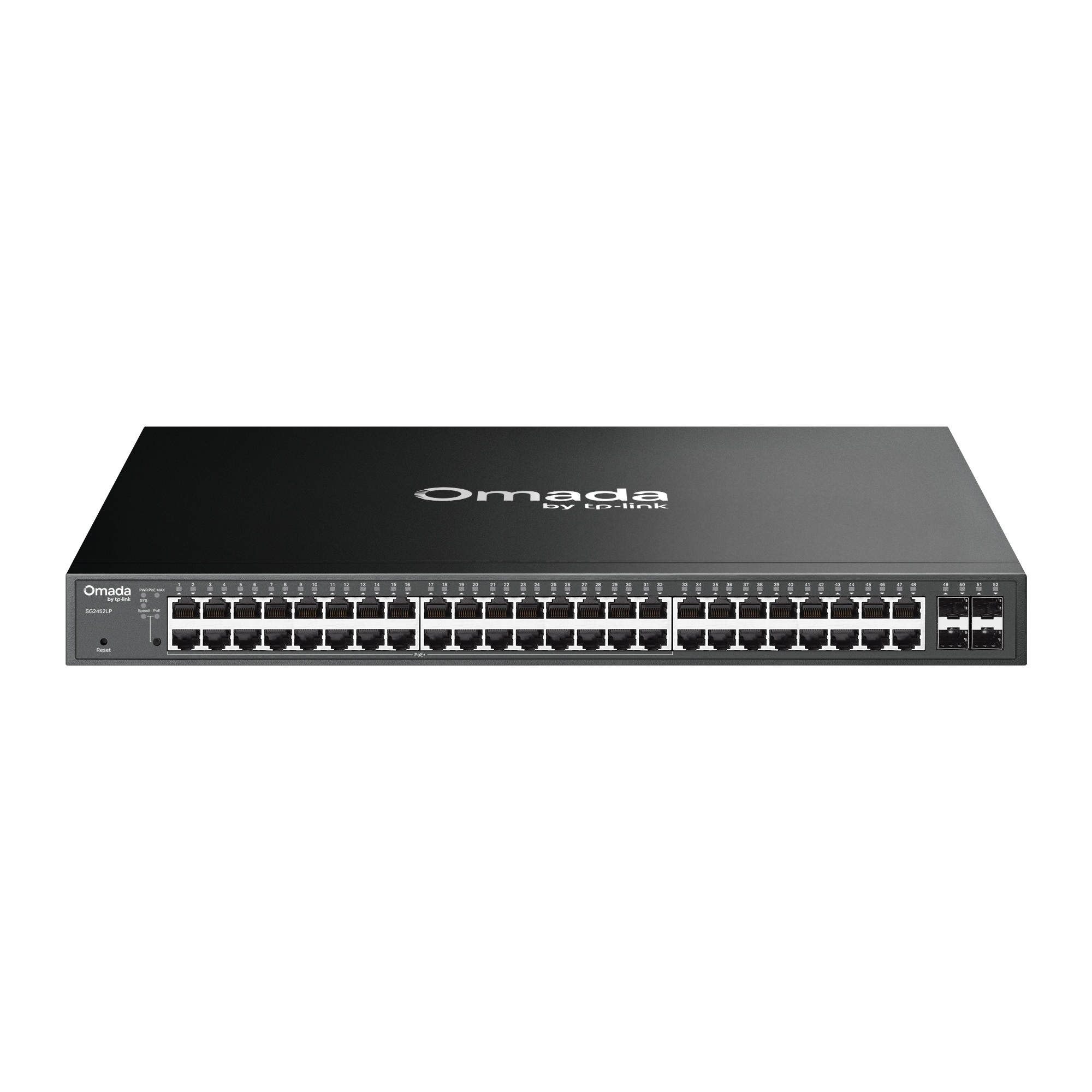
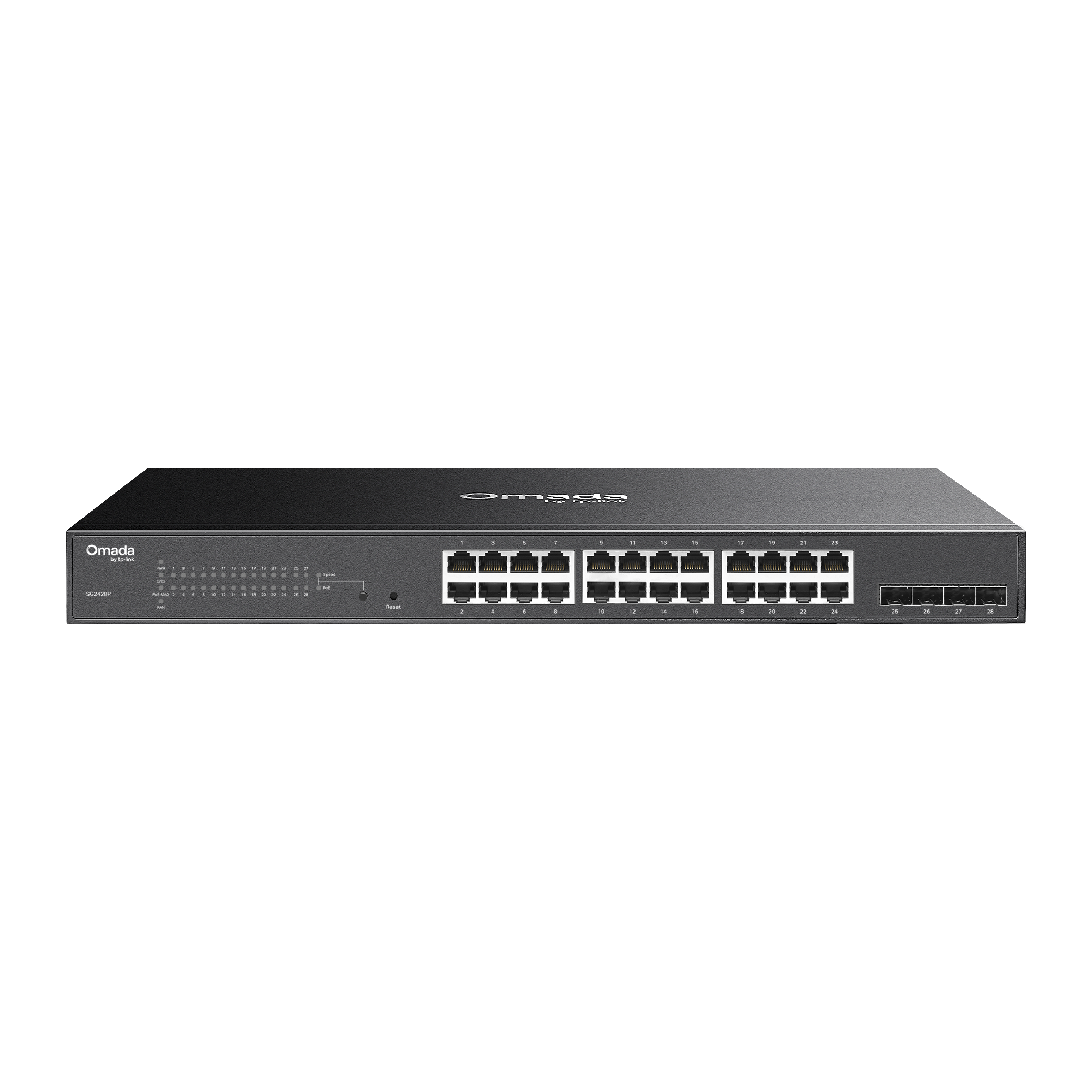
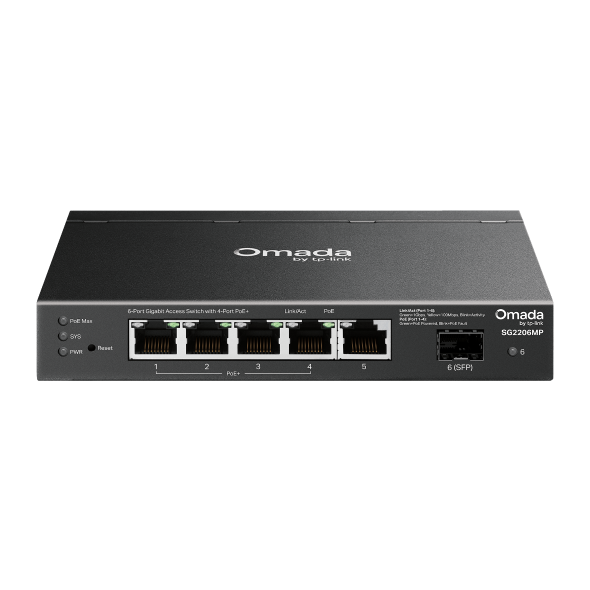
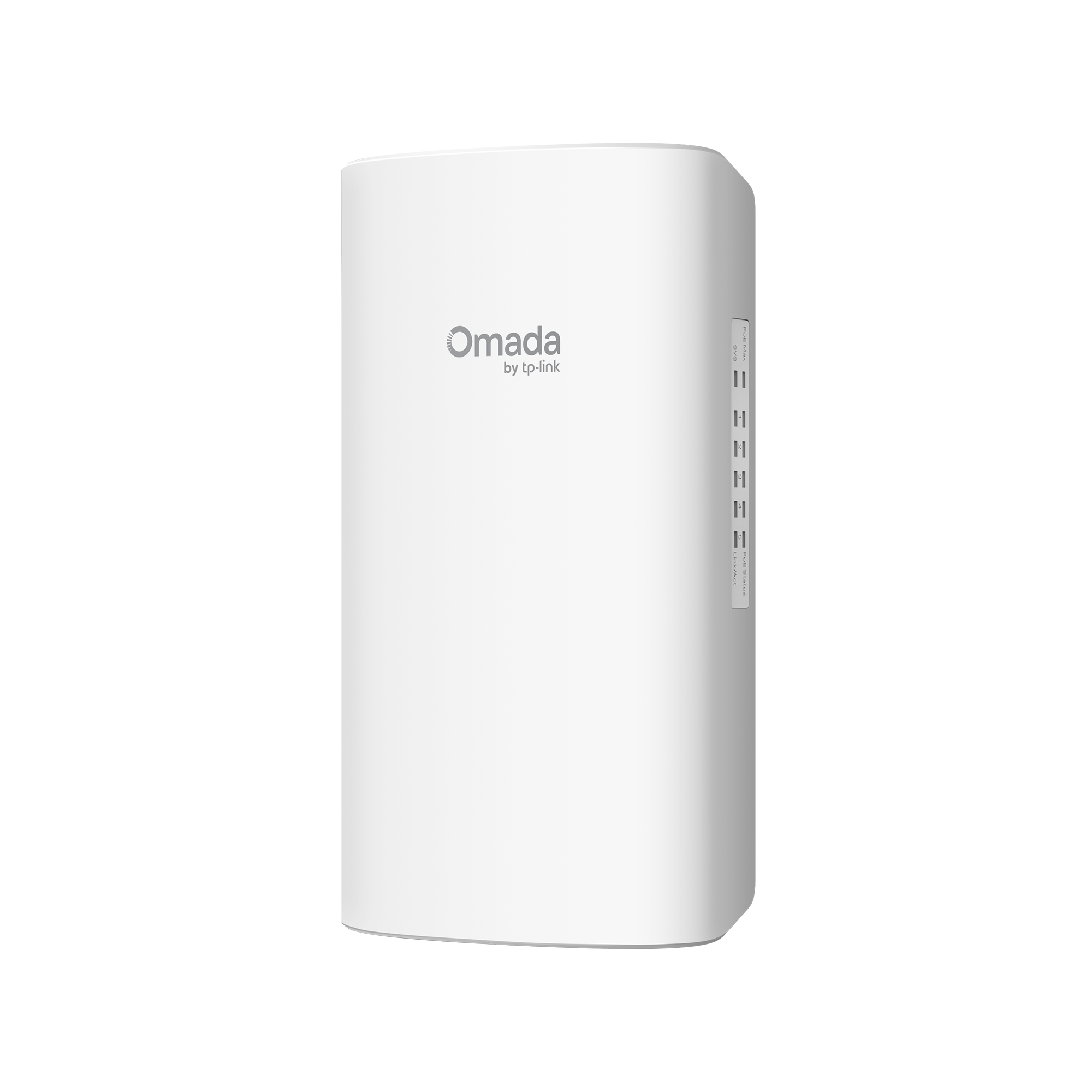
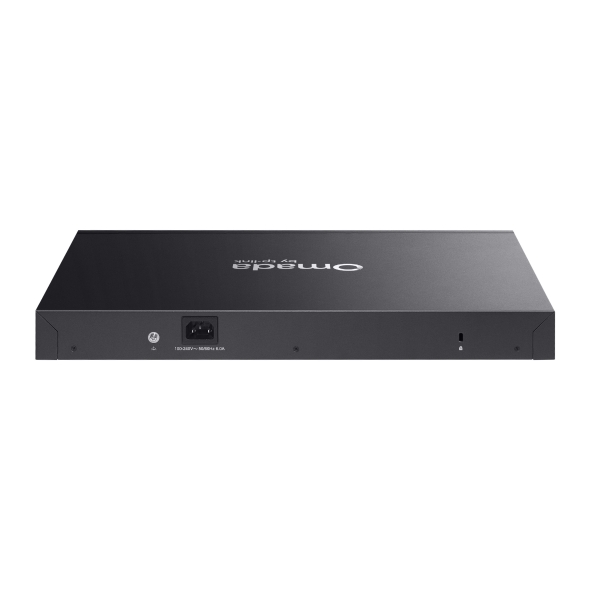
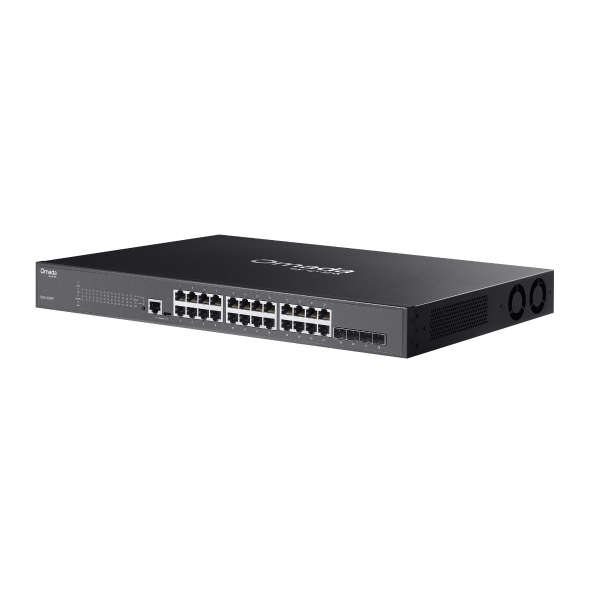
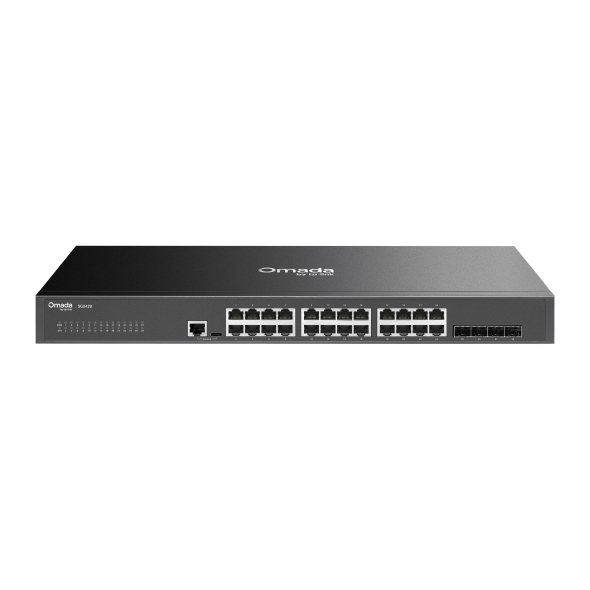
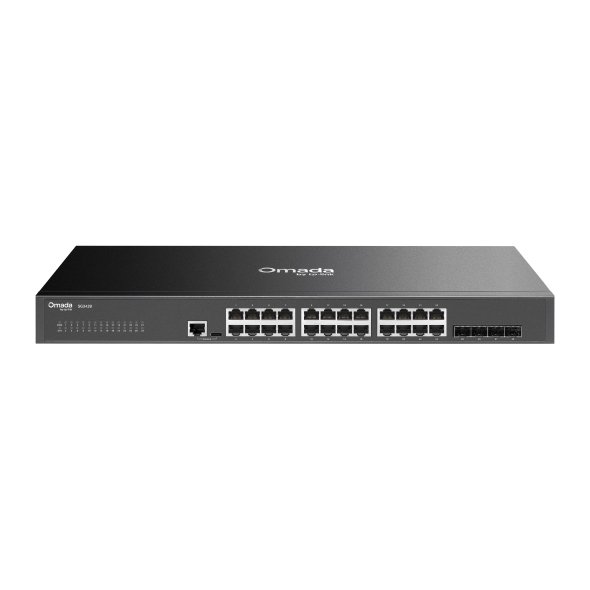
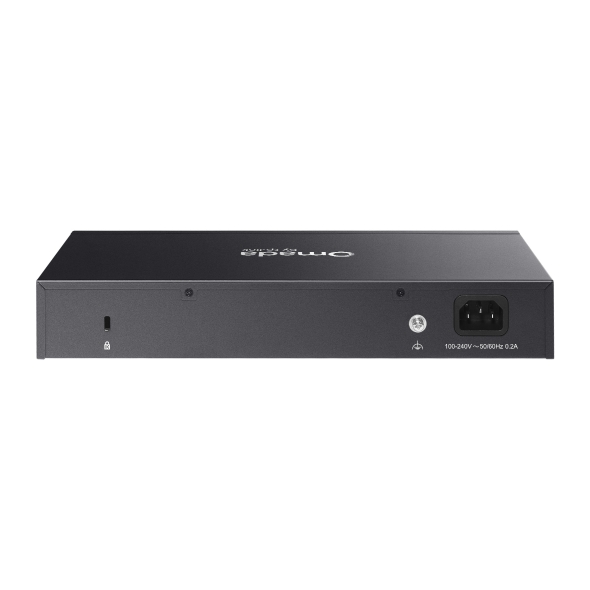
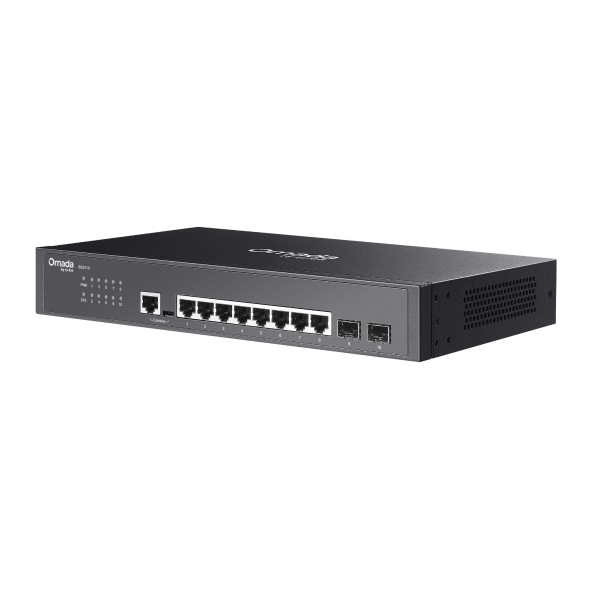
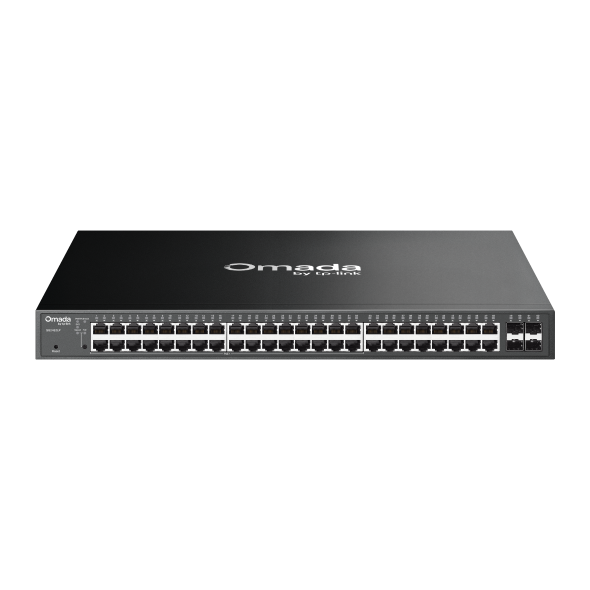
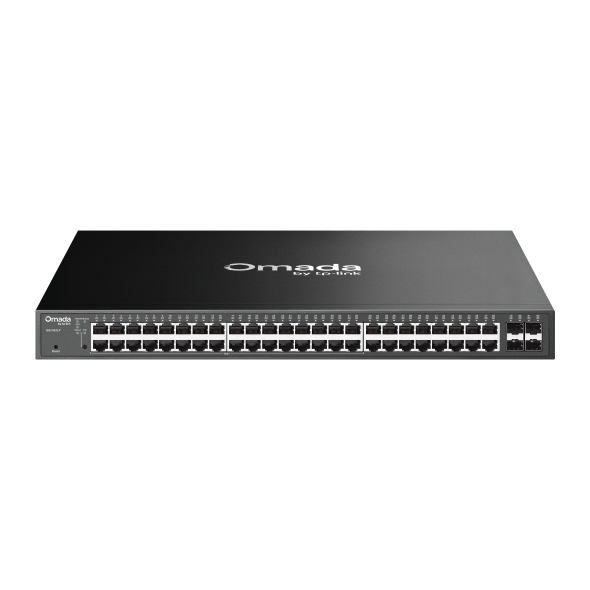
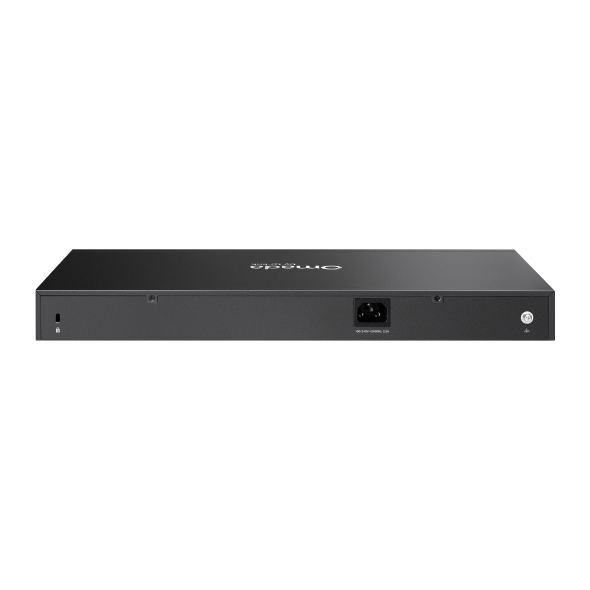
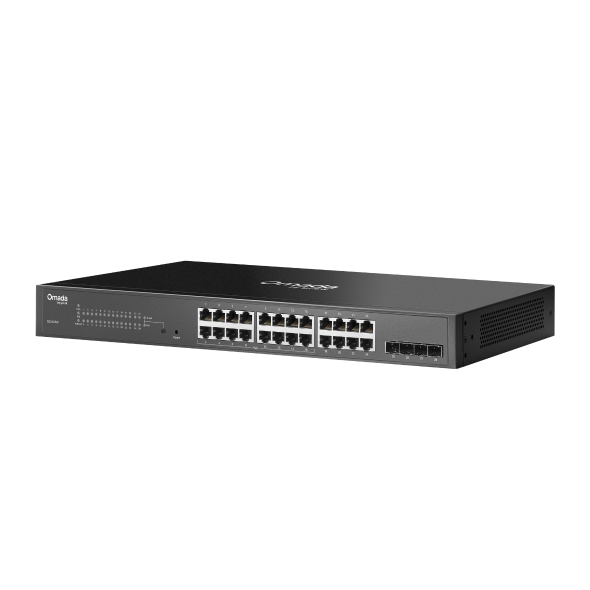
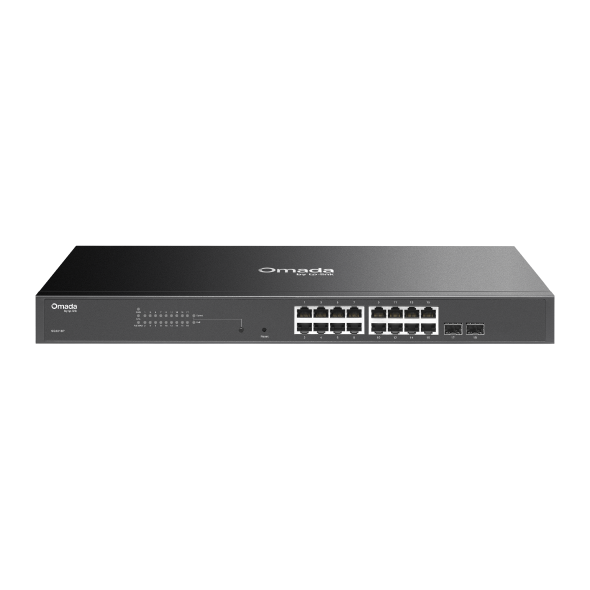
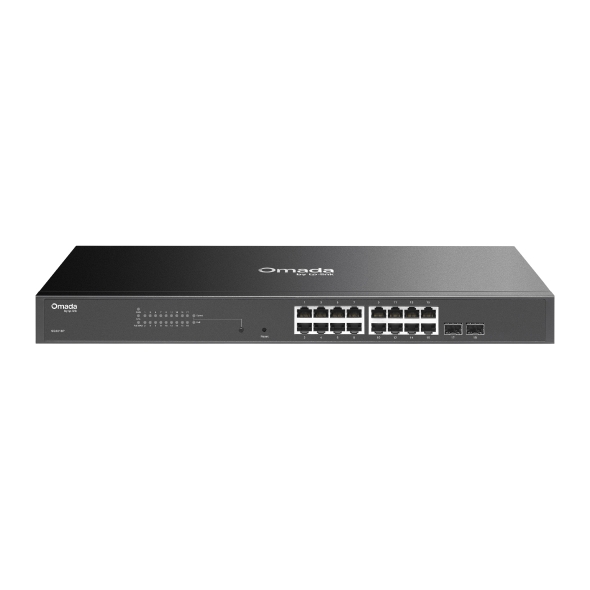
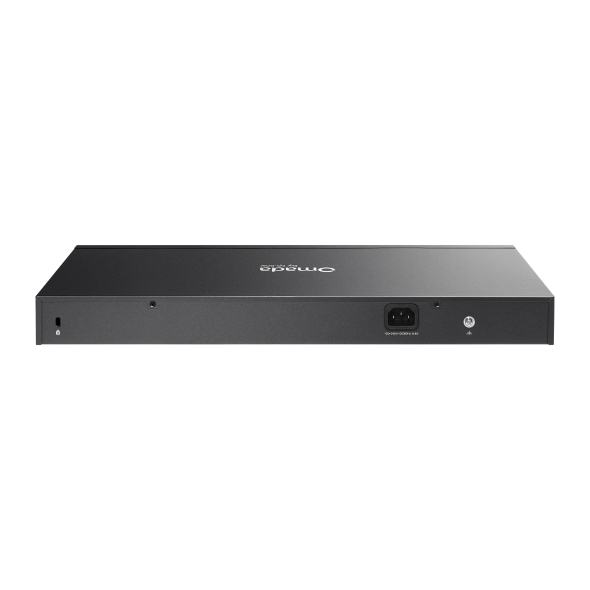
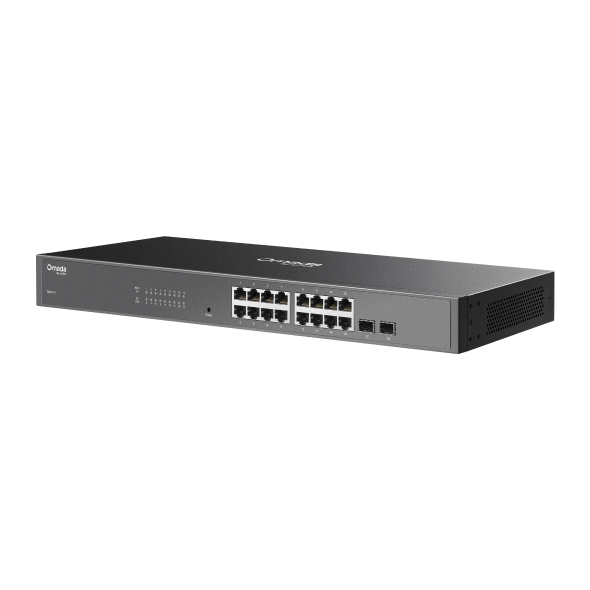
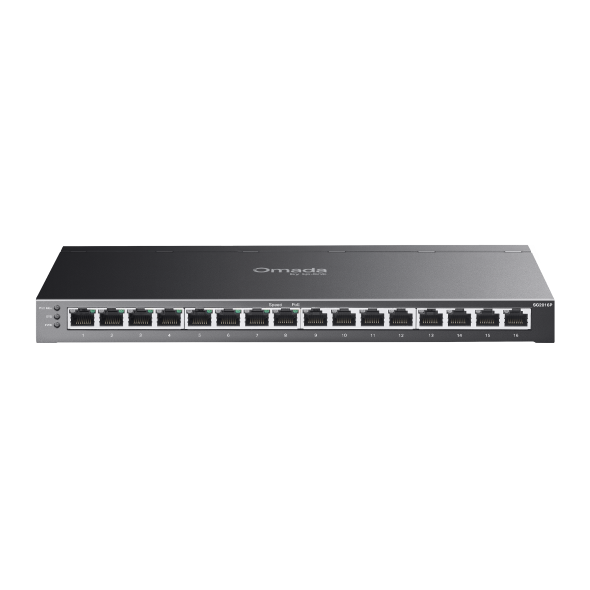
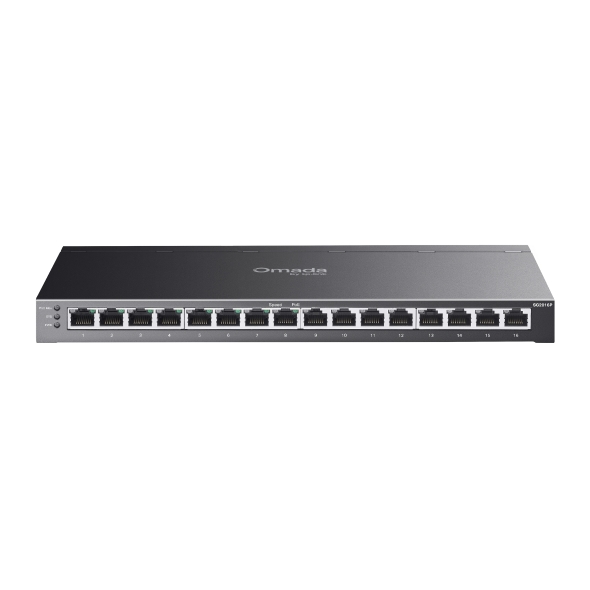
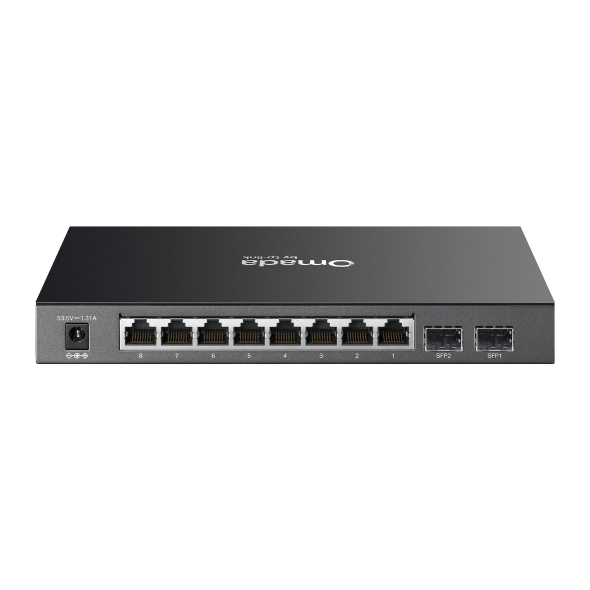
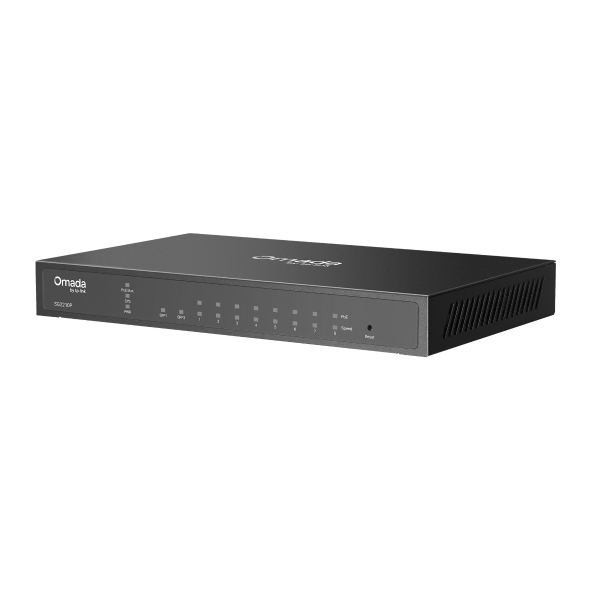
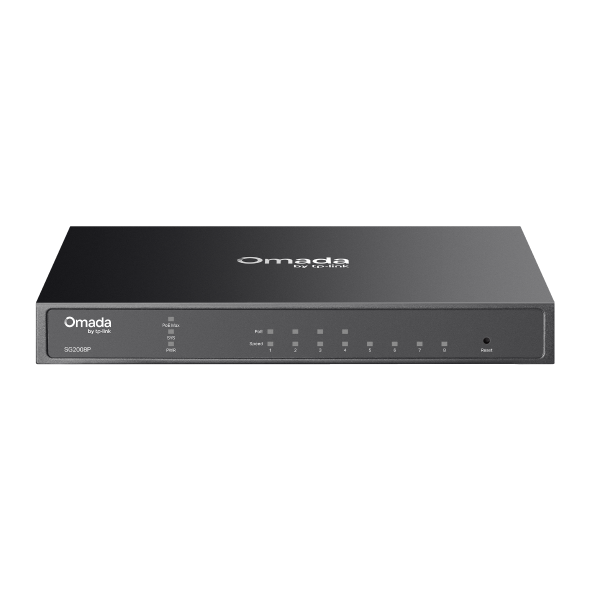
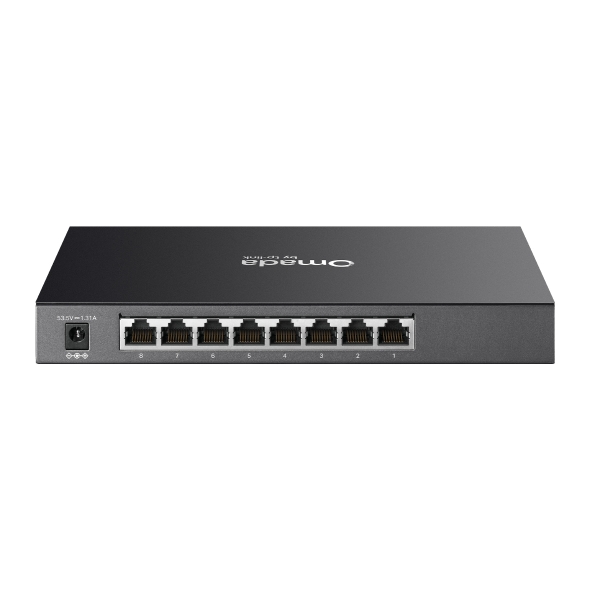
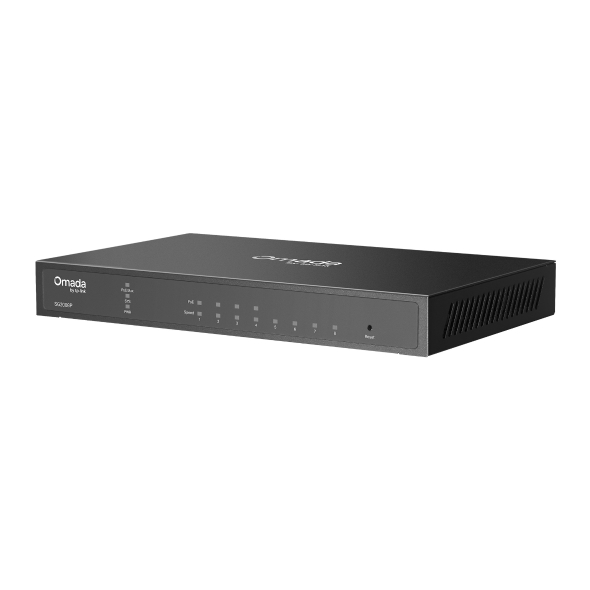
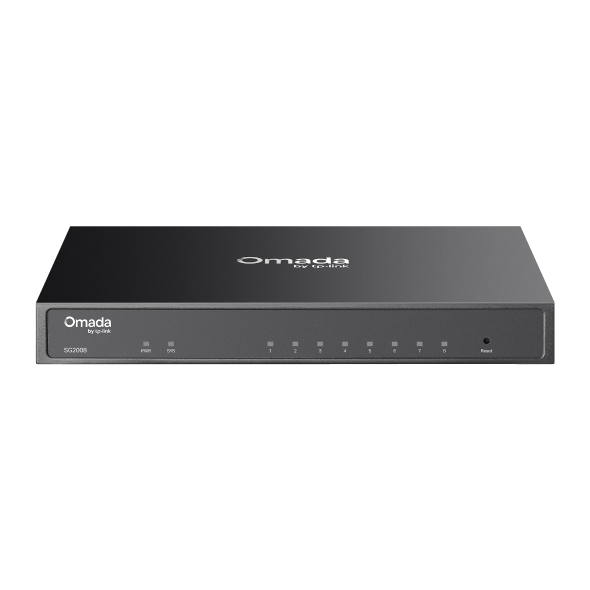
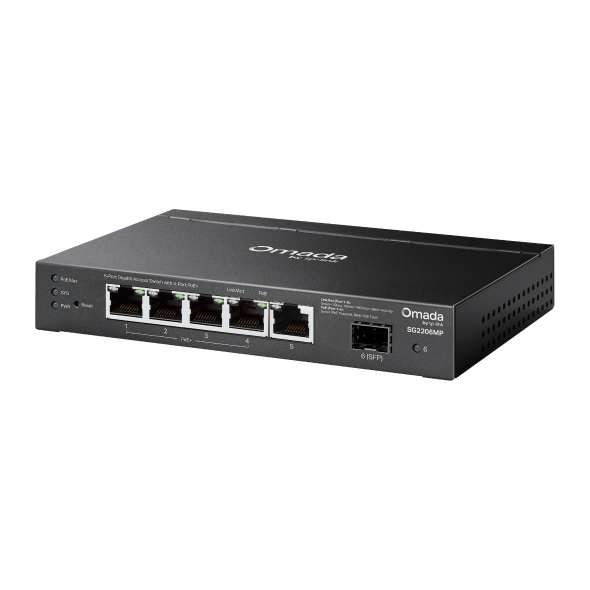
Omada access switches connect wired devices and power network equipment across business deployments, from single-floor offices to multi-site operations. The Access Series offers rackmount and compact form factors with PoE models, fanless designs, and centralized SDN management, all sized and priced for SMBs.

 |
 |
 |
 |
 |
 |
 |
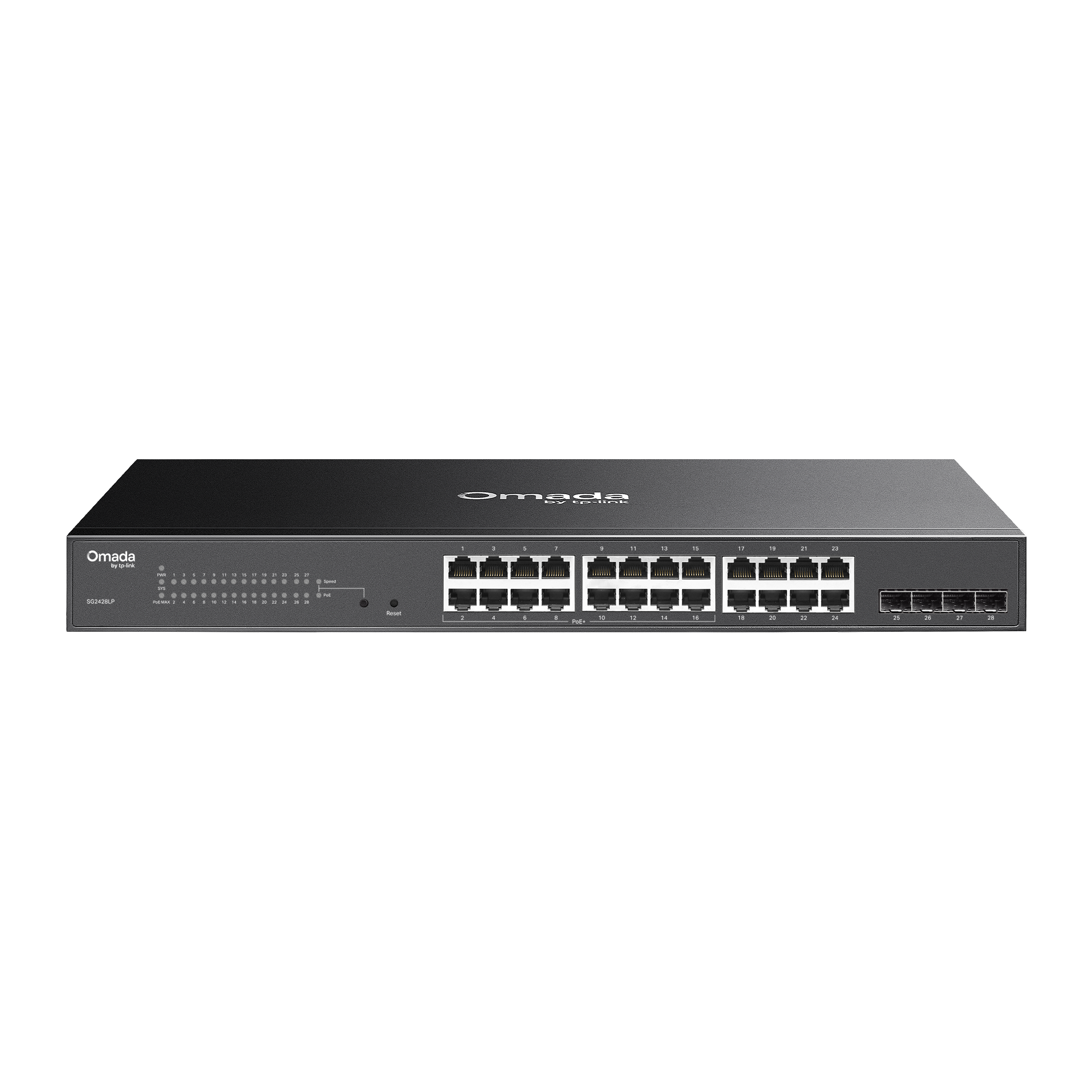 |
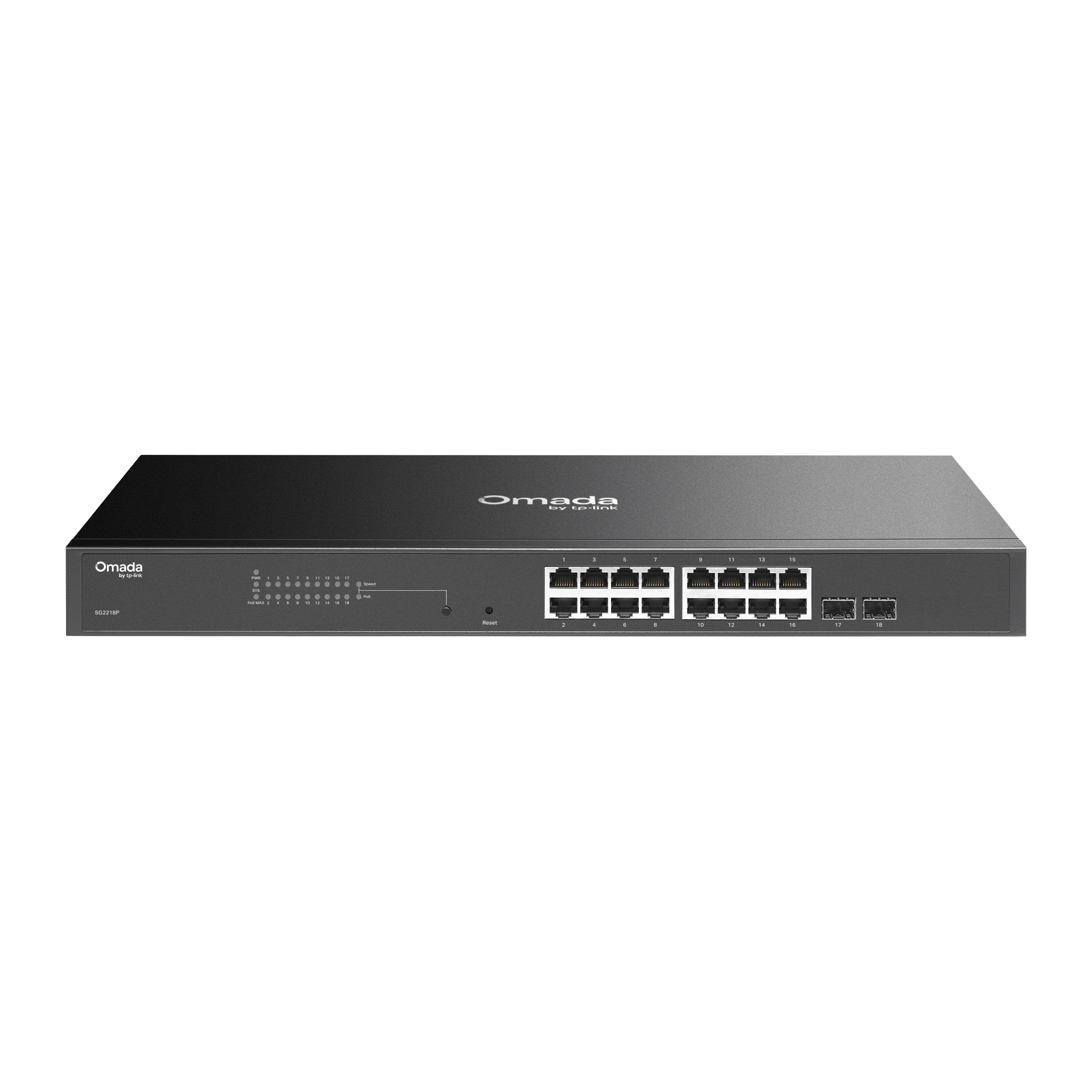 |
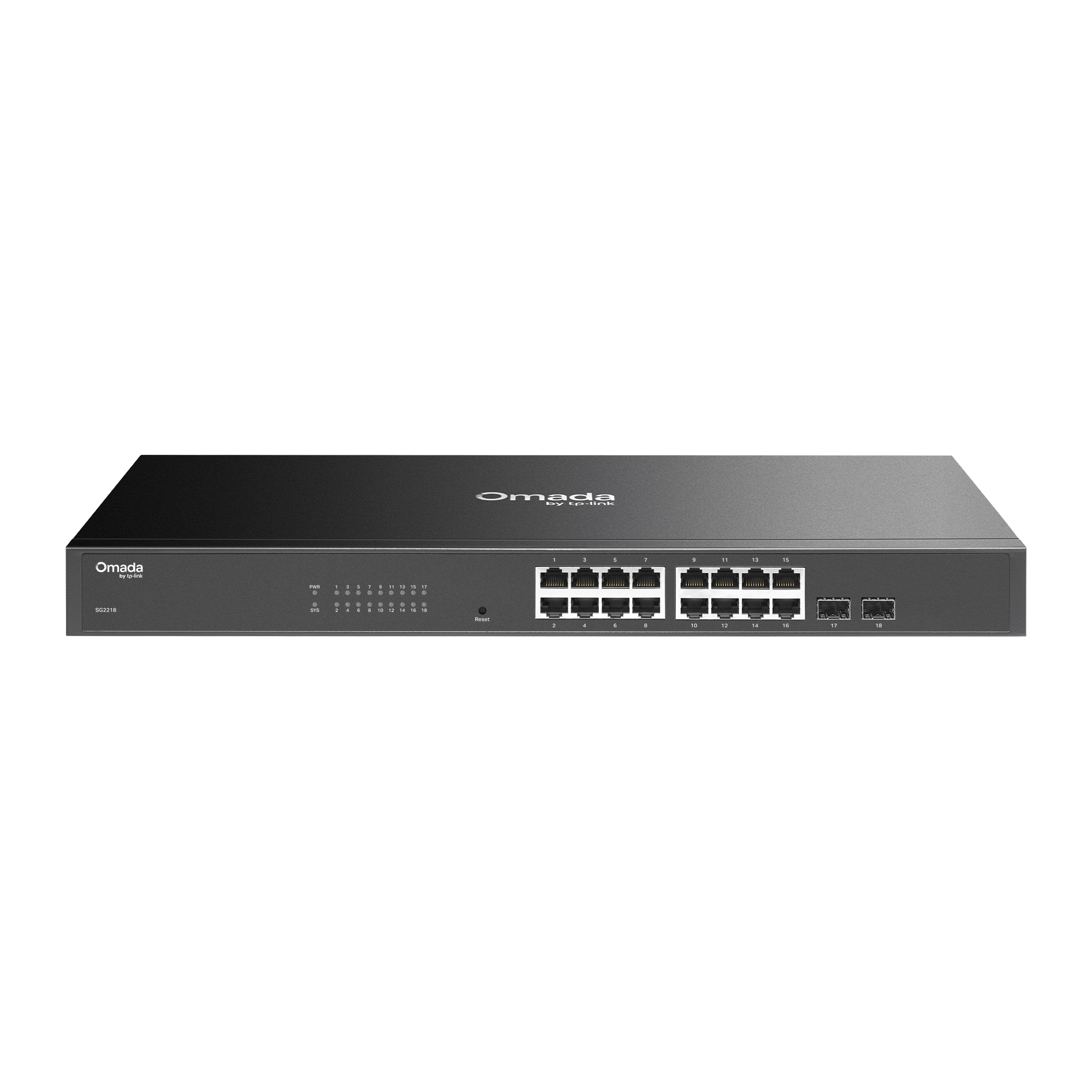 |
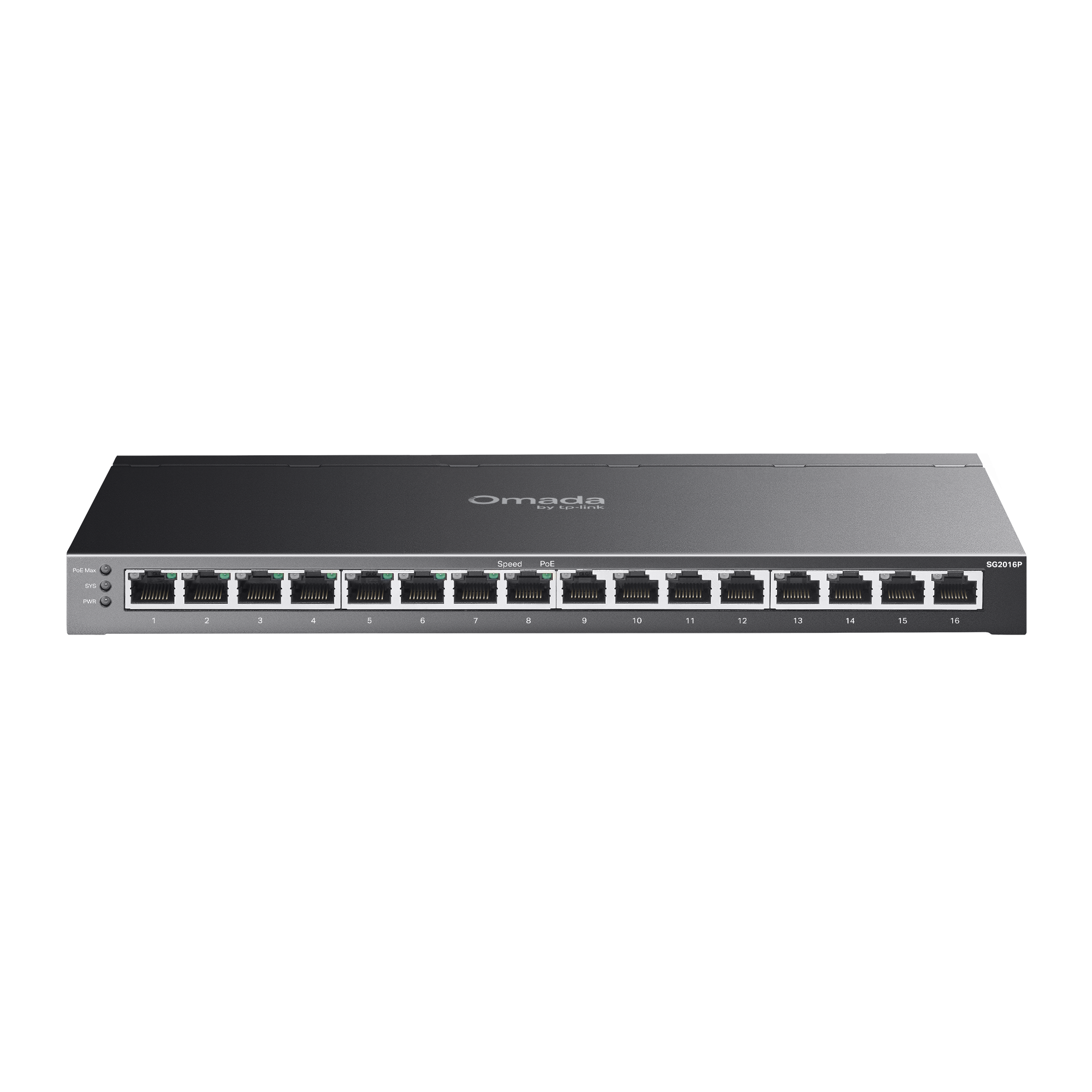 |
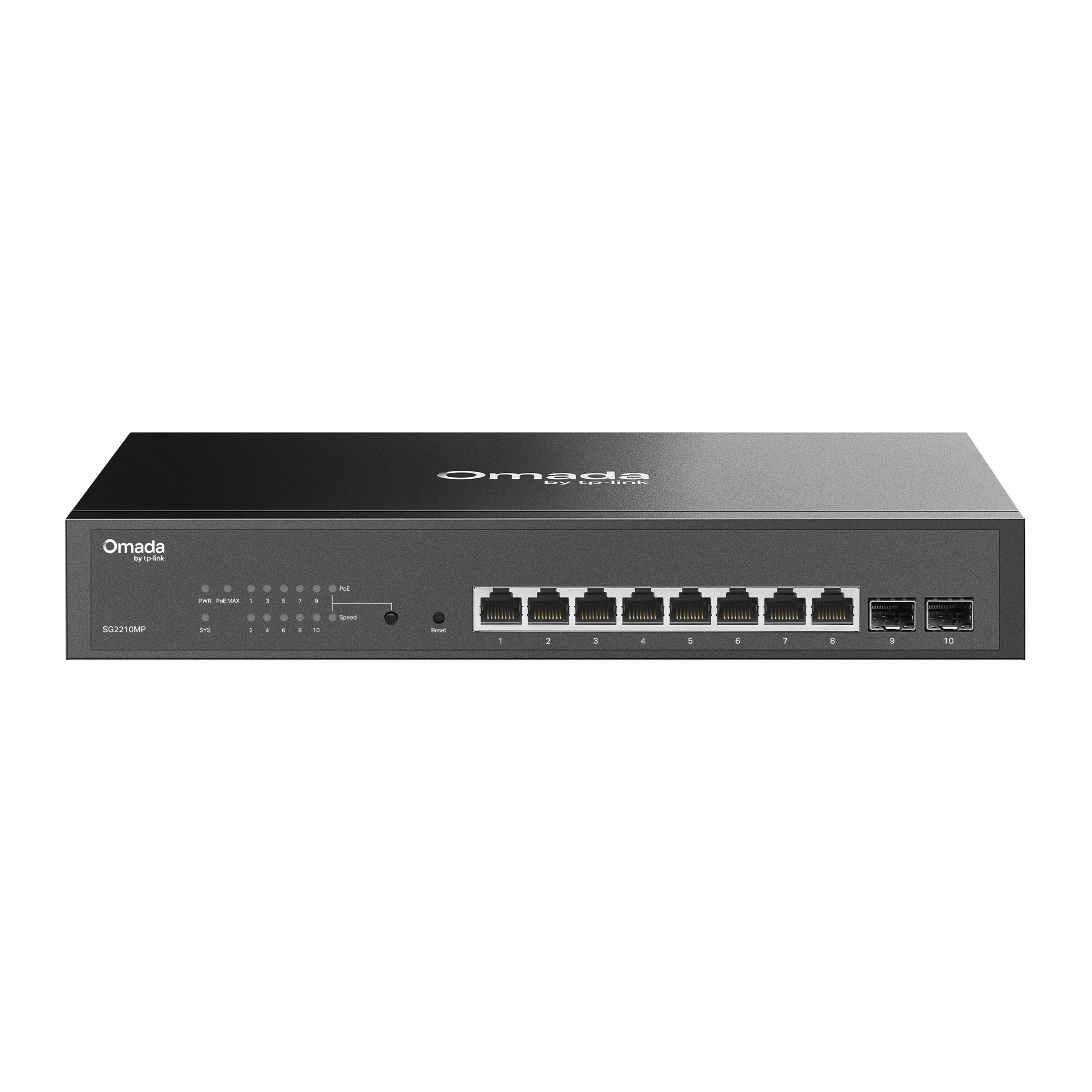 |
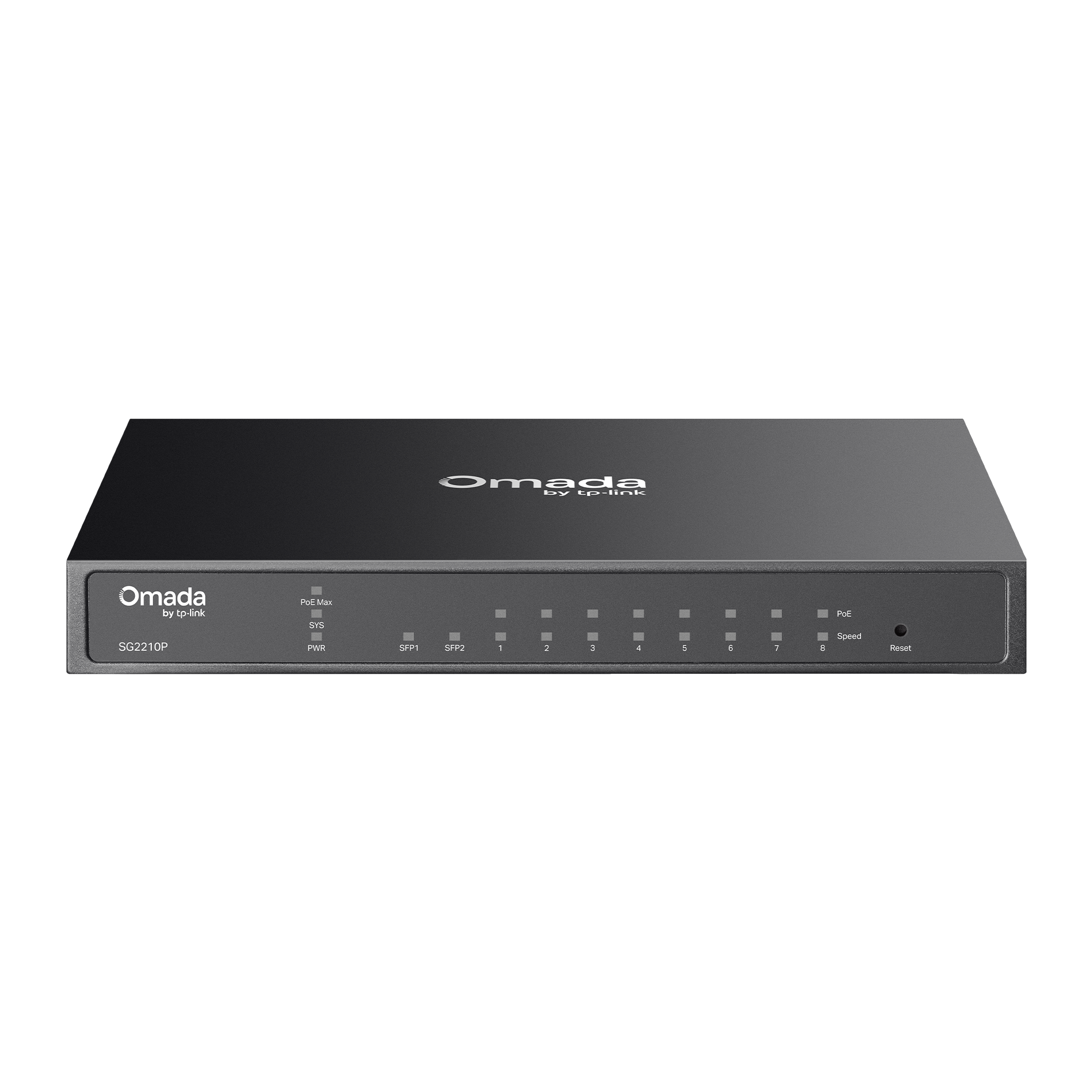 |
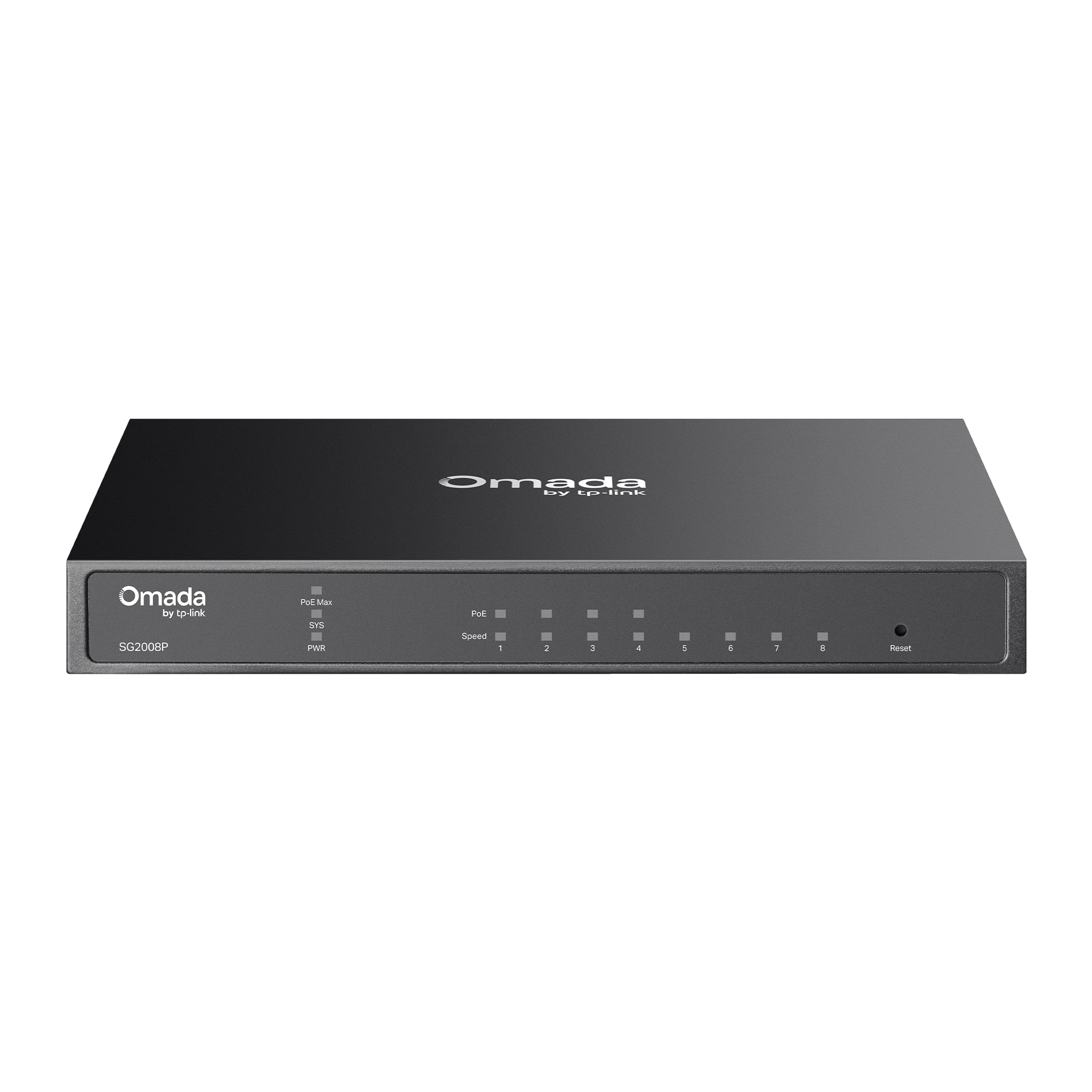 |
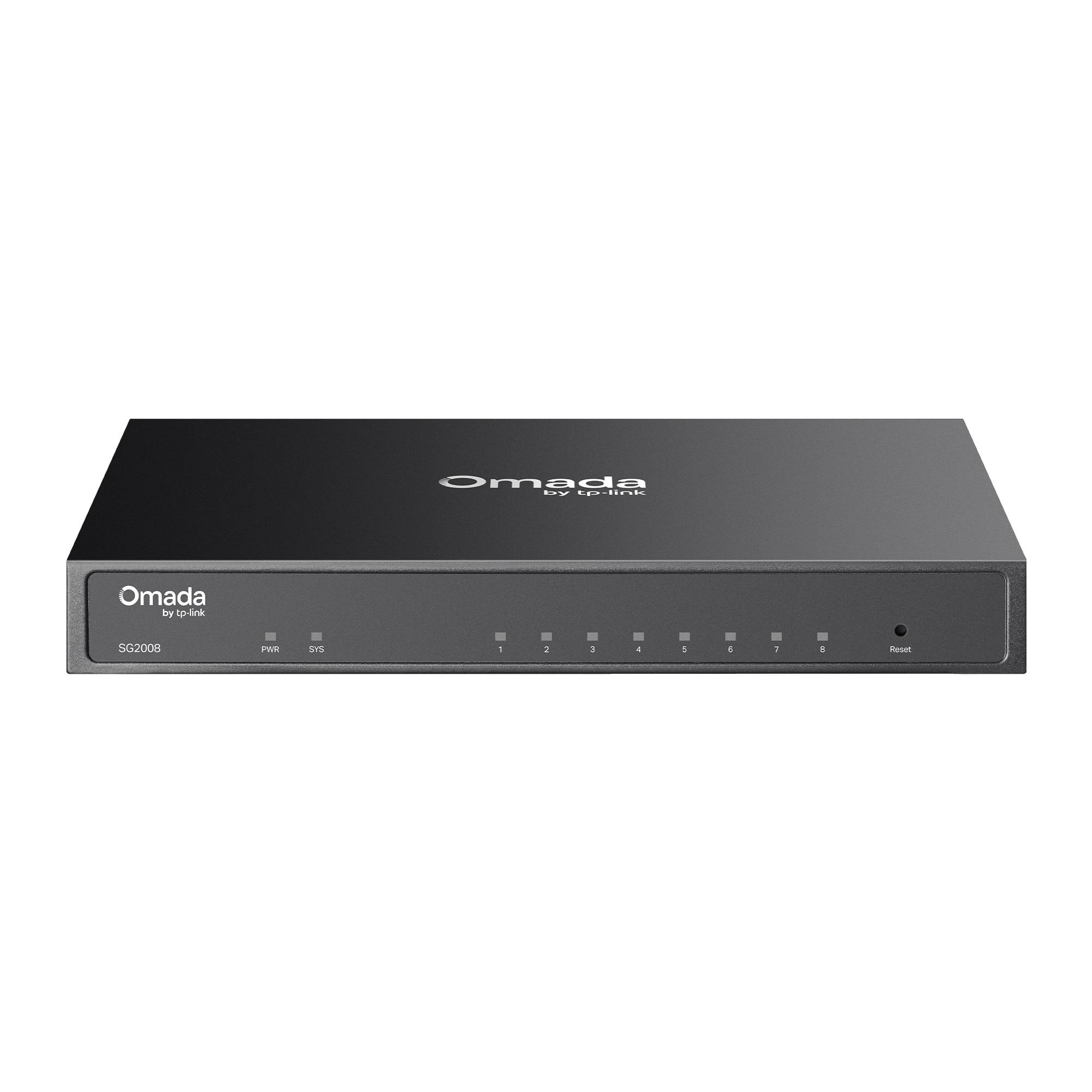 |
 |
 |
|
|---|---|---|---|---|---|---|---|---|---|---|---|---|---|---|---|---|---|
|
|
|||||||||||||||||

Total Port Count |
52 |
52 |
28 |
28 |
10 |
52 |
28 |
28 |
18 |
18 |
16 |
10 |
10 |
8 |
8 |
6 |
5 |

Downlink Port |
(48) GE PoE+ Ports |
(48) GE Ports |
(24) GE PoE+ Ports |
(24) GE Ports |
(8) GE Ports |
(32) GE PoE+ Ports |
(24) GE PoE+ Ports |
(16) GE PoE+ Ports |
(16) GE PoE+ Ports |
(16) GE Ports |
(8) GE PoE+ Ports |
(8) GE PoE+ Ports |
(8) GE PoE+ Ports |
(4) GE PoE+ Ports |
(8) GE Ports |
(4) GE PoE+ Ports |
(4) GE PoE+ Ports |

Uplink Port |
(4) GE SFP Ports |
(4) GE SFP Ports |
(4) GE SFP Ports |
(4) GE SFP Ports |
(2) GE SFP Ports |
(4) GE SFP Ports |
(4) GE SFP Ports |
(4) GE SFP Ports |
(2) GE SFP Ports |
(2) GE SFP Ports |
(8) GE Ports |
(2) GE SFP Ports |
(2) GE SFP Ports |
(4) GE Ports |
- |
(1) GE SFP Port |
(1) GE PoE++ Input Port for Power |

Console Port |
√ |
√ |
√ |
√ |
√ |
- |
- |
- |
- |
- |
- |
- |
- |
- |
- |
- |
- |

PoE Budget |
384W |
- |
384W |
- |
- |
230W |
250W |
150W |
150W |
- |
120W |
150W |
61W |
62W |
- |
63W |
64W |

Fan |
√ |
Fanless |
√ |
Fanless |
Fanless |
Fanless |
√ |
Fanless |
Fanless |
Fanless |
Fanless |
Fanless |
Fanless |
Fanless |
Fanless |
Fanless |
Fanless |

Power Method |
AC Power |
AC Power |
AC Power |
AC Power |
AC Power |
AC Power |
AC Power |
AC Power |
AC Power |
AC Power |
Adapter |
AC Power |
Adapter |
Adapter |
Adapter or PoE+ Input |
Adapter |
PoE++ Input |

IP Rating (Outdoor) |
- |
- |
- |
- |
- |
- |
- |
- |
- |
- |
- |
- |
- |
- |
- |
- |
IP66 (V2) |

Mounting |
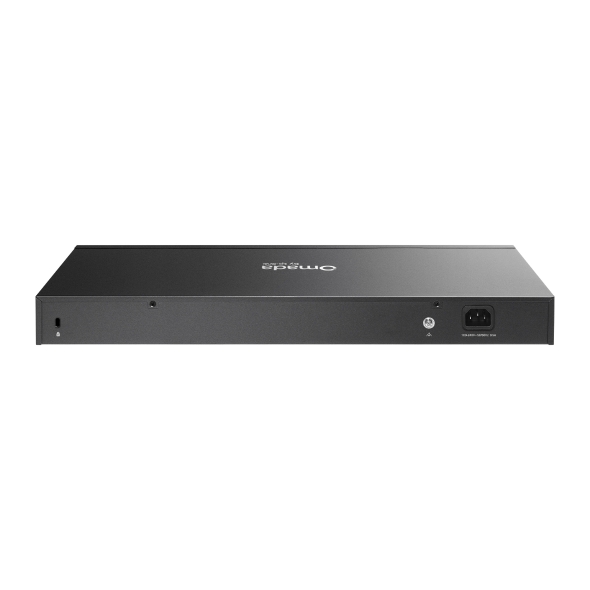
Rackmount |
Rackmount |
Rackmount |
Rackmount |
Rackmount, Desktop |
Rackmount |
Rackmount |
Rackmount |
Rackmount |
Rackmount |
Desktop, Wall Mount |
Rackmount, Desktop |
Desktop, Wall Mount |
Desktop, Wall Mount |
Desktop, Wall Mount |
Desktop, Wall Mount |
Wall Mount, Pole |



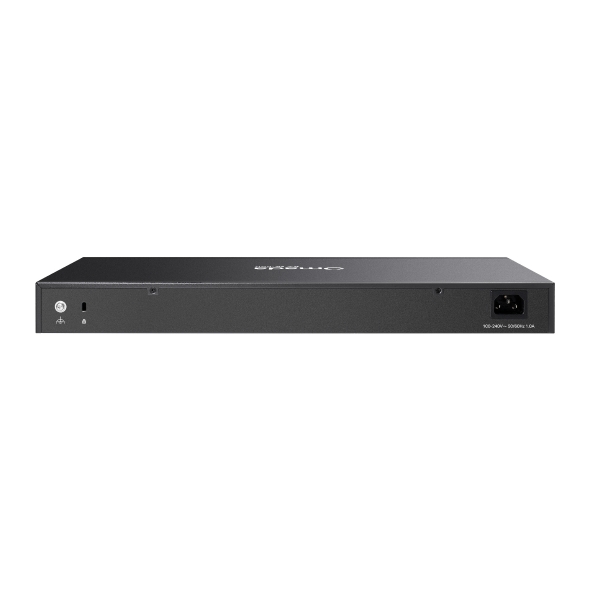
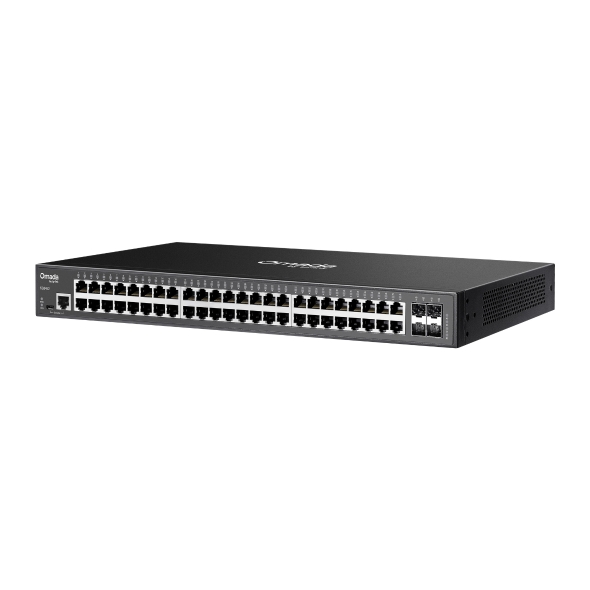
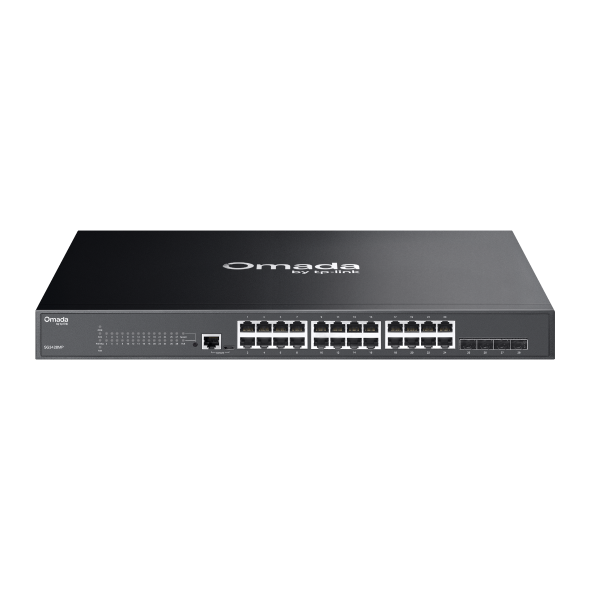
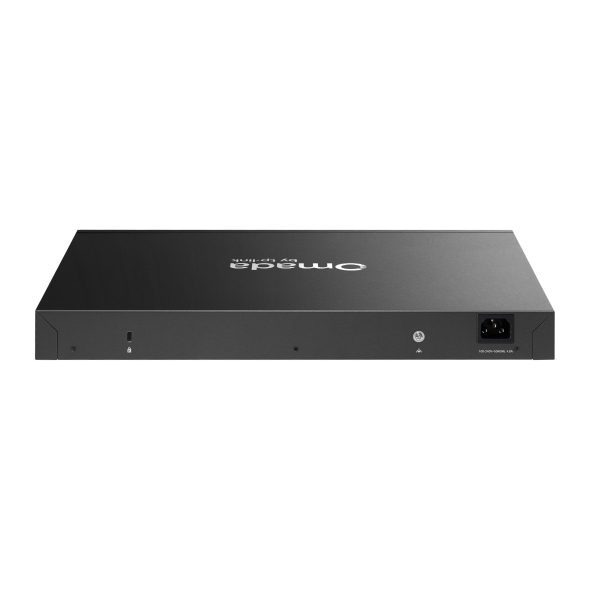
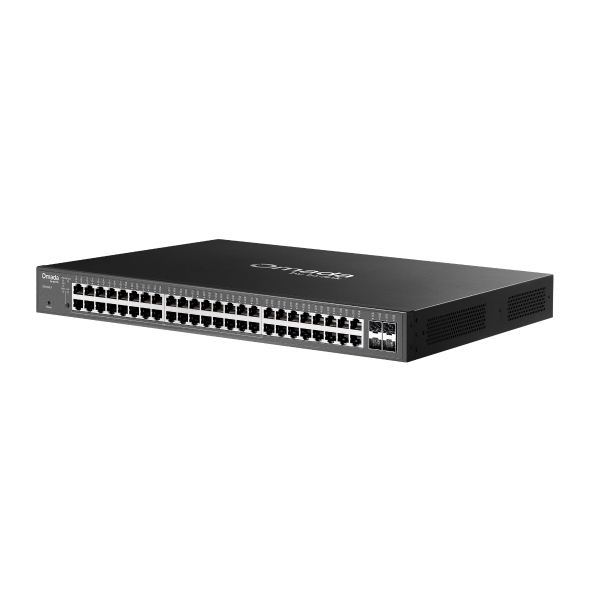
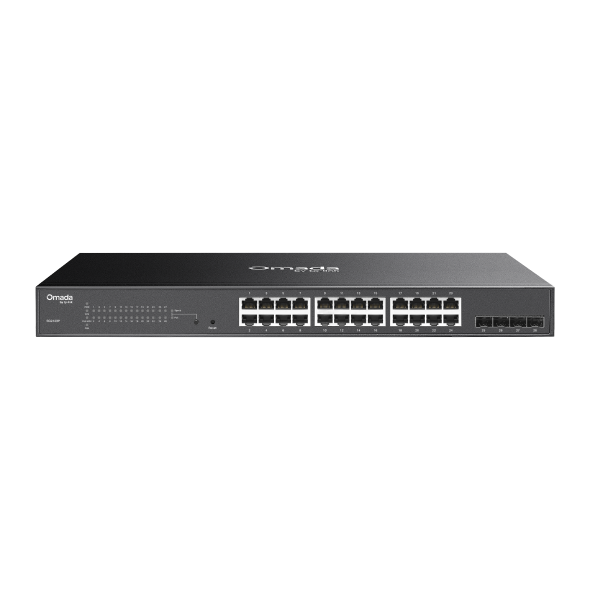
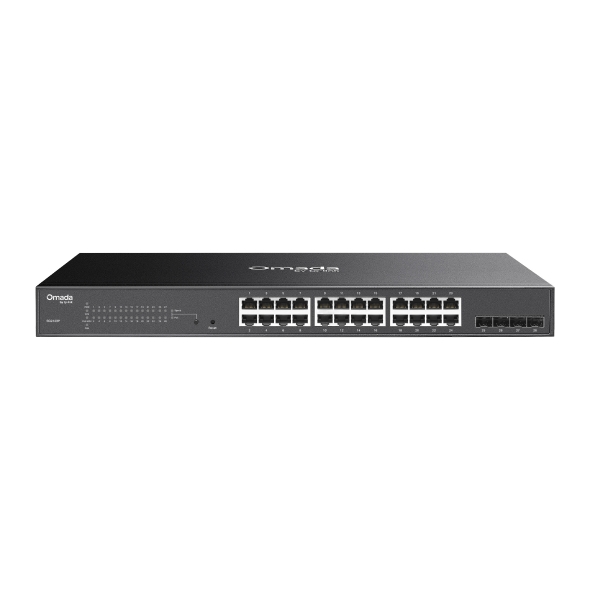
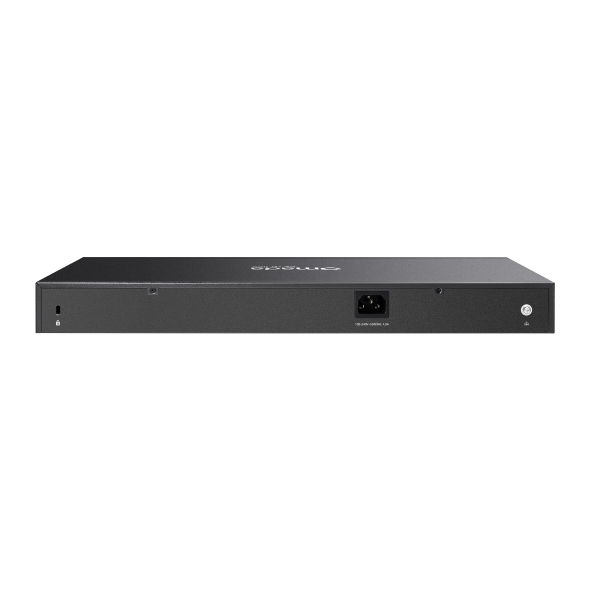
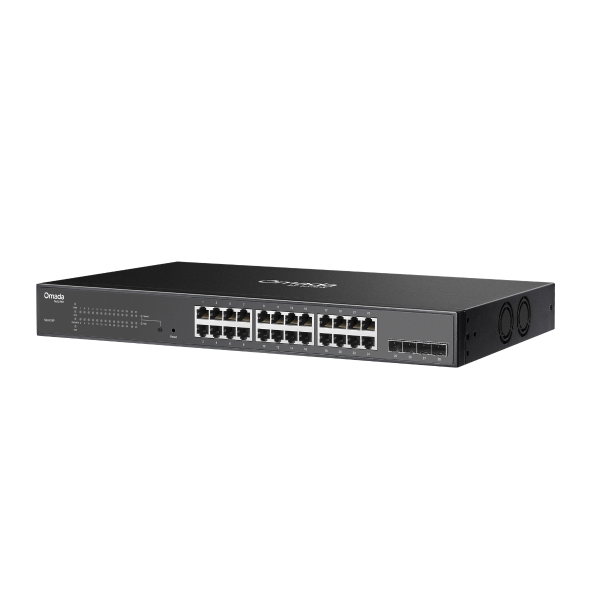
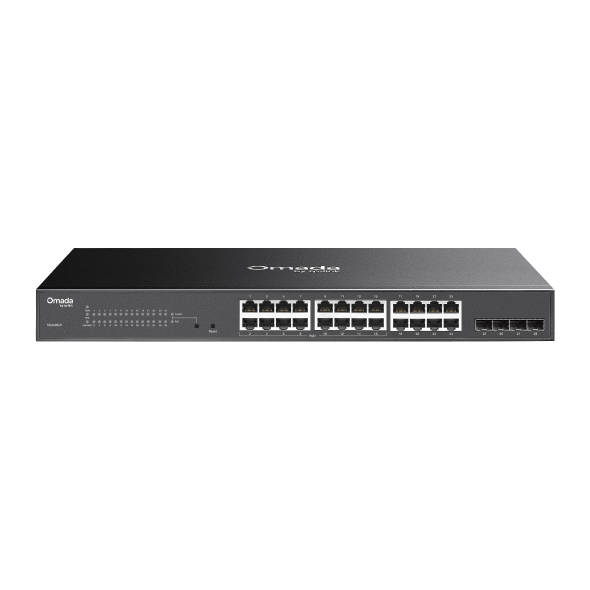
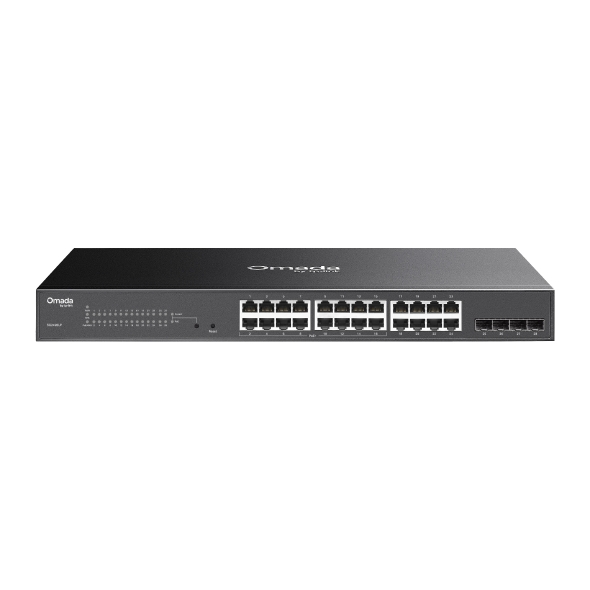
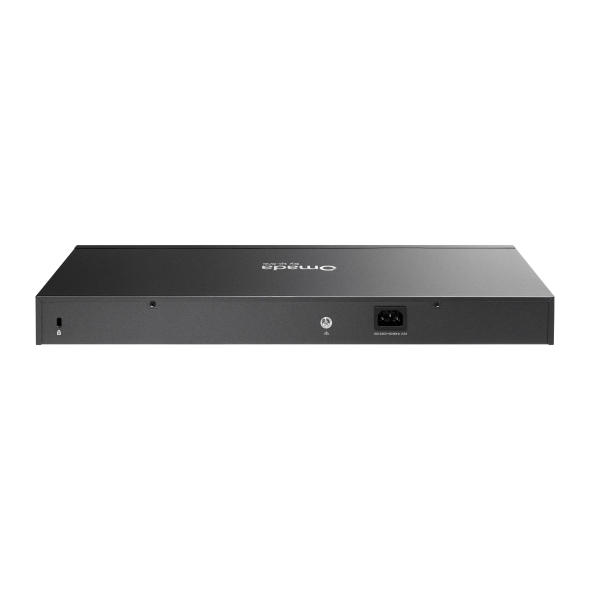
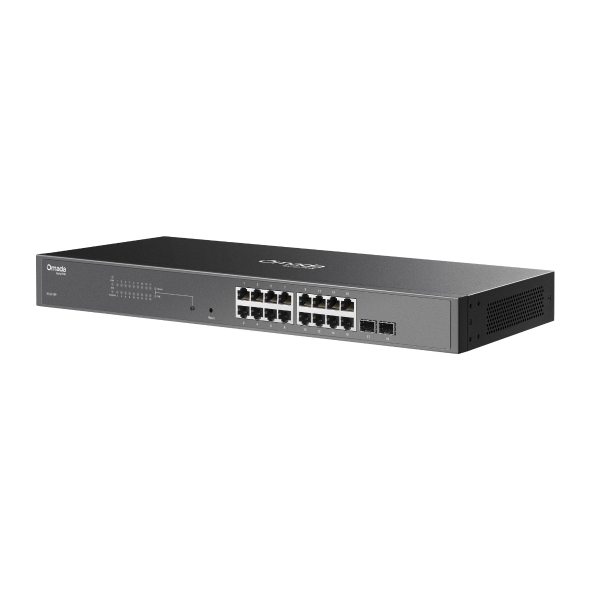
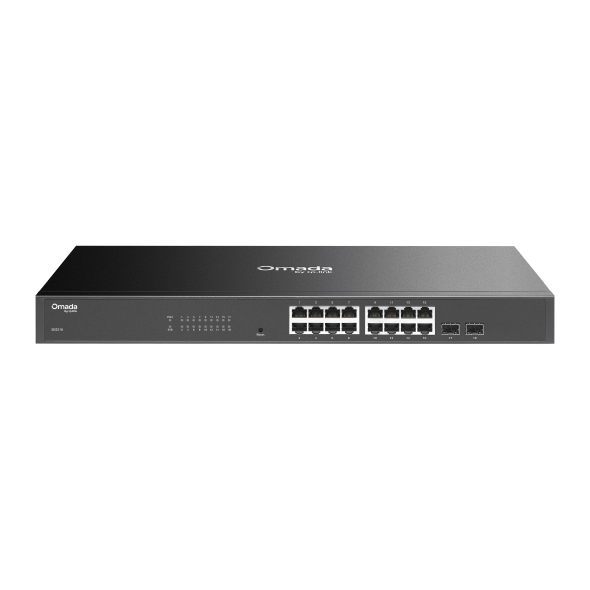
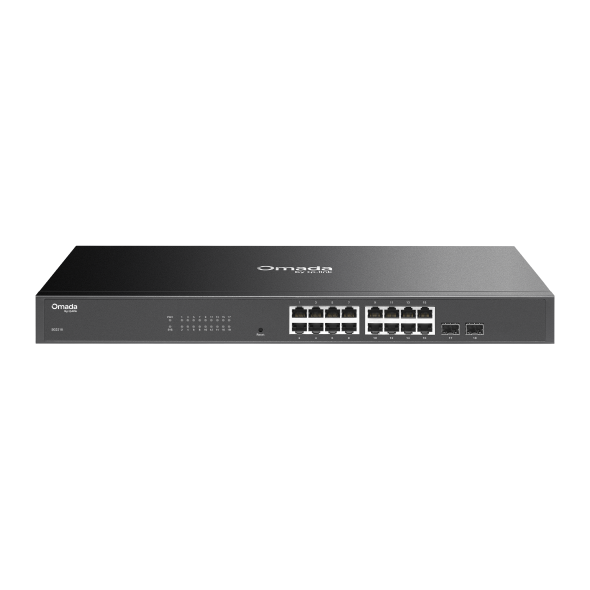
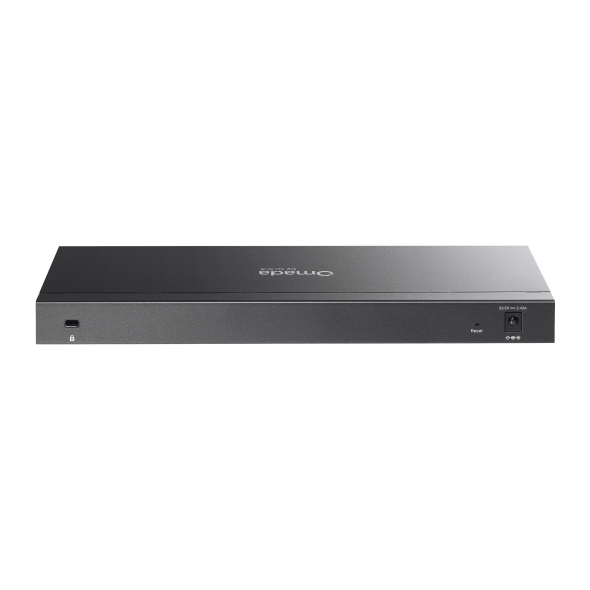
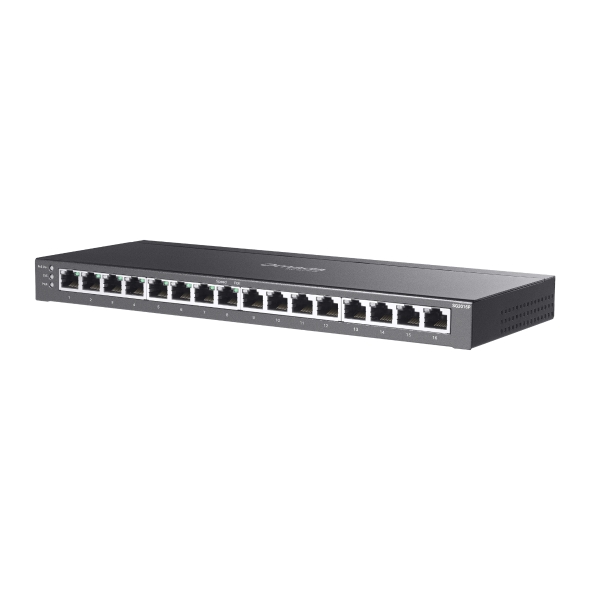
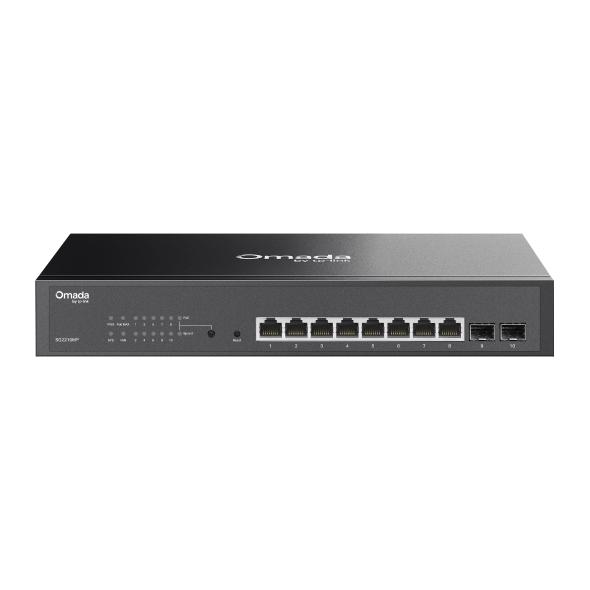
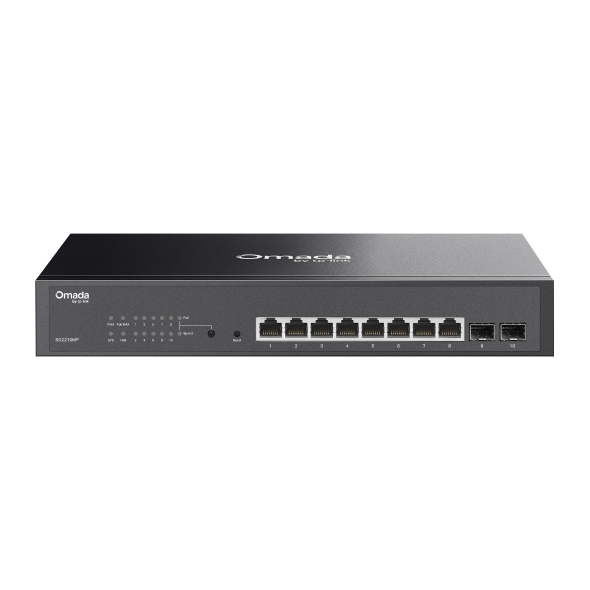
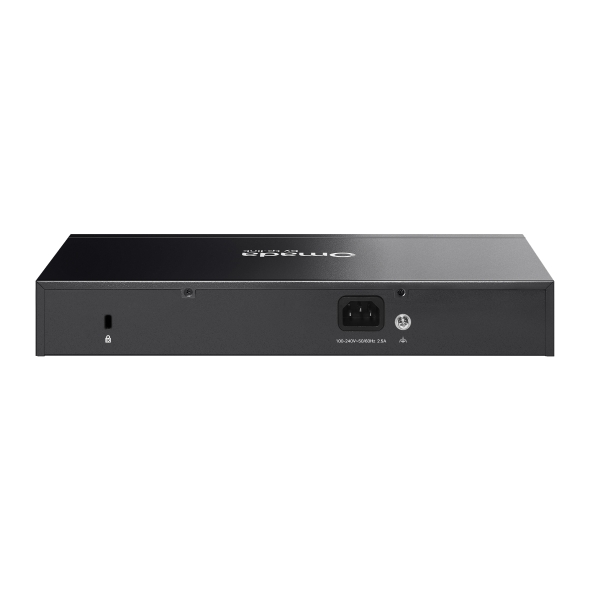
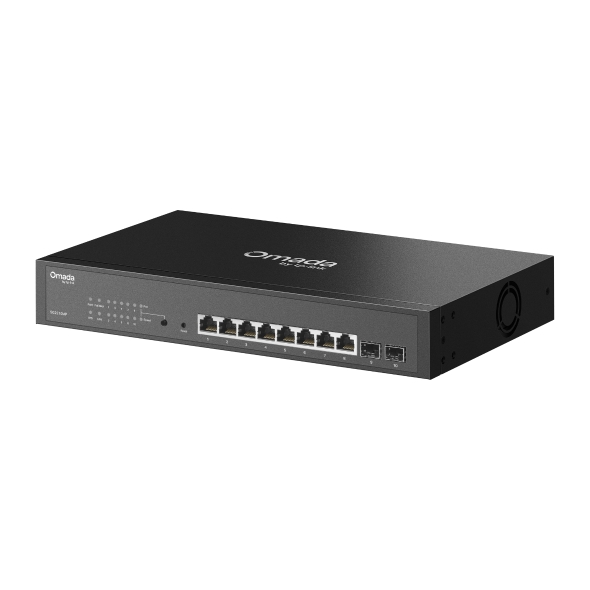
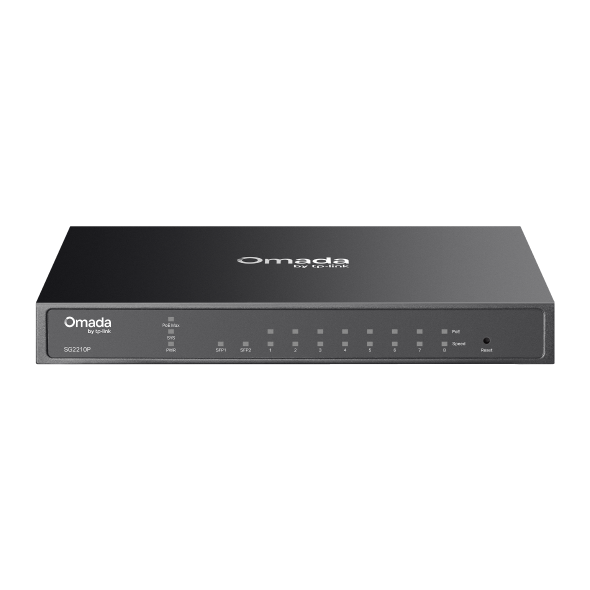
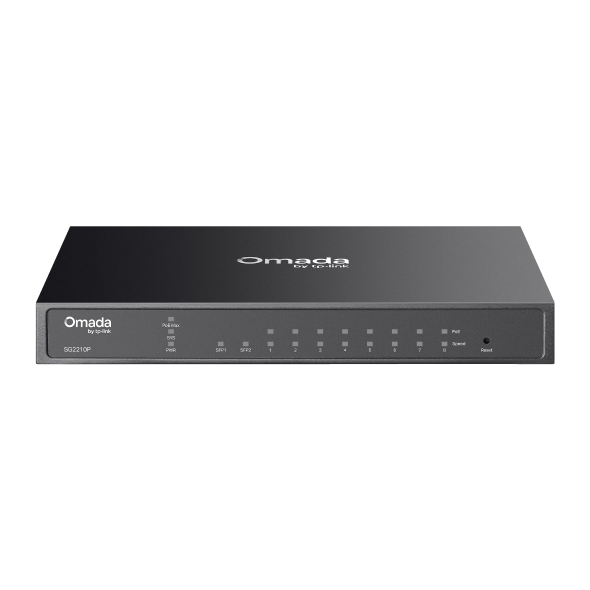
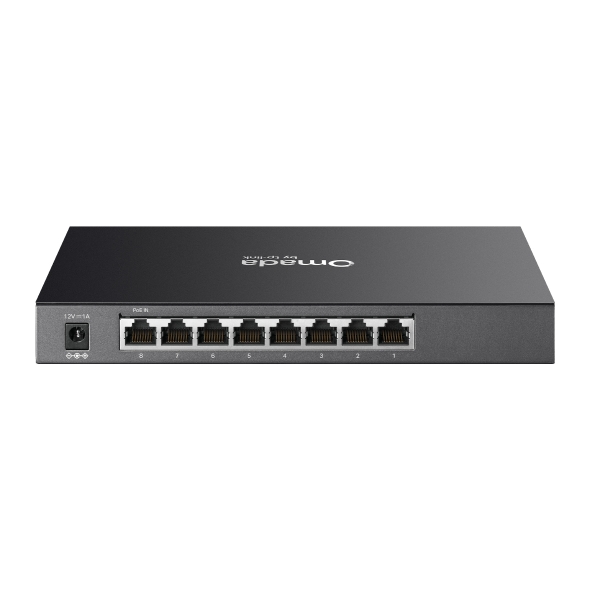
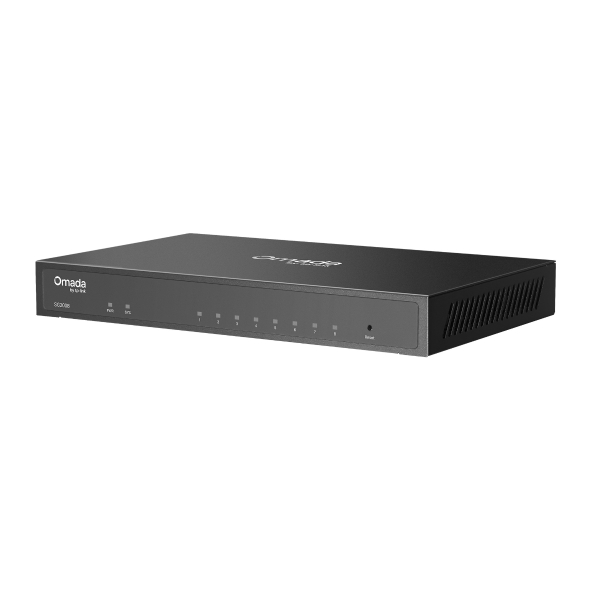
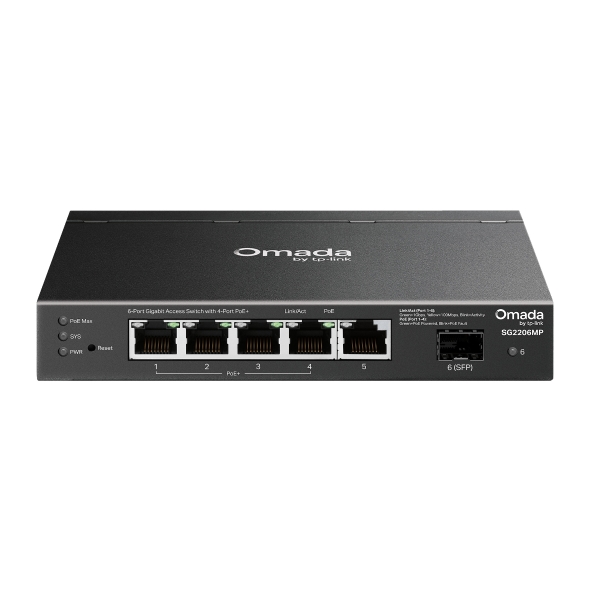
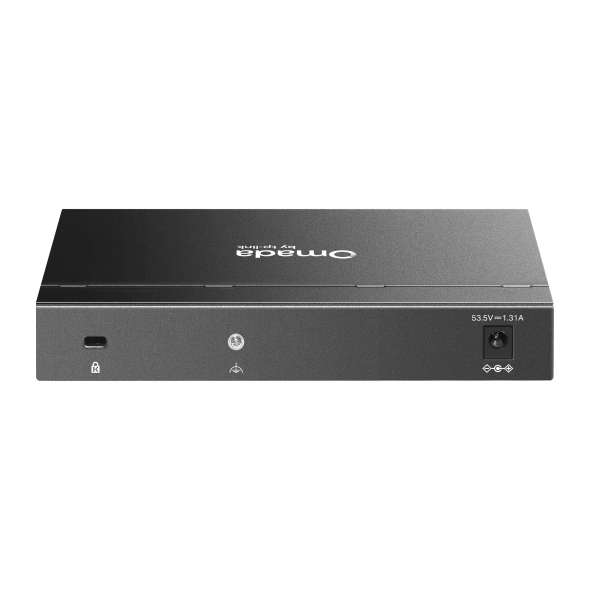
Business Benefits

Power Over Ethernet
PoE models deliver power and data over a single cable to access points, IP phones, and security cameras, eliminating the need for separate power adapters and reducing installation complexity.

Right-Sized for Any Deployment
Available in 5-port to 52-port configurations, with rackmount, desktop, and wall-mount options, these switches let you match switch capacity to location size without overprovisioning.

Quiet Operation Where It Matters
Fanless models eliminate fan noise, making them a practical fit for classrooms, hotel rooms, medical offices, and other noise-sensitive environments.

Flexible PoE Budgets
Multiple PoE budget tiers across the range let you allocate power according to the number and type of connected devices at each location, from small branch offices to higher-density deployments.

Outdoor Ready
Select models feature an IP66 rating for outdoor and exposed installations, extending wired connectivity beyond the building perimeter.

Unified Ecosystem Management
Omada access switches integrate with Omada access points and gateways under a single SDN controller, so administrators configure and monitor the full network from one interface.
Solving Connectivity Challenges
Whether you're managing a single office or keeping dozens of locations connected, the Access Series covers the wired edge of your network.

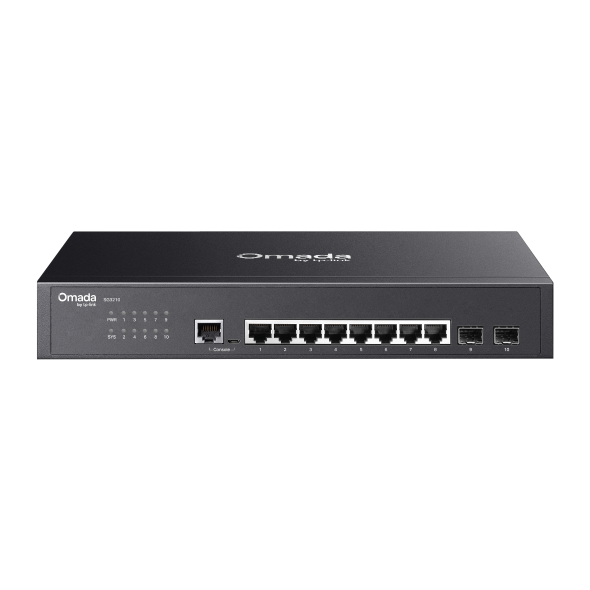
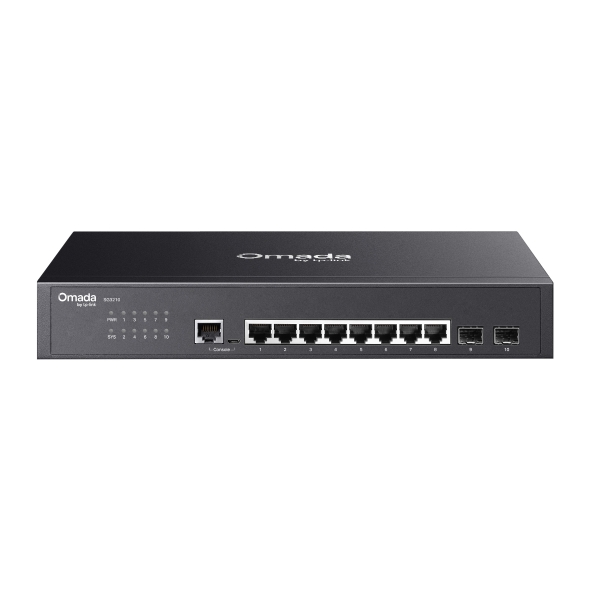
Desktop and wall-mount models with 4 to 16 PoE ports connect access points, IP phones, and workstations in single-room or single-floor offices without requiring rack infrastructure.

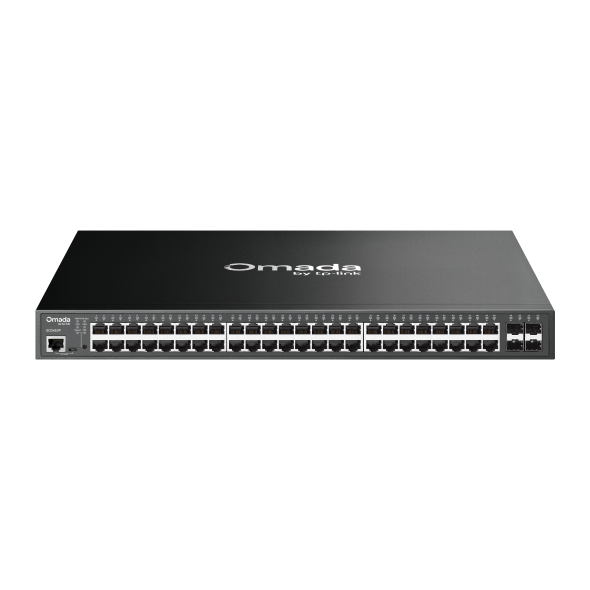
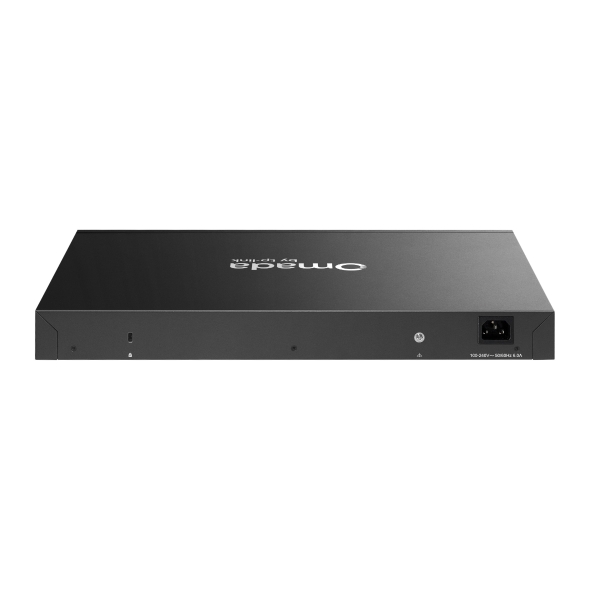
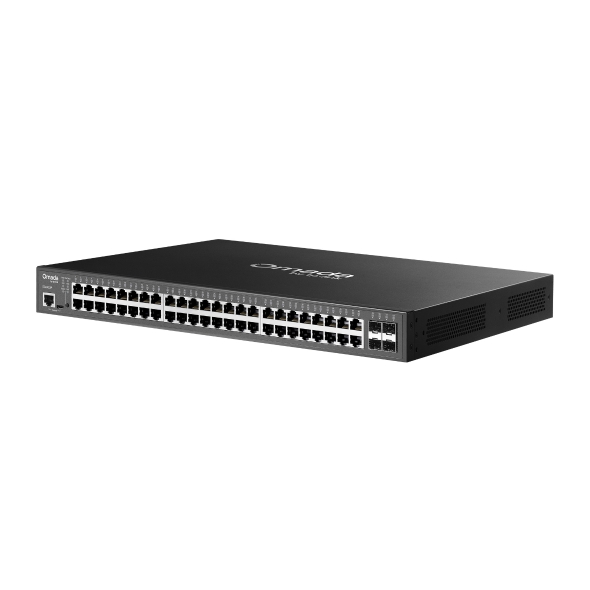
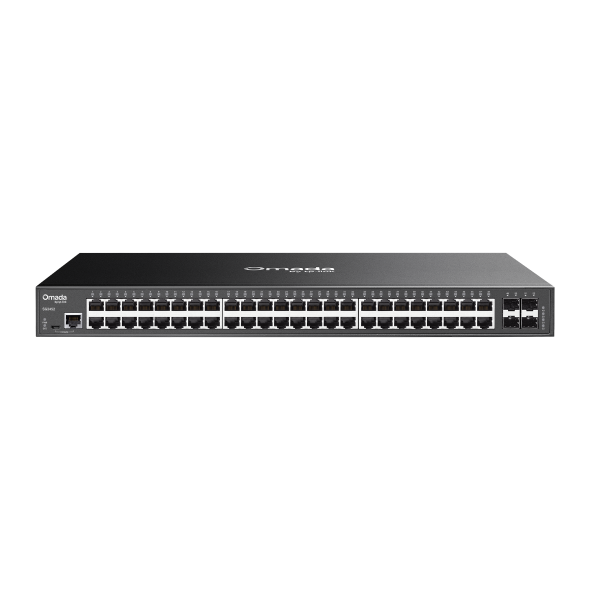
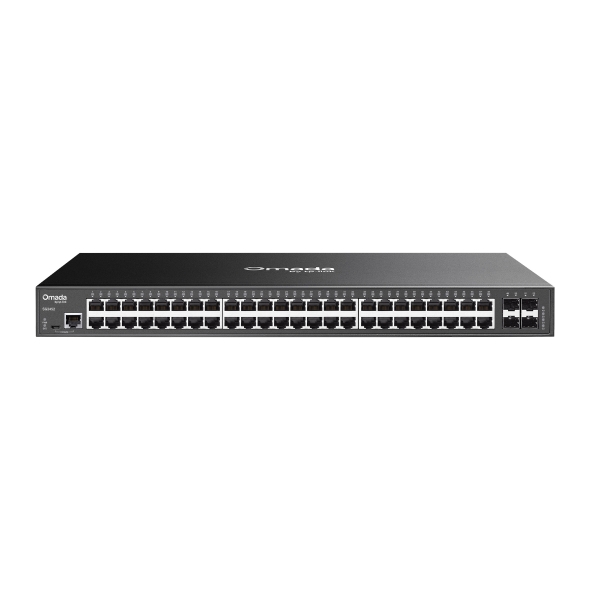
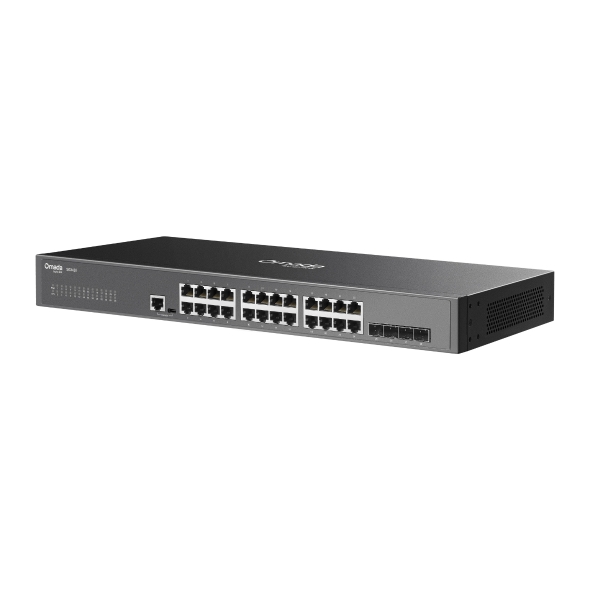
Rackmount models with 28 or 52 ports consolidate wired connections per floor, with SFP uplinks tying into the core network while PoE ports power ceiling-mount access points and VoIP handsets throughout the floor.
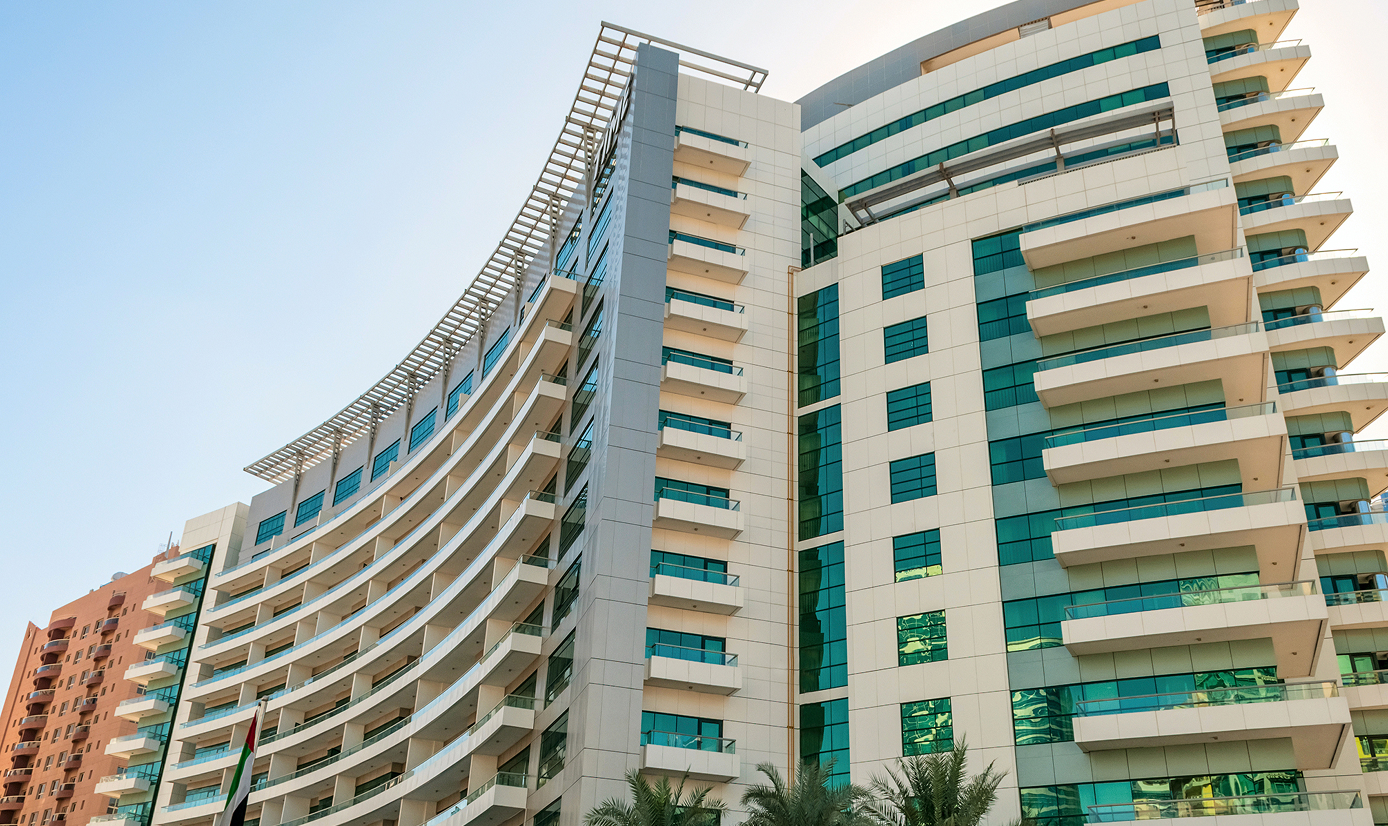
Fanless access switches in guest room closets or server alcoves keep noise to a minimum while powering wall-plate access points and IP phones across guest floors — managed centrally without requiring on-property IT staff.

Fanless models in classrooms and library spaces support quiet operation while providing wired and PoE connectivity for access points, presentation systems, and teacher devices.

Compact PoE switches power access points and POS-connected devices at each location, with cloud controller management allowing configurations to be pushed or adjusted remotely without a site visit.

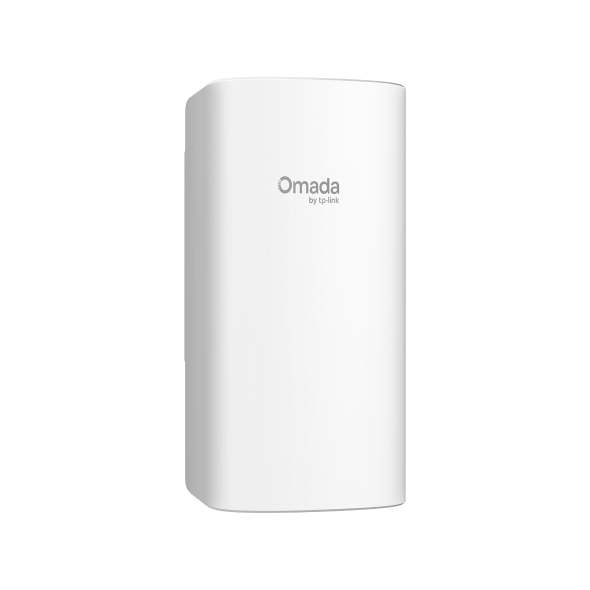
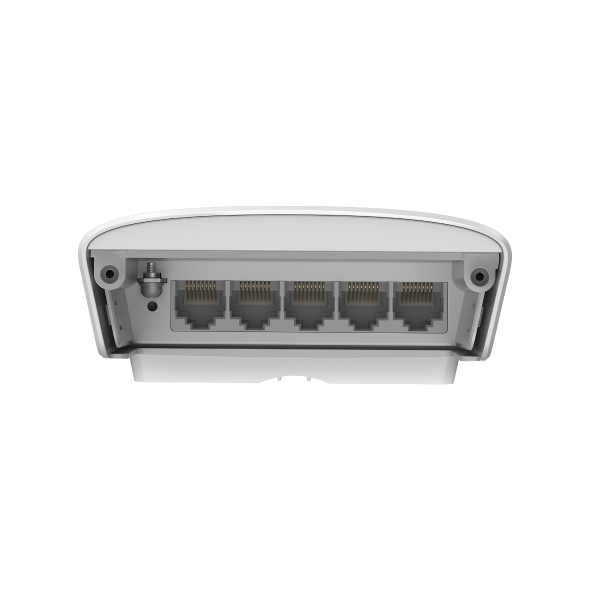
IP66-rated models support deployments in outdoor enclosures, building entrances, or covered external areas where standard indoor hardware isn't suitable.
FAQs
What is an access switch, and what role does it play in a business network? 
An access switch is the layer of the network that connects end devices — computers, IP phones, access points, cameras, and similar equipment — to the rest of the network. It sits at the edge of the infrastructure, providing wired ports for device connections and, in PoE models, delivering power over those same cables. In a typical business network, access switches connect back to a core or distribution switch that handles inter-VLAN routing and uplinks to the gateway.
What's the difference between an access switch and a core switch?
An access switch connects end devices at the network edge, while a core switch sits at the center of the infrastructure and handles high-throughput traffic between access switches, servers, and the gateway. Access switches prioritize port density and PoE capability for device connectivity; core switches prioritize switching capacity, uplink speed, and routing features for aggregating traffic across the network.
When should I choose a PoE access switch?
Choose a PoE access switch when you need to power network equipment such as access points, IP phones, security cameras, or IoT devices without running separate power cables or installing power adapters at each device location. PoE simplifies installation and reduces cabling, particularly in environments like offices, hospitality properties, and classrooms where devices are spread across the space.
Can Omada access switches be managed centrally?
Yes. Omada access switches integrate with cloud-based, hardware, and software Omada SDN Controllers, giving administrators a single interface to configure VLANs, monitor port status, apply QoS policies, and troubleshoot connectivity across all managed switches. This applies whether you're managing a single location or multiple sites.
How many ports do I need on an access switch?
Port count depends on the number of wired devices at the location and whether you're consolidating connections per floor or per room. As a starting point, count the devices that need wired connectivity and add headroom for growth. Omada access switches range from 5 to 52 ports, with SFP uplink ports on larger models for fiber or high-speed connections back to the core.