


Fusion Gateways
for Business Networks
Deploy Fast. Scale Simply.
Stay Subscription-Free.


Unified Managementon One Device, No Cloud Fees

Fast Deploymentto Save Time and Cut Costs

Easily Expand Your Businessand Boost Profits

Superior Hardware & Performancefor Always-On Reliability
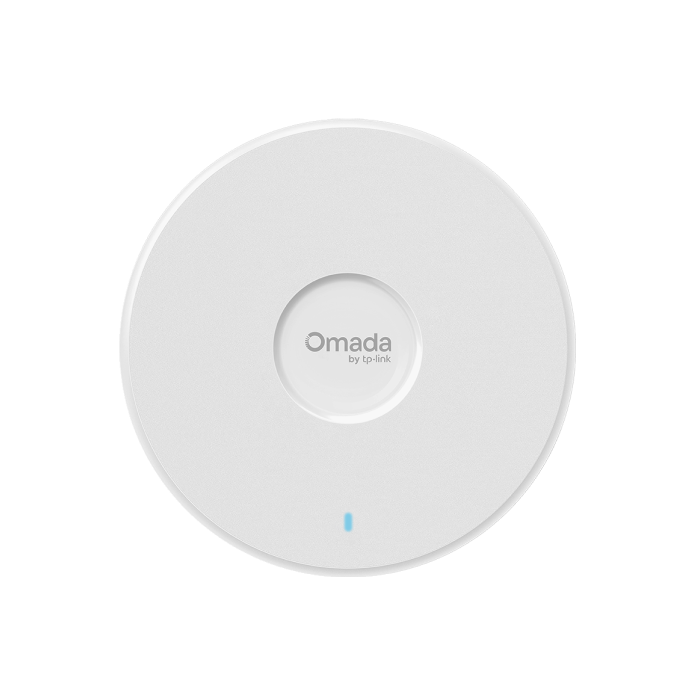
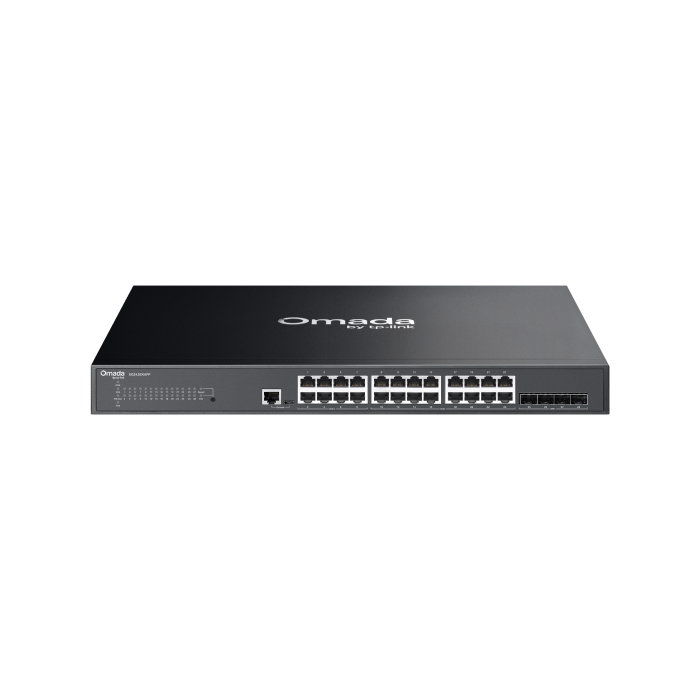
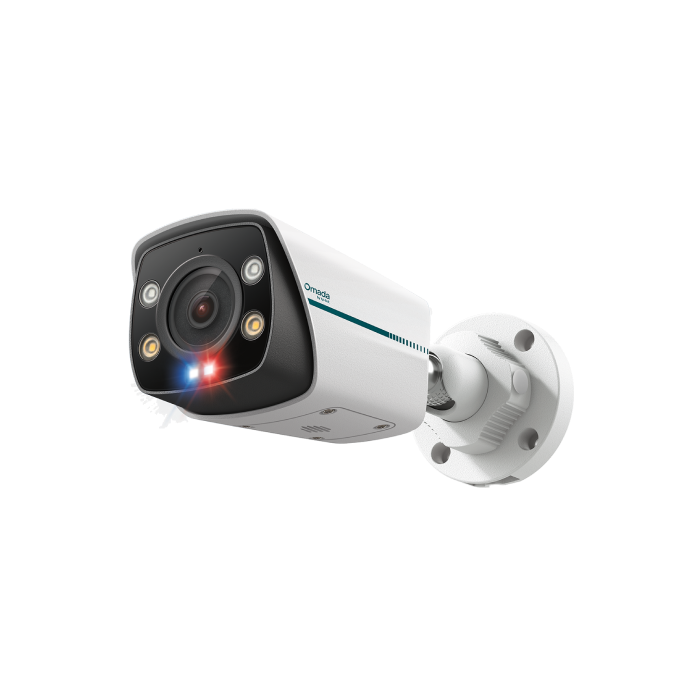
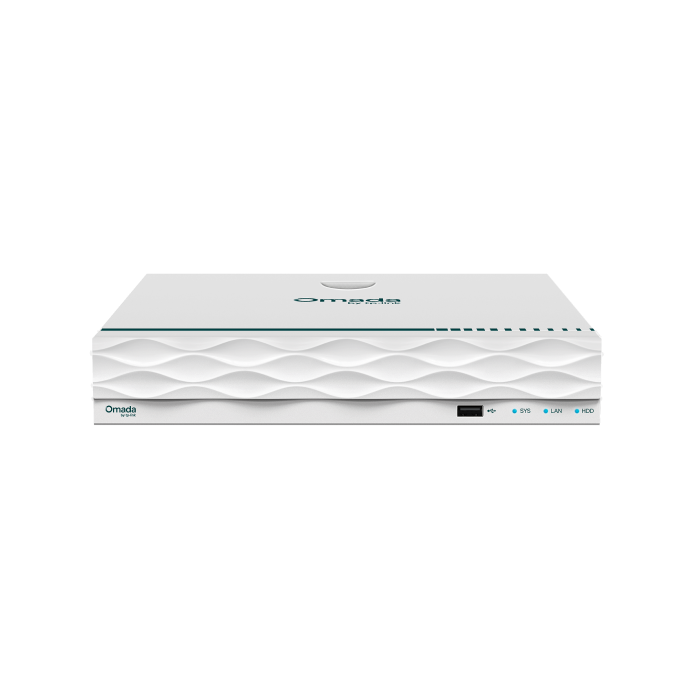
Unified, Scalable
Control for Networking & Surveillance*
Centralized Management on a single platform enables efficient operations and troubleshooting with real-time statistics and alerts.
Quick Troubleshooting, Right on the Touchscreen
Instant insights and full control at your fingertips — streamlining troubleshooting and reducing on-site work.



Powerful Software, Smarter and Safer
Advanced networking and surveillance—from app-based ACL, QoS and SD-WAN to live view and playback—unified in one powerful platform.*
App-Based ACL
Manage access by application and category.
Full-Mesh SD-WAN
Connect up to 20 sites with direct links.
One-Click QoS
Prioritize latency-sensitive traffic instantly.
For High-Growth Small Businesses
From small teams to multi-site businesses, the fully scalable Omada Fusion Gateway adapts effortlessly to a wide range of performance and deployment needs.

Restaurants

Retail Stores

Offices

Medical Clinics
Compare Fusion Gateway Models
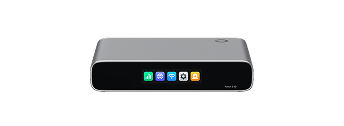
Fusion Series
|
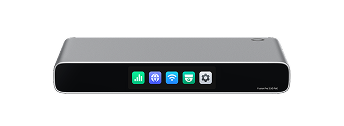
Fusion Pro Series
|
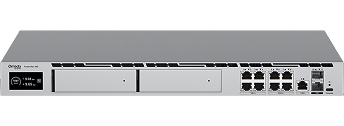
Fusion Max Series
|
|
|---|---|---|---|
| Management Scope | Networking | Networking & Surveillance | Networking & Surveillance |
| Designed for | Small Businesses | Small Businesses | Small-to-Medium Enterprises |
| Managed Omada Network Devices | Recommended for up to 30 Devices | Recommended for up to 30 Devices | Recommended for up to 200 Devices |
| Managed Clients | Recommended 300+ Clients | Recommended 300+ Clients | Recommended 1,000 Clients |
| Storage | - | SSD Tray for up to 2TB Video Storage | 2× HDD Bays for up to 48TB Video Storage |
| Managed Cameras | - | • Local Recording: 16× HD / 14× 2K / 12× 4K / 6× 12MP Cameras • NVR Expansion: Up to 24 Cameras with 1 Omada or VIGI NVR |
50× 4K |
| Max. Port Speed | 2.5 Gbps | 10 Gbps | 10 Gbps |
| Touchscreen | √ | ||
| Mounting (Kits sold separately) | Desktop, Wall-Mount, or Rack-Mount | Desktop, Wall-Mount, or Rack-Mount | Desktop, Rack-Mount |
Business Benefits
Omada Fusion Gateways combine routing and a built-in controller into a single device for small and growing businesses. Pro models add an integrated video management system, bringing networking and surveillance under one platform. Manage your network and surveillance infrastructure simply, with no device licensing fees and no separate controller hardware required.

Built-In Controller, No Licensing Fees
The Fusion Gateway includes a built-in controller and license-free cloud management for networking — and surveillance on Pro models — so you can manage multiple sites remotely via web or app without per-device subscription costs.

Bluetooth-Guided Onboarding
The Omada app onboards the Fusion Gateway via Bluetooth, then automatically discovers and batch-adopts connected Omada devices, reducing deployment time without requiring pre-configured Wi-Fi.

Comprehensive VPN Support
With higher performance than standard gateways, Fusion Gateways support SSL, IPSec, WireGuard, OpenVPN, L2TP, and PPTP protocols, plus Omada LightLink VPN and SD-WAN, for remote worker access and encrypted site-to-site connectivity between branch offices and headquarters.

Reliable Multi-WAN Connectivity
Multi-WAN load balancing and automatic failover maintain uptime for POS systems, VoIP, and cloud applications when a primary internet connection drops.

Advanced Network Security
High-performance Fusion Gateways combine application-based ACL, IPS/IDS, DPI, content filtering, and firewall protection to deliver layered security without requiring separate security hardware.

Scalable SD-WAN
Full-mesh SD-WAN connects up to 20 sites with direct links, while one-click QoS prioritizes latency-sensitive traffic like VoIP and video conferencing across all locations.

Integrated Ecosystem Management
Fusion Gateways manage the full range of Omada by TP-Link switches, access points, and connected devices from a single unified platform, with models that support deployments of more than 200 devices.
Solving Connectivity Challenges
Omada Fusion Gateways are built for SMBs that need reliable, centrally managed networking across one or more locations.

Manage POS systems, employee devices, and guest Wi-Fi from a single gateway. Multi-WAN failover keeps payment processing running if the primary connection drops, while VLAN segmentation isolates POS traffic from guest networks.
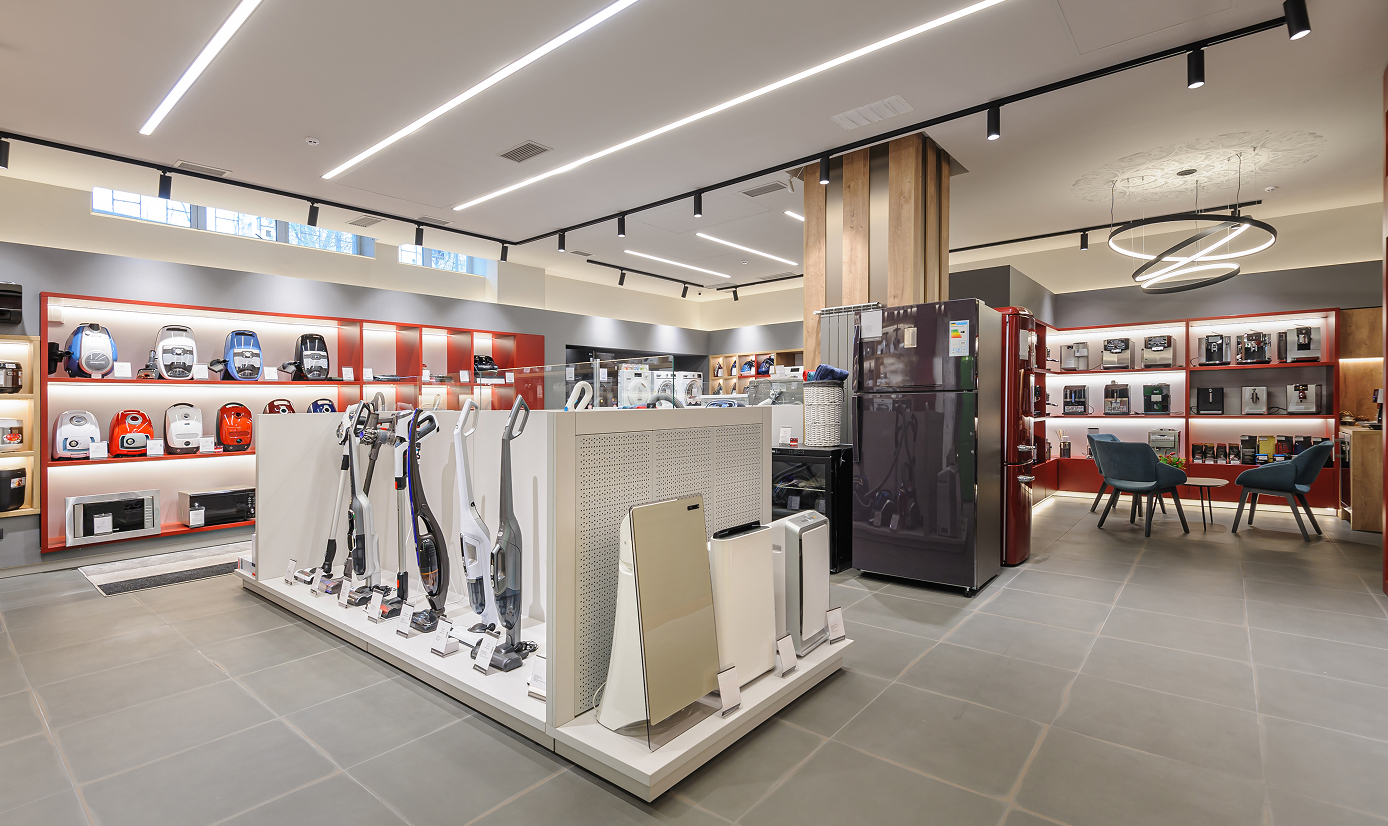
Deploy consistent network configurations across multiple store locations using SD-WAN and zero-touch provisioning. Application-based ACL and content filtering help keep business systems secure on shared infrastructure.

Support hybrid teams with VPN remote access for off-site employees, along with segmented VLANs for employee devices, guest access, and VoIP, all managed from a single controller interface.

Separate clinical systems, staff devices, and patient Wi-Fi with VLAN segmentation and access control, with centralized visibility across locations for IT administrators managing multiple sites.

Full-mesh SD-WAN links up to 20 locations with direct site-to-site connections.
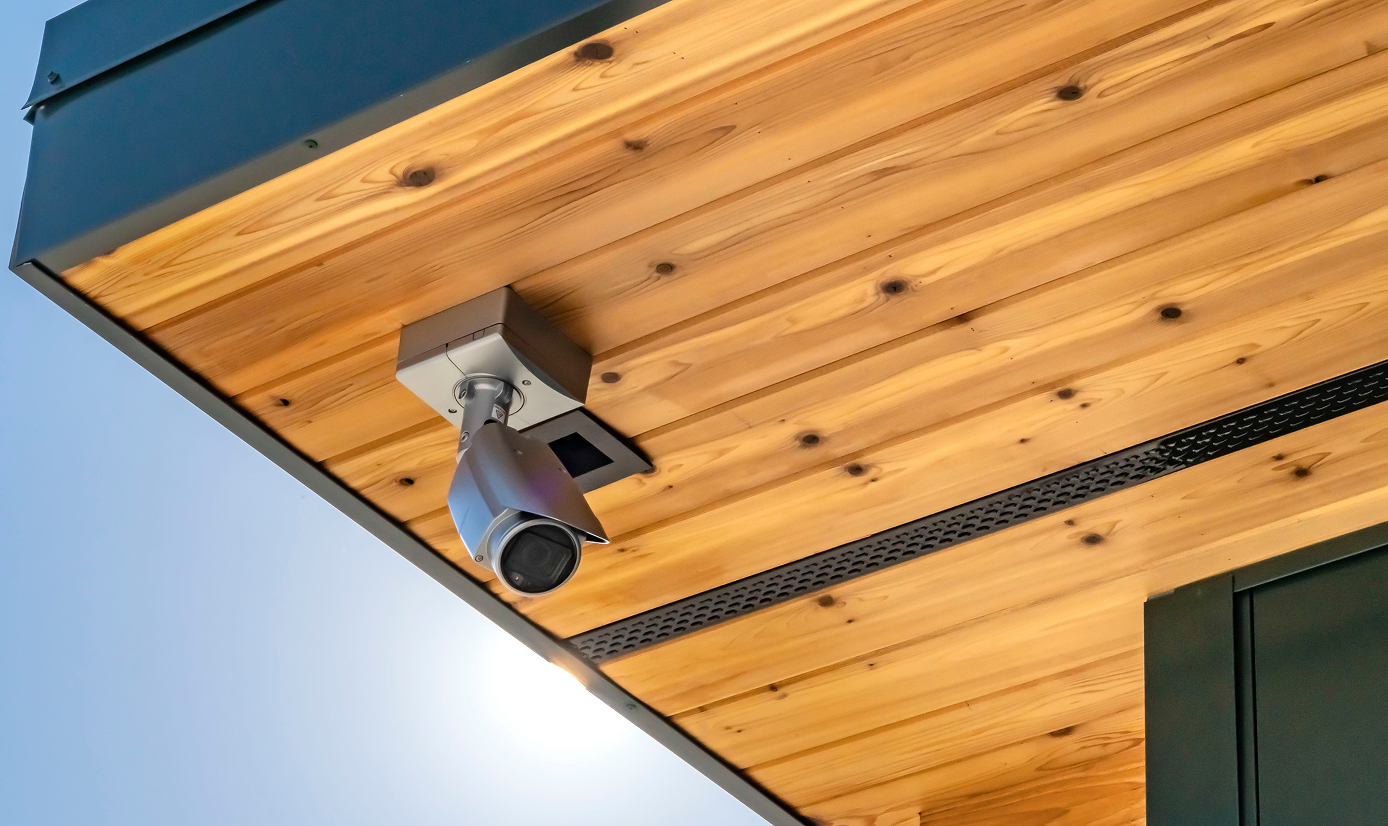
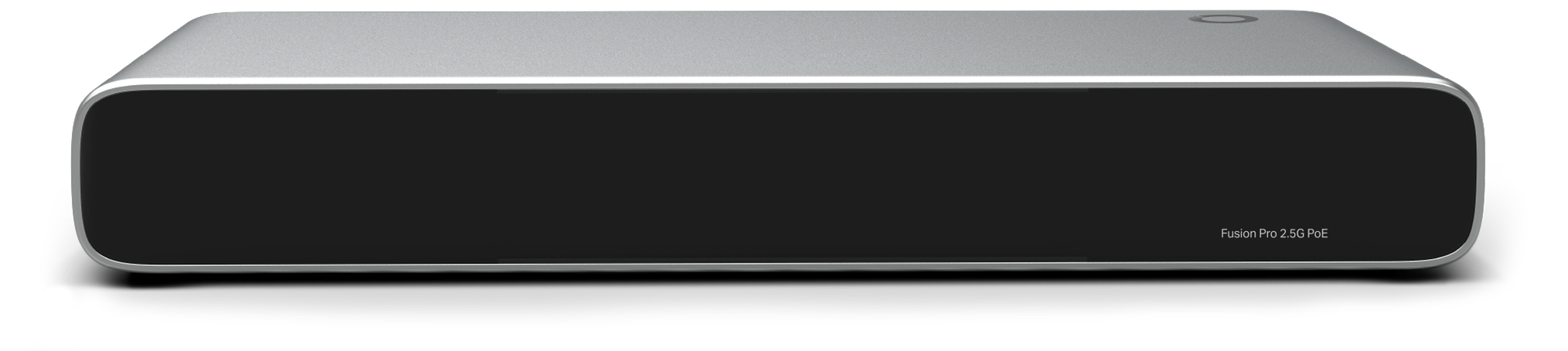
The Fusion Pro Series integrates a video management system with SSD storage, allowing businesses to manage both networking and surveillance from a single device without separate hardware.
FAQs
How is the Fusion Gateway different from a standard gateway? 
Fusion Gateway is a next‑generation upgrade that goes beyond a standard gateway by integrating a built‑in controller and video management system (VMS*), enabling centralized management for networking and surveillance with license‑free cloud access. Built‑in Bluetooth simplifies onboarding without Wi‑Fi, while the touchscreen improves on‑site configuration and usability.
How do I set up an Omada Fusion Gateway using the Omada App?
Getting started is simple. Use the Omada App to onboard the Fusion Gateway via Bluetooth, then manage and add devices directly from the app.
See detailed steps in https://support.omadanetworks.com/document/120035/
Does the Fusion Gateway support VPN connections for remote offices and users?
Yes, Fusion Gateway support mainstream VPN protocols—including SSL, IPsec, WireGuard, OpenVPN, L2TP, and PPTP—along with Omada LightLink VPN and SD-WAN for both remote access and site‑to‑site connectivity. This enables secure remote work and encrypted connections between branch offices and headquarters, and more. See each model’s specifications for full details.
What security features does the Fusion Gateway offer?
Fusion Gateway supports advanced security features include ACL, IPS/IDS, DPI, content filtering, and firewall protection, along with multi‑WAN load balancing and automatic failover for reliable connectivity—and more. Refer to each model’s specifications for full details.
*The standard Fusion series supports networking features only. Surveillance features and related management are available exclusively on Fusion Pro models. Features may vary by model.