


Managed Switches
for Business Networks
Omada managed switches give businesses control over how their networks operate without the complexity of enterprise-grade infrastructure. Available in 5- to 48-port gigabit and multi-gigabit models with optional PoE+/PoE++ support, these switches deliver traffic segmentation, prioritization, and centralized cloud management for offices, surveillance systems, and multi-device environments that need more than basic connectivity.

Recommended Managed Switches
View All
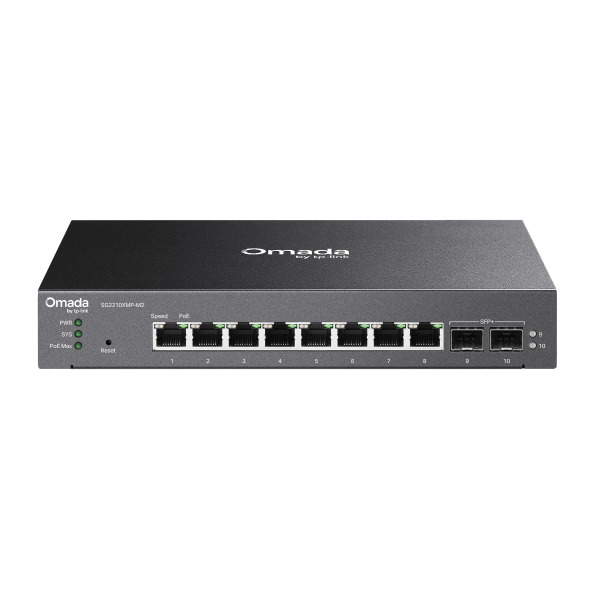
SG2210XMP-M2
Omada Access Pro 8-Port 2.5G and 2-Port 10GE SFP+ Switch with 8-Port PoE+
View Product >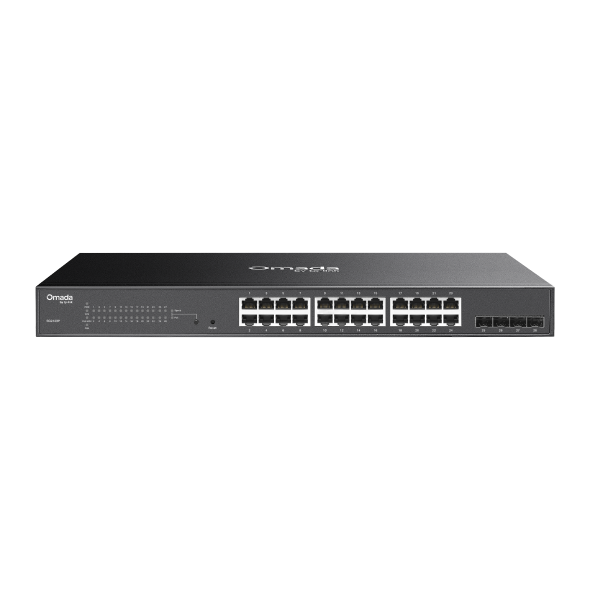
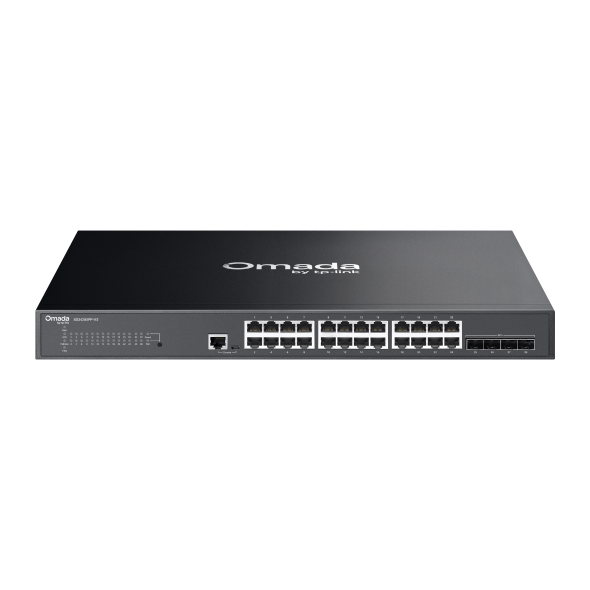
SG3428XPP-M2
Omada Access Pro 24-Port 2.5G and 4-Port 10GE SFP+ Switch with 24-Port PoE++
View Product >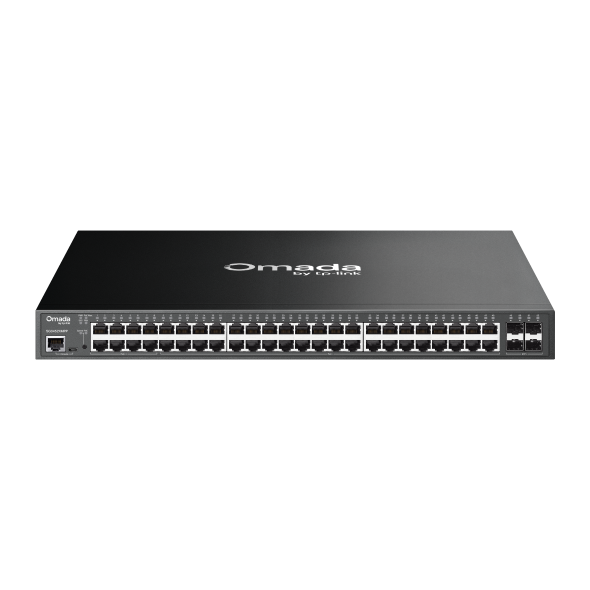
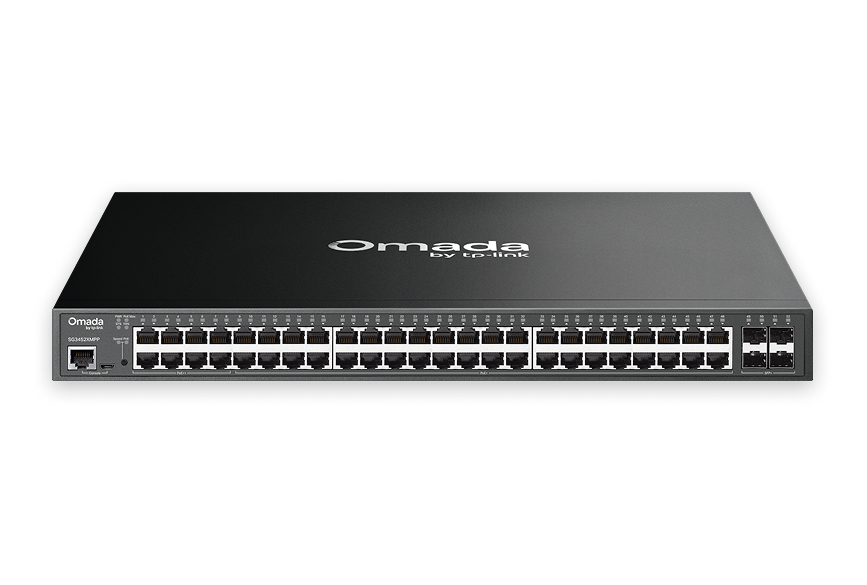
SG3452XMPP
Omada Access Plus 48-Port Gigabit and 4-Port 10GE SFP+ Switch with 40-Port PoE+ & 8-Port PoE++
View Product >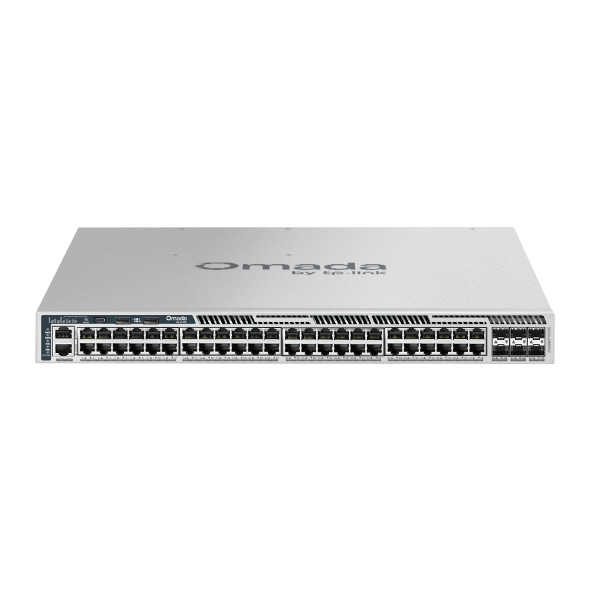
S6500-48MPP6Y
Omada Campus 48-Port 2.5G Stackable L3 Managed PoE++ Switch with 6× 25G Slots
View Product >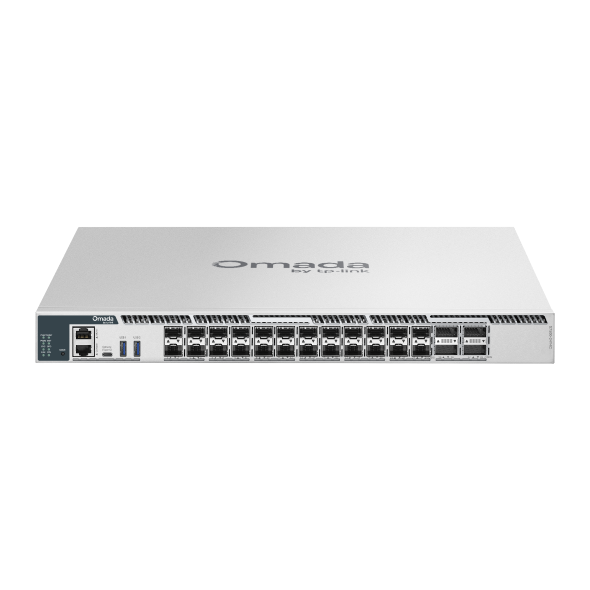
S7500-24Y4C
Omada Campus 24-Port 25G Stackable L3 Managed Aggregation/Core Switch with 4× 100G Slots
View Product >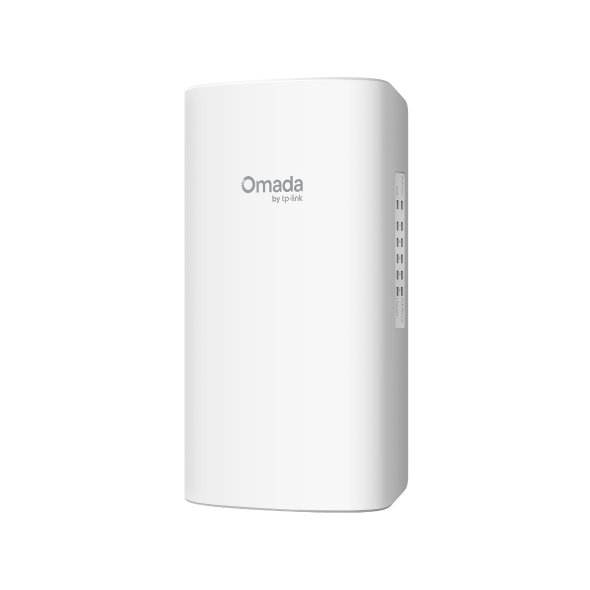
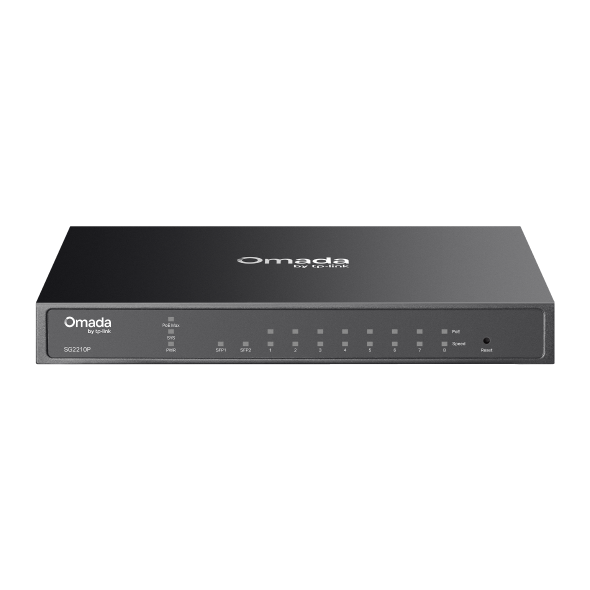
SG2005P-PD
Omada Access 5-Port Gigabit Switch with 1-Port PoE++ in and 4-Port PoE+ out
View Product >Business Benefits

Control Over Network Traffic
VLAN segmentation, QoS, and ACL support let administrators separate and prioritize traffic by device type or use case, keeping VoIP, surveillance, and business-critical systems isolated from general network use without competing for the same bandwidth.

Power Devices Through Network Cables
Select models include PoE+/PoE++ support, delivering power to access points, IP cameras, and VoIP phones through a single cable run.

Centralized Cloud Management
All models support cloud management via web browser or the Omada app, giving administrators visibility and control over connected switches from a single interface. On-premises management via web, CLI, SNMP, and RMON is also available for deployments where local control is preferred.

Loop Prevention and Network Stability
Loop prevention and IGMP snooping keep network traffic organized and stable, reducing the risk of broadcast storms and multicast flooding that can disrupt connected devices.

Quiet, Flexible Installation
Fanless desktop models operate silently in offices, reception areas, and wall-mount installations. Rack-mount options support equipment room deployments for higher port density requirements.

One Platform, Every Device
Omada managed switches integrate with gateways and access points under centralized Omada Controller management, available as cloud-based, hardware, or software controllers.
Solving Connectivity Challenges
Omada managed switches support businesses that need traffic control and cloud visibility without the overhead of enterprise networking infrastructure.

Offices with mixed device types use VLAN segmentation to keep traffic separated and QoS controls to prioritize business-critical applications without requiring complex configuration.
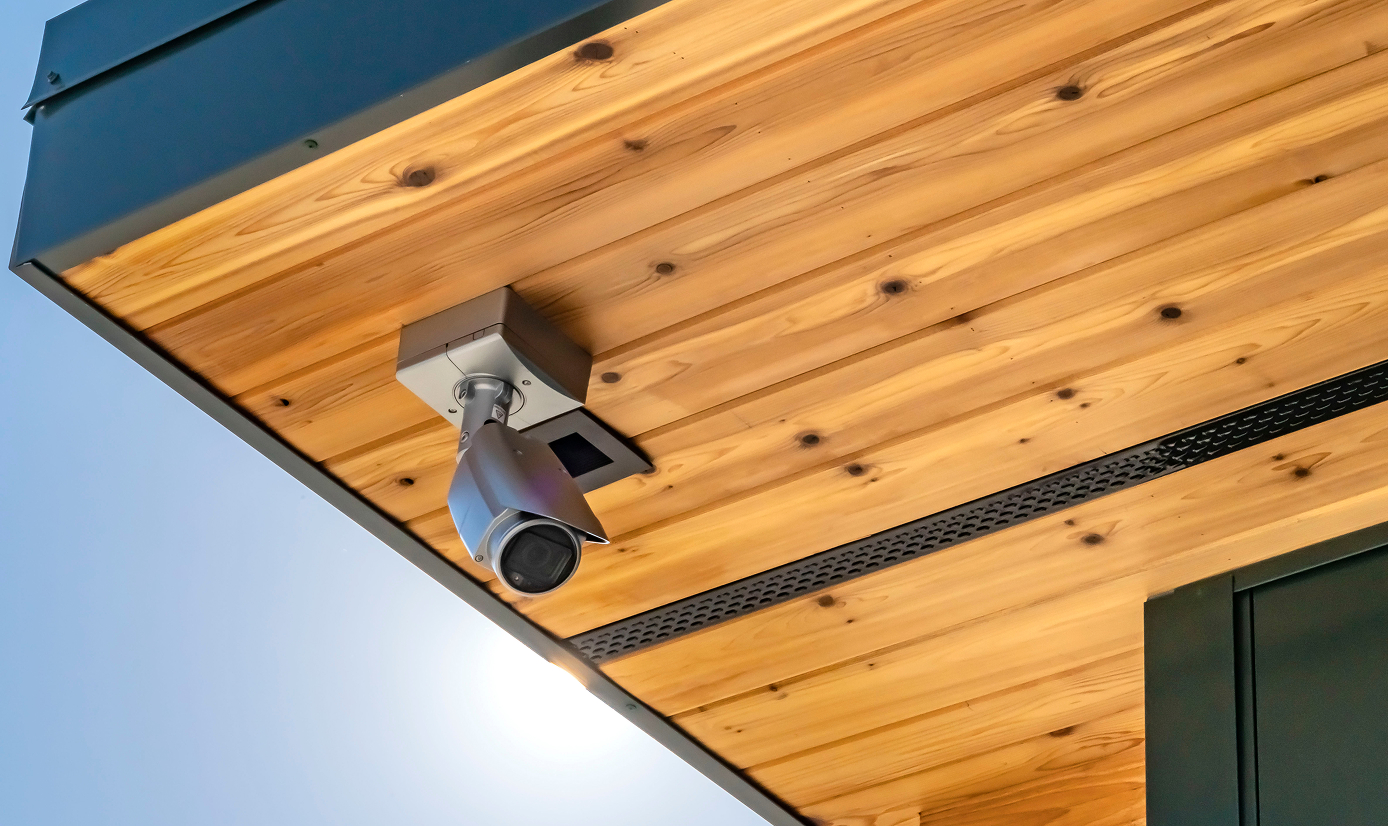
PoE+ models power IP cameras through network cables across restaurants, offices, and small facilities. Extended PoE reach on select models supports cable runs up to 250m, reducing infrastructure costs in larger installations.

Hotels, cafes, and co-working spaces use VLAN and port isolation to keep guest traffic separated from internal business networks, maintaining security without deploying separate physical infrastructure for each network.
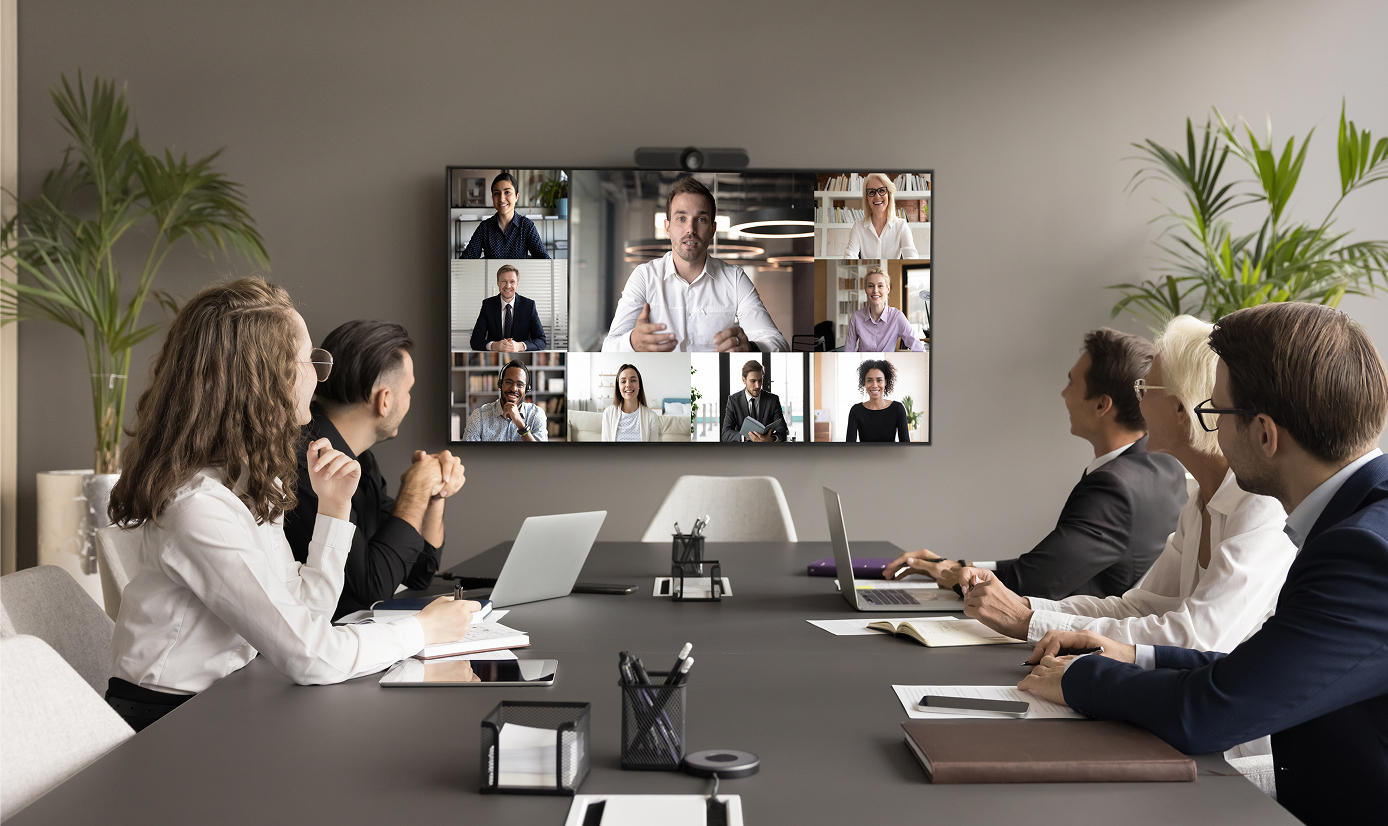
QoS controls prioritize voice traffic across shared network infrastructure, reducing latency and packet loss for VoIP phones and video conferencing systems in busy offices.

VLAN segmentation isolates POS systems from guest Wi-Fi and staff devices, keeping transaction traffic secure and reliably maintaining performance.

Businesses that have outgrown plug-and-play networking get practical traffic control and cloud visibility without the cost or complexity of enterprise switching infrastructure.
FAQs
What is a managed network switch? 
A managed network switch gives administrators control over how network traffic moves between connected devices. Unlike unmanaged switches, managed models support configuration features including VLANs, ACL, QoS, 802.1X, port isolation, and access controls.
When should I choose a managed switch instead of an unmanaged switch?
Choose a managed switch when your network requires traffic separation, prioritization, or monitoring. Common scenarios include separating guest Wi-Fi from internal systems, prioritizing VoIP traffic, managing surveillance camera networks, or gaining visibility into connected devices. Unmanaged switches are suitable for simple connectivity needs where these controls are not required.
Do managed switches support VLANs and traffic segmentation?
All Omada managed switch models support VLAN configuration and port isolation, allowing administrators to separate traffic by device type, user group, or use case. This keeps guest devices, surveillance systems, VoIP phones, and business workstations on independent network segments without requiring separate physical infrastructure.
How do I set up a VLAN with Omada?
VLANs are configured through the Omada Controller, available as a cloud-based, hardware, or software controller, or through the switch's web interface. Administrators assign VLANs to specific ports or SSIDs, and the controller pushes configuration to managed devices. The Omada app provides access to VLAN settings for deployments managed through the cloud.