


Scalable Stackable Switches
for Business Networks
Omada stackable switches help businesses expand switching capacity and build redundancy into their network infrastructure without replacing existing hardware. By connecting multiple units into a single logical switch, Omada by TP-Link stackable switches simplify management and support resilient, high-availability infrastructure that growing businesses and distributed campuses depend on.

Recommended Stackable Switches
View All
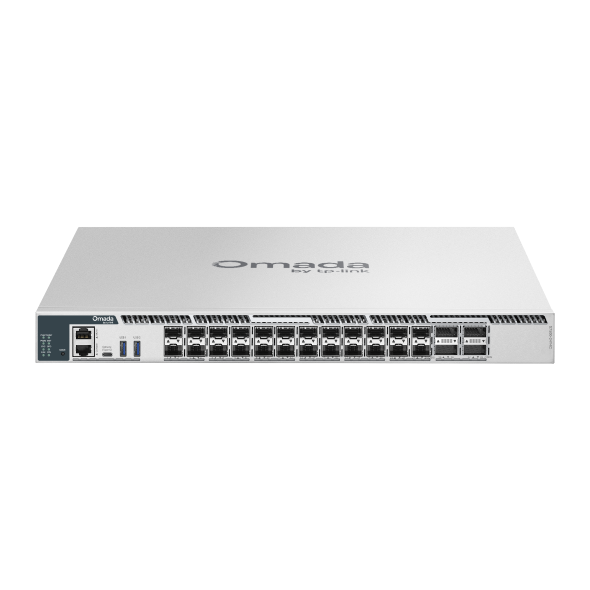
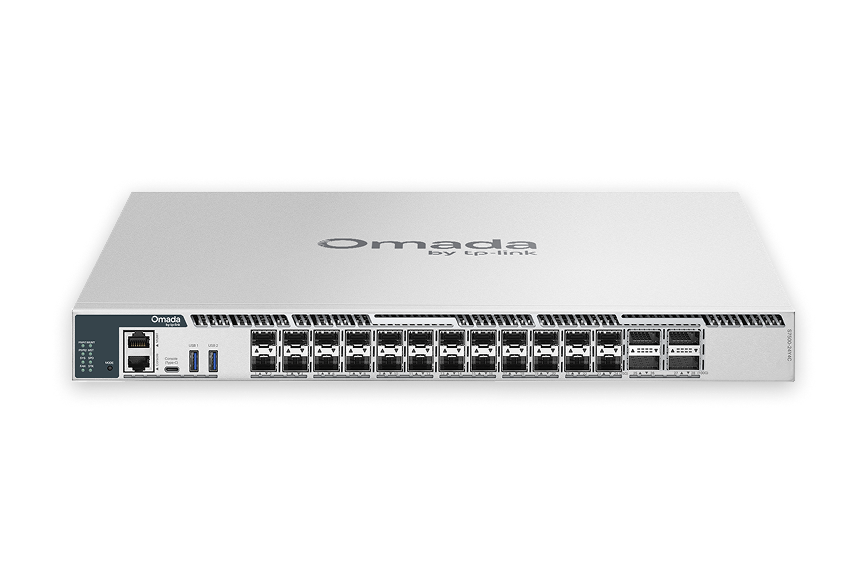
S7500-24Y4C
Omada Campus 24-Port 25G Stackable L3 Managed Aggregation/Core Switch with 4× 100G Slots
View Product >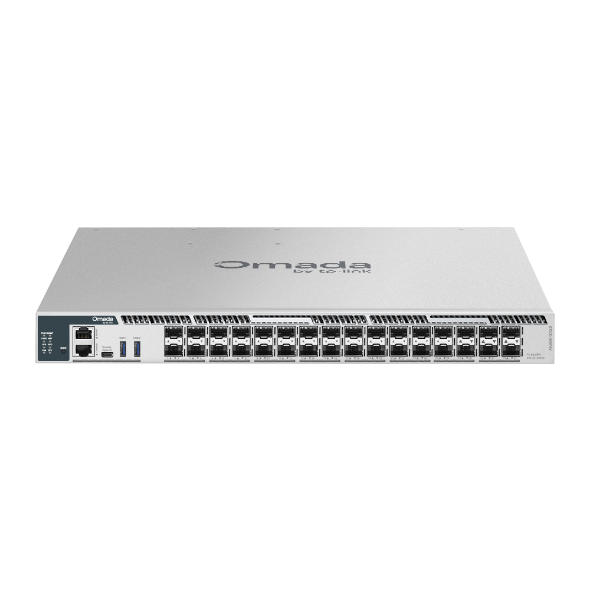
S7500-26XF6Y
Omada Campus 26-Port 10G SFP+ Stackable L3 Managed Aggregation Switch with 6× 25G Slots
View Product >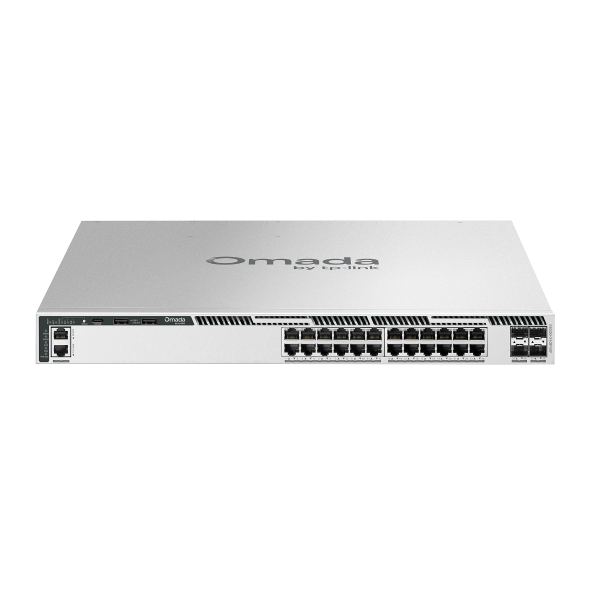
S6500-24GP4XF
Omada Campus 24-Port Gigabit Stackable L3 Managed PoE+ Switch with 4× 10G Slots
View Product >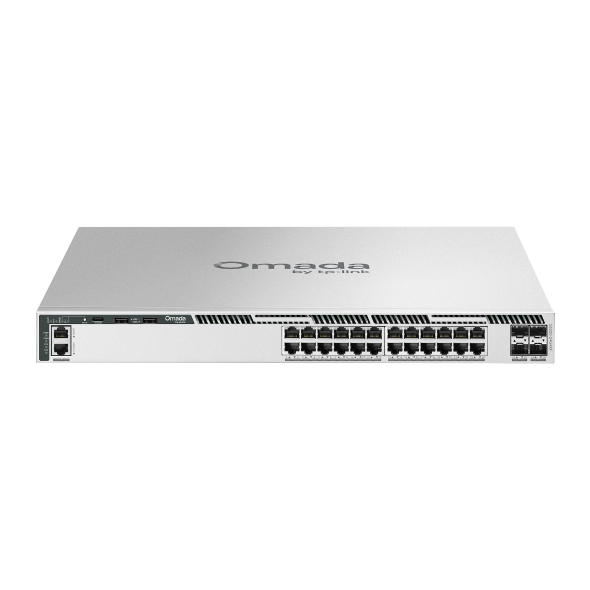
S6500-24G4XF
Omada Campus 24-Port Gigabit Stackable L3 Managed Switch with 4× 10G Slots
View Product >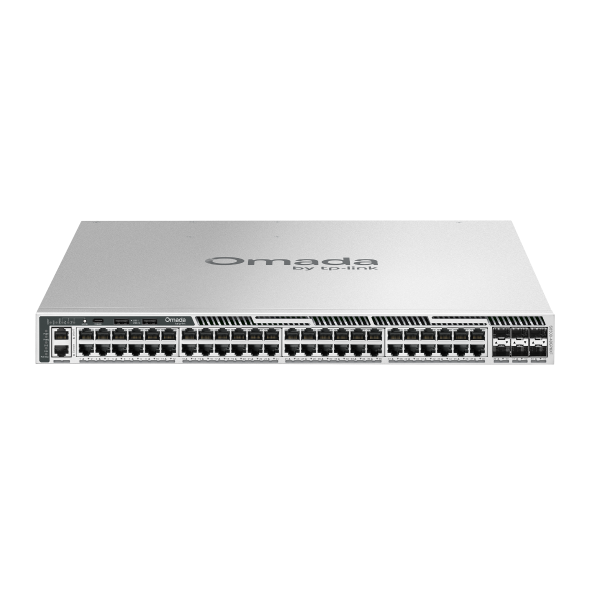
S6500-48GP6XF
Omada Campus 48-Port Gigabit Stackable L3 Managed PoE+ Switch with 6× 10G Slots
View Product >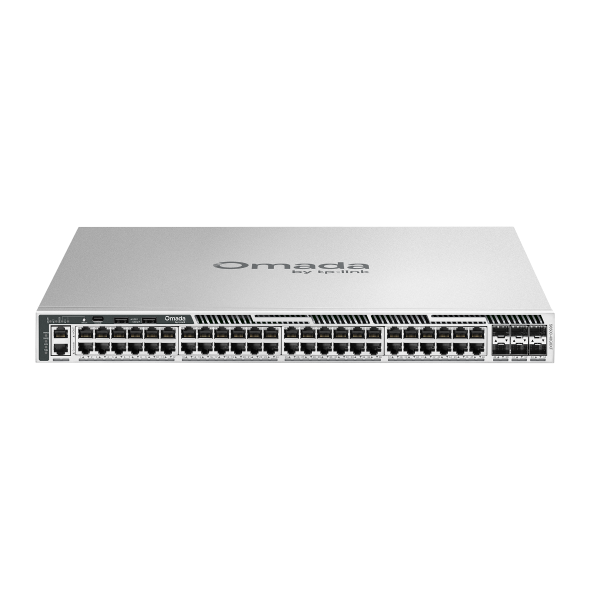
S6500-48G6XF
Omada Campus 48-Port Gigabit Stackable L3 Managed Switch with 6× 10G Slots
View Product >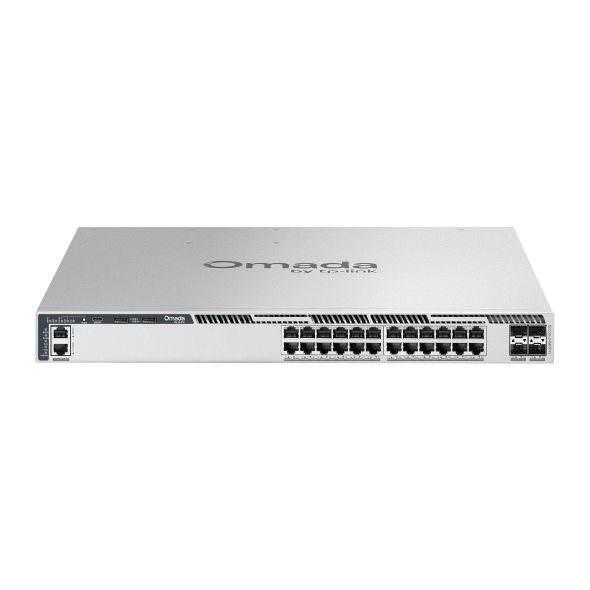
S6500-24MPP4Y
Omada Campus 24-Port 2.5G Stackable L3 Managed PoE++ Switch with 4× 25G Slots
View Product >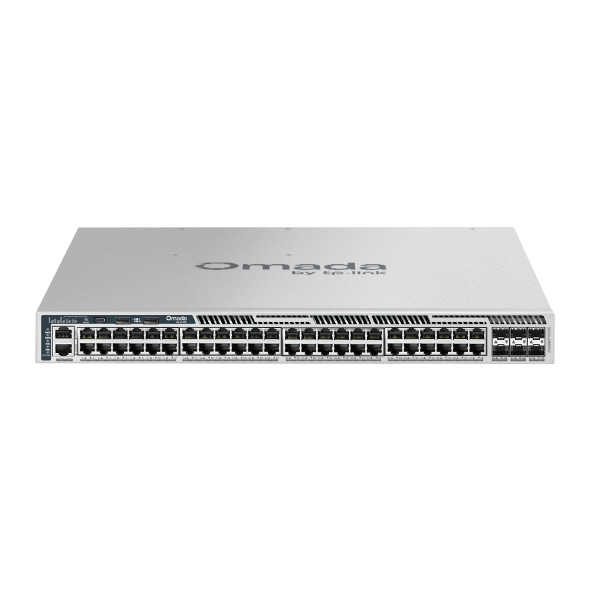
S6500-48MPP6Y
Omada Campus 48-Port 2.5G Stackable L3 Managed PoE++ Switch with 6× 25G Slots
View Product >Business Benefits

Expand Without Replacing
Stack multiple switches into a single logical unit, adding port capacity as the network grows without redesigning infrastructure or replacing existing hardware.

Built-In Redundancy
Physical stacking with ERPS and VRRP support keeps the network running if a single unit experiences an issue.

High-Capacity Uplinks
10G and 25G SFP+ uplink slots provide the throughput needed to connect stackable switches to aggregation and core layers without creating bottlenecks.

Layer 3 Routing
L3 features including OSPF, static routing, VRRP, and DHCP server/relay support handle inter-VLAN routing and dynamic traffic management directly at the switch layer, reducing dependence on upstream routing hardware.

PoE Support
Selected models deliver PoE power across copper ports, supporting access points, IP cameras, VoIP phones, and other powered devices from a single, centrally managed infrastructure.

Advanced Security
ACL, 802.1X port authentication, DoS protection, and Port Security control access at the network edge, with selected models adding MACsec encryption and Secure Boot for enhanced protection.

Omada Ecosystem
Stackable switches integrate with the Omada by TP-Link system alongside Omada managed switches through a unified SDN controller for centralized visibility across the entire network.
Solving Connectivity Challenges
Omada stackable switches help businesses scale their network infrastructure incrementally, without sacrificing redundancy or adding management complexity.

Stack multiple units across distribution and access layers to build a scalable, redundant switching infrastructure that grows with student or staff headcount without requiring forklift upgrades.

Deploy stackable switches per floor or zone and manage them as a unified system, keeping configuration consistent and simplifying troubleshooting across the building.

High-capacity 10G and 25G uplink models aggregate traffic from access-layer switches, providing the throughput and redundancy that server and storage environments require.

PoE models power access points, IP cameras, and VoIP phones across large properties, while stacking ensures that a single unit failure doesn't affect coverage across the venue.

Aggregate connectivity from multiple access switches at each location, with L3 routing handling inter-VLAN traffic locally and centralized management keeping configurations consistent across sites.

Businesses that expect to add devices, users, or locations over time benefit from a stacking architecture that scales incrementally, adding units rather than replacing the entire switching layer.
FAQs
What is a stackable network switch? 
A stackable network switch is a managed switch that connects with other units of the same series, allowing multiple physical switches to operate as a single logical device. This makes it possible to manage port capacity, configuration, and redundancy across several switches as if they were one.
How does switch stacking work?
Stacking connects multiple switch units through high-speed stacking ports or cables, creating a shared backplane between units. The stack appears as a single device in the management interface, with a single IP address and unified configuration. If one unit is added or replaced, it adopts the stack configuration automatically.
What are the benefits of stackable switches compared to standalone switches?
Stackable switches simplify management by consolidating multiple units under a single interface, reduce the risk of downtime through built-in redundancy across the stack, and allow port capacity to scale incrementally as the network grows. Standalone switches require separate management and offer no native redundancy between units.
When should I choose stackable switches instead of a modular chassis switch?
Stackable switches are a practical choice when you need scalable port capacity and redundancy without the upfront cost of a chassis system. They suit growing businesses, campus deployments, and mid-size enterprise environments where incremental expansion is more cost-effective than provisioning a fully modular chassis from the outset.
Do stackable switches support Layer 2 and Layer 3 features?
All Omada stackable switches support Layer 3 features including OSPF, static routing, and DHCP server/relay for inter-VLAN routing and dynamic traffic management. Some models extend this with additional protocols including BGP, VRRP, VRF, and policy-based routing for more complex network environments.
Can stackable switches provide redundancy if one unit fails?
Yes, with Omada stackable switches, traffic can continue flowing if a single unit in the stack fails. Selected models also include dual field-replaceable power supplies, reducing the risk of a power failure taking a unit offline.