


Wi-Fi Bridges
for Business Networks
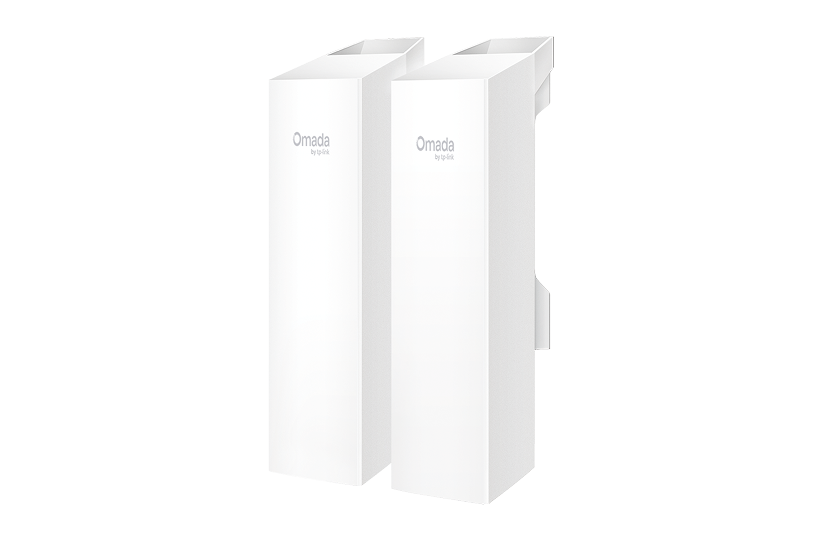
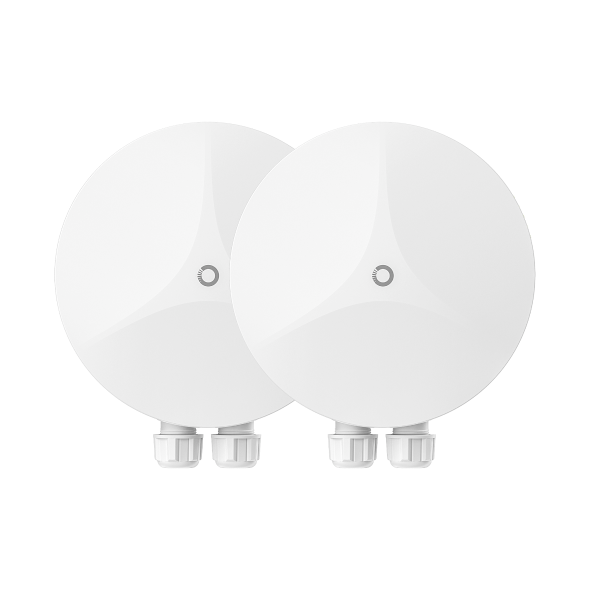
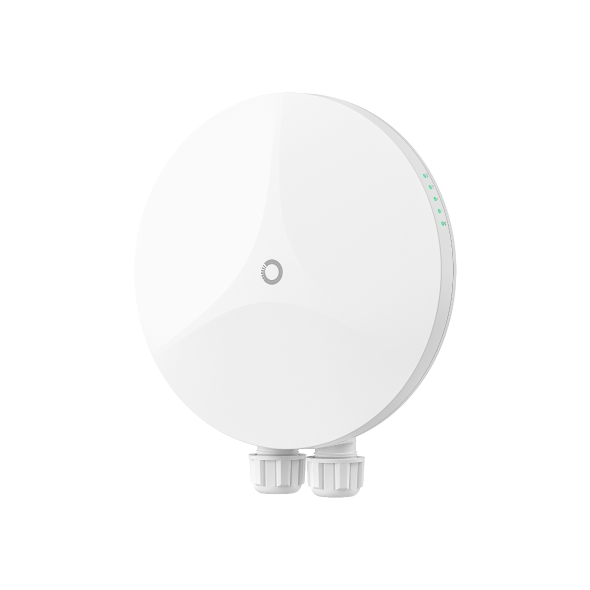
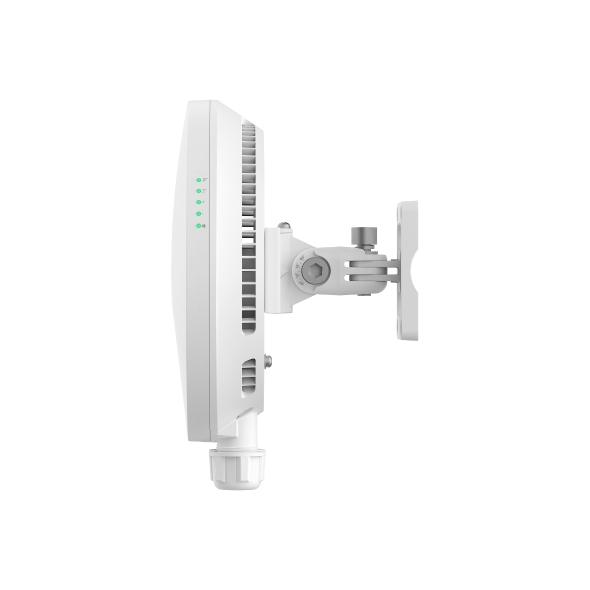
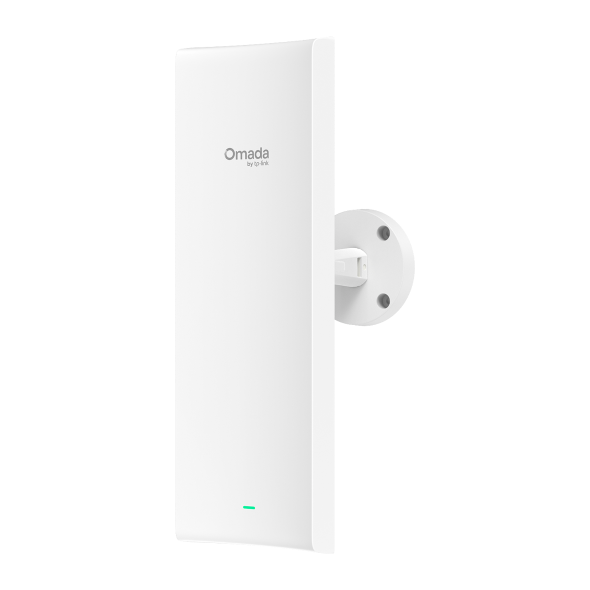
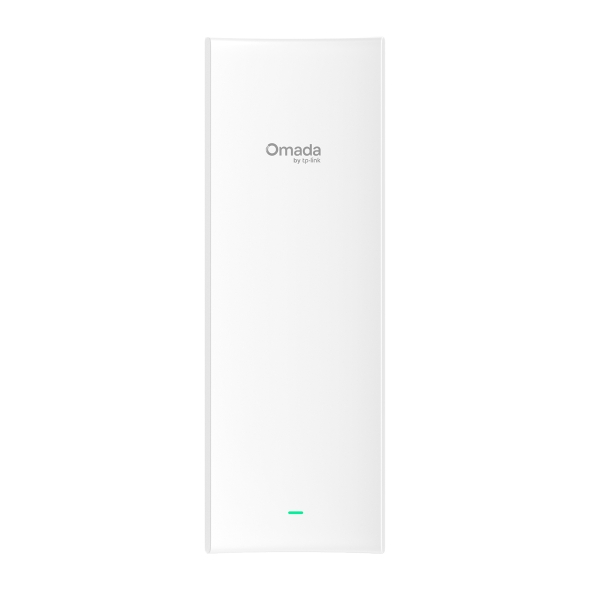
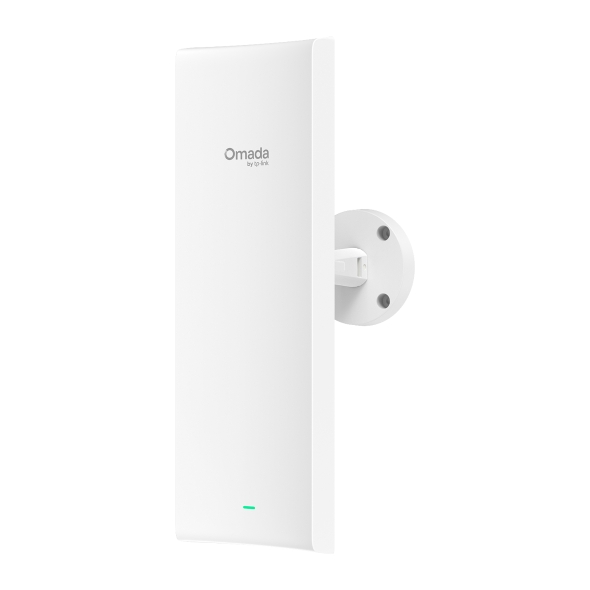
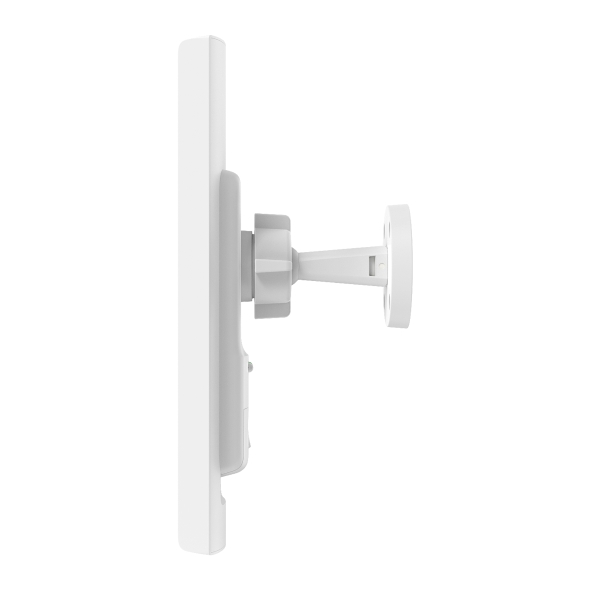
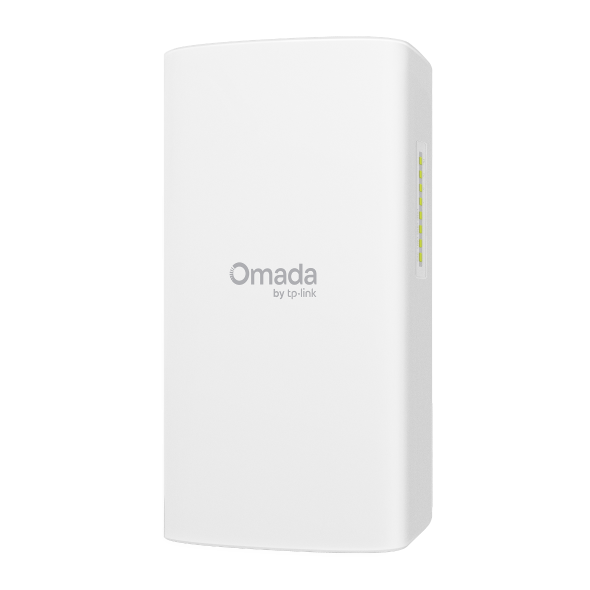
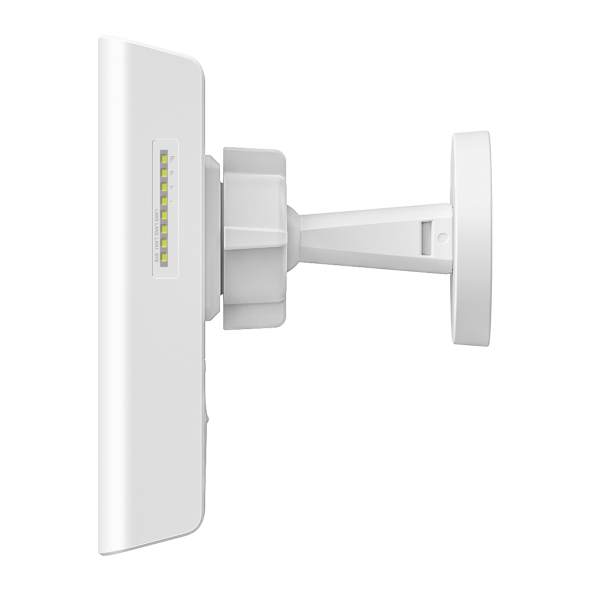
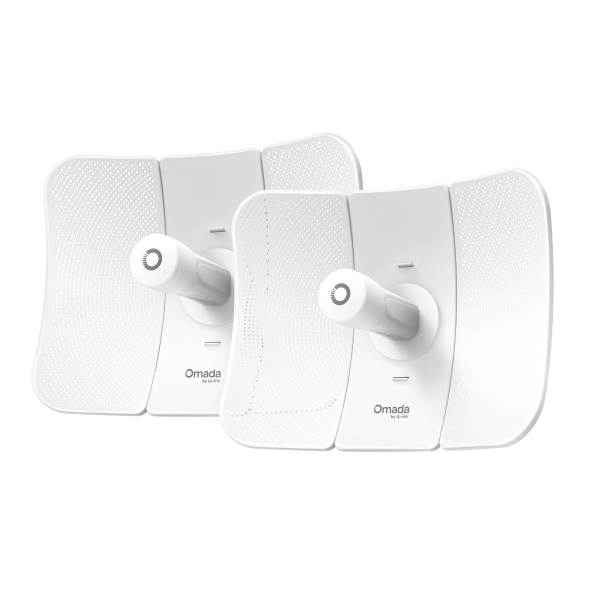
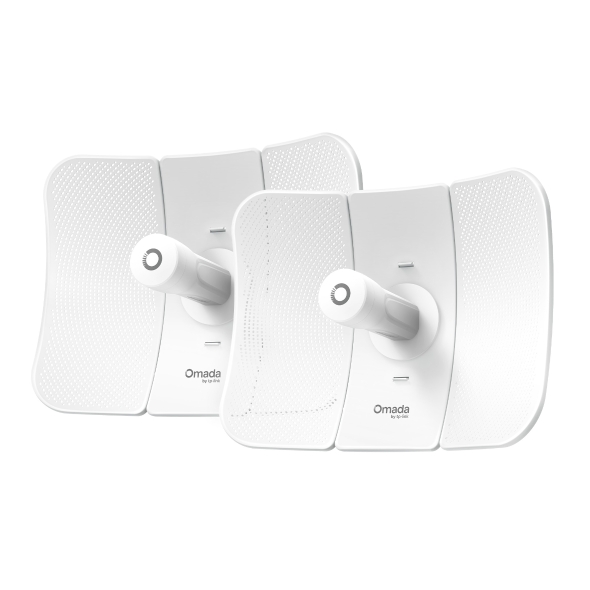
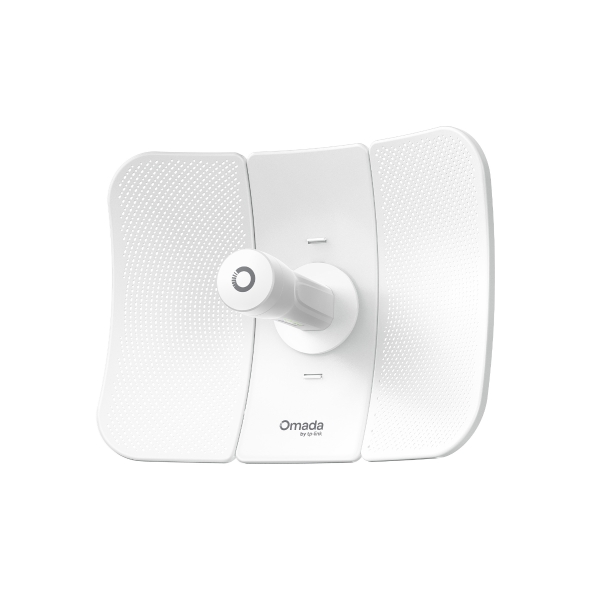
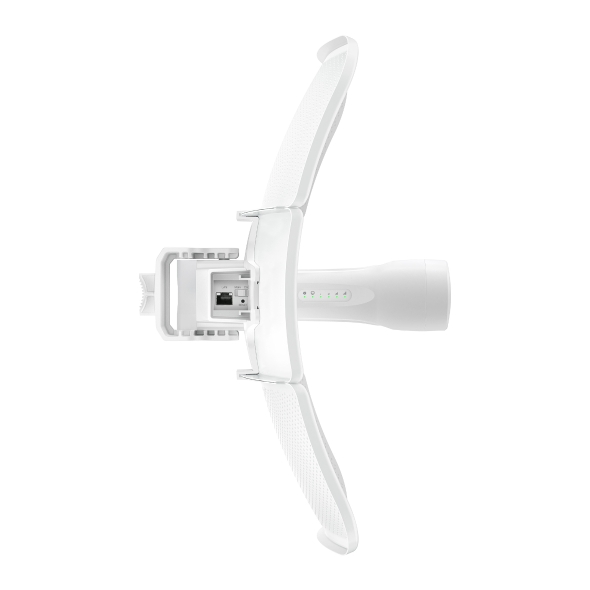
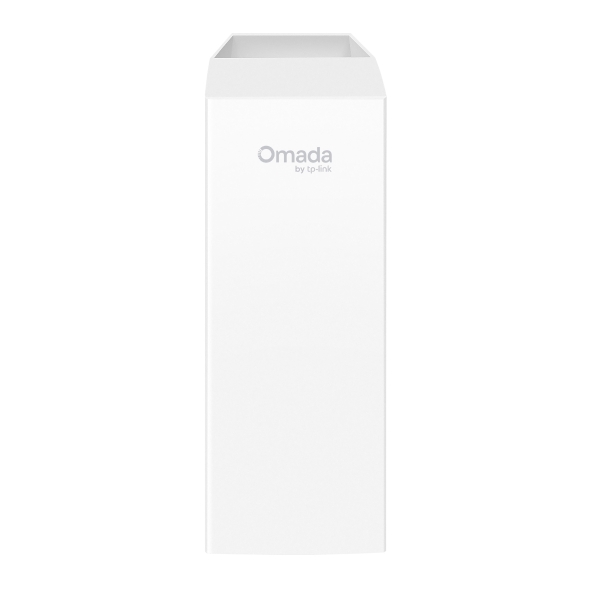
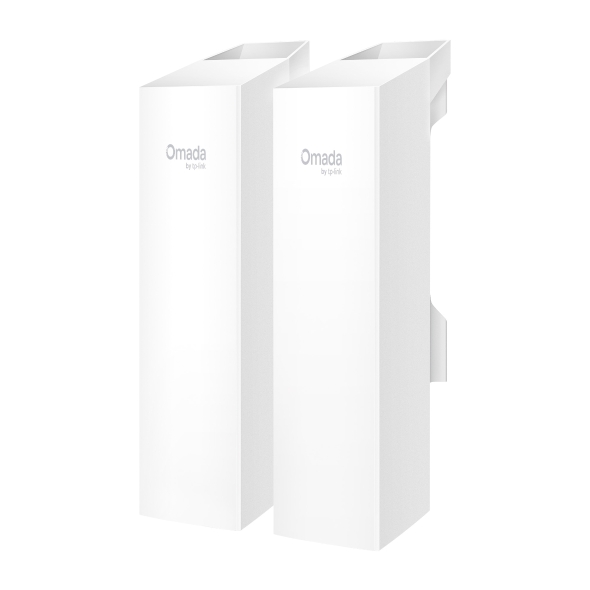
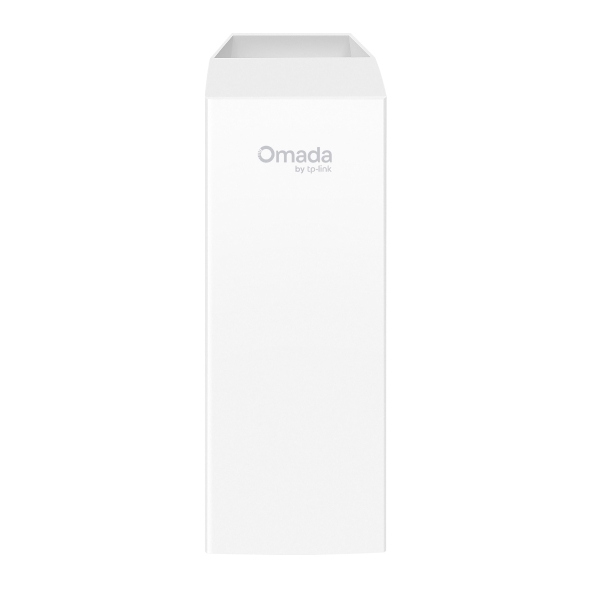
Omada indoor/outdoor wireless bridges extend network connectivity across locations where running cable isn't practical, linking separate buildings, outbuildings, and outdoor areas without trenching or conduit. Available in short-range and long-range models, the Omada Wi-Fi bridges collection covers point-to-point and point-to-multipoint deployments with plug-and-play setup and centralized management.






Business Benefits

Instant Plug-and-Play Deployment
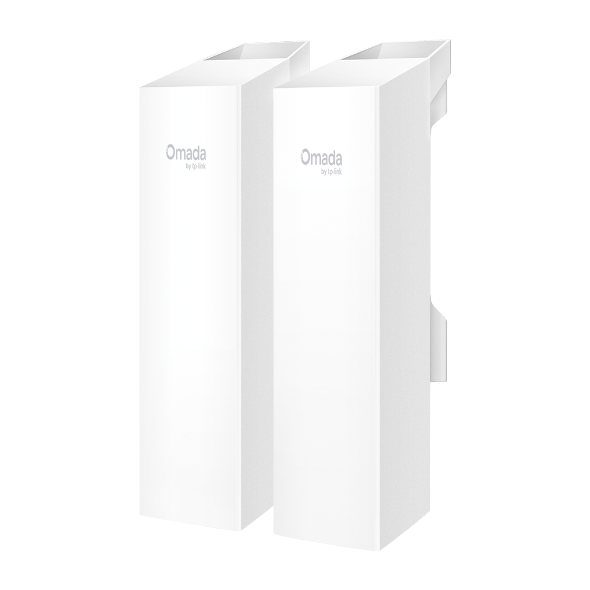
Pre-configured kits auto-pair out of the box. Simply power on and the bridge connection establishes automatically, with no portal login or manual configuration required.

Simplified Long-Distance Setup
Omada SmartBridging technology includes app-guided alignment and instant speed testing, so installers can verify link performance and signal strength before leaving the site.

Flexible Range for Any Property
Models cover transmission distances from 500 m up to 15 km, supporting everything from adjacent building links to campus-wide or cross-property connections.

Point-to-Point and Point-to-Multipoint Support
Connect two locations directly, or link one central bridge to multiple remote units. Auto-pairing supports connections without additional configuration steps.

Built for Outdoor Conditions
IP65 weatherproof enclosures, an operating range of -40 °F–158 °F (-40 °C to 70 °C), and lightning protection on select models keep bridges running year-round in exposed environments.

Flexible Power Options
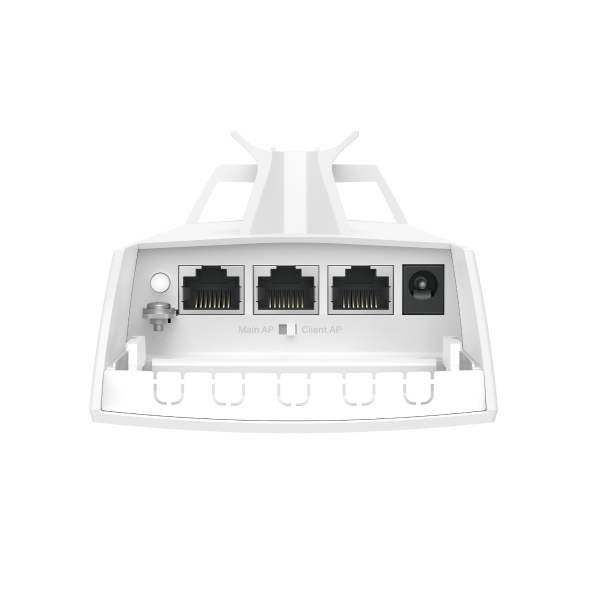
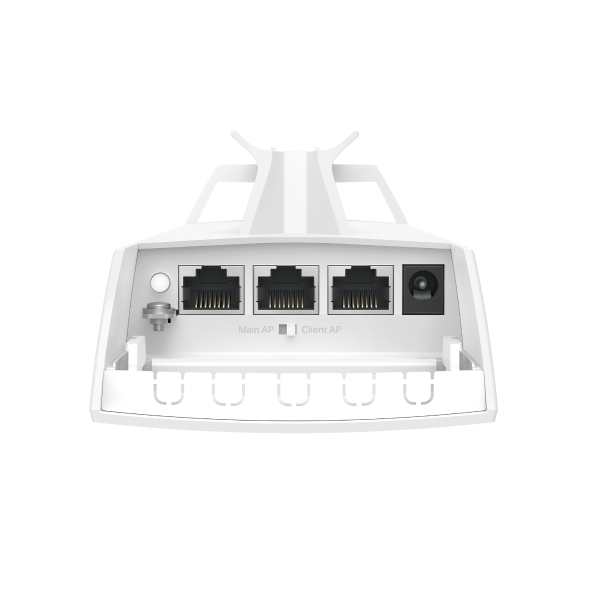
Multiple power supply options across the collection, including PoE and DC power, with select models compatible with solar power supply systems for off-grid or remote deployments.

Centralized or Standalone Management
Manage bridges individually via web browser, or integrate with an Omada Controller for remote monitoring and centralized management across your entire network.
Solving Connectivity Challenges
From single-site businesses to multi-location operations, Omada wireless bridges extend connectivity.
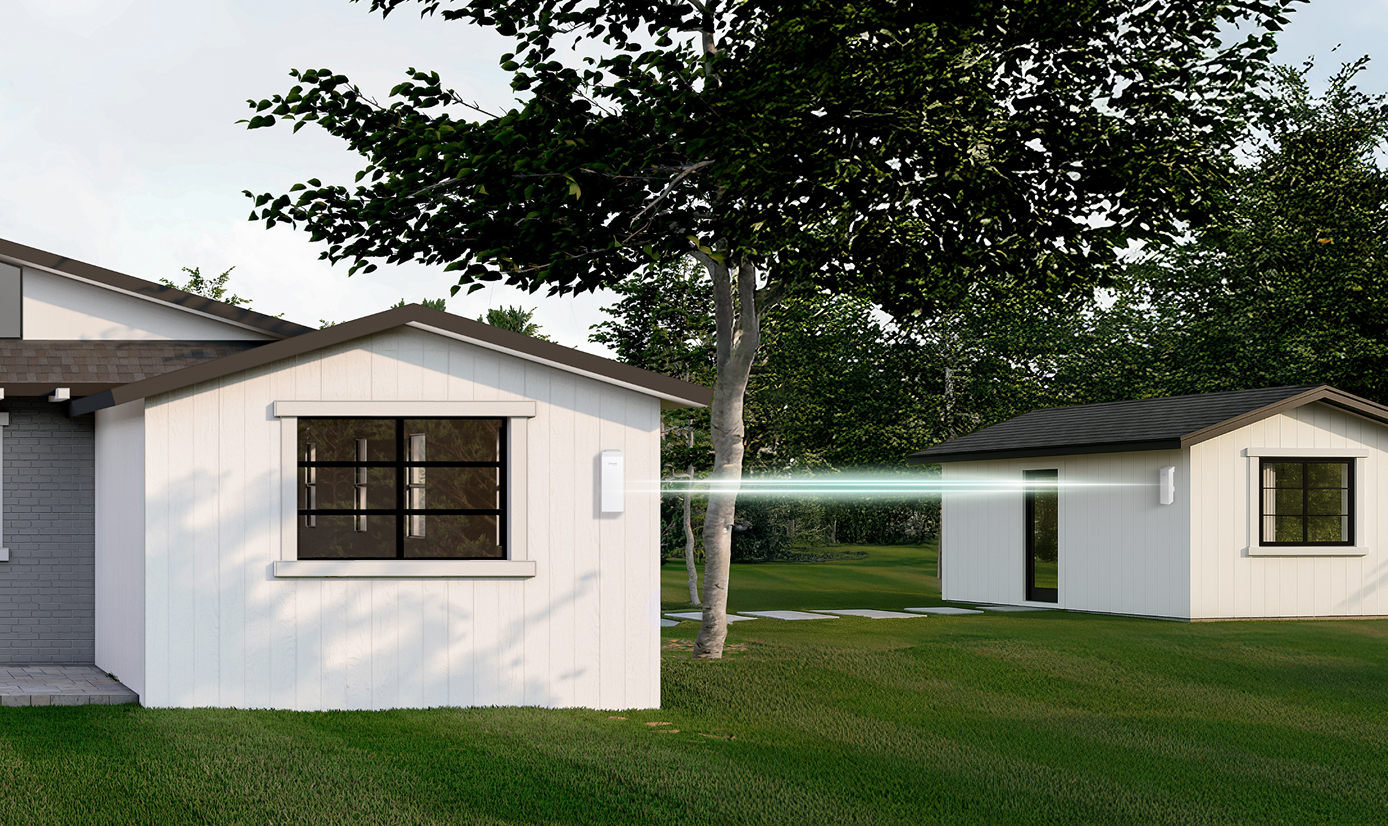
Link a warehouse, secondary office, or storage facility to the main network without running underground cable between structures.

Extend connectivity across school campuses, industrial sites, or agricultural properties using long-range point-to-point links between distant buildings or zones.
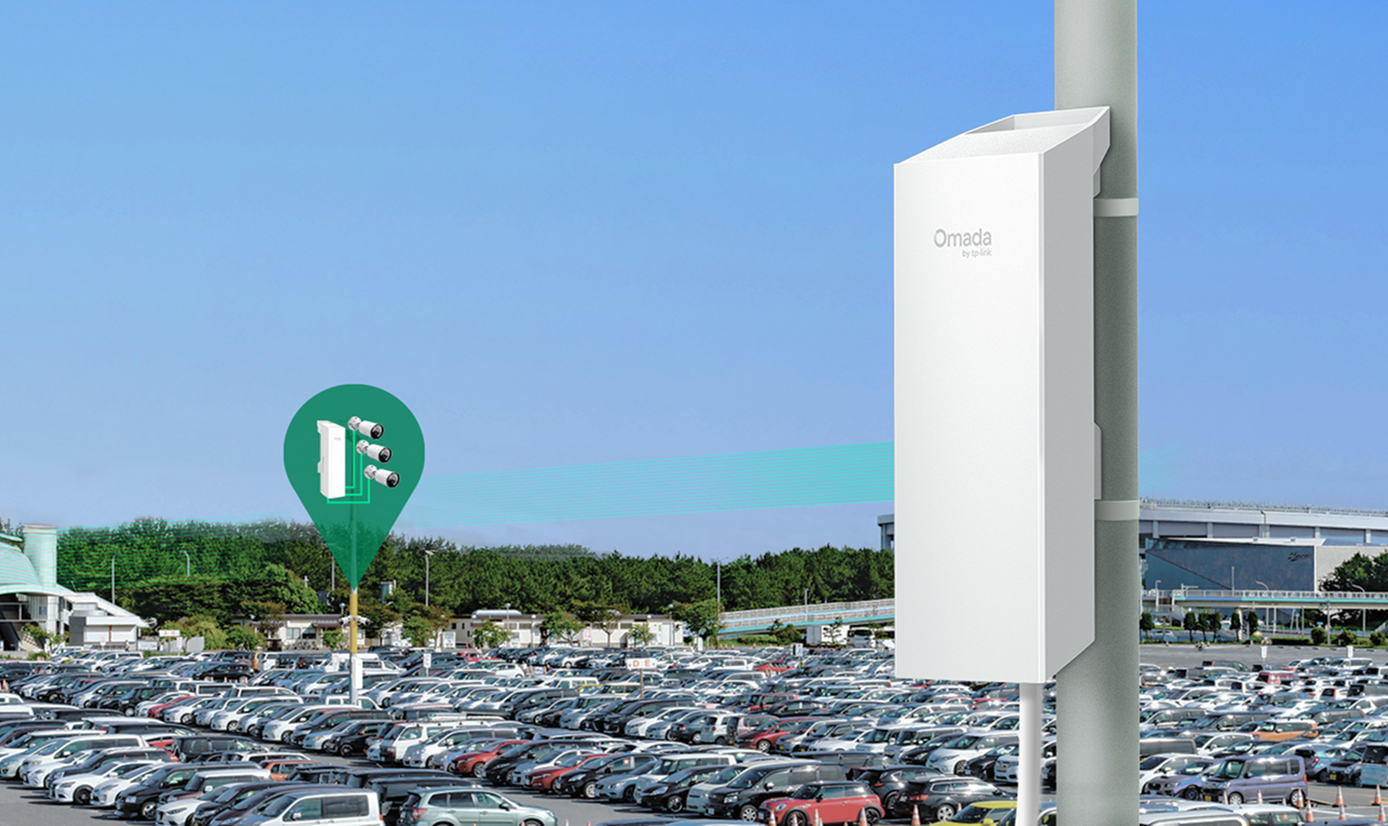
Connect IP cameras in parking areas, yards, or remote outbuildings using built-in Ethernet ports on select models, with no additional switch required at the camera end.

Bridge connectivity between a main building and outbuildings, poolside areas, or outdoor event spaces where guest or operational network access is needed.

Solar power supply compatibility makes wireless bridges viable for remote monitoring stations, agricultural sites, or any location without reliable power infrastructure.
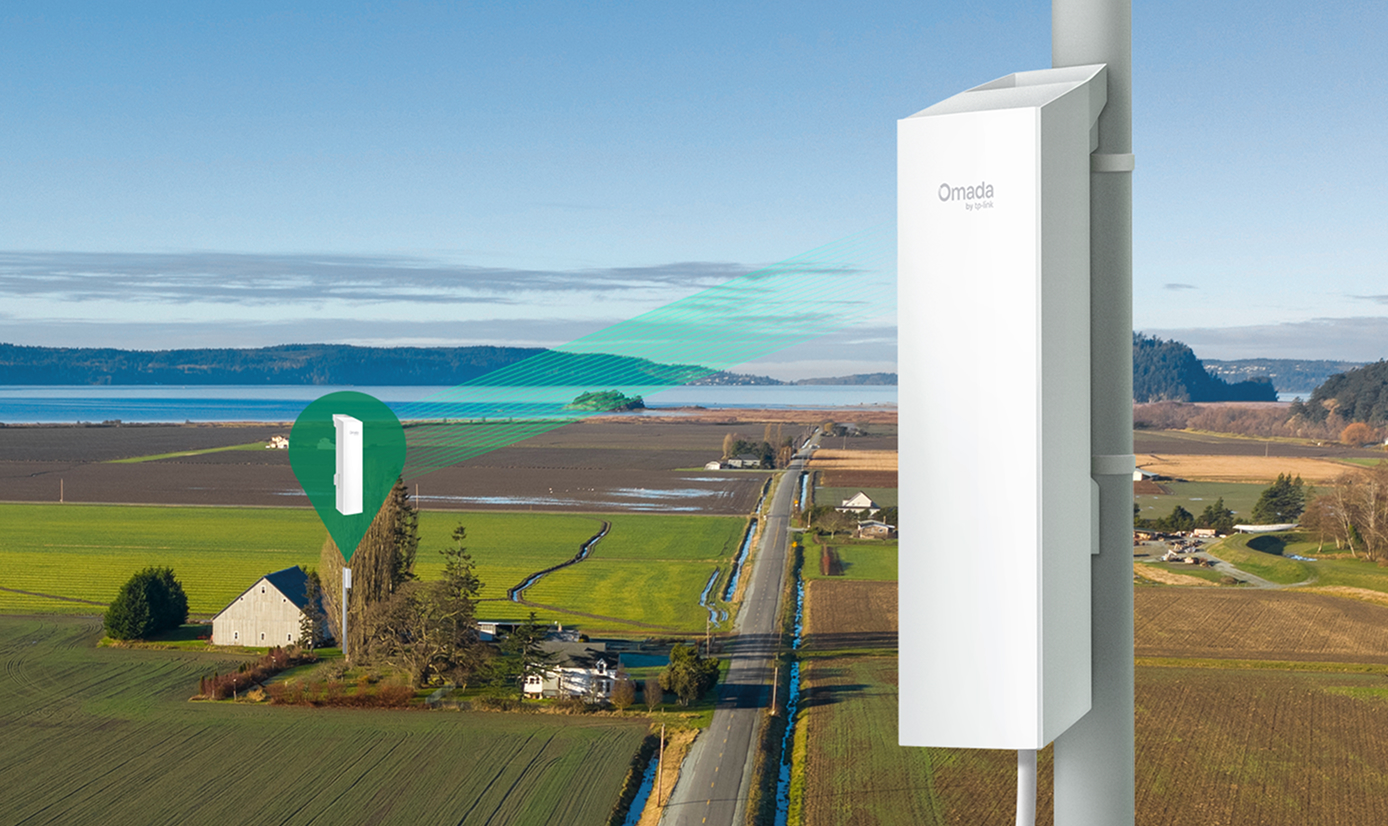
Distribute connectivity from a single central location to multiple remote points on the same property using point-to-multipoint auto-pairing without running separate cable runs to each endpoint.
FAQs
How do you set up Wi-Fi bridges via the Omada app? 
Omada wireless bridge kit comes preconfigured for auto-pairing. Just power on and the connection establishes automatically, no portal login needed. For longer-distance installations, the Omada app provides visualized alignment guidance to help position units for the strongest link, along with instant speed testing to verify performance before installation is complete. Bridges can also be managed through the Omada Controller for ongoing monitoring and configuration.
What is the difference between a Wi-Fi bridge and a Wi-Fi access point?
A wireless bridge connects two or more separate network segments across a distance, creating a wireless link between locations where cable runs aren't feasible. An access point connects end-user devices such as laptops, phones, and tablets to the network wirelessly. Bridges extend the network infrastructure itself, while access points extend wireless coverage for client devices.
Are Wi-Fi bridges used for building-to-building connectivity?
Wireless bridges are a standard solution for connecting separate buildings without physical cabling, such as a main office and a warehouse, a school's primary building and portable classrooms, or a hotel and an outbuilding. Omada wireless bridges support both point-to-point connections between two locations and point-to-multipoint configurations linking one central unit to several remote sites.
What is the difference between point-to-point and point-to-multipoint wireless bridges?
A point-to-point link connects exactly two locations, for example, two buildings on opposite ends of a property. A point-to-multipoint configuration connects one central bridge to multiple remote units, distributing connectivity from a single source to several locations simultaneously. Omada bridges support both modes, with point-to-multipoint auto-pairing support from a single central unit.
How far can a Wi-Fi bridge transmit data?
Range depends on the model. Omada Wi-Fi bridges support transmission distances from 500 m for shorter-range deployments up to 15 km for long-range point-to-point links. Actual performance depends on environmental conditions, line of sight, and antenna configuration. The Omada app's alignment and speed testing tools help confirm link quality during installation.
Do Wi-Fi bridges require line-of-sight installation?
Line of sight between bridge units is strongly recommended for reliable performance, particularly at longer distances. Obstructions such as buildings, dense vegetation, or uneven terrain between units can reduce signal strength and effective range. Omada's app-guided alignment tool helps position units for the strongest possible link during installation.