


Wi-Fi 7 Access Points
for Business Networks
Omada Wi-Fi 7 access points bring next-generation wireless performance to business networks across indoor and outdoor environments. Whether deployed in offices, hospitality settings, high-density venues, or open-air spaces, choose from ceiling-mount, wall-plate, or outdoor models to suit your business setting. Each integrates into the Omada by TP-Link ecosystem for unified, centralized management.

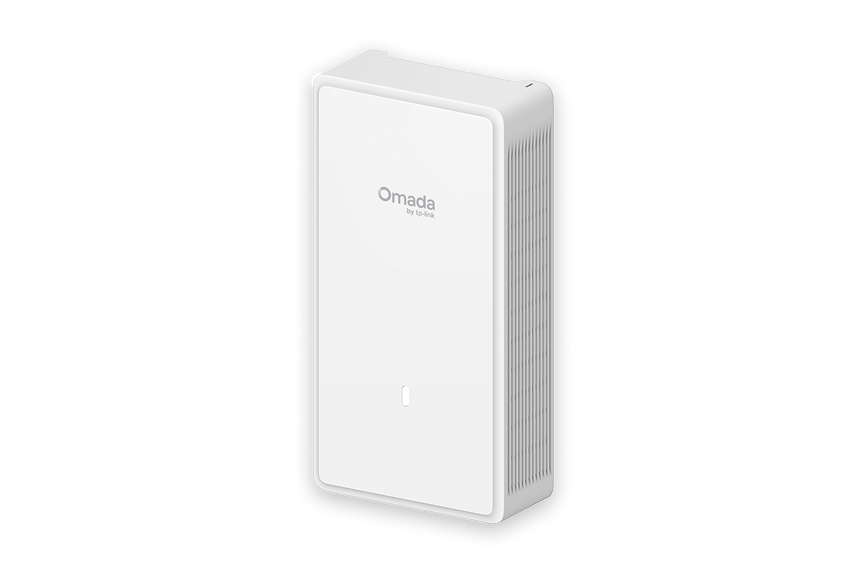
Recommended Wi-Fi 7 Access Points
View All
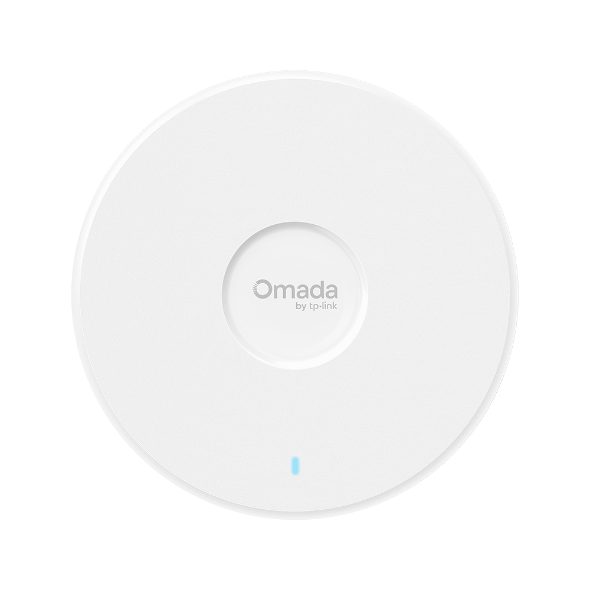
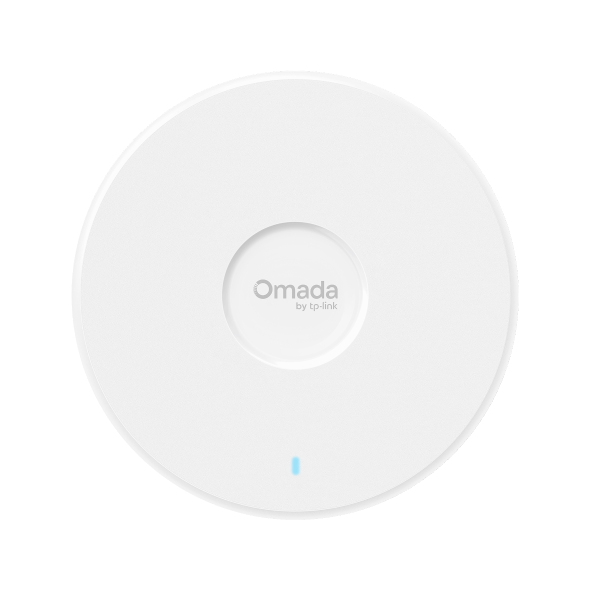
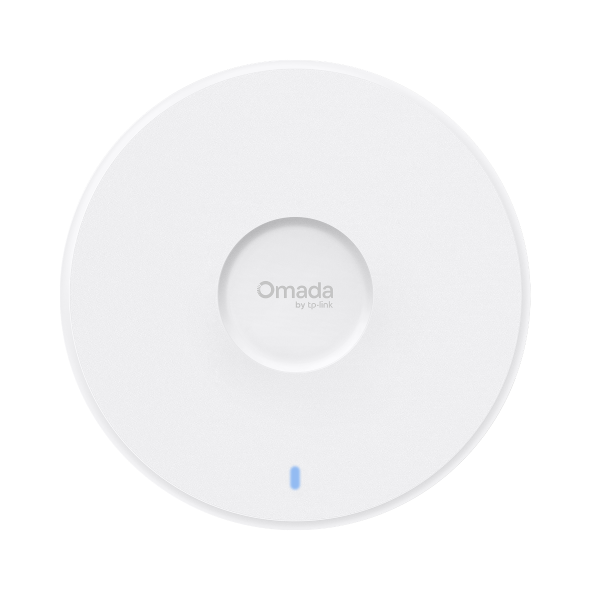
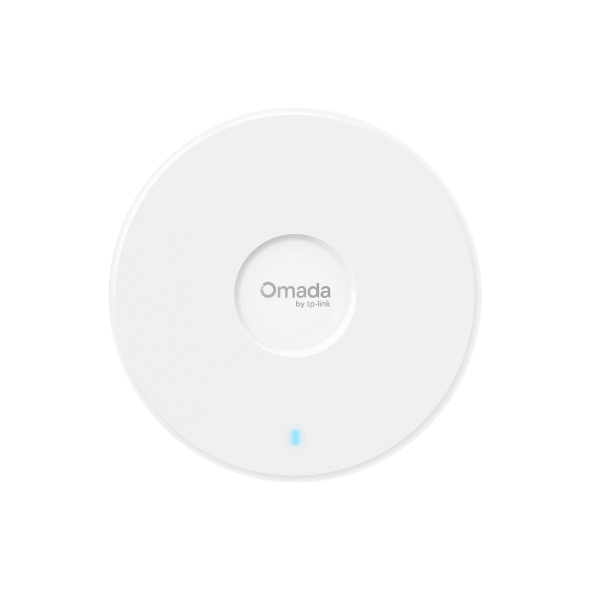
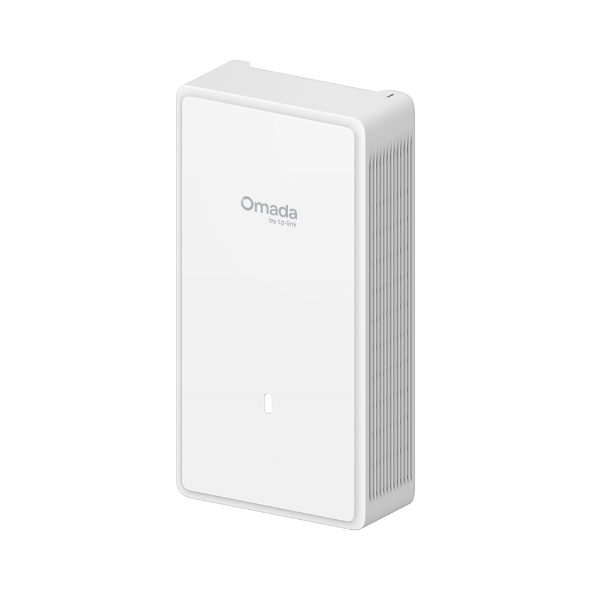
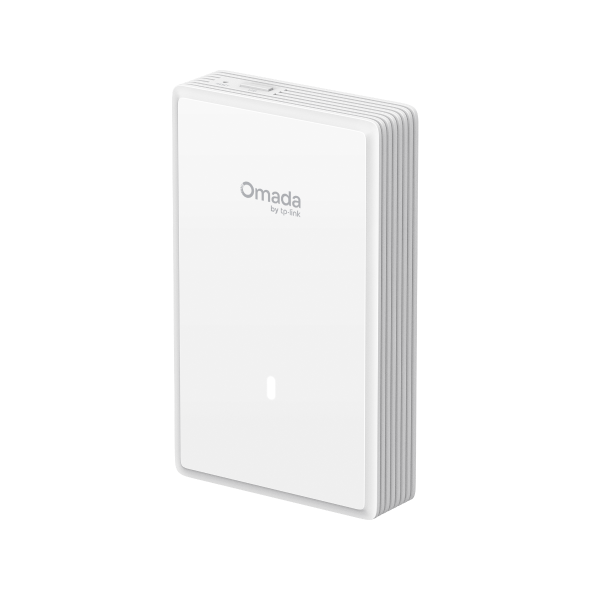
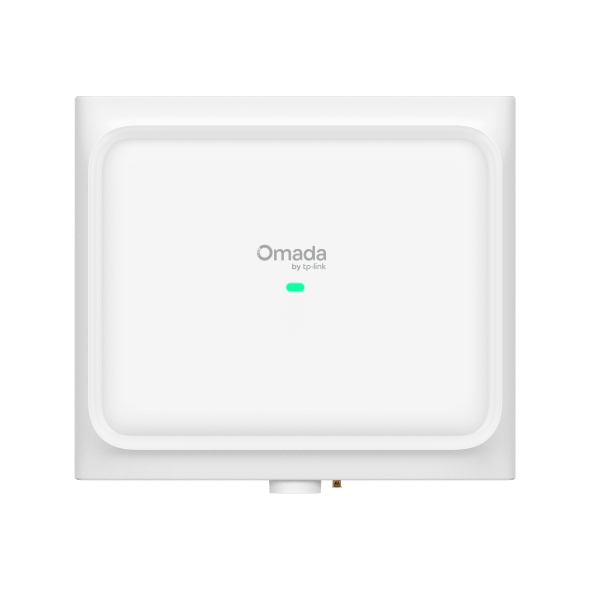
EAP772-Outdoor
Omada Tri-Band Omnidirectional BE11000 Indoor/Outdoor WiFi 7 Access Point
View Product >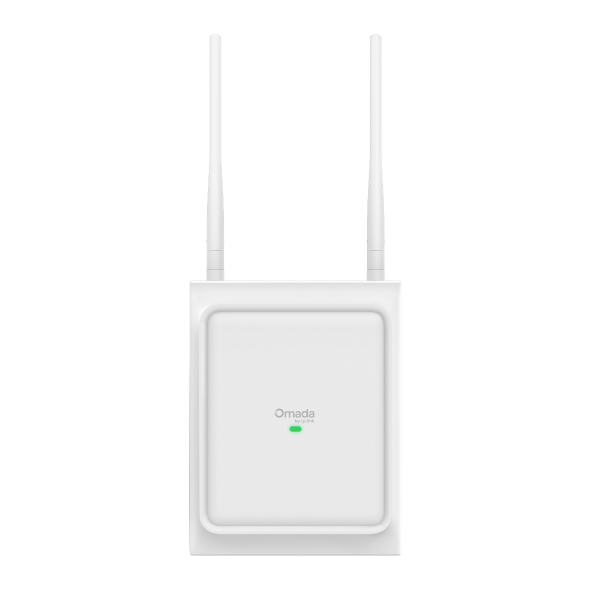
EAP725-Outdoor
Omada BE3600 Indoor/Outdoor WiFi 7 Access Point with Directional/Omnidirectional Antennas
View Product >Business Benefits

Built for Busy Networks
Advanced Wi-Fi 7 features like Multi-Link Operation (MLO), 320 MHz channels, Multi-RUs, and 4K-QAM help access points support large numbers of devices at once without the congestion or lag that disrupts daily operations.

Smarter Performance Across Devices
Tri-band operation on most models separates traffic across 2.4 GHz, 5 GHz, and 6 GHz, allowing high-demand applications to run smoothly without competing with everyday device traffic.

Coverage That Matches Your Space
Ceiling-mount models are ideal for open offices and shared areas. Wall-plate units keep guest rooms or patient spaces connected without visible hardware. Outdoor models feature IP66-rated/IP68-rated enclosures and 6kV lightning protection for reliable year-round performance.

No Bottlenecks at the Uplink
With 2.5G or 10G uplink ports, depending on the model, access points can deliver the full performance of Wi-Fi 7 without being limited by wired infrastructure. See Omada PoE solutions for compatible options.

Simplified Network Management
All models work with the Omada Controller, enabling zero-touch provisioning, configuration templates, and remote management that reduce on-site maintenance.

Part of a Unified Platform
Wi-Fi 7 access points run alongside Omada switches and gateways under the same management interface. Learn more about Wi-Fi 7 technology.
Solving Connectivity Challenges
Omada Wi-Fi 7 gives businesses the flexibility to deploy reliable wireless performance across different spaces, all under a single management platform.

Video conferencing, VoIP, and cloud applications stay reliable when hundreds of devices are connected at once — without staff having to troubleshoot dropped calls or slow connections.

Wall-plate models deliver per-room coverage with a low-profile flush-mount design, keeping guests and patients connected without intruding on the space.
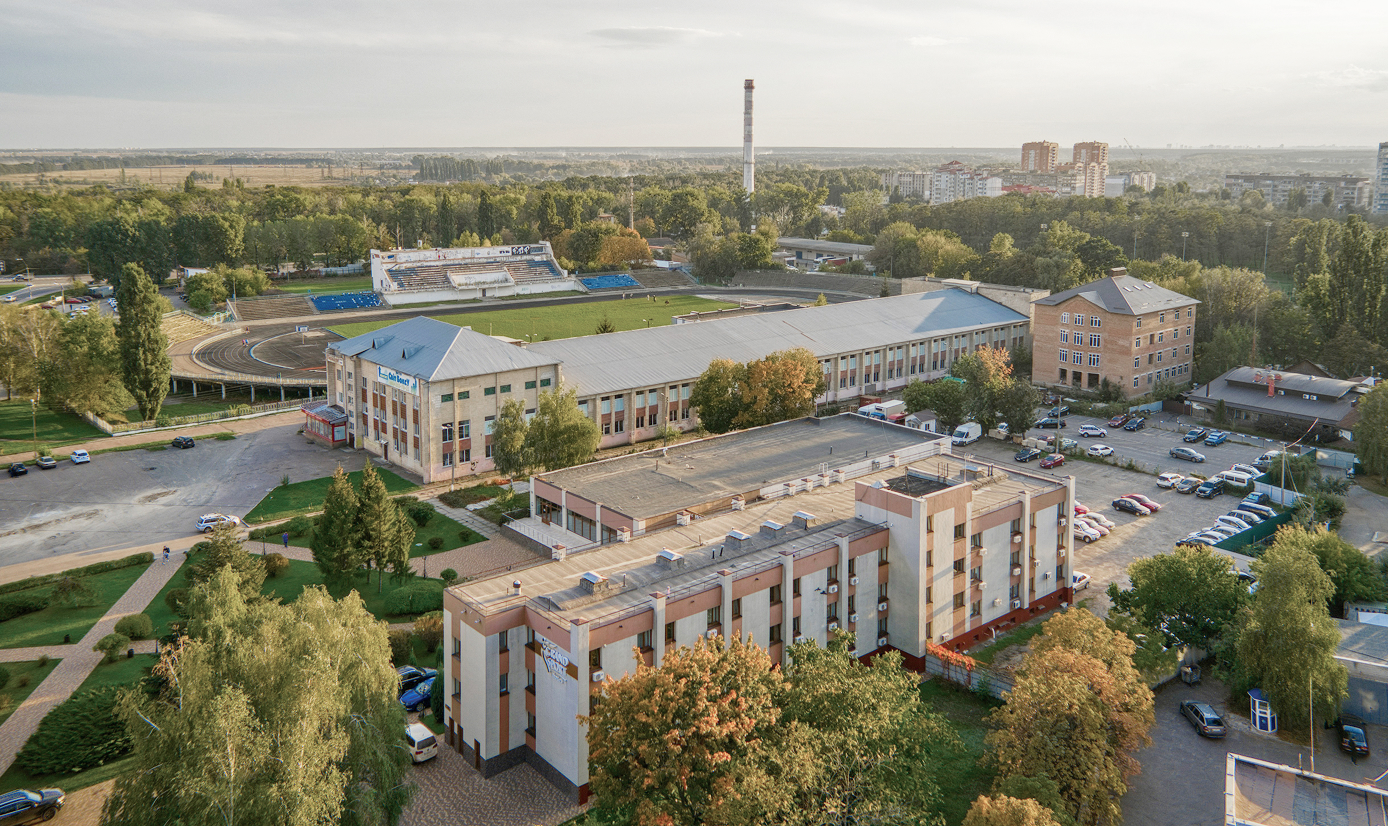
Weatherproof outdoor models extend reliable coverage to parking areas, courtyards, and open campuses without additional infrastructure or exposed cabling runs.
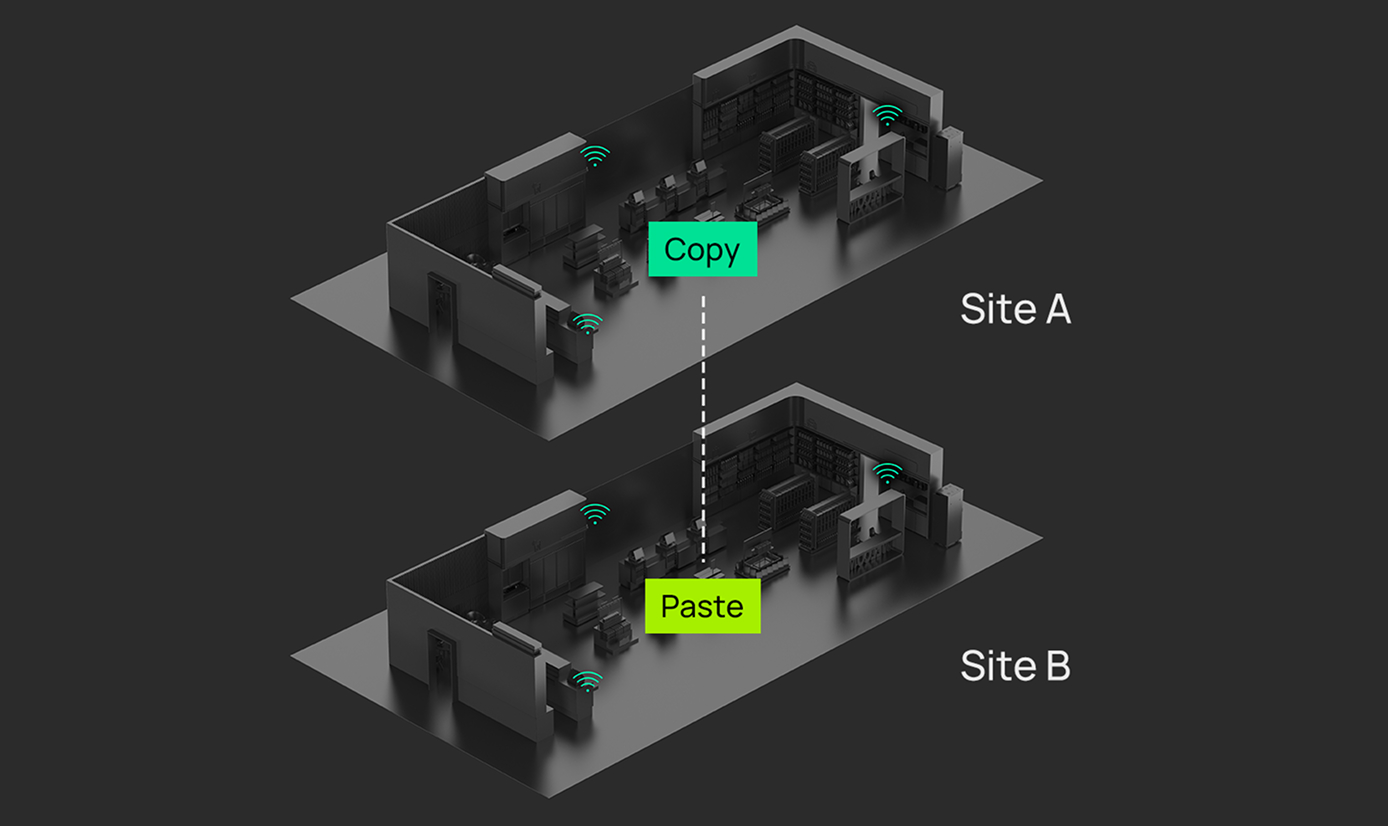
New locations come online using existing configuration templates. Less time on-site, fewer variables, and a consistent setup across every client network.

POS systems, employee devices, and guest Wi-Fi stay segmented and prioritized across every location from a single management interface — no per-site configuration required.
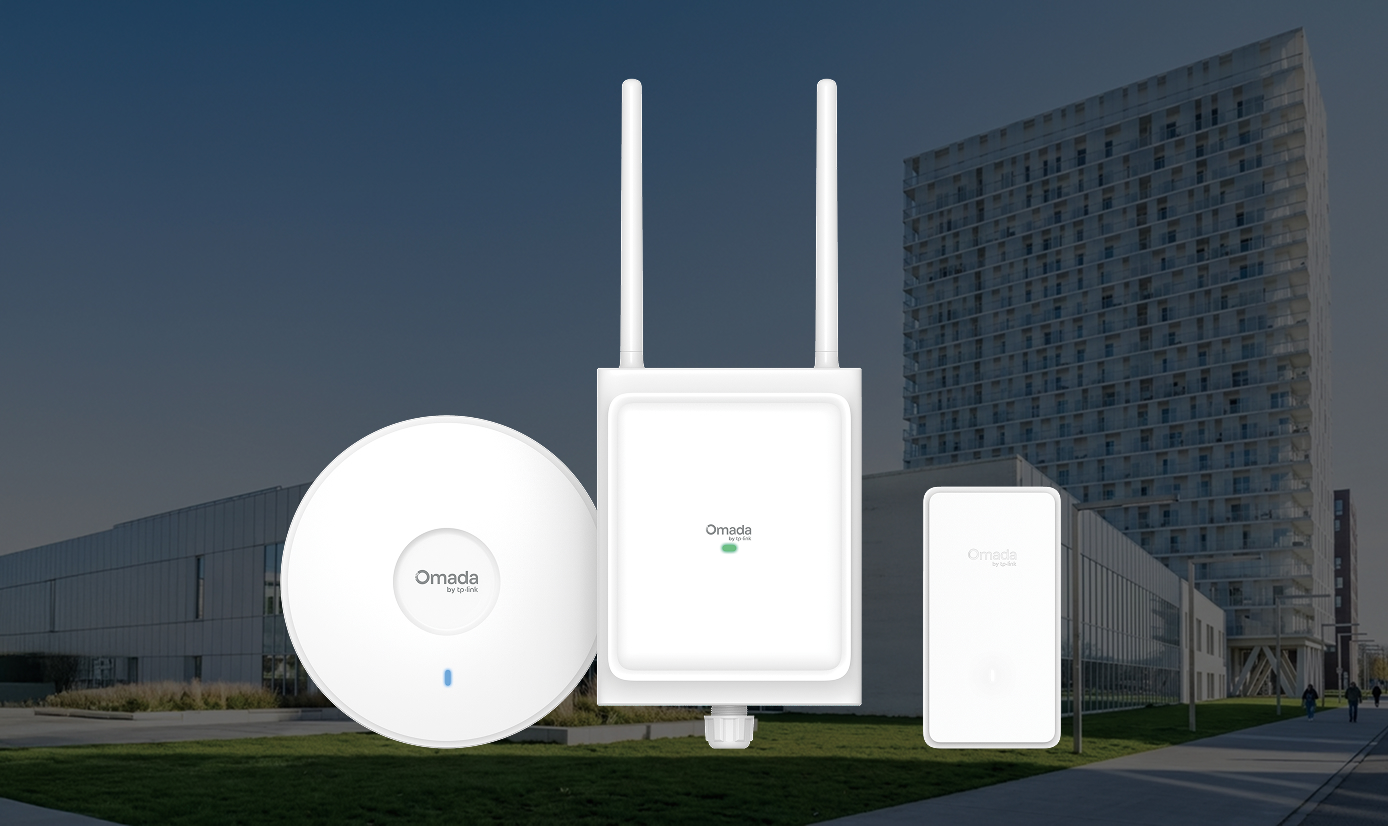
Existing devices continue to work as usual after upgrading your access points. Newer devices can take advantage of the faster speeds and lower latency Wi-Fi 7 offers, without needing to replace the rest of your network.
FAQs
What is Wi-Fi 7 and how does it differ from Wi-Fi 6 or Wi-Fi 6E? 
Wi-Fi 7 (802.11be) adds Multi-Link Operation (MLO), 320 MHz channel bandwidth, 4K-QAM, and Multi-RUs to the wireless toolkit. These features raise throughput, cut latency, and improve how access points handle busy environments. Wi-Fi 6E expanded Wi-Fi 6 by adding the 6 GHz band. Wi-Fi 7 builds on that by improving how networks handle large numbers of connected devices.
Are Wi-Fi 7 access points backward compatible with older Wi-Fi devices?
Yes, older Wi-Fi devices all connect normally. Each client negotiates the highest speed its hardware supports, so there's no disruption to existing devices when upgrading AP infrastructure to Wi-Fi 7.
Are Wi-Fi 7 APs suitable for high-density business environments?
Yes, Wi-Fi 7 APs are designed to handle high device counts more efficiently. Wi-Fi 7 access points serve more clients simultaneously with lower latency than Wi-Fi 6 or Wi-Fi 6E — most suitable for environments such as conference centers, open offices, and venues with heavy concurrent usage.
Can Wi-Fi 7 access points be centrally managed through the Omada Controller or cloud?
All Omada Wi-Fi 7 access points work with the Omada Controller in cloud, hardware, or software form. Zero-touch provisioning, remote monitoring, and centralized configuration apply across every managed device from a single interface.
What are the best Omada Wi-Fi 7 access points?
It depends on where they're going. Ceiling-mount models cover open offices, conference rooms, and high-density venues. Wall-plate models handle per-room deployments in hospitality and healthcare. Outdoor models are built for campuses and exposed environments. Within each form factor, higher-tier models add 10G uplinks and greater client capacity for more demanding installations.