


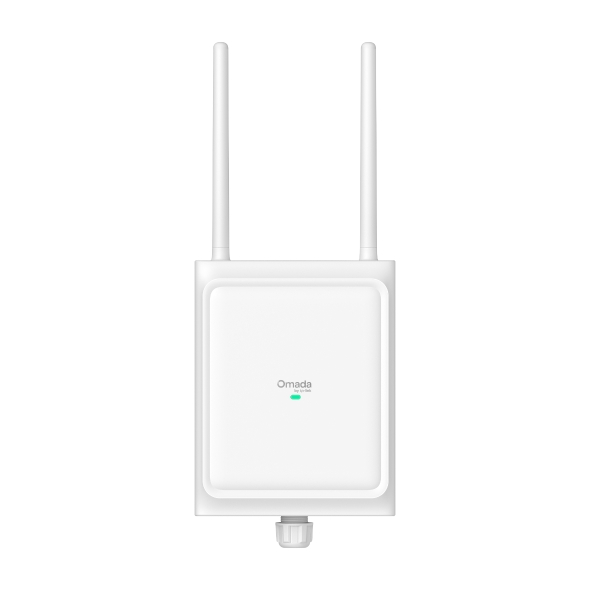
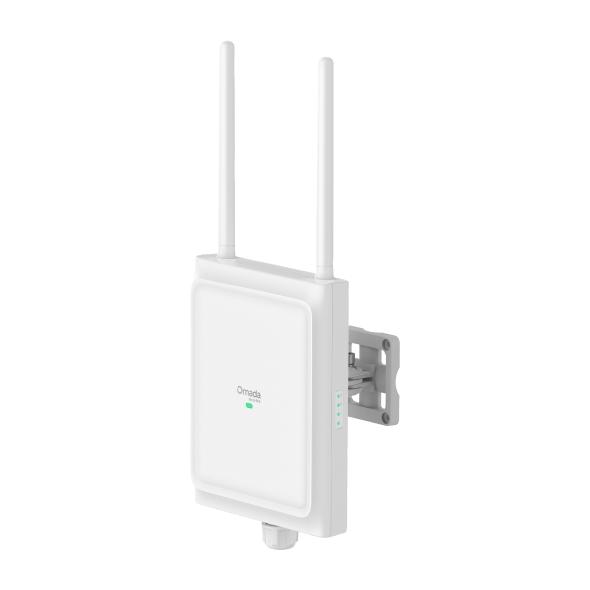
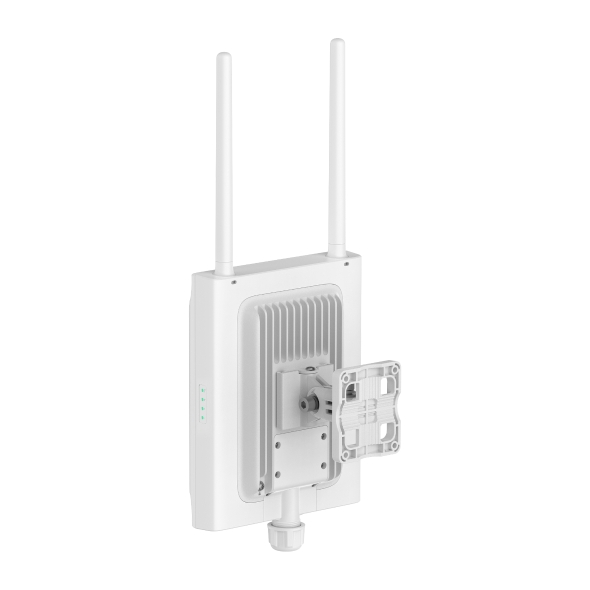
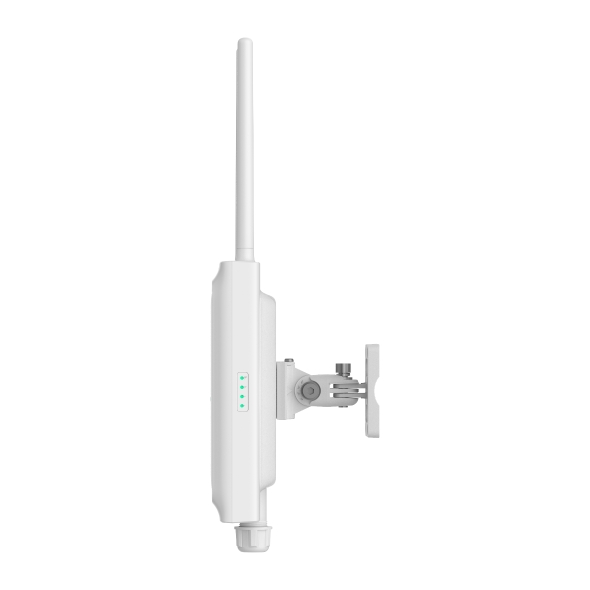
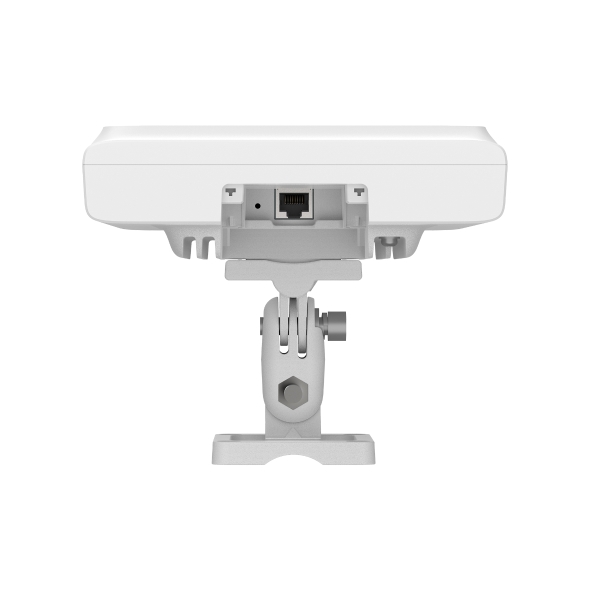
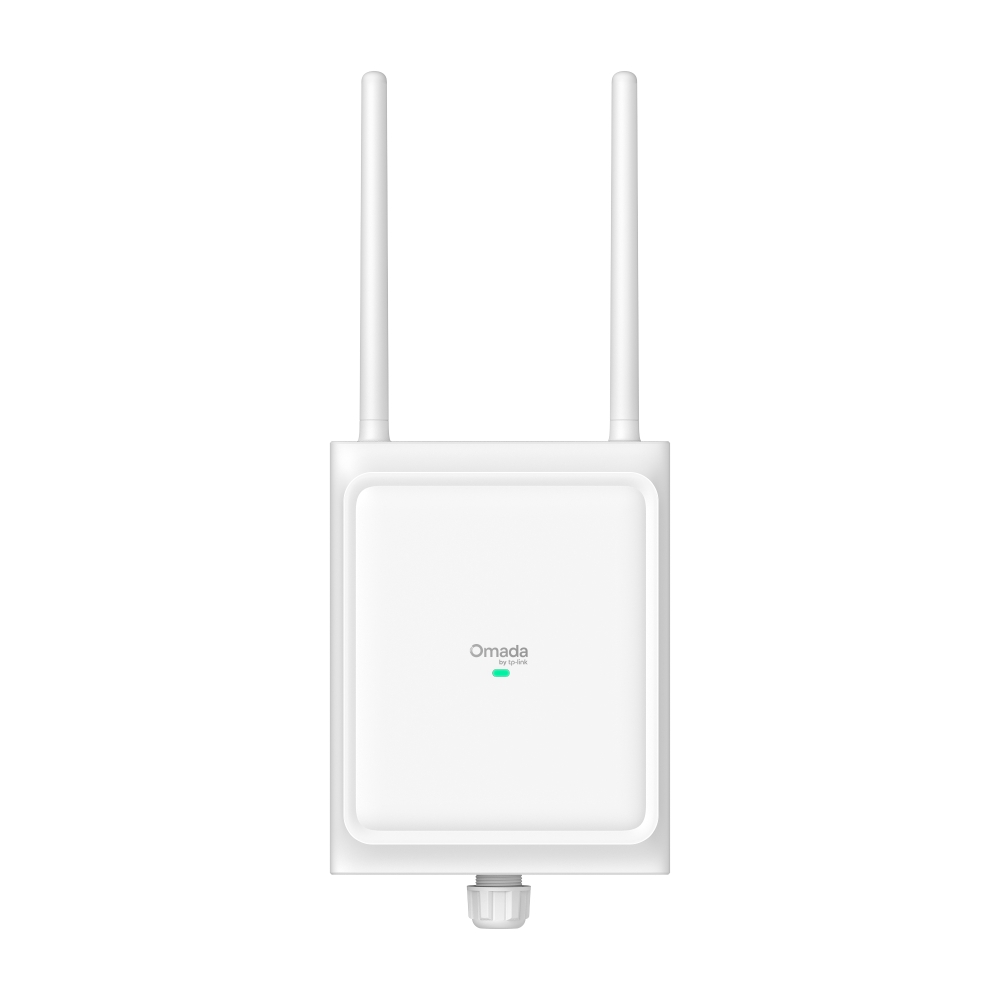
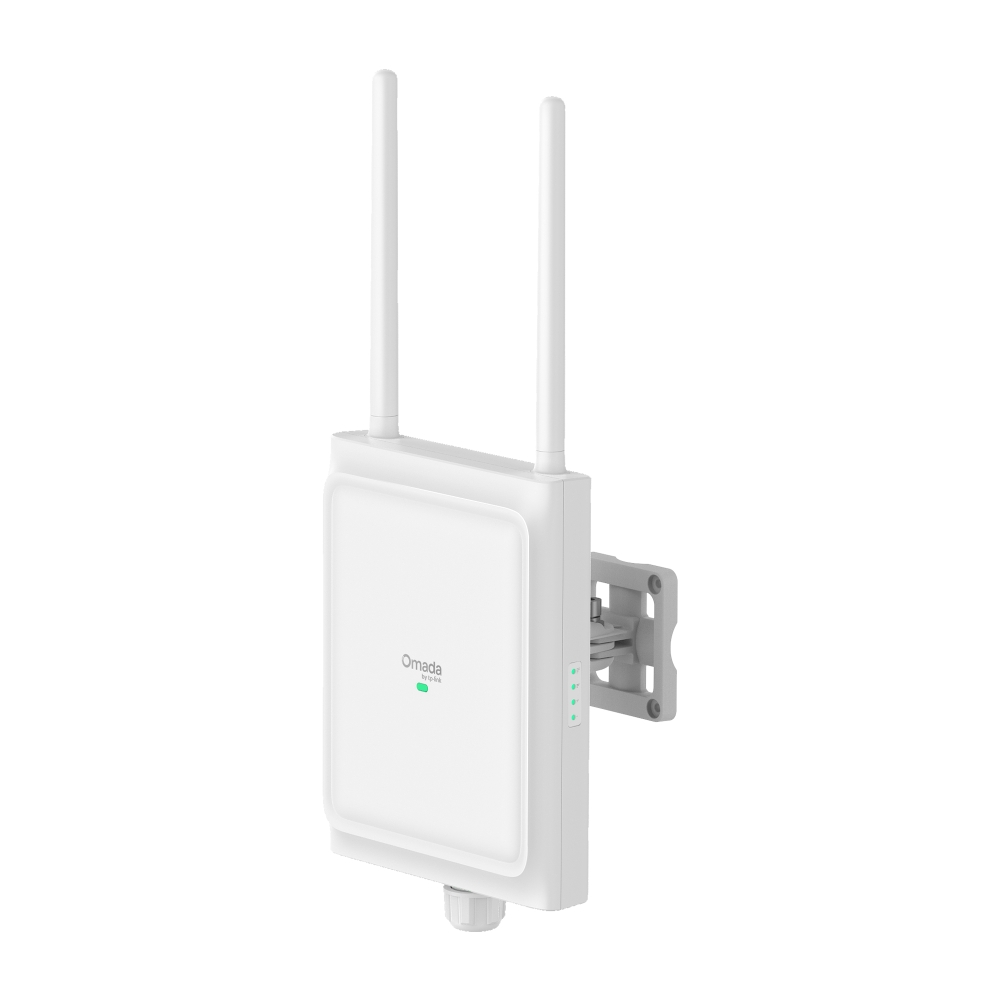
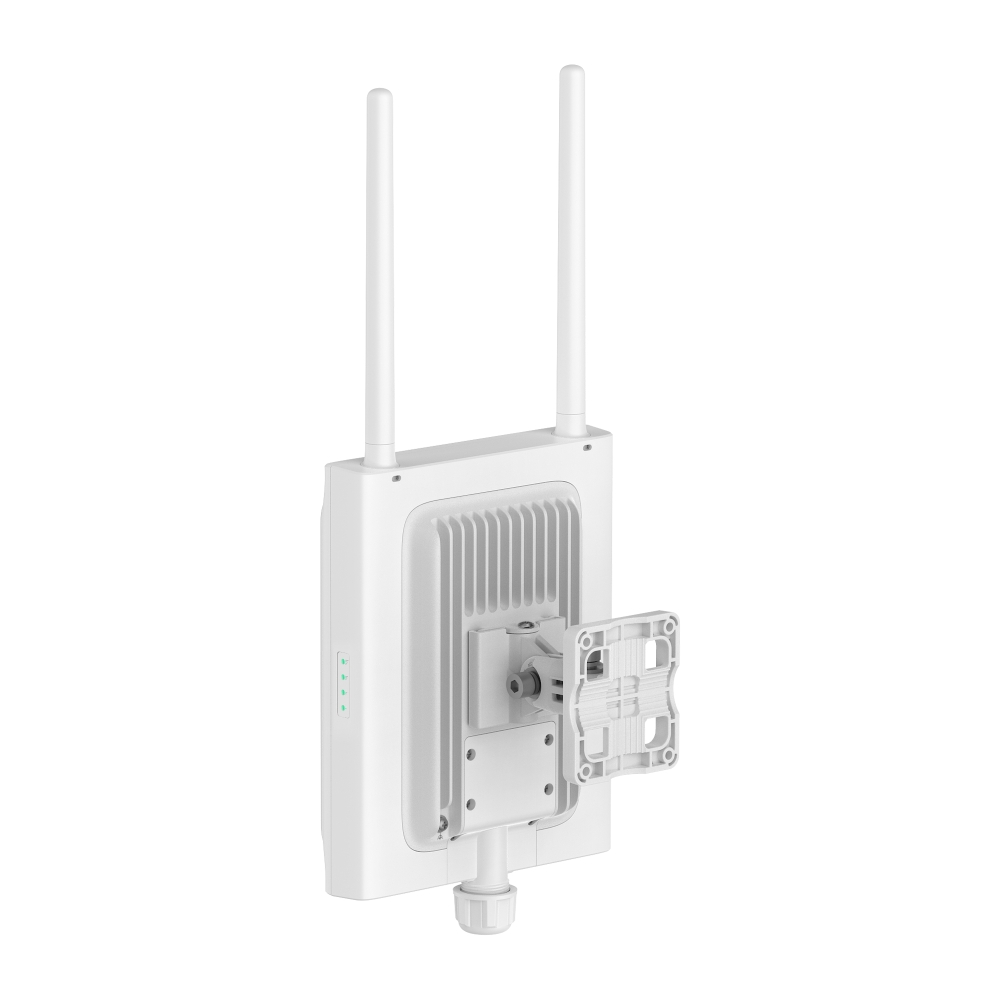
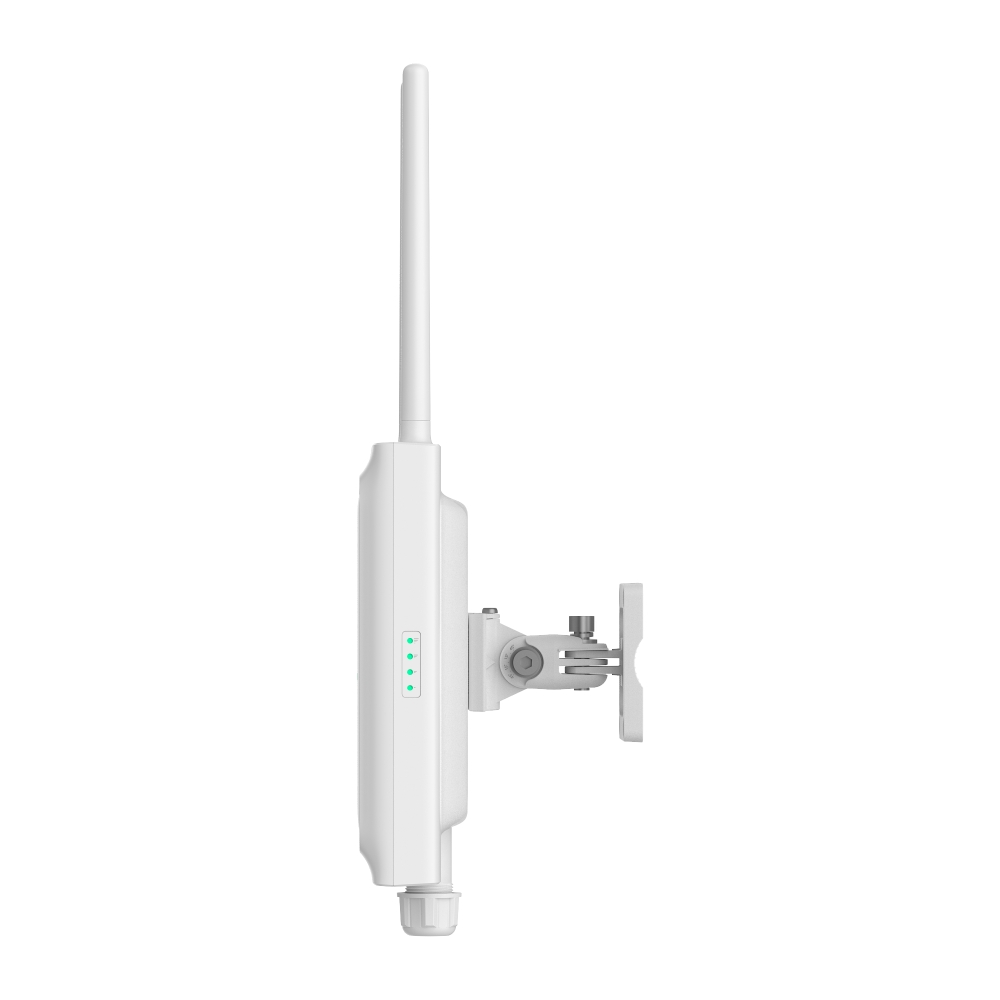
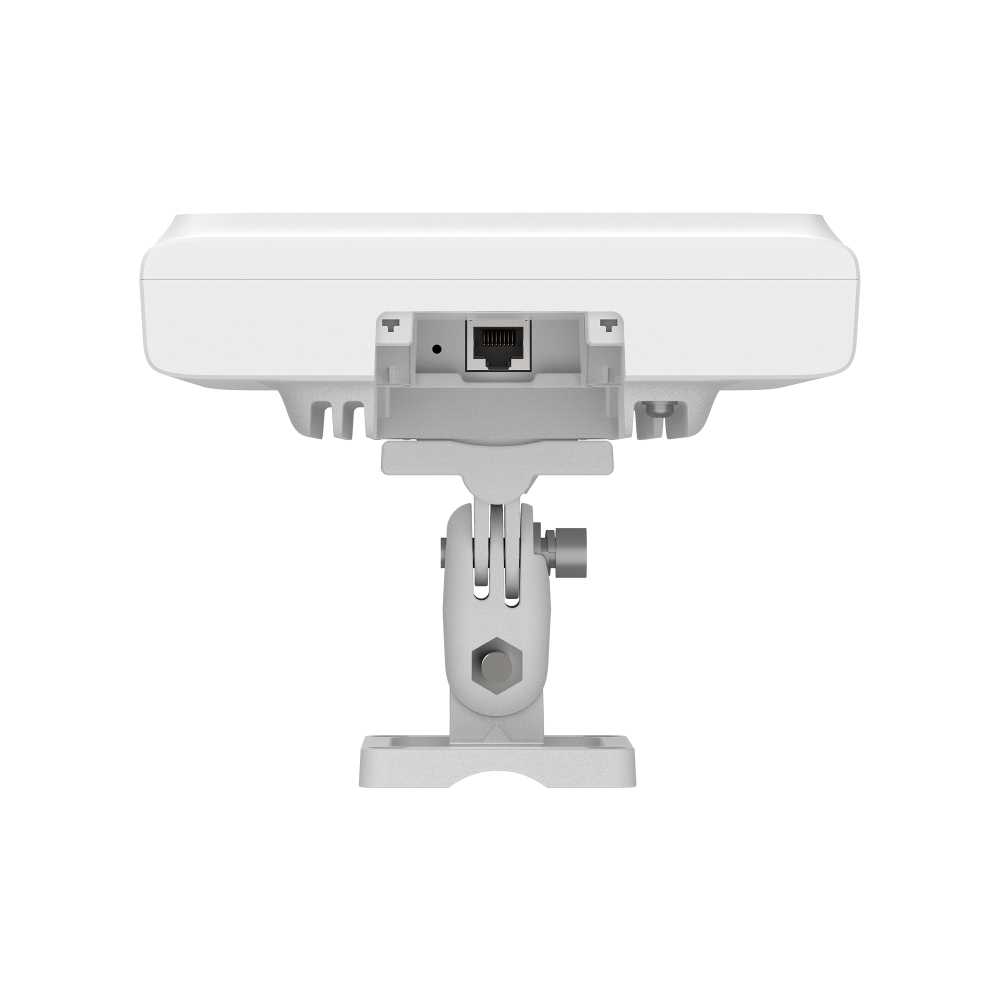
EAP775-Outdoor
NewOmada 7 Pro Outdoor - BE11000 6-Stream Directional/Omnidirectional Outdoor Tri-Band Wi-Fi 7 Access Point
- Tri-Band 6-Stream Outdoor Wi-Fi 7: Delivers high-speed outdoor connectivity up to 11.0 Gbps.†
- 6 GHz Band Unlocked by AFC: AFC enables 6 GHz band outdoor uses.*
- Plug & Play Automatic Antenna Detection: Automatically detects antenna changes and switches between directional and omnidirectional modes.
- Customizable Directional and Omnidirectional Antennas: Individually adjust antenna modes for specific frequency bands via software to meet the precise requirements of complex, speciallized scenarios.**
- True Tri-Band Coverage: 3,229 ft2 (300 m2) omnidirectional and 5,500 ft2 (510 m2) directional recommended coverage.§
- 1× 2.5G PoE Port: Flexible PoE deployment reduces costs by delivering power and data over a single Ethernet cable.
- Outdoor-Ready Durability: Features an IP68-rated weatherproof enclosure, anti-UV coating, and 6kV lightning protection.
- Quick and Easy Setup: Features wall/pole mounting with Omada SDN for one-click setup.
- Advanced Features: Centralized management, mesh, and seamless roaming.Δ



-
6-Spatial Stream
Tri-Band Wi-Fi 7 -
6 GHz with
AFC -
Directional & Omni
Antennas -
Plug & Play
Auto-Sensing External
Omni Antennas -
IP68 Weatherproof
with Anti-UV Coating -
1× 2.5Gbps
RJ45 Port -
Omada Mesh &
Seamless Roaming -
Centralized Cloud
Management
Next-Gen Tri-Band Wi-Fi 7:
Speed Like Never Before
Learn More about Wi-Fi 7 >10777 Mbps
(6 GHz + 5 GHz + 2.4 GHz)
6 GHz
5 GHz
2.4 GHz

320 MHz
Bandwidth
Multi-Link
Operation (MLO)
4K-QAM

Multi-RU

Puncturing
Beyond the Spectrum:
AFC-Optimized Wi-Fi 7 for
Mission-Critical Outdoors
AFC unlocks standard power on 6 GHz, doubling outdoor coverage while ensuring full regulatory compliance-so EAP775-Outdoor delivers maximum performance without interference or complexity.
Tailored Coverage with
Different Antenna Modes
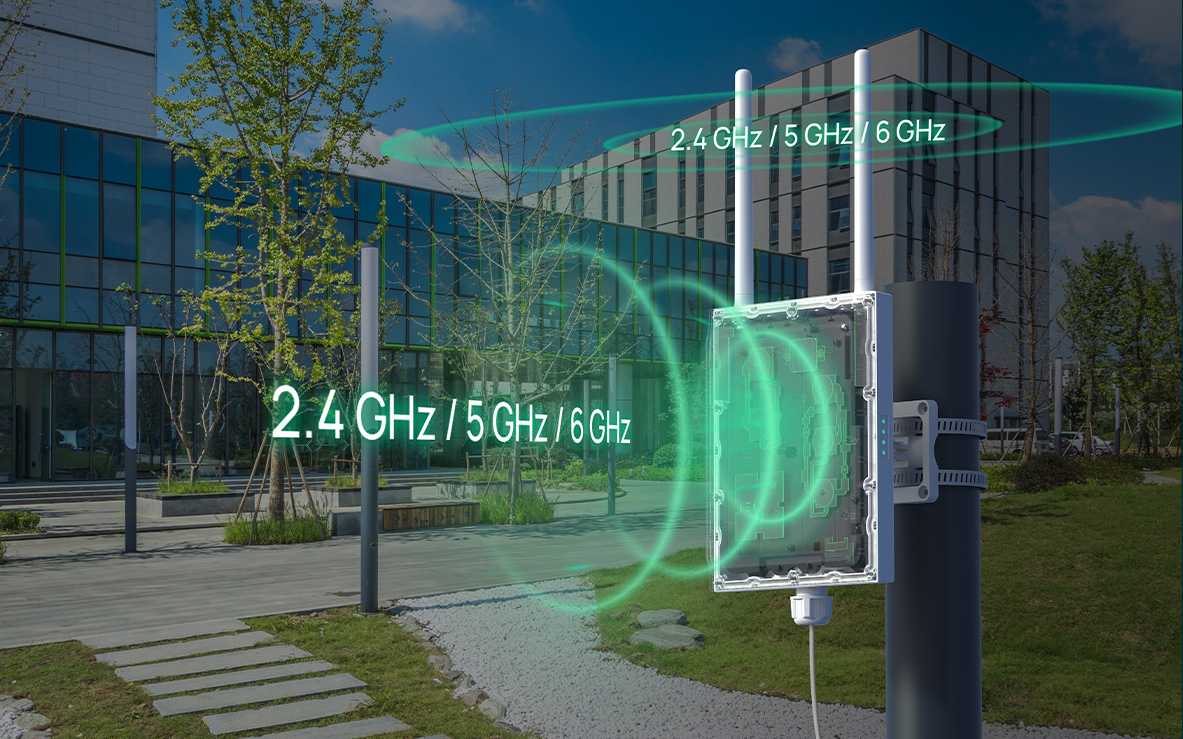
Adapt to any environment effortlessly by selecting the antenna type that suits your needs. Whether you require long-distance connectivity or need to cover multiple endpoints, easily switch between omni, directional, or custom antenna configurations with just a few clicks in the software.*
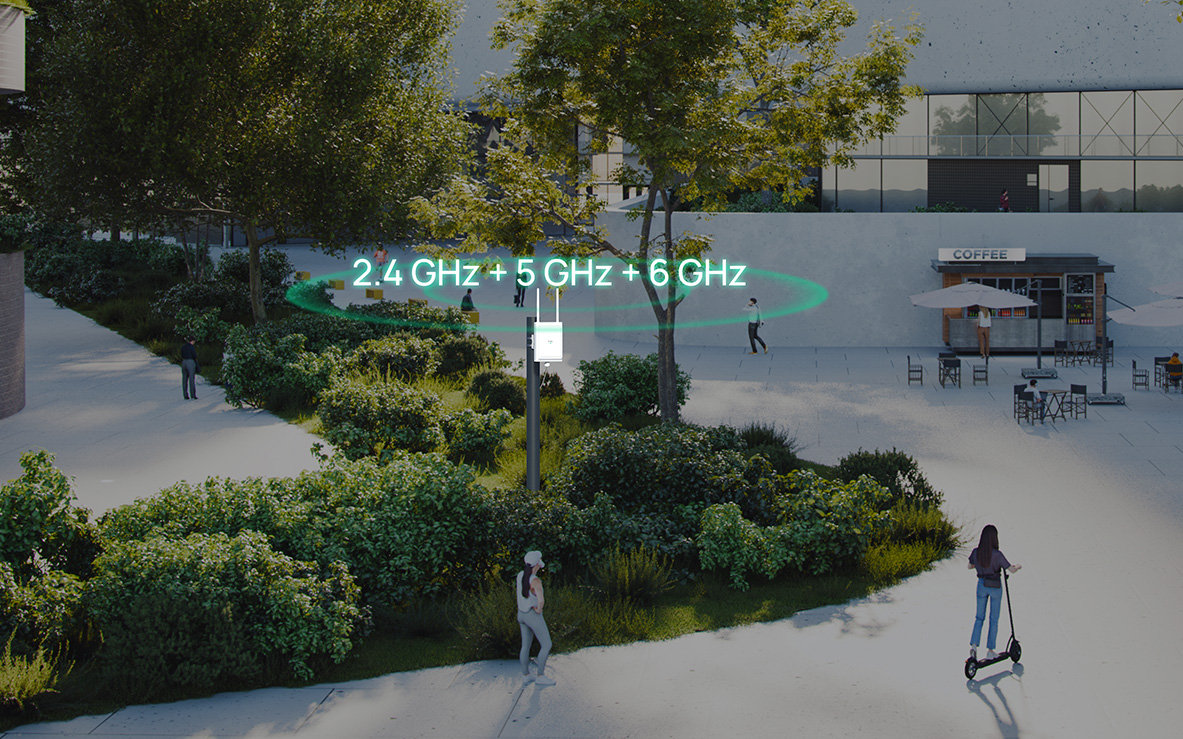
Center Mount for Omni Coverage
Deploy the AP centrally to provide 360° outdoor Wi-Fi 7 coverage.
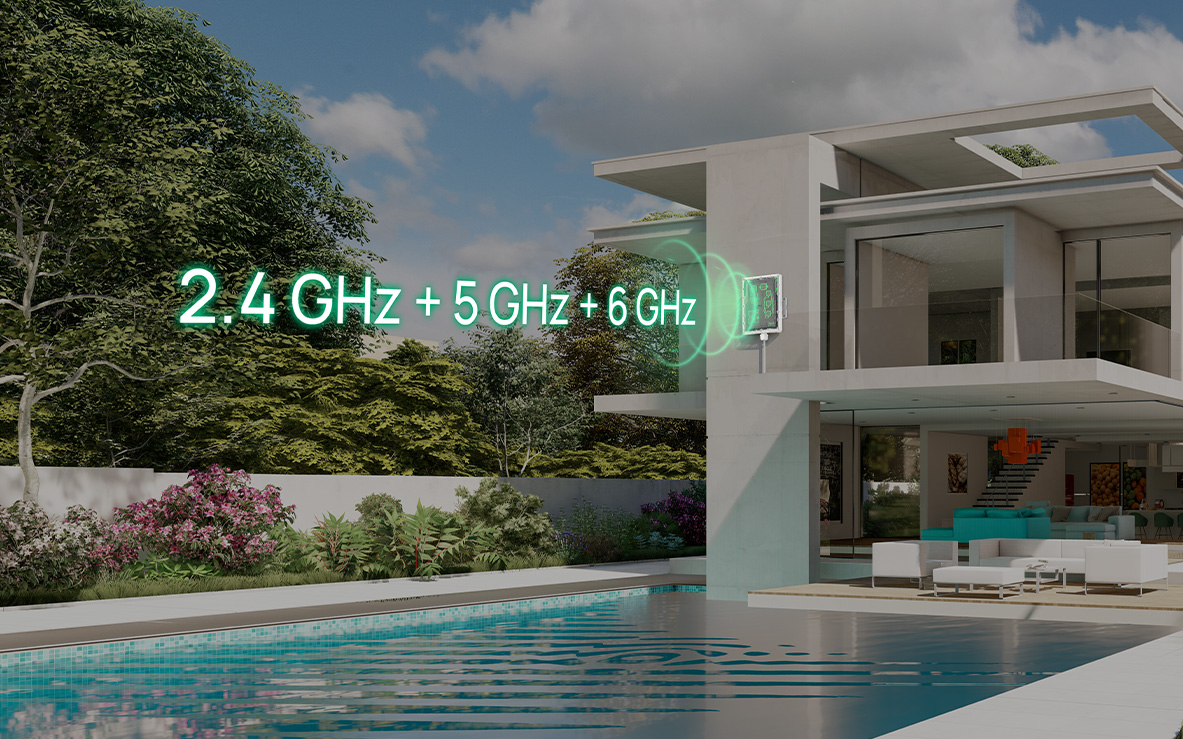
Edge Mount for Directional Coverage
Deploy the AP along the edge of the space to deliver focused directional Wi-Fi 7 coverage.
Customized Scenario (Omni + Directional)
Customize coverage by zone with omni and directional coverage as needed.
Note: In custom mode, professional users can independently choose the internal or external antenna for 2.4 GHz, 5 GHz, and 6GHz bands and configure antenna gain for each, enabling highly flexible, scenario-specific deployments. The signal coverage provided is for reference purposes only; please note that in the 6 GHz band, both the omnidirectional and directional antennas are built-in.
Plug-and-Play Automatic
Antenna Detection
Automatically detects the attachment and removal of antennas (included) in auto mode and seamlessly switches between the internal and external antennas with zero configuration.
Robust IP68 Weatherproof
Design with Anti-UV Coating
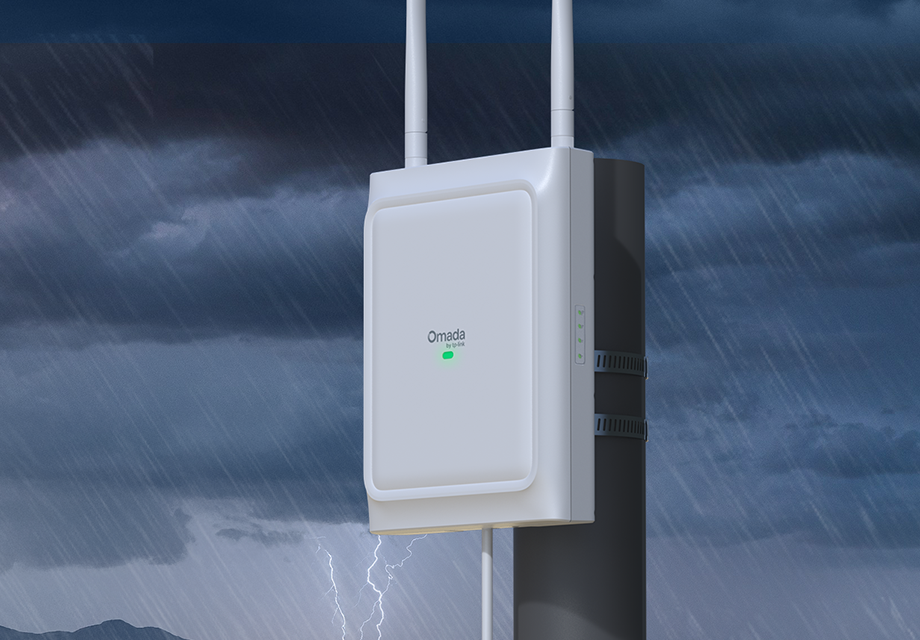
The EAP775-Outdoor features an IP68 weatherproof rating and anti-UV coating, protecting it from rain, dust, sun damage, discoloration, and material degradation, while preserving its appearance and integrity for years.
-
IP68 Weatherproof Enclosure
-
6kV Lightning
Protection -
-30 °C to 70 °C
Working Range -
Wind
Resistance


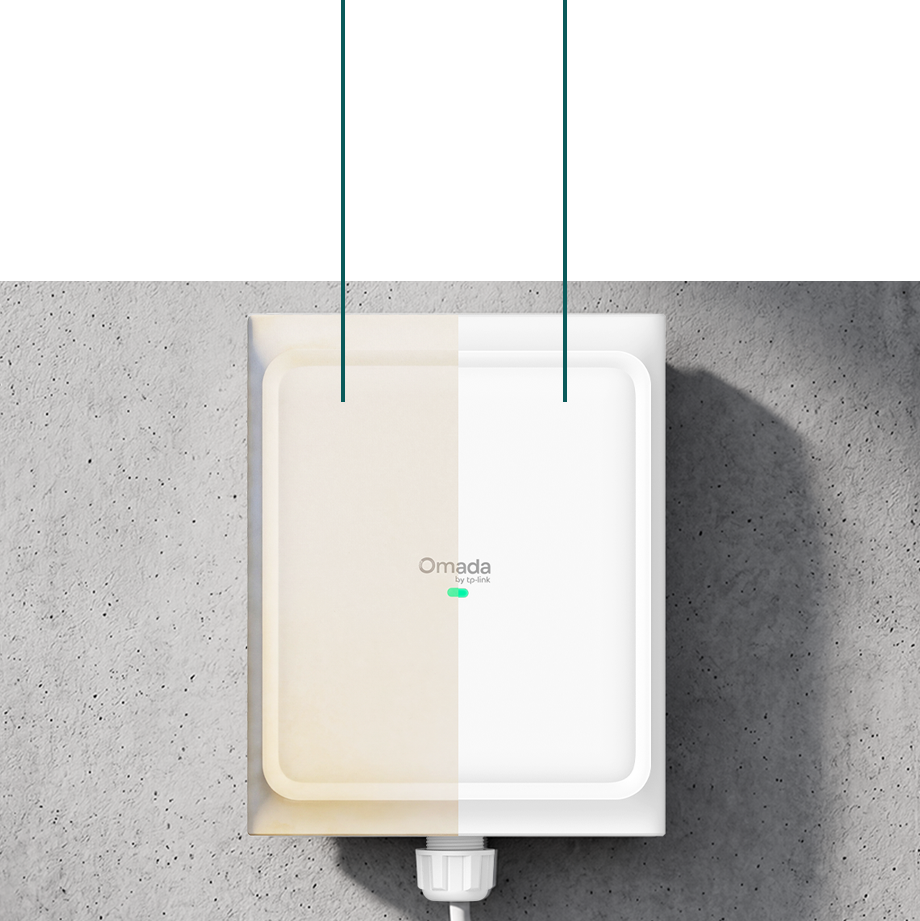
Without
Anti-UV
With
Anti-UV
Easy Installation and
Deployment
-
Wall Mounting
-
Horizontal / Vertical Pole Mounting
2.5G PoE Port
Omada
PoE Switch
PoE Support
Seamless Connectivity
with Mesh and Roaming
Ensures customers enjoy uninterrupted streaming when moving around by switching clients automatically to the access points with the optimal signal.
PoE+
Omada PoE+ Switch

Works with Omada SDN for
One-Click Setup
Omada SDN allows users to quickly set up the EAP775-Outdoor through automatic device identification and one-click adoption.
Empowering Businesses
with Reliable Omada SDN
Solutions
Omada’s Software-Defined Networking (SDN) solution seamlessly integrates access points (APs), managed switches, and gateways, enabling 100% centralized cloud management for a highly scalable network.
Ceiling Mount
Wi-Fi 7 AP
Wall Plate
Wi-Fi 7 AP
Outdoor Wi-Fi 7 AP
EAP775-Outdoor
PoE Switch
VPN Gateway
Controllers
Controller
| HARDWARE FEATURES | |
|---|---|
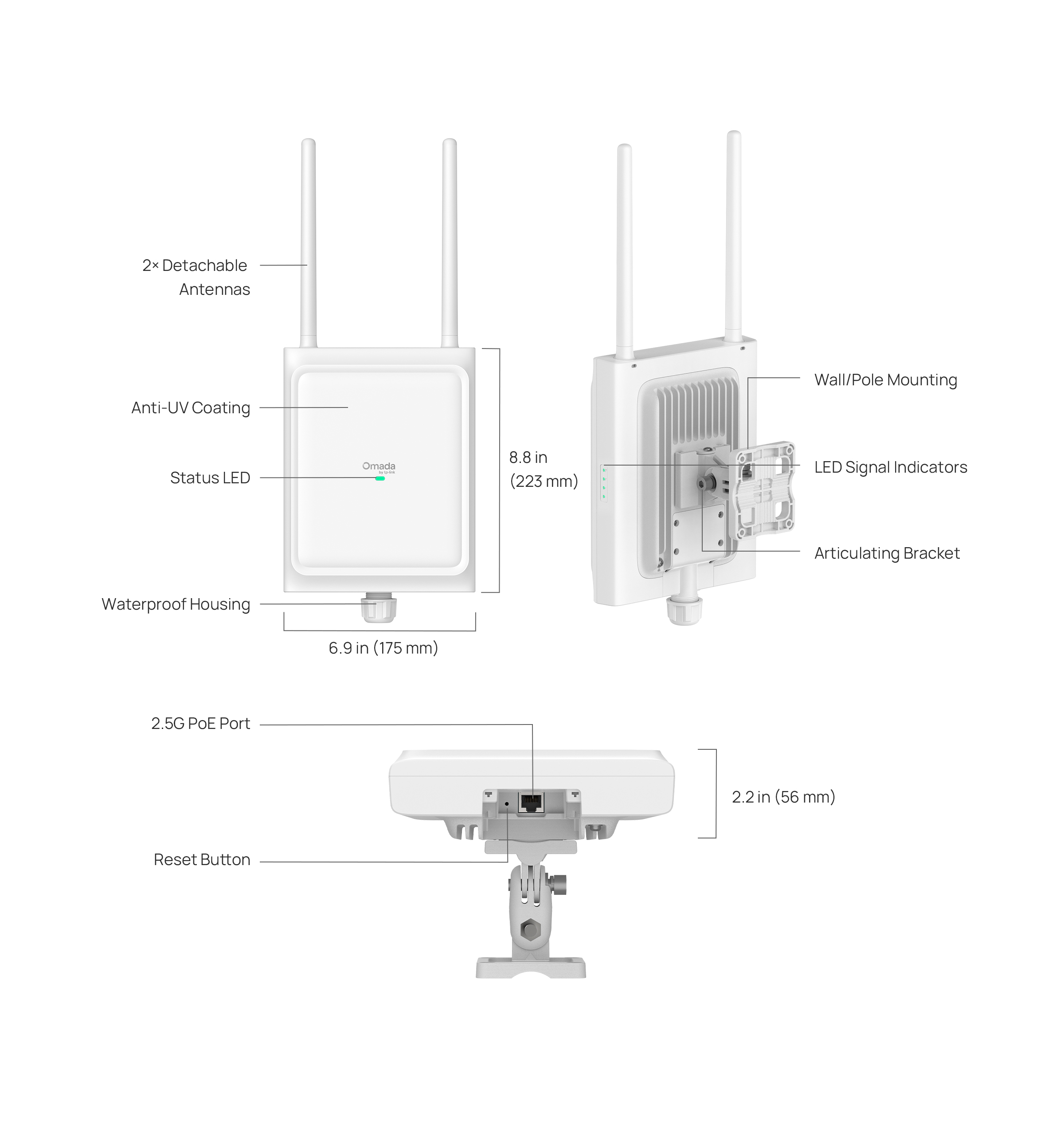
| Interface | 1 x 10M/100M/1000M/2.5Gbps Ethernet Port (RJ45) |
| Button | Reset |
| Power Supply | 802.3at PoE |
| Max. Power Consumption | 20.4W (for PoE+) |
| Dimensions ( W x D x H ) | 8.78 x 6.89 x 2.20 in (223 × 175 × 56 mm) |
| Antenna | 2.4 GHz: • 2 × 4.5 dBi (peak gain), external omnidirectional antennas • 2 × 8.7 dBi (peak gain), internal directional antennas (antenna beamwidth 90°×75°) 5 GHz: • 2 × 5.3 dBi (peak gain), external omnidirectional antennas • 2 × 10.5 dBi (peak gain), internal directional antennas (antenna beamwidth 90°×45°) 6 GHz: • 2 × 7.0 dBi (peak gain), internal omnidirectional antennas • 2 × 12.0 dBi (peak gain), internal directional antennas (antenna beamwidth 90°×30°) *Note: The gains above are the single-antenna peak gains. |
| Bluetooth | BLE 5.2 |
| Weatherproof Enclosure | IP68 |
| Mounting | Pole/Wall Mounting (Kits included) |
| Management Features | |
|---|---|
| Omada App | Yes |
| Centralized Management | • Omada Cloud-Based Controller• Omada Hardware Controller• Omada Software Controller |
| Cloud Access | Yes. Require the use of an Omada controller. |
| Email Alerts | Yes |
| Management MAC Access Control | Yes |
| SNMP | v1, v2c, v3 |
| System Logging Local/Remote Syslog | Yes |
| SSH | Yes |
| Web-based Management | Yes |
| L3 Management | Yes |
| Multi-site Management | Yes |
| Management VLAN | Yes |
| Zero-Touch Provisioning | Yes. Requiring the use of Omada Cloud-Based Controller |
| WIRELESS FEATURES | |
|---|---|
| Wireless Standards | IEEE 802.11a/g/b/n/ac/ax/be |
| Frequency | 2.4 GHz, 5 GHz, 6 GHz |
| Signal Rate | 688 Mbps (2.4 GHz) + 4324 Mbps (5 GHz) + 5765 Mbps (6 GHz) |
| Wireless Functions | • 4k-QAM• OFDMA• Multiple SSIDs: 24 (8 for each band)• Enable/Disable Wireless Radio• Automatic Channel Assignment• Transmit Power Control (Adjust Transmit Power on dBm)• QoS (WMM)• MLO• Omada Mesh△• Seamless Roaming(802.11k/v/r)△• Band Steering• Load Balance• Airtime Fairness• Beamforming• Rate Limit• Reboot Schedule• Wireless Schedule• Wireless Statistics based on SSID/AP/Client• Static IP/Dynamic lP |
| Wireless Security | • Captive Portal Authentication△• Access Control• Wireless Mac Address Filtering• Wireless Isolation Between Clients• SSID to VLAN Mapping• Rogue AP Detection• 802.1X Support• WPA-Personal/Enterprise, WPA2-Personal/Enterprise, WPA3-Personal/Enterprise, OWE |
| Transmission Power | • FCC: (Conducted Power)2.4 GHz: 25 dBm 5 GHz: 25 dBm in U-NII-1, 24 dBm in U-NII-2A, 24 dBm in U-NII-2C, 25 dBm in U-NII-36 GHz: 25 dBm |
| OTHERS | |
|---|---|
| Certification | CE, FCC, IC, NCC, VCCI, JRF, BSMI |
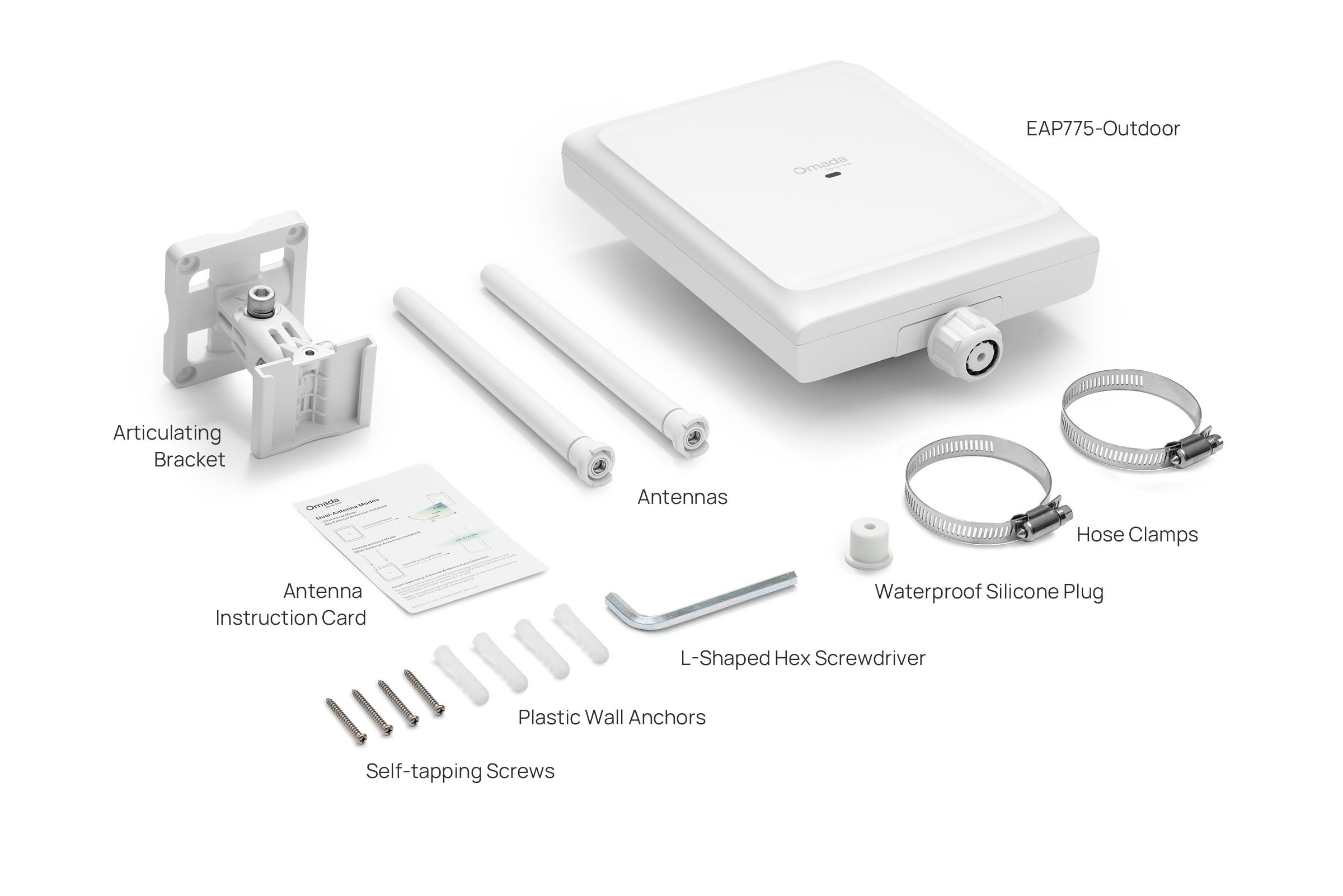
| Package Content | • Access Point EAP775-Outdoor• Mounting Kit• Waterproof Kit• Antennas• Installation Guide |
| System Requirements | Microsoft Windows XP, Vista, Windows 7, Windows 8, Windows10, Windows11, Linux |
| Environment | • Operating Temperature: -30 to 70 ℃ (-22 to 158 ℉)• Storage Temperature: -40 to 70 ℃ (-40 to 158 ℉)• Operating Humidity: 10 to 90% RH non-condensing• Storage Humidity: 5 to 90% RH non-condensing |
| Weight | Main Unit: 1.4 kg (3.09 lbs) |
†Maximum wireless signal rates are the physical rates derived from IEEE Standard 802.11 specifications. Actual wireless data throughput and wireless coverage are not guaranteed and will vary as a result of network conditions, client limitations, and environmental factors, including building materials, obstacles, volume and density of traffic, and client location. Use of Wi-Fi 7 (802.11be), Wi-Fi 6 (802.11ax), and features, including Multi-Link Operation (MLO), 240 MHz Bandwidth, 160 MHz Bandwidth, 4K-QAM, Multi-RUs, and OFDMA, requires clients to also support the corresponding features.
*AFC availability varies by region or country. For a list of supported areas, please refer to: https://www.omadanetworks.com/support/faq/4373/
**Switching antenna modes via an Omada Controller requires version 6.1 or above.
§Coverage is calculated based on laboratory testing. Actual coverage is not guaranteed and will vary as a result of client limitations and environmental factors.
△Omada Mesh, Seamless Roaming, Captive Portal, and Cloud Access require the use of an Omada controller. Please refer to the User Guides of Omada controllers for configuration methods.