


Table of Contents
Tapo P110M Installation and User Guide
About This Guide
This guide provides a brief introduction to the Mini Smart Wi-Fi Plug and the Tapo app, as well as regulatory information. Please note that features available in Tapo may vary by model and software version. Tapo availability may also vary by region. All images, steps, and descriptions in this guide are only examples and may not reflect your actual Tapo experience.
Conventions
In this guide, the following convention is used:
| Convention | Description |
|---|---|
| Blue | Key information appears in blue, including management page text such as menus, items, buttons and so on. |
| Underline | Hyperlinks are in blue and underlined. You can click to redirect to a website. |
| Note |
Ignoring this type of note might result in a malfunction or damage to the device. |
More Info
Specifications can be found on the product page at https://www.tapo.com.
Our Technical Support and troubleshooting information can be found at https://www.tapo.com/support/.
Introduction
- Matter Certified – Integrate Matter-certified Tapo devices with other Matter end products into your preferred ecosystem.
- Energy Monitoring - Tracks the energy use of connected devices and allows electricity rate input for bill estimates.
- Compact Design - Mini-sized to avoid blocking adjacent outlets.
- Voice Control – Manage your smart plug with voice commands via Amazon Alexa, Apple Siri, or Google Assistant.
- Remote Control – Instantly turn connected devices on/off from wherever you are through the Tapo app.
- Schedule – Preset a schedule to automatically manage devices.
- Auto-Off – Automatically turns off a connected device after the device is left on for a set time.
- Away Mode – Automatically turns devices on and off at different times to give the appearance that someone is home.
Set Up Your Plug
Follow the steps below to get started with your new plug.
Step 1. Download Tapo App
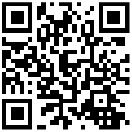
Get the Tapo app from the App Store or Google Play, or by scanning the QR code below.

Step 2. Log In
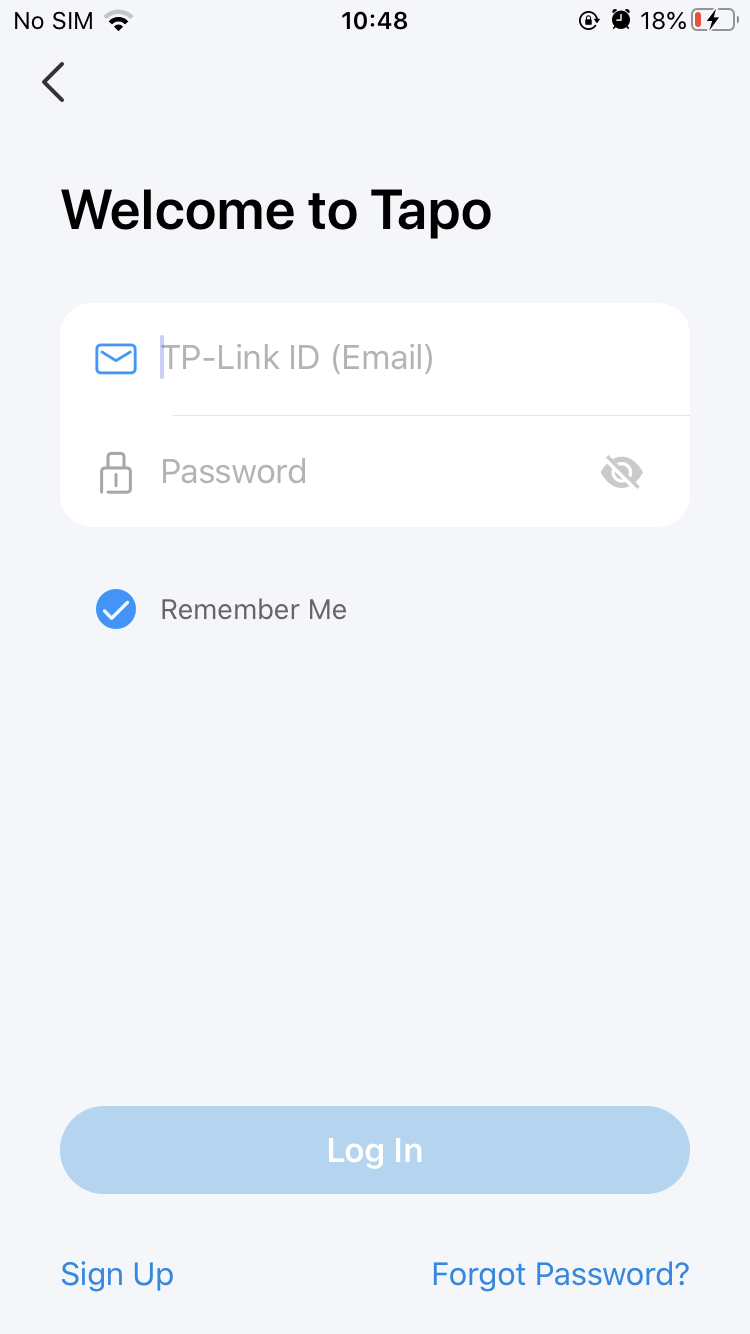
Open the app, and log in with your TP-Link ID. If you don't have an account, create one first.
Step 3. Add Your Plug
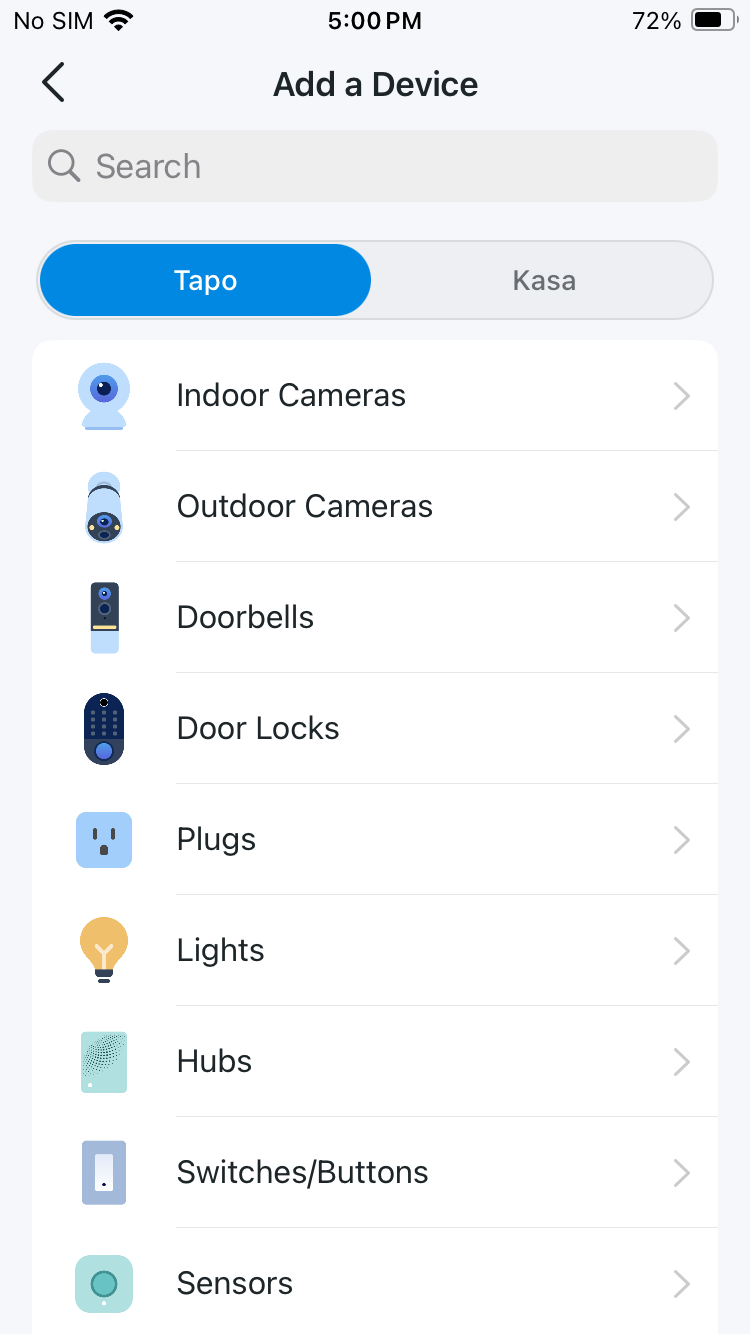
Tap the + button in the app and search for your model. Follow the app instructions to complete setup.
Set Up Your Plug via Matter
This is a Matter-certified device. You can integrate it into any Matter ecosystem you prefer for easy control.
Before You Start
• Get a Matter Controller: This is needed to connect and manage Matter devices on your home network. For instance, Apple TV and HomePod are examples of Matter controllers.
• Reset Your Device: It's important to start with a fresh device. For most devices: Press and hold the 'Reset' button for 10 seconds. For smart bulbs: Turn the light switch off and on five times, with a 1-second pause between each action.
• Access Matter Setup Mode: This mode turns off 15 minutes after the device is powered up. To return to setup, simply turn your device off and then back on.
• Locate Your Matter Code: Look for a QR code or a numeric code on your device or in its packaging. Snap a picture of it for future reference.
How to Set Up
*Setup processes may vary between ecosystems.
1. Turn on Bluetooth on your phone.
2. Open the smart home app, and either scan the Matter QR code or input the given numeric code.
3. Connect your device to the same network as your controller.
4. Follow the instructions in the app to complete setup.
Failed to Set Up?
• Restart: Try turning off and then turning back on your device, controller, or phone.
• Check IPv6: Ensure that IPv6 is activated on your router. Visit our FAQ for step-by-step guidance:
https://www.tp-link.com/support/faq/1525/
• Regarding the Matter Code: The original Matter code can only be used for setup in one app (you can reuse it after a device reset). If you wish to set it up in multiple apps, generate a new code using the first app for all subsequent ones.
The development of Matter is ongoing, with progress varying across platforms. Device performance and bugs can occur unrelated to the device itself. TP-Link, along with other CSA members, is committed to enhancing user experiences and service quality.
Our expert Technical Support team is ready to assist you. Please don't hesitate to reach out with any questions. Your feedback is vital to us!
Contact us at www.tp-link.com/support for Technical Support, FAQs & more.
Support
For technical support, the setup videos, FAQs, warranty and more, please visit https://www.tapo.com/support/
Authentication
FCC compliance information statement

Product Name: Mini Smart Wi-Fi Plug
Model Number: Tapo P110M
Responsible Party:
TP-Link Systems Inc.
Address: 10 Mauchly, Irvine, CA 92618
Website: http://www.tp-link.com/us/
Tel: +1 626 333 0234
Fax: +1 909 527 6804
E-mail: sales.usa@tp-link.com
This equipment has been tested and found to comply with the limits for a Class B digital device, pursuant to part 15 of the FCC Rules. These limits are designed to provide reasonable protection against harmful interference in a residential installation. This equipment generates, uses and can radiate radio frequency energy and, if not installed and used in accordance with the instructions, may cause harmful interference to radio communications. However, there is no guarantee that interference will not occur in a particular installation. If this equipment does cause harmful interference to radio or television reception, which can be determined by turning the equipment off and on, the user is encouraged to try to correct the interference by one or more of the following measures:
• Reorient or relocate the receiving antenna.
• Increase the separation between the equipment and receiver.
• Connect the equipment into an outlet on a circuit different from that to which the receiver is connected.
• Consult the dealer or an experienced radio/ TV technician for help.
This device complies with part 15 of the FCC Rules. Operation is subject to the following two conditions:
1. This device may not cause harmful interference.
2. This device must accept any interference received, including interference that may cause undesired operation.
Any changes or modifications not expressly approved by the party responsible for compliance could void the user’s authority to operate the equipment.
Note: The manufacturer is not responsible for any radio or TV interference caused by unauthorized modifications to this equipment. Such modifications could void the user’s authority to operate the equipment.
FCC RF Radiation Exposure Statement
This equipment complies with FCC RF radiation exposure limits set forth for an uncontrolled environment. This device and its antenna must not be co-located or operating in conjunction with any other antenna or transmitter.
“To comply with FCC RF exposure compliance requirements, this grant is applicable to only Mobile Configurations. The antennas used for this transmitter must be installed to provide a separation distance of at least 20 cm from all persons and must not be co-located or operating in conjunction with any other antenna or transmitter.”
We, TP-Link Systems Inc., has determined that the equipment shown as above has been shown to comply with the applicable technical standards, FCC part 15. There is no unauthorized change is made in the equipment and the equipment is properly maintained and operated.
Issue Date: 2026-01-08
Canadian Compliance Statement
This device contains licence-exempt transmitter(s)/receiver(s) that comply with Innovation, Science and Economic Development Canada’s licence-exempt RSS(s). Operation is subject to the following two conditions:
(1) This device may not cause interference.
(2) This device must accept any interference, including interference that may cause undesired operation of the device.
L’émetteur/récepteur exempt de licence contenu dans le présent appareil est conforme aux CNR d’Innovation, Sciences et Développement économique Canada applicables aux appareils radio exempts de licence. L’exploitation est autorisée aux deux conditions suivantes :
1) L’appareil ne doit pas produire de brouillage;
2) L’appareil doit accepter tout brouillage radioélectrique subi, même si le brouillage est susceptible d’en compromettre le fonctionnement.
Radiation Exposure Statement:
This equipment complies with IC radiation exposure limits set forth for an uncontrolled environment. This equipment should be installed and operated with minimum distance 20cm between the radiator & your body.
Déclaration d’exposition aux radiations:
Cet équipement est conforme aux limites d’exposition aux rayonnements IC établies pour un environnement non contrôlé. Cet équipement doit être installé et utilisé avec un minimum de 20 cm de distance entre la source de rayonnement et votre corps.
Industry Canada Statement
CAN ICES-003 (B)/NMB-003(B)
CE Mark Warning

Operating Frequency / Nominal Operating Frequency /Max Output Power:
For EU/UK Region: 2400 MHz -2483.5 MHz(20dBm)
EU Declaration of Conformity
TP-Link hereby declares that Mini Smart Wi-Fi Plug is in compliance with the essential requirements and other relevant provisions of directives 2014/53/EU, 2011/65/EU and (EU)2015/863.
The original EU Declaration of Conformity may be found at https://www.tapo.com/en/support/ce/
RF Exposure Information
This device meets the EU requirements (2014/53/EU Article 3.1a) on the limitation of exposure of the general public to electromagnetic fields by way of health protection.
The device complies with RF specifications when the device used at 20 cm from your body.
UKCA Mark

UK Declaration of Conformity
TP-Link hereby declares that Mini Smart Wi-Fi Plug is in compliance with the essential requirements and other relevant provisions of the Radio Equipment Regulations 2017.
The original UK Declaration of Conformity may be found at https://www.tapo.com/support/ukca/.
Korea Warning Statements:
당해 무선설비는 운용중 전파혼신 가능성이 있음.
This product uses radios and other components that emit electromagnetic fields. Electromagnetic fields and magnets may interfere with pacemakers and other implanted medical devices. Always keep the product and its power adapter more than 15 cm (6 inches) away from any pacemakers or other implanted medical devices. If you suspect your product is interfering with your pacemaker or any other implanted medical device, turn off your product and consult your physician for information specific to your medical device.

Продукт сертифіковано згідно с правилами системи УкрСЕПРО на відповідність вимогам нормативних документів та вимогам, що передбачені чинними законодавчими актами України.
Safety Information
• Keep the device away from water, fire, humidity or hot environments.
• Do not attempt to disassemble, repair, or modify the device.
• Do not use the device where wireless devices are not allowed.
• The socket-outlet shall be installed near the equipment and shall be easily accessible.
• The devices are not intended for use in locations where the temperature may be less than actual room conditions, such as unheated warehouses or garages.
• For passthrough devices, plug the power strips into the integrated electrical sockets of the devices, but devices of the same or another typenot be stacked in normal use.

• For indoor use only.
• Do not overload power outlets. This can result in the risk of fire or electric shock.
• Completely insert the product into the power outlet. Failure to do so may cause electric shock and / or excessive heat resulting in fire.
• Regularly remove dust etc from the product by pulling it out from the power outlet and wiping with a DRY cloth. Accumulated dust may cause an insulation defect resulting in fire.
Unplug from the power outlet if it emits smoke, has an abnormal smell or makes an unusual noise.
• Do not use the product if the casing has been broken. Danger of electric shock.
• Never touch the product with wet hands.
• Do not place near automatically controlled devices such as fire alarms. Radio waves emitted from this product may cause such devices to malfunction resulting in an accident.
• Do not use this product at a refuelling point.
• Observe restrictions on using wireless products in fuel depots, chemical plants or when blasting operations are in progress.
• Do not use liquid to clean the product. Only use a dry cloth.
• Never put metal objects inside the product. If a metal object enters the product turn off the circuit breaker and contact an authorised electrician.
• Be careful to connect the following- cooking appliances, irons, other devices that generate a large amount of heat. There is a risk of fire, burns or injury. – power tools, electric machinery, or other devices that could cause injury and therefore must be used under direct careful observation. –heating or cooling devices or any type of device which could cause health risks particularly to the elderly or children.
• This product is not intended to be used when providing medical care. Consult the manufacturer of any personal medical devices, such as pacemakers or hearing aids to determine if they are adequality shielded from external RF (radio frequency) energy.
• Do not use this product in health care facilities. Hospitals or health care facilities may be using equipment that could be sensitive to external RF energy.
• Do not use this product near water for example near a bath tub, wash bowl, kitchen sink or laundry tub, in a wet basement or near a swimming pool.
• The product should be kept free from excessive smoke, dust or high temperature and vibration.
• This product should not be exposed to direct sunlight.
• Do not place heavy objects on top of the product.
• When you leave the product unused for a long time unplug the product from the power outlet.
• Product should be kept away from heat sources such as radiators, cookers etc.- it should not be placed in rooms where the temperature is less than 0 degrees or greater than 40 degrees. Damp basements should also be avoided.
• This product may interfere with other electronic products such as TV, radios, personal computers, phones or other wireless devices.
• Operating Temperature: 0℃-40℃, 0℃-35℃ (For EU and FR version)
• Operating Humidity: 10%-90%RH, Non-condensing
Storage Humidity: 5%-90%RH, Non-condensing
• Function switch of Micro-gap construction / Micro-disconnection is used. Power is completely off only when the plug has been withdrawn from Tapo smart socket. Automatic action type of the integrated switch: Micro-disconnection (Type 1.B), Micro-gap construction (For UK version).
• spannungsfrei nur bei gezogenem Stecker.
• keine Steckergeräte einstecken.

• Nicht hintereinander stecken.

Please read and follow the above safety information when operating the device. We cannot guarantee that no accidents or damage will occur due to improper use of the device. Please use this product with care and operate at your own risk.
Explanation of the symbols on the product label
Note: The product label is on the bottom of the product and its power supply. Symbols may vary from products.
| Symbol 符號解釋 |
Explanation 解釋 |
|---|---|
 |
Class II equipment Class II 設備 |
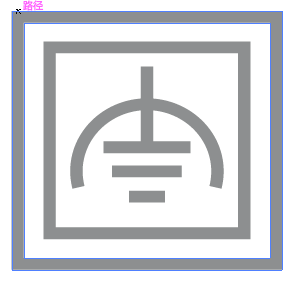 |
Class II equipment with functional earthing 具有功能接地的Class II 設備 |
 |
Alternating current 交流電 |
 |
DC voltage 直流電壓 |
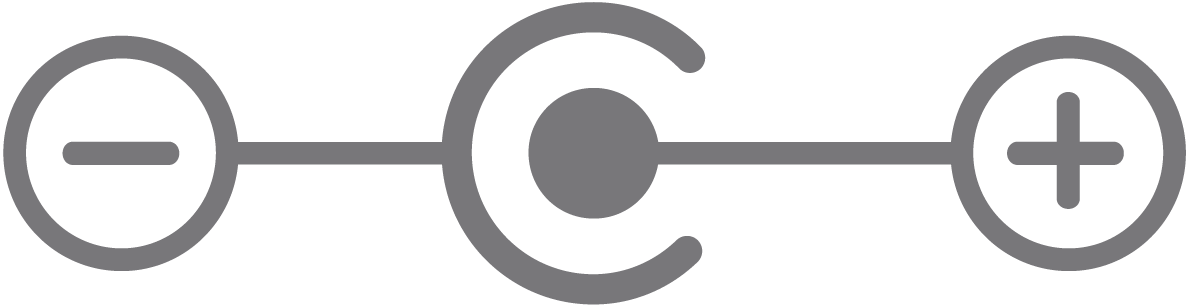 |
Polarity of output terminals 輸出端子極性 |
 |
Indoor use only 僅限室內使用 |
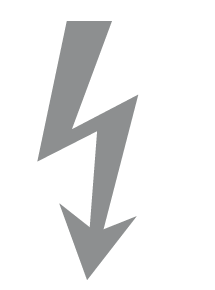 |
Dangerous voltage 危險電壓 |
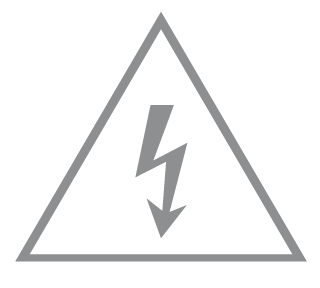 |
Caution, risk of electric shock 注意,有觸電危險 |
 |
Energy efficiency Marking 能源效率標示 |
 |
Protective earth 保護地線 |
 |
Earth 地線 |
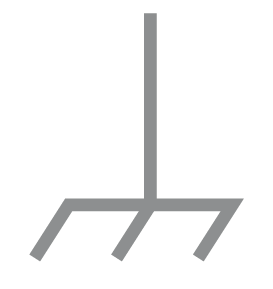 |
Frame or chassis 機架接地 |
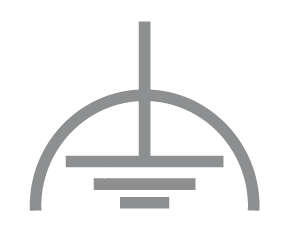 |
Functional earthing 功能地線 |
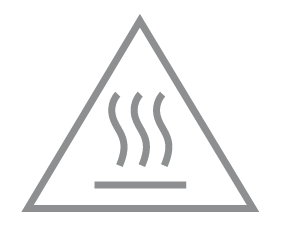 |
Caution, hot surface 警告,表面高溫 |
 |
Caution 警告 |
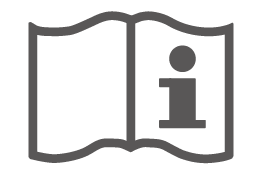 |
Operator’s manual 操作手冊 |
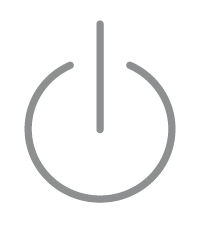 |
Stand-by 待機 |
 |
“ON”/”OFF” (push-push) 「開」/「關」 ( 按壓式) |
 |
Fuse 保險絲 |
 |
Fuse is used in neutral N 保險絲用於中性線N |
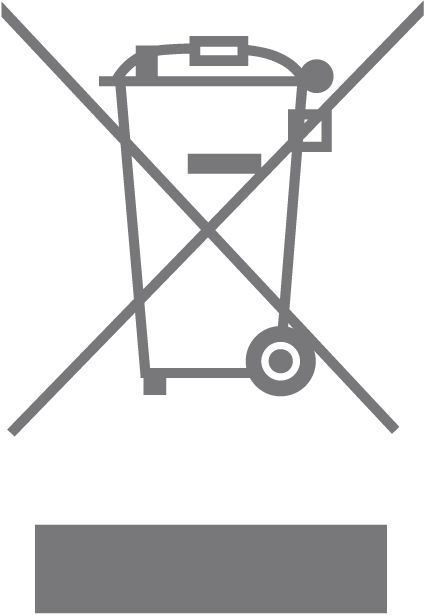 |
RECYCLING This product bears the selective sorting symbol for Waste electrical and electronic equipment (WEEE). This means that this product must be handled pursuant to European directive 2012/19/EU in order to be recycled or dismantled to minimize its impact on the environment. User has the choice to give his product to a competent recycling organization or to the retailer when he buys a new electrical or electronic equipment. 回收利用 本產品標示有「廢棄電氣電子設備(WEEE)」的分類回收標誌。這表示本產品必須依據歐盟指令 2012/19/EU 進行妥善回收或拆 解,以減少對環境的影響。 使用者可選擇將本產品交給合格的回收機構,或在購買新電器或電子設備時,交回給零售商進行回收處理。 |
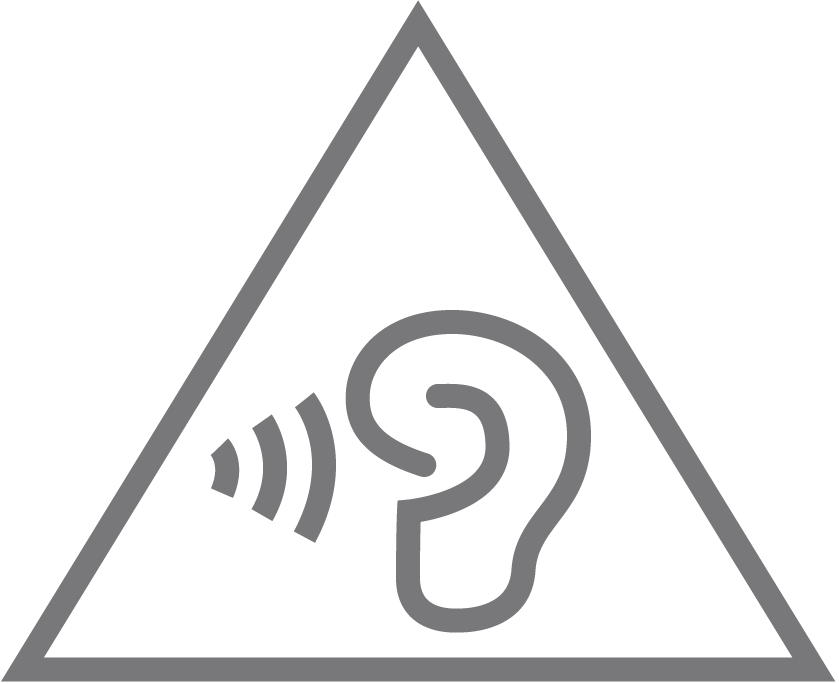 |
Caution, avoid listening at high volume levels for long periods 注意,避免長時間以高音量收聽 |
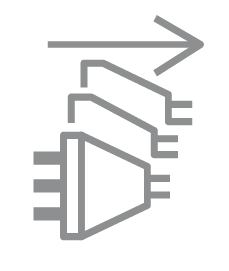 |
Disconnection, all power plugs 斷開所有電源插頭 |
| m | Switch of mini-gap construction 微間隙結構的開關 |
| µ | Switch of micro-gap construction (for US version) Switch of micro-gap / micro-disconnection construction (for other versions except US) 微小間隙結構開關(適用於美國版) 微小間隙 / 微小斷開結構開關(適用於美國以外的其他版本) |
| ε | Switch without contact gap (Semiconductor switching device) 無接點間隙開關(半導體開關裝置) |